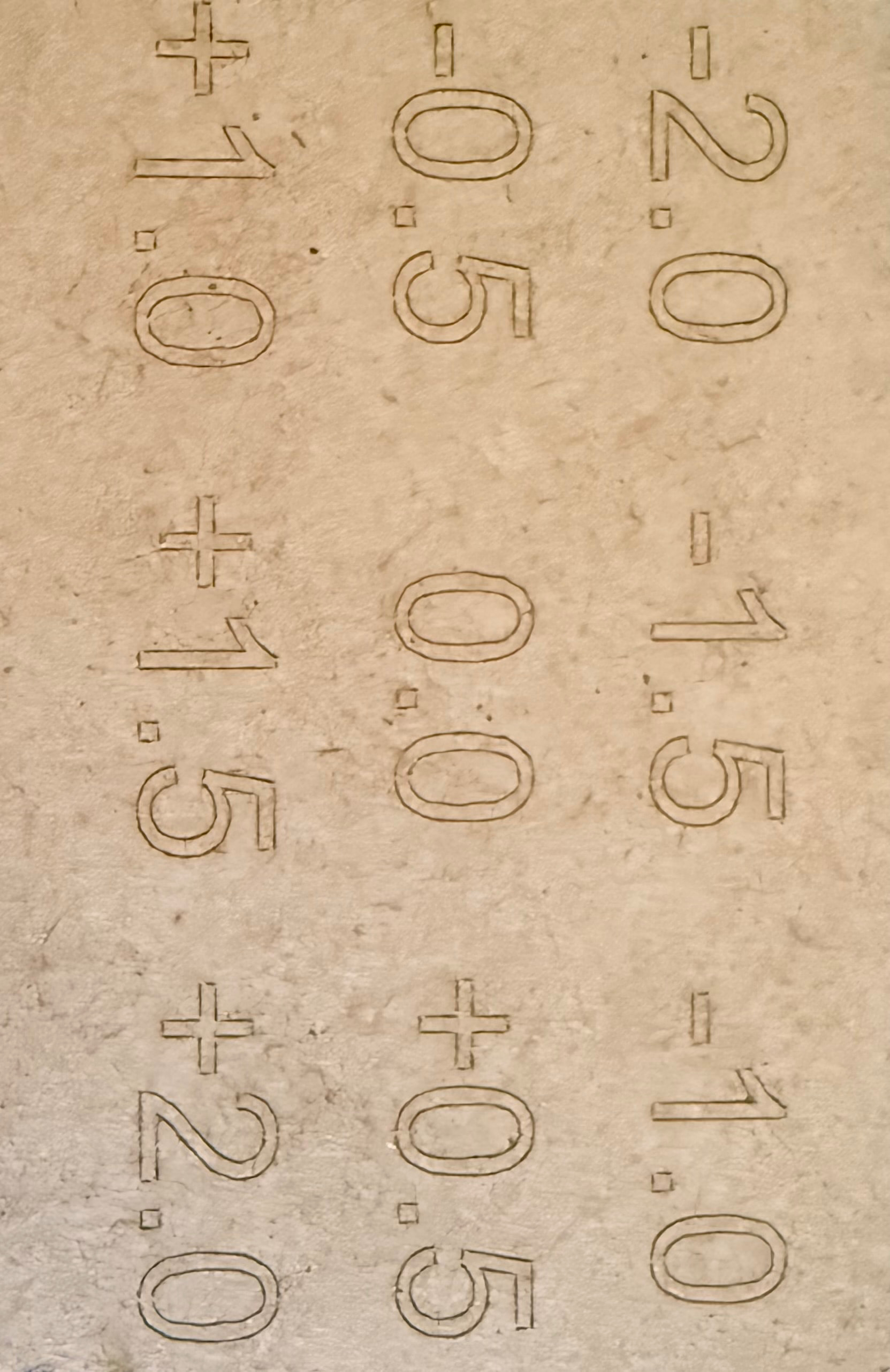
So I ran the tests, and I actually can’t see what they were intended to do. Sent the photos off to Creality so will see what they say. I did the test on MDF as this is what I have been working or at least trying to work on most lately.
When I ran the macro, the laser moved up and down. I guess this might have been a very vital part in the focusing which it was not doing prior to them sending me the file. Why they do not include that file on the memory card to begin with, I do not understand. On top of that, I had to basically pull teeth for them to send me the file…. Why was it so hard?
So since then, I have actually managed to cut through the MDF without too many issues. I have noticed that my A4 sheets seem to be a lot tougher than the A5 sheets I have. Easy 2 pass cuts on the A5 which I think with the right settings I might be able to cut it faster and cleaner, but still have to do tests. The A4 will not cut in a single pass unless I drastically reduce speeds, I’m guessing down to around 500-800, and 100% power but will test this. I do think though the lower speed will cause a lot of burnout.
I did run into a different issue now though, and it was a lens warning. I am assuming it might be due to dirt or dust build up. This leaves me wondering how frequently do I need to clean the lens? As this happened after I ran some test grids. One for burning and another for engraving. Personally I don’t think I have cut / engraved that much. So I guess then my next question would be, how frequently is cleaning required? And is there a specific method used to do this? Any recommendations here?
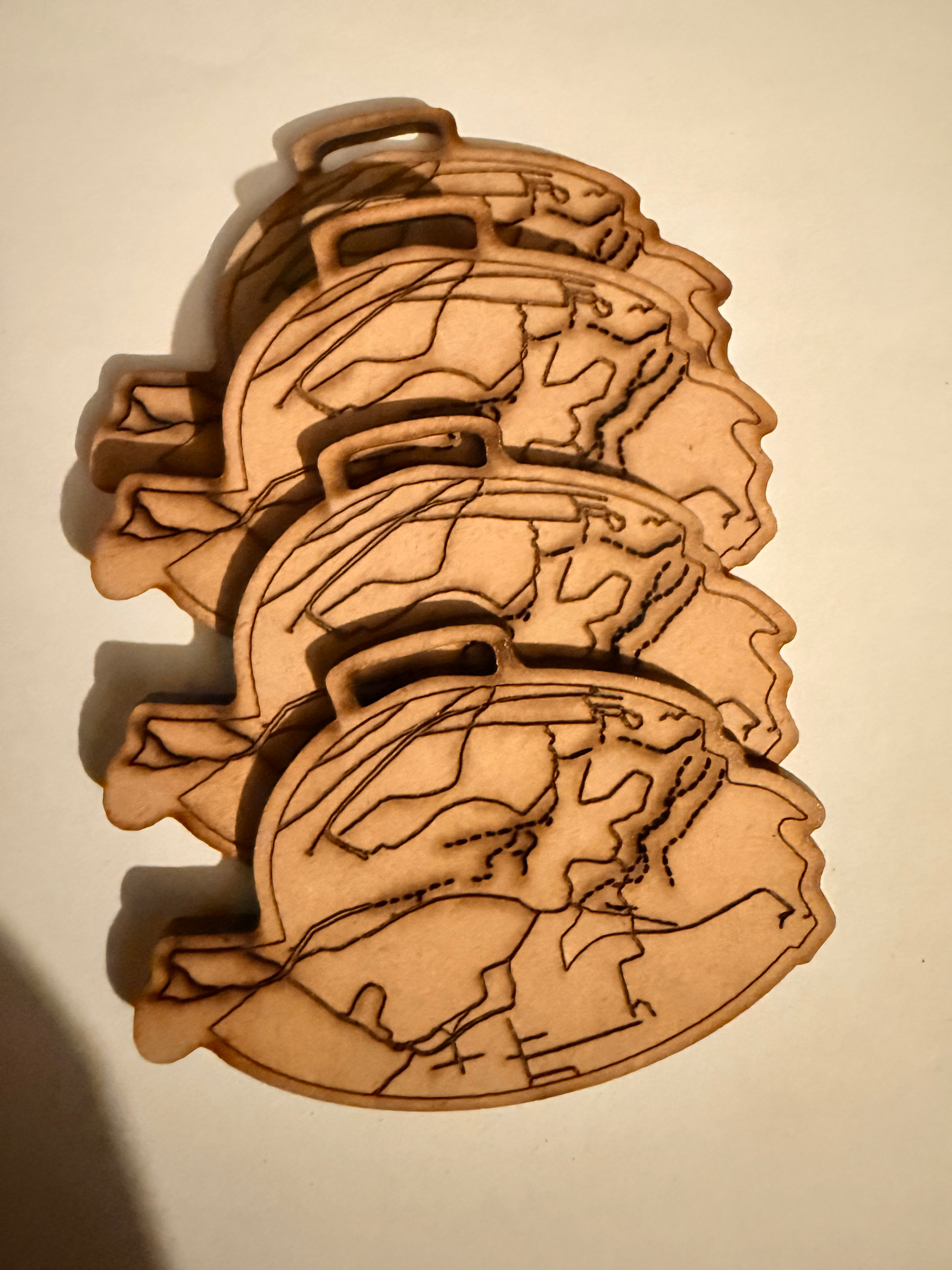
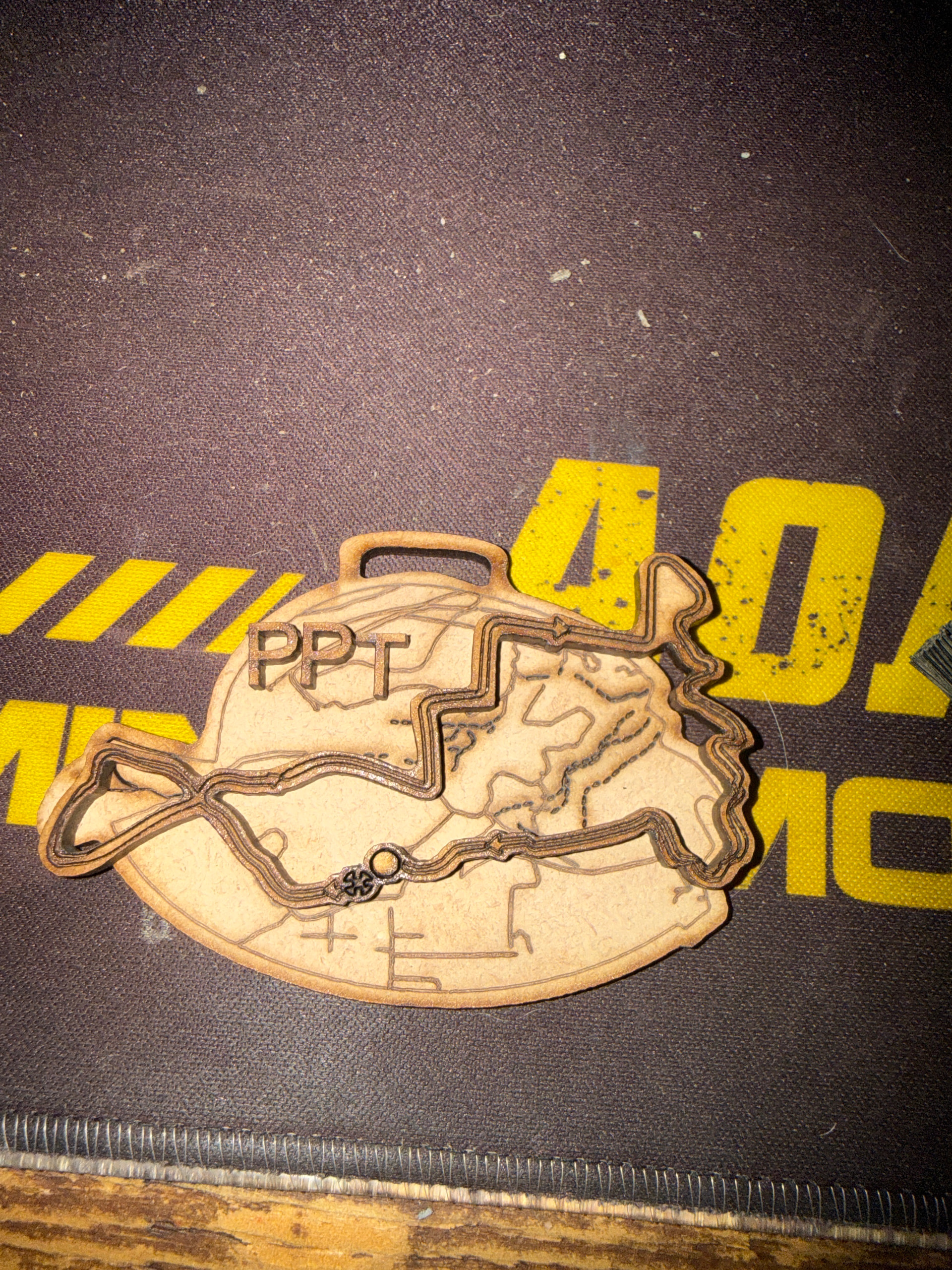
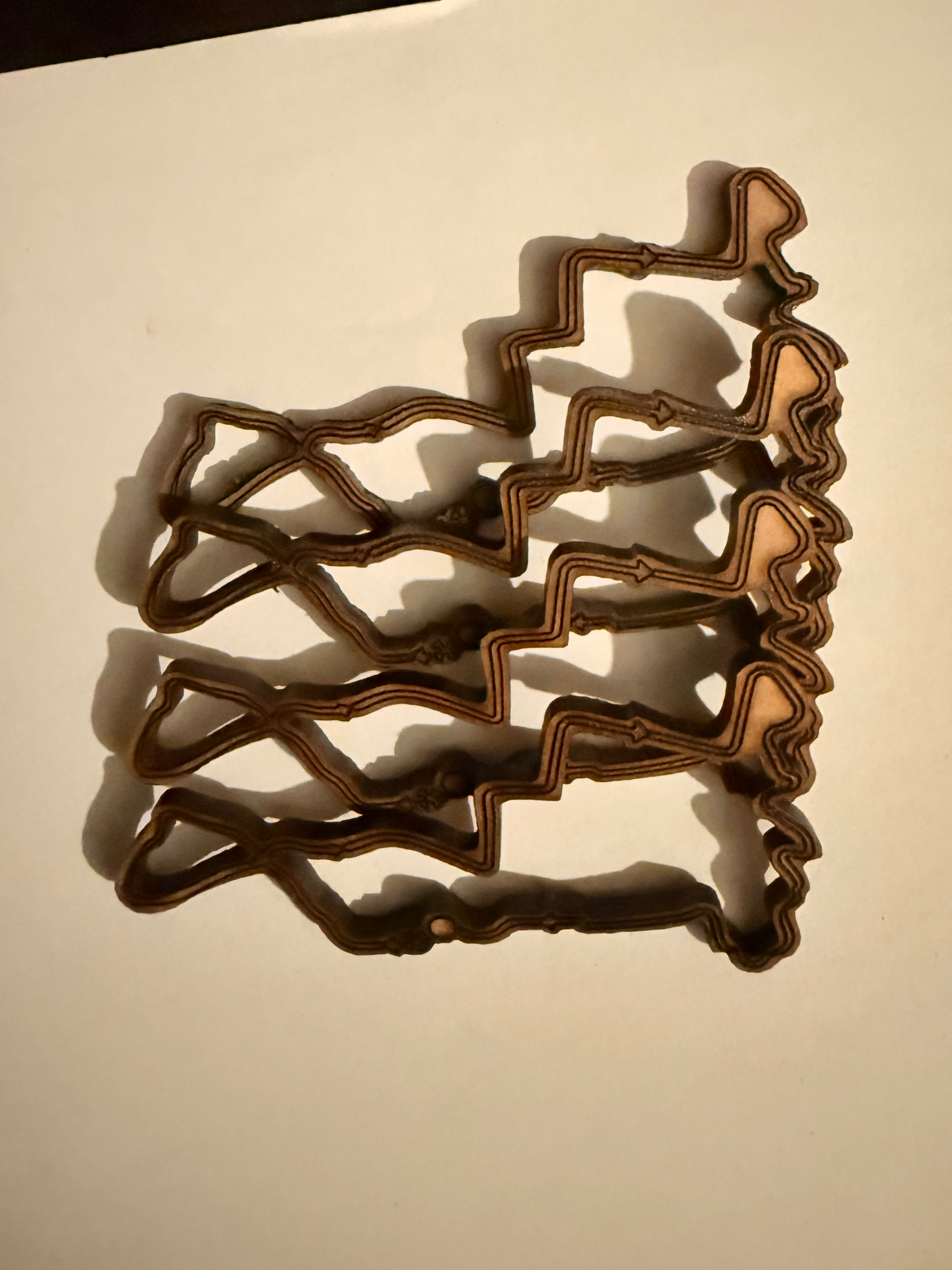
The next few images are just to show the ‘medals’ I have designed and cut out.
Is there any mention of what material the test should be done on?
I would do the test precisely on the material I intend to work with.
If I understood correctly, the test should show, for example, -2.0 in thick, blurred lines, improving until 0.0, which would be the most perfect, and then degrading again to 2.0.
In this specific case, I don’t notice a significant difference in focus. What I do notice is the imperfection of the numbers, the cause of which should be investigated.
Besides, the cuts you can make in MDF make me envious.
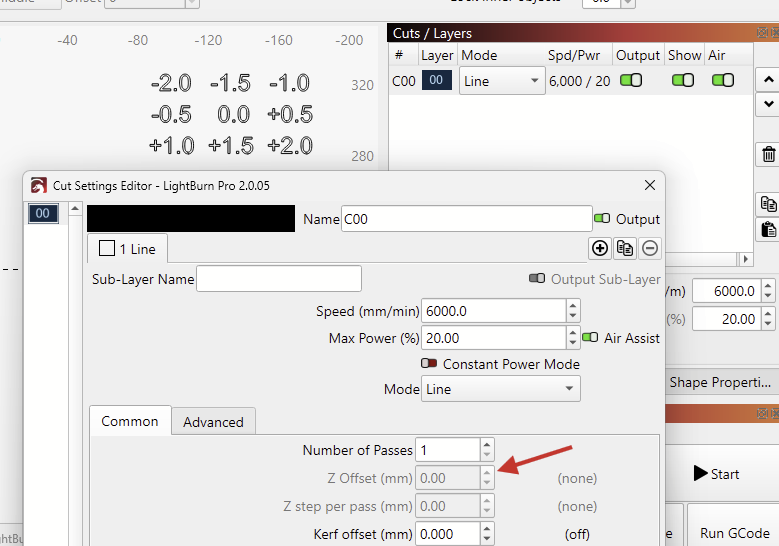
Obviously, they intended to do a focus test. But as mentioned previously, their text in the .lbrn2 file consists of only one shape, running at the same focal height.
Even if they had a Z-Offset configured in the Cut Settings, it would only run at the same height, not at the -2.0 to +2.0 mm as the text suggests.
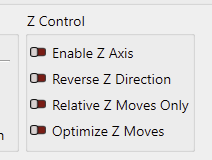
Note, that you can still execute their “Auto Focus” macro even if this option is disabled, because the $HZ1 is handled by the machine.
LightBurn just won’t send the machine any direct Z-Move commands.
This sounds great. It means, the Z-Axis moved towards the limit switch to touch off and setting a reference point.
It doesn’t necessarily mean that this is the correct focal height.
Your recent results look way better than the initial ones. The outlines are sharper, and it looks like you are at the correct focal height.
Which speed and power settings did you use?
To get less charred edges, try decreasing power and doing multiple (3-4) passes.
Also enable the Air Assist compressor.
The airflow through the nozzle helps keep the lens clean and reduces buildup.
Creality suggests using isopropyl alcohol and clean it weekly, or monthly, depending on usage.
Thank so much for your reply again. Yes I am a lot happier now with where I was a week or two ago. At least I’m cutting MDF. I have been trying various speeds and power settings and looks like I can get a decent enough cut on 1 pass at 900 speed. At least on the one stock of MDF. The other seems somewhat harder to cut, and I haven’t quite found the max speed I can cut it in a single pass.
Yes that test file makes absolutely no sense. The laser does the up and down movements, but it sometimes seems to go too far down, hearing it moan and beep a bit before throwing an error. Other times, it focuses to just above the work piece. I haven’t tested thicker material yet, and I’m curious how it will react if AI were to try a 5mm or 9mm piece of something… hopefully I can test this at some point.
The support from Creality has been shocking to say the least… I would even go as far as saying they playing a guessing game… either that or they just don’t really want to assist.
Today I cut 170 “medals” and everything went smooth. I got to test different speeds, and power setting on both the cuts and engraves and have now nailed it down for this project. I’m glad to get my first mini project and will likely finish the cutting tomorrow.
They didn’t give any material guidelines. Basically sent me a file, asked me for a shipping address and said to run the test file and send them the results… but no specific material mentioned.
The item they shipped me was a focus block… my machine doesn’t even use a focus because it’s meant to Auto Focus… which it does do now since I receive the new machine profile from them - the profile that should of been on the memory stick, but was missing.
Just an update on this, I have sent all the test videos, and done more tests as per Creality. I think they realised how annoyed I have been, as they are now apparently sending me a new laser module. We will seee when it arrives and what this all entails.

 because it’s meant to Auto Focus… which it does do now since I receive the new machine profile from them - the profile that should of been on the memory stick, but was missing.