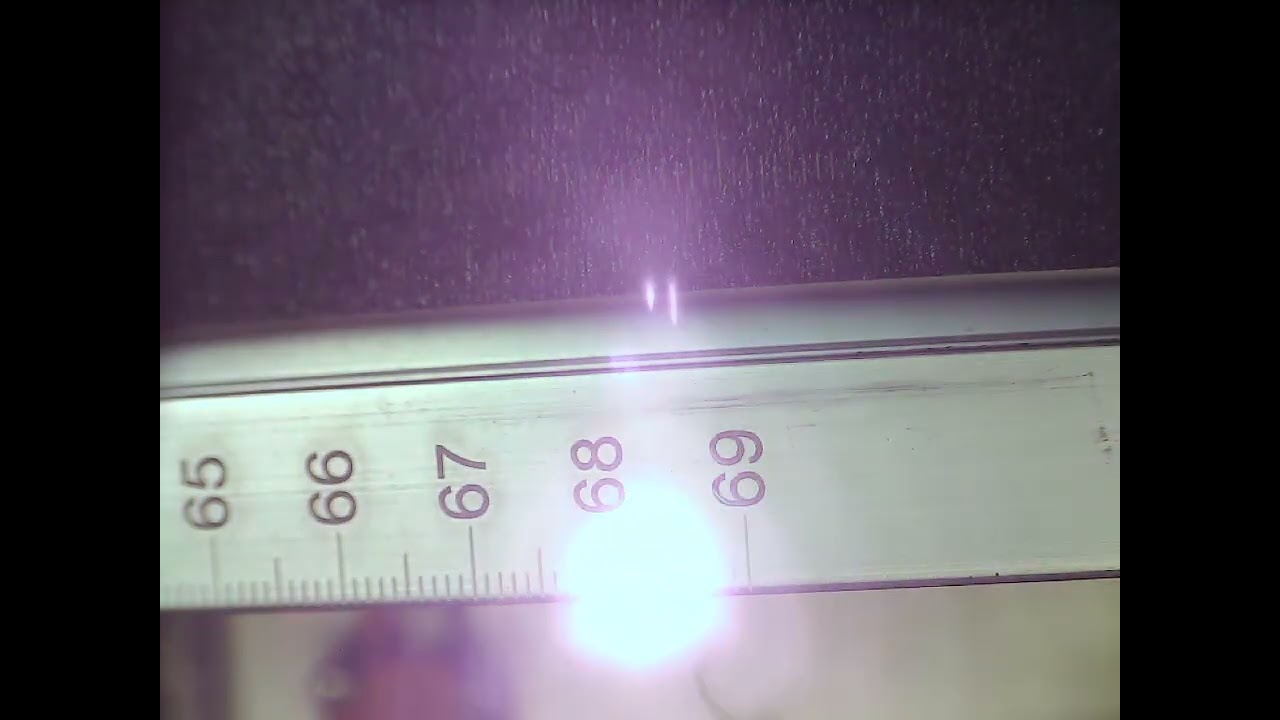
Someone here is really excited about getting this for the makerspace, but I don’t know what it’s going to do for us. It’s 1m with 700m of travel expanding the enclosure and footprint quite a bit. Does Lightburn even support this?
It’s not guaranteed to line up seam-free here, because the F-theta lens and galvo isn’t perfectly distortion-free.
I’m just baffled what the use case would be to justify it.
I’m not sure, but it appears to require another driver for the table. They are working on a flying head type of machine that may be better as it’s a gantry with a galvo fiber mounted to it.
I suspect the software for this is directed at certain products. xTool has something similar and it’s not supported by Lightburn.
Unless they talk directly to Lightburn development team, I’d assume it isn’t compatible.
700m of travel is about 2,300 feet or just under 1/2 mile. I’m assuming this a typo and that it should be mm?
Seriously I love my XY table, leave the table in place all the time and leave the rotary mounted at one end (unless I have something really long), and then just motor it back and fourth under the lens when needed. Lots of room for jigs and clamps and stuff. I don’t like the price on that cloudray table, an IndexX is less than that and looks a little beefier. Nice low profile though. Looks well thought out. I ASSUME it is motorized and runs off the rotary axis, didn’t really see that in my quick read through.
Hibrid, I use the rotary output for stuff like this, but also use the arduino for the Y and Z and sometimes X. I have plans to run the grbl controller off the BJJCZ board, have JD-VCC isolator relay circuits on flood and mist M7, M8, M9 commands in the g-code sketch but haven’t tied them in to the BJJCZ board yet.
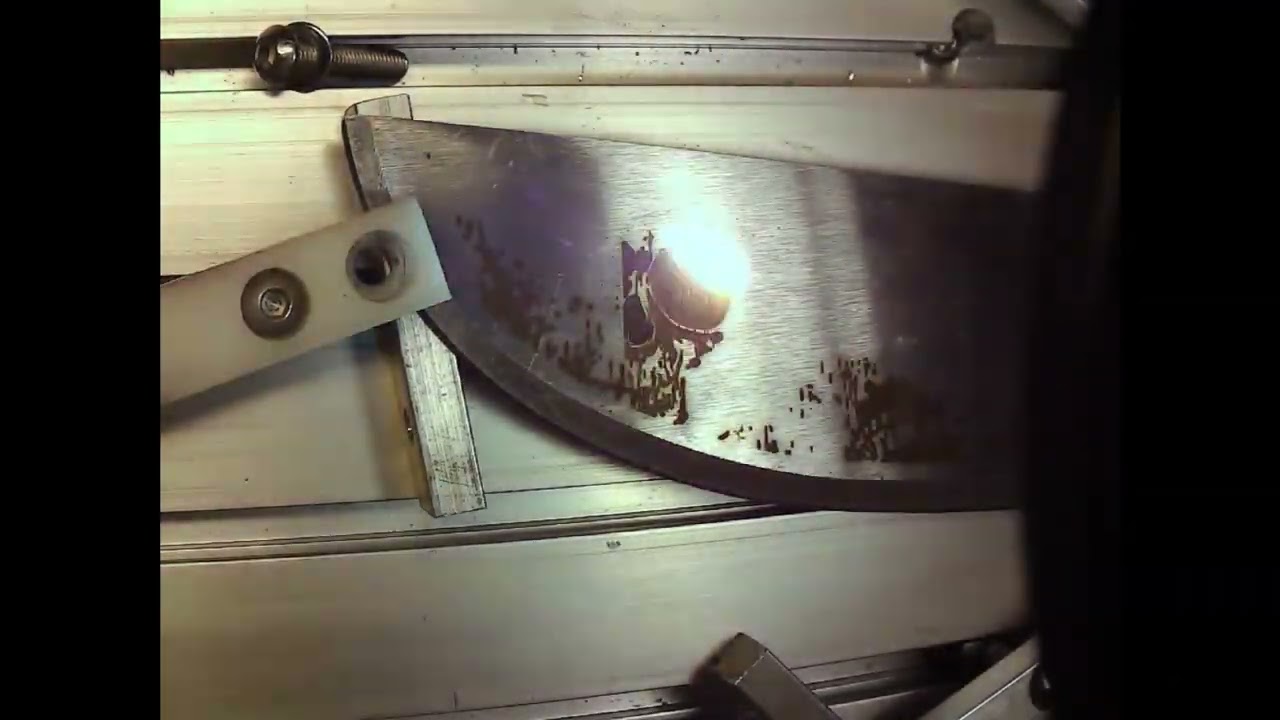
This machete video has about 22,000 slices as I set for run whole shapes. Just a test piece, but even the big slices match up pretty close. Have a engrave pass, a white pass, am engrave, white, and anneal pass.
I know, I’m all thumbs someone who was good could stuff this into a smaller case and it would look better. I get the biggest case possible for my thumbs!
I’ve gotten pretty accurate results with repeat marking, split marking, etc with the older versions. The new versions we can up the split size over 100mm to take advantage of larger lenses, old LB split maxed at 100mm not thinking we would be rocking tables. Neither the math or setup changes between flat and round. Just terminology.