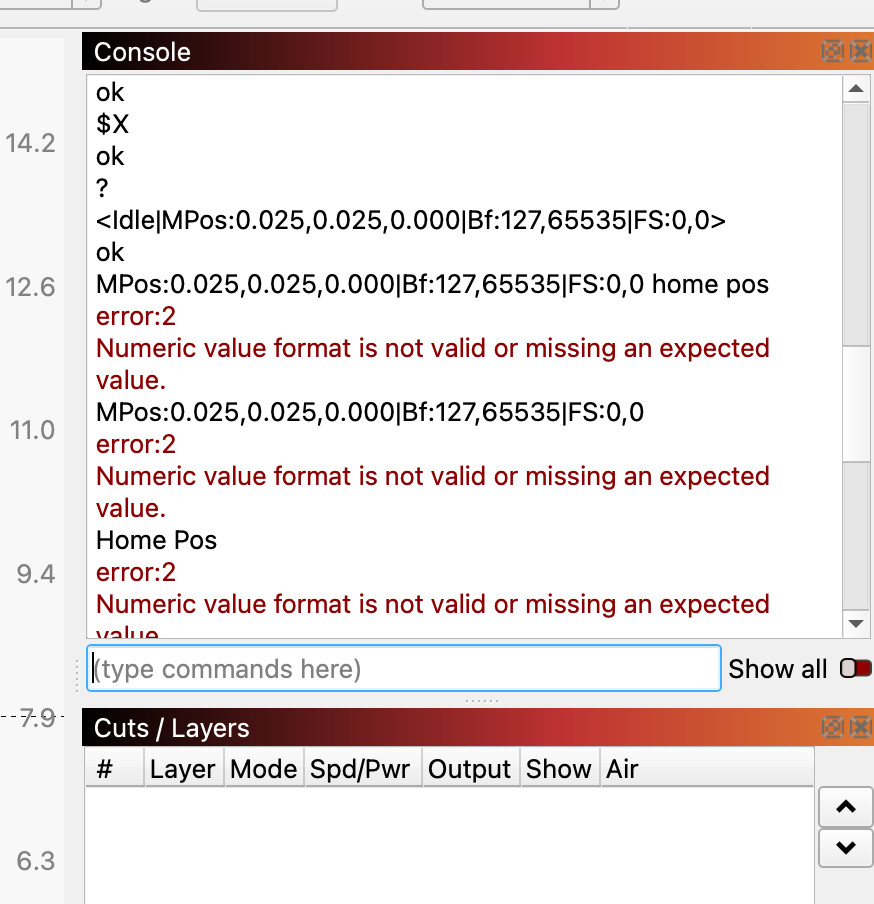
We need to know the condition of the Xaxis and Yaxis switches when the trolley and gantry are on the switches. Just power up and not Home it if you can. If it Homes automatically, then enter $X in the Console window, to do a reset and unlock. It should still be on the switches. If it is not, manually push it until it is on the switches (and the controller might complain).
Then enter ? in the Console window. You should get a line that contains “MPos” in it. Copy and paste that line in a Reply as “Home Pos.”
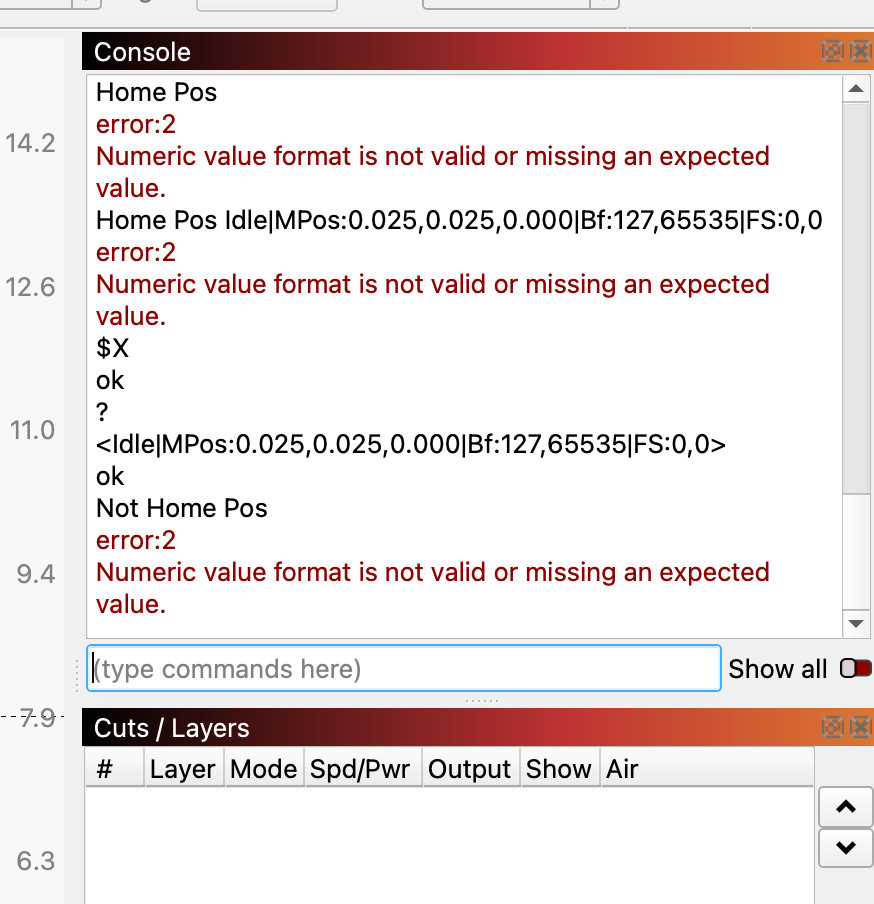
Now we need to know the condition of the switches when nothing is on the switches. If you need to, enter $X in the Console window, to do a reset and unlock so you can Jog off the switches.
Now do the ? thing again. Label this one “Not Home Pos.”
One last thing: Enter $$ and make sure the $22 parameter =1. That is the one that tells the controller there are actually switches on the machine.
Are you getting these alarms with the rotary connected or disconnected? If rotary disconnected, Mikey is correct, if with rotary connected, you need to disable homing as there are no limit switches on a rotary.
Hey Mikey - so I took a day off yesterday to get some orders out. Tried what you suggested and I’m not quite sure what I’m doing. I feel so stupid about this. I’ve attached the Console screenshots and maybe you can understand what’s going on.
Also - I’m wondering if there is just something wrong with this machine. Again, never had any issues for over a year. Also, the other day, when I turned on the machine, the power cut out in my studio. That has never happened and this addition is new construction 3 years old.
Today when I turned it on, it happened again. I reset the breaker again. I performed what you suggested and it cut out again while I was on it.
I do not see where any limit switch is ever actuated. But we have more pressing issues now…
This would indicate the power supply is bad. No table top laser should ever draw 15 amps to pop the breaker. I would start here. For a replacement supply, try Amazon:
Center positive.
Power connector same size.
Otuput voltage the same.
Output current (or wattage) same or greater (greater is better).
Sounds like you have a lot going on with your laser. Only attack one problem at a time. Highest priority is now the power supply.