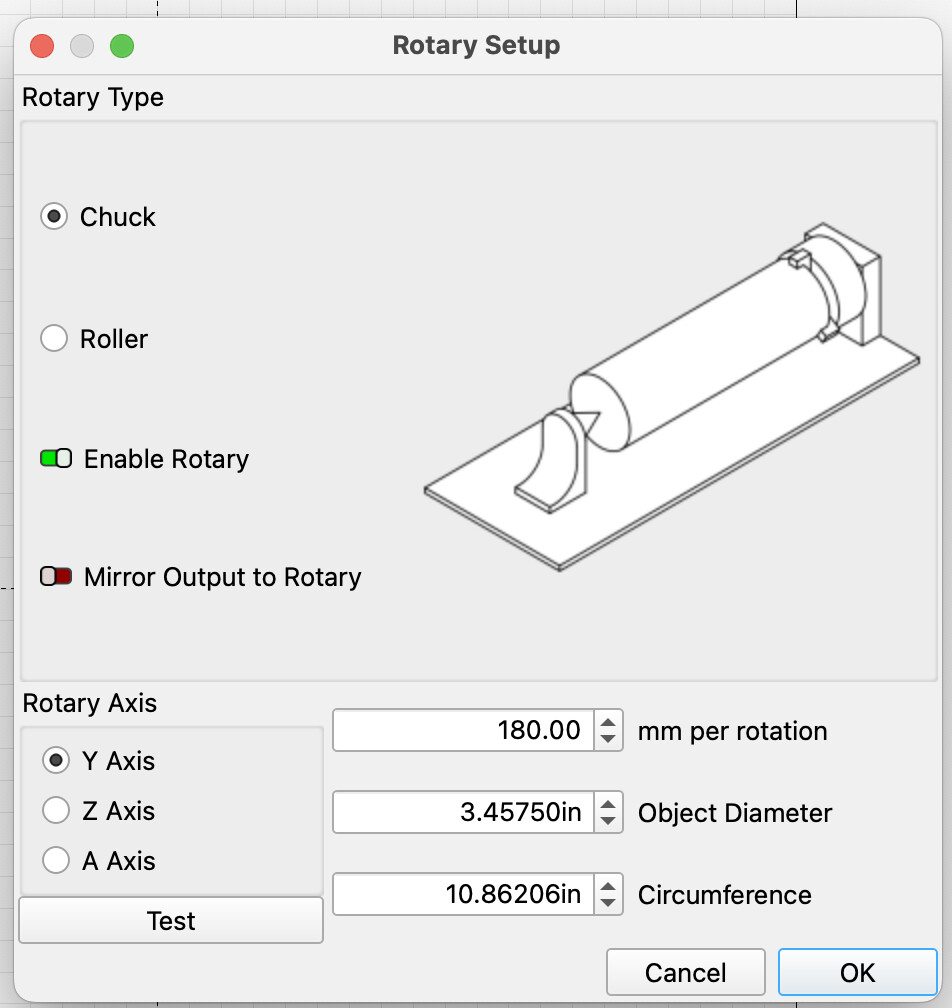
I’ve spent a couple of hours trying to figure this out. Please forgive me if this has been addressed. I really did try to figure this out. But i’m beyond frustrated at this point.
I’ve been using my Atomstack R1 Rotary Chuck for about a year now. Last week, it stopped turning. My laser was trying to run the job, but the chuck was stationary. I assumed the wire was shot or the rotary was just done. I purchased a Atomstack R8 Chuck to see if that was the issue.
So I’ve been working all morning on this. BOTH cables (from the original R1 and the new R8) produce the same results. The chucks turn but have a VERY loud grinding noise and vibrations. This exact thing happens on both. In addition, I have a Roller that I’ve never had issues with but that now does the same grinding noise.
NOW - I have a Creality Rotary Chuck and when I connect that, it works perfectly.
I have a Creality Falcon 2 Pro. Running from Mac.
If anyone can help me, I’ll gladly buy you a coffee.
Sorry if this is long, but if there someone who can help me, I want to provide all of the info I can. Oh,
What happens if you unplug the Rotary and hook the Yaxis motor back up?
Are you plugging the rotary into the Yaxis cable or into the controller board?
That Alarm 9 happens because the rotary has no limit switch. It can make multiple rotations. You must turn off Auto-Home in Lightburn and/or set GRBL parameter to $22=0 (don’t forget to set it back). I made a couple of Macros for this on my machines.
This can happen if you change the wrong parameter. Home and Jog direction are 2 different parameters.
Always make a backup of your parameters (machine settings) before changing anything. Do not change any parameters without knowing exactly why you are changing it and what the result will be.
Use the Machine Settings window to make your changes. It will allow you to correct one axis at a time. It also tells you what the parameter controls.
This rarely ever solves any Lightburn or machine problem.
Oh Mike, I am just lost. I went to the machine settings but I don’t understand any of it - what to change and don’t see anything about parameters.
Something got messed up and I’m just lost.
I need to hire someone to come here or work remotely with me to get this sorted out.
This is monumentally frustrating because I had it working well! Then with the Rotary issue, I must have messed something up. Idk what to do. I have a really successful Etsy shop and have to hope I don’t get orders for my laser products. I can do CNC pretty well, but this confounds me.
That is what the Forum is for. We can likely get it sorted out before you could get anyone to wherever you are located. I will be asking you questions, and I am sure others will be monitoring the progress.
First, we need to know how you fixed the Home location issue. What did you change? If you do not remember, that is okay and we will just start from there.
If any point you do not understand the question or setting, do not click around trying to figure it out. Just let us know and we will work on that. If you are willing, I will remain on the Thread and wait for your responses. I understand the Etsy Urgency.
In the Machine Settings window, click on the Save to File button. This will make a backup copy of the parameters. Save this in a safe place. We also need to see what those parameters are, so open the Console window.
Right click and select Clear Console.
Enter $$ and a list of parameters should appear.
Enter $# and a list of offsets should appear.
Enter ? and a line with “MPos” in it should appear.
Oh my goodness - you are way too sweet. I left the machine for a bit to walk the dogs and clear my head. I’m pretty good at figuring stuff out. I basically taught myself on the CNC machine. and the whole year, I’ve had this machine, there have been very little issues. I mean, here and there with settings, but that’s just YouTube videos and researching, trial and error. So this is so frustrating for me.
I have ZERO idea what I did. I’m sure it was from me messing around with the rotary in some way.
I have ran into this before. It required that I use an adapter cable between the rotary and Y axis. It will connect without the adapter, but the polarity of the motors is wrong which is why it just sits and grinds/sputters. Did you possibly forget to include the adapter?
I thought I saw some sort of post with you yesterday with this issue! I couldn’t find it today at all. But my head is all over the place at this point.
With the R1 Atomstack there was NOT an adapter. There was a black 4/6 pin cord and a white 4/6 pincord. On the R8 there WAS an adapter, but again, in the mess here, I can’t find it. It’s somewhere in my studio but must have slipped somewhere. But I’m not sure that would work. That was a 4/4 pin.
Regardless, I have bigger problems at this point. If you read below, I did something to the settings and it’s homing in the top right, not bottom left and I can’t figure it out.
Again, I’ve had this machine for a year and have not encountered anything like this.
Well, it’s working! But the Atomstack is doing the same thing. The grinding and sputtering.
thelmuth suggested that I may need an adapter, but I’ve never had to use one prior. And it literally stopped working overnight. I completed an order of etched glasses the day before with zero issues.
I don’t know why it would stop working.
I’m still getting Alarm 3 and 9 in Red.
ALARM:9
Homing fail. Could not find limit switch within search distance. Defined as 1.5 * max_travel on search and 5 * pulloff on locate phases.
ALARM:3
Reset while in motion. Grbl cannot guarantee position. Lost steps are likely. Re-homing is highly recommended.
 But i’m beyond frustrated at this point.