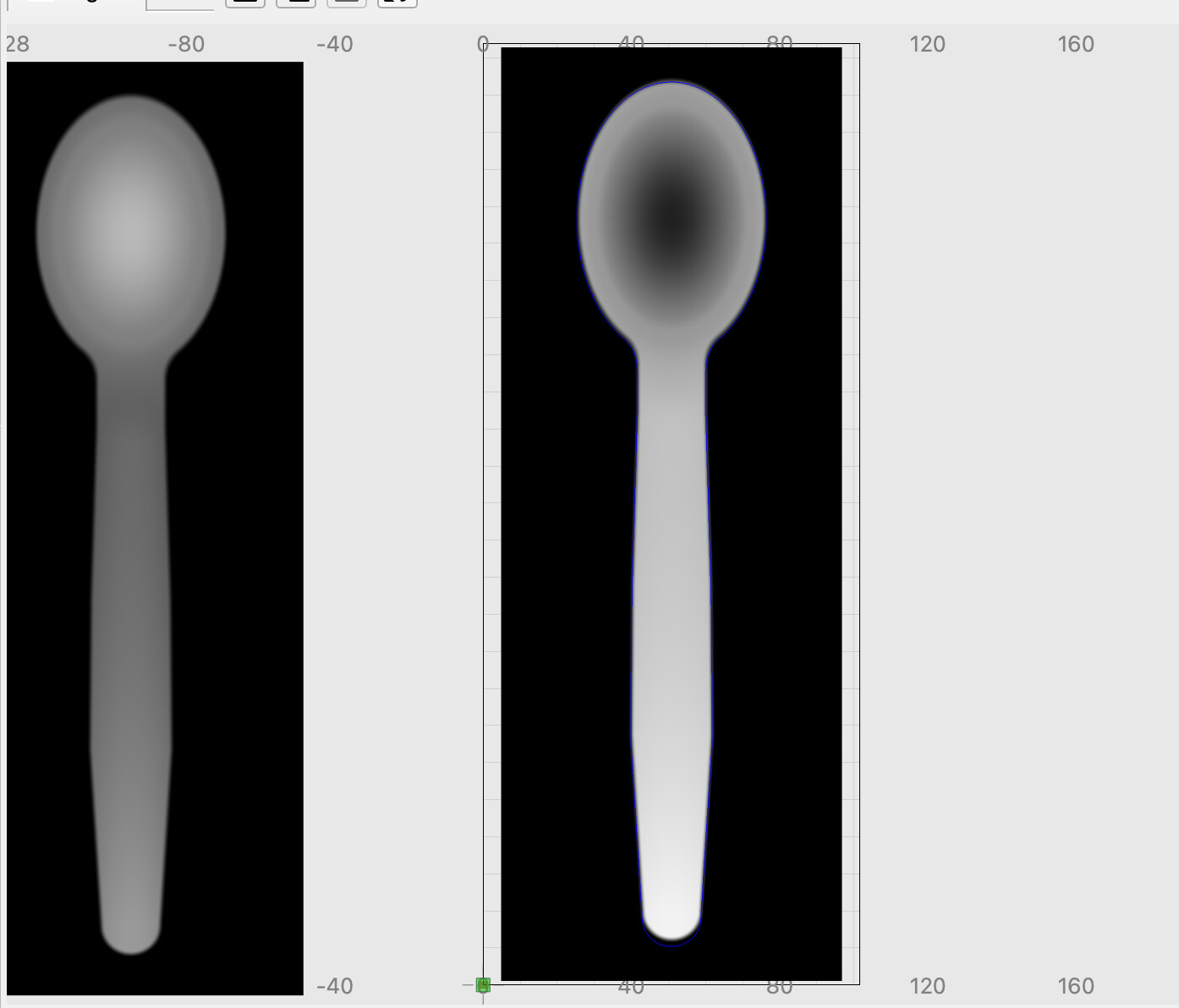
what did you use to create the height map
Russman
August 20, 2026, 4:49pm
23
Just looking at that…thanks!
Russman
August 20, 2026, 4:52pm
24
NEVERMIND…working fine now…
Russman
August 20, 2026, 4:52pm
25
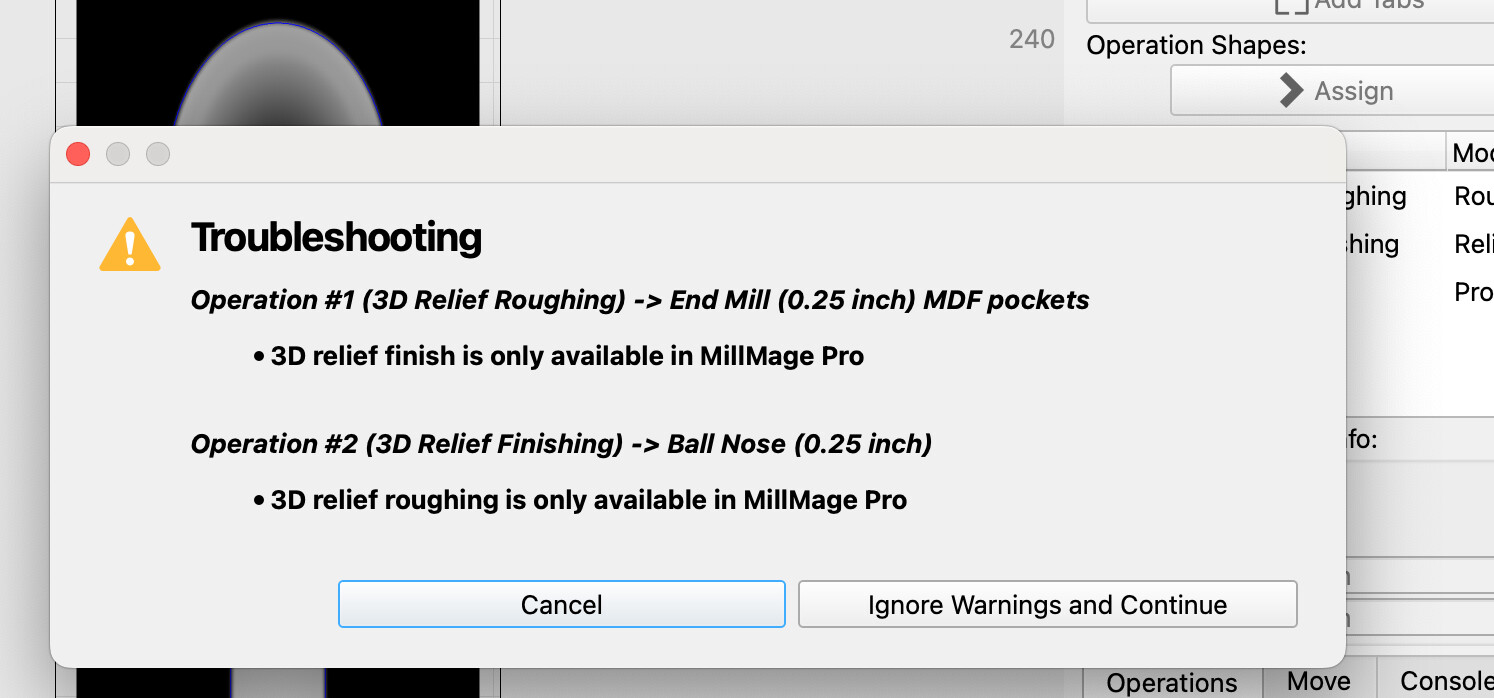
The preview function does not work!
wwhat do you mean preview dosent work, can you take screen shots and upload them , they help so much
Russman
August 20, 2026, 10:38pm
28
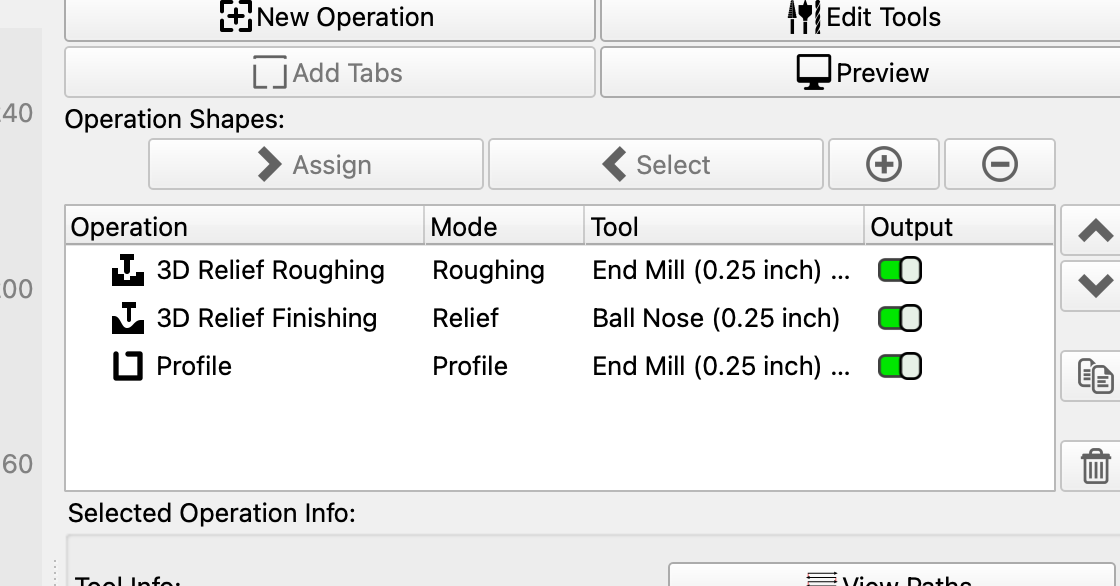
screenshots provided…original screen when I sign into program with model…two screens after I try to preview
Russman
August 25, 2026, 3:51pm
29
Any thoughts on why this design will not process?
soniclab
August 25, 2026, 5:56pm
30
You’ll need MillMage Pro.
with pro you have to activate it not just download/install it, that could be problem you got to go , in one of the announcement’s it tells u how to activate it try this one 1st
[Screenshot 2026-07-02 at 2.23.17 PM]
MillMage 0.9 is available now for early access!
With this Release Candidate, we’ve added several Pro features, including V-Carving, Relief Carving, and True Nesting. We’ve also got new additions available to both Pro and Core users, including Centerline Trace and Multi Page projects.
(True Nesting, Centerline Trace, and Multi Page support will all also be coming to the next version of LightBurn.)
Since the launch of MillMage Core in February, our develo…
Russman
August 26, 2026, 12:16pm
32
Thanks, I missed this step!
Russman
August 26, 2026, 2:28pm
33
Using it. I believe my 2week trial expired…cannot activate program…my issue, I will wait for the ‘formal launch’. Thanks again, very much appreciated…
soniclab
August 28, 2026, 6:07am
35
If you already bought Core, email us at support and we can extend the trial for you
support@lightburnsoftware.com