Hello! Looking for some LightBurn Settings advice.
I’ve got a Haotian 80W MOPA Fiber laser that I am learning to love. I am absolutely still ensconced in “newbie” status.
Engraving a Glock slide, which I understand is likely nitrided or Tenifer-treated 4140 steel, and in the case I’m working on – the slide has a FDE (Flat Dark Earth) cerakote covering as well.
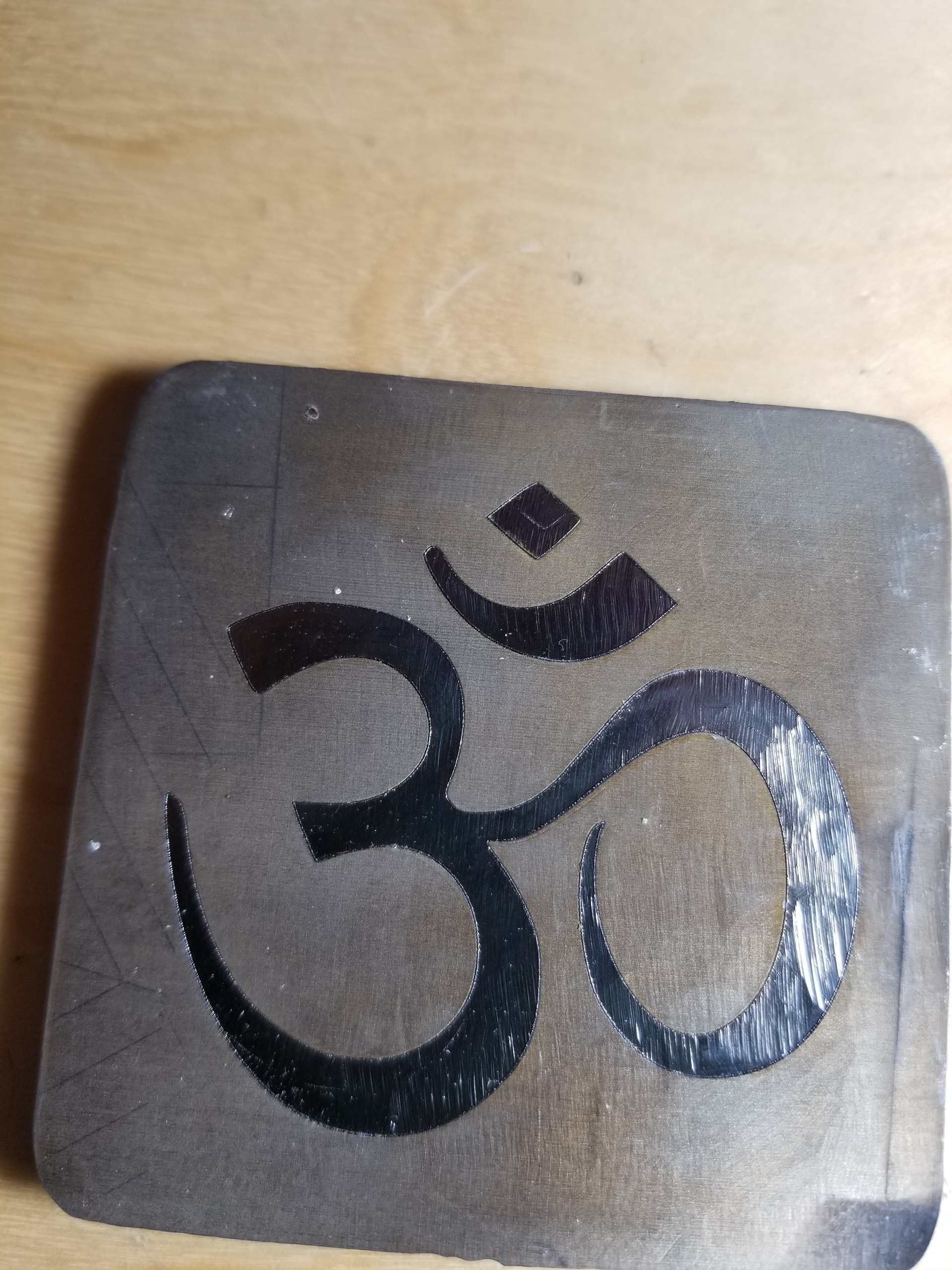
It engraved quite nicely with the settings I was using - but the background was actually lighter, than darker. If it will let me - I’ll add a photo. Settings used:
Speed: 200
Frequency: 30
Q-Pulse: 300
Power: 90%
Mode: Fill
Line interval: 0.0250
Scan Angle varied between 45 & 90
Did 4 sets of 4 passes with a final clean-up round at Speed 2000; Frequency 50; Q-Pulse 200; Power 80; Line interval 0.1
Any recommendations likely to help get a black background for my finish?
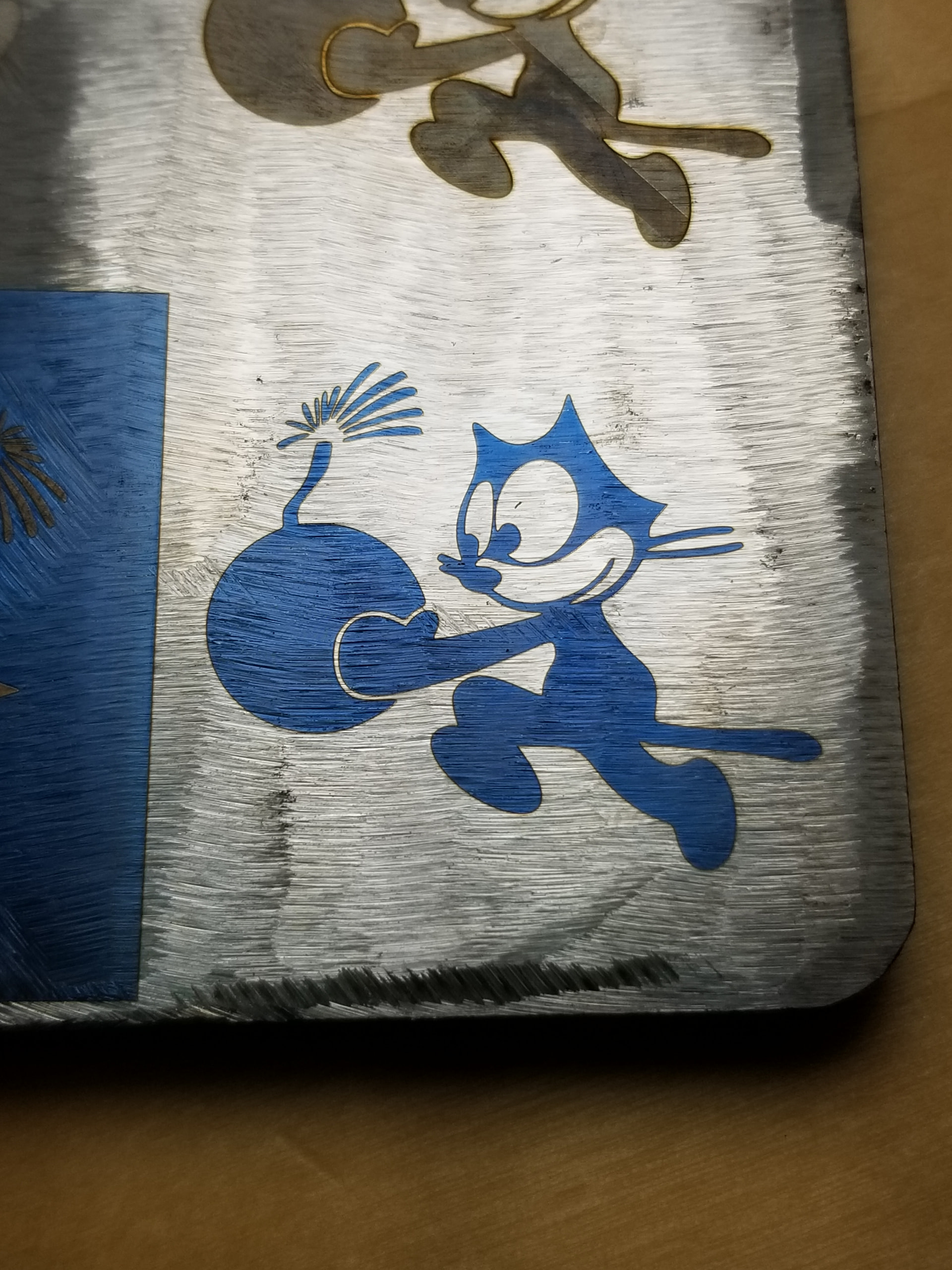
Hi gang - thanks for the dialogue here. As some pointed out, with my 80W MOPA Fiber laser getting a jet black base is rarely a problem if I have the settings dialed in. For the Glock, oddly with fairly deep engraving I had an odd light green background. I knew ot was risky (but as it was my own gun) I tried inking it with the same technique I use for my hand-engraving and that was mostly a Charlie-Foxtrot. On the other side I prepped with the Cermark prior to lasering — and it left an odd / interesting gold tinted background.
I decided to do the top naked so clients could look at mine and have some choices…. And amazingly left a super-shiny black background… and same settings but not as deep as the engraving on the sides. The only thing I did differently was better pre-laser cleaning surface prep with carb cleaner. So - I may keep doing that. Will be interesting to see how a side reacts with that.