camera shows live feed in windows
camera is detected in device manager
camera detected in lightburn as usb camera
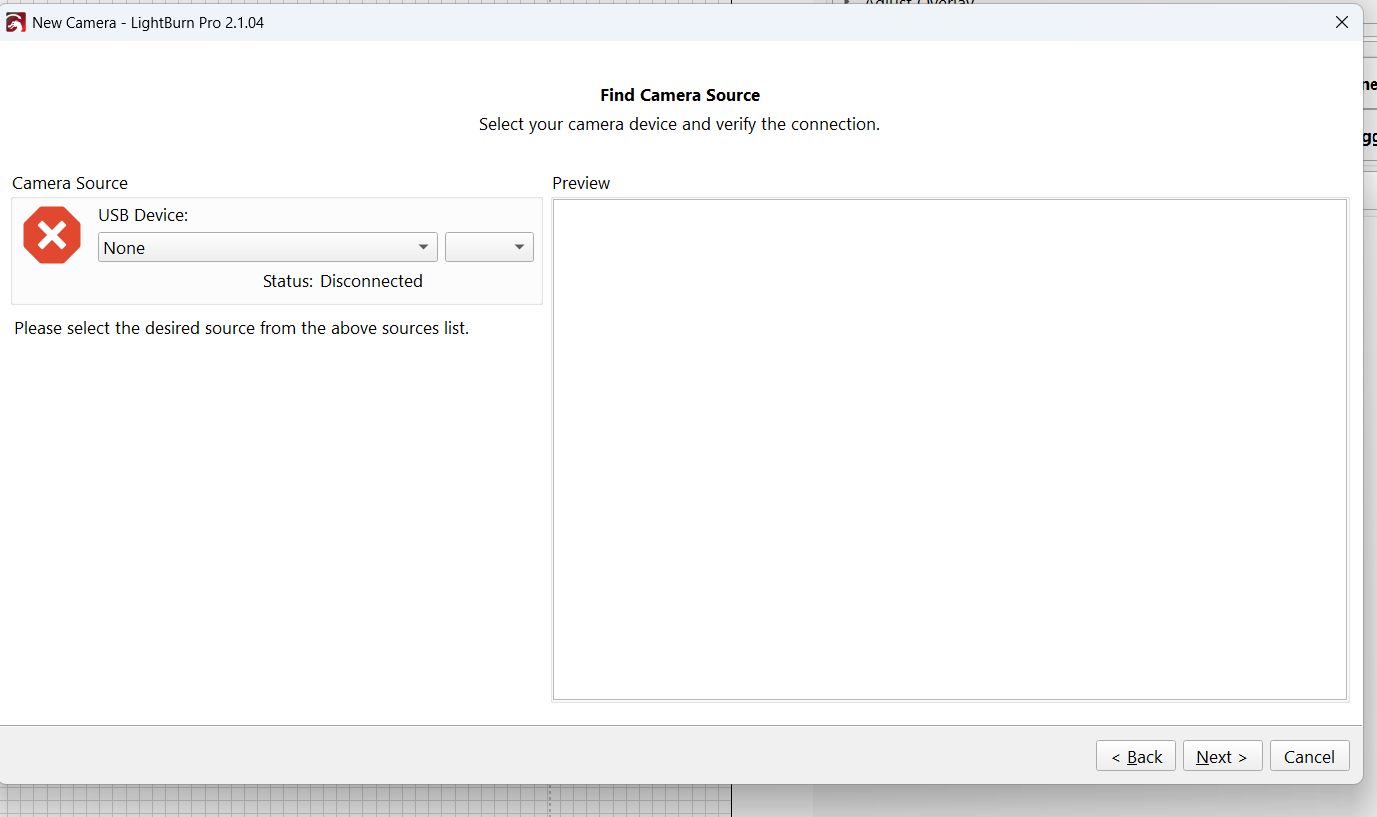
in lightburn opening video stream stuck on connecting
tried both versions 2.102 & 2.1.04(which i purchased and i was able to calibrate and align. it worked then it didn’t after a few days)
tried switching to fallback mode ( doesn’t even expose the USB camera option)
tried all my USB ports on my desktop
windows camera settings did not work either
Hi @PG2026
First, check whether the camera gives a live image in the Windows Camera app.
If it does, close the Camera app completely before opening/testing the camera in LightBurn — only one application may be able to access the camera at a time.
Then in LightBurn go to Laser Tools → Manage Cameras → Add New, select the camera. Under Camera Source, check that the correct camera is selected in Source and that a preview is visible.
Since you’ve tried several USB ports, LightBurn may need the camera source updating after it was disconnected/reconnected or moved to another port.
It might be that another program has access to the camera, so LightBurn can’t access it.
Thanks for the reply. All that was stated in my post was done, included what you just stated. I’ve been at this for days with no end in sight. When i first used the camera it worked fine.Now it’s just not connecting at all.
its connecting in windows camera ap..it is even working in cutlab x which is a horrible software because it doesn’t have the features i need and it keeps crashing.
Tried that multiple times…But in the end what i had to do was download a very old release of lightburn. 1.5, which is wayyyyy back from 2024. camera works now.
Thank you for your assistance, it was greatly appreciated. I will not be able to use 2.1.04
Please do not give up. I am sure the Lightburn developers would like to know what is going on. And me too because I bought a dirt cheap USB camera and it is working just fine. I even added a desktop document USB camera the other day.