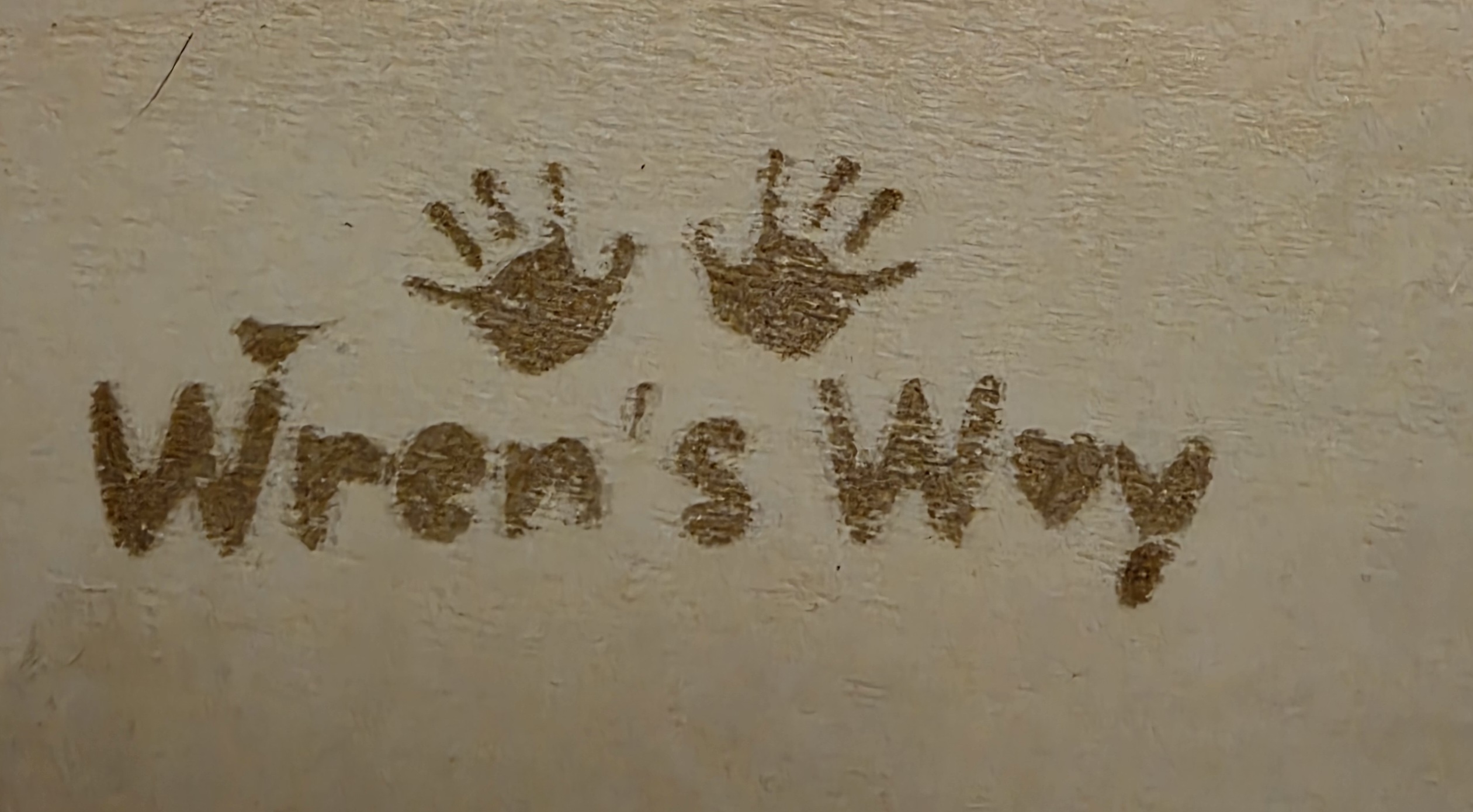
I seem to have very blurry text so i turned to the best people i know for help (you lot). I have been looking at the offset setting but my tiny mind can’t work out how to do this.
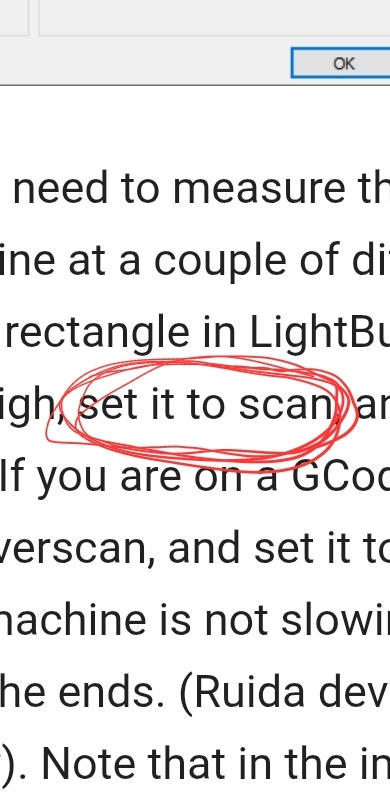
Looking at the help page on the sculpfun site i found what i need to do, but my problem is this… i created a new box (50mm X 10mm) but it tells me to ‘set it to scan’. I cannot figure this bit out
Where am i going wrong?
Thank you in advance.
That image seems to suggest you have more than one issue. First is the mechanical one that gives you what looks like an edge shadow. The second is the lack of a constant burn in the middle of the letters and hands.
Edge shadow can be caused by a loose belt , or coupling or pulley set screw. If you burn a large circle and the ends do not meet, you have your answer.
That speckled pattern can be the wood, a wiring issue, or the image itself. Right now my guess is on the image.
If primary issue is the ghosting around the edges, follow this link completely…
Thank you very much for your helpful feedback. I have since checked all the mechanical faults that you suggested.
This seems to have helped MASSIVELY. There isn’t an edge shadow not at all.
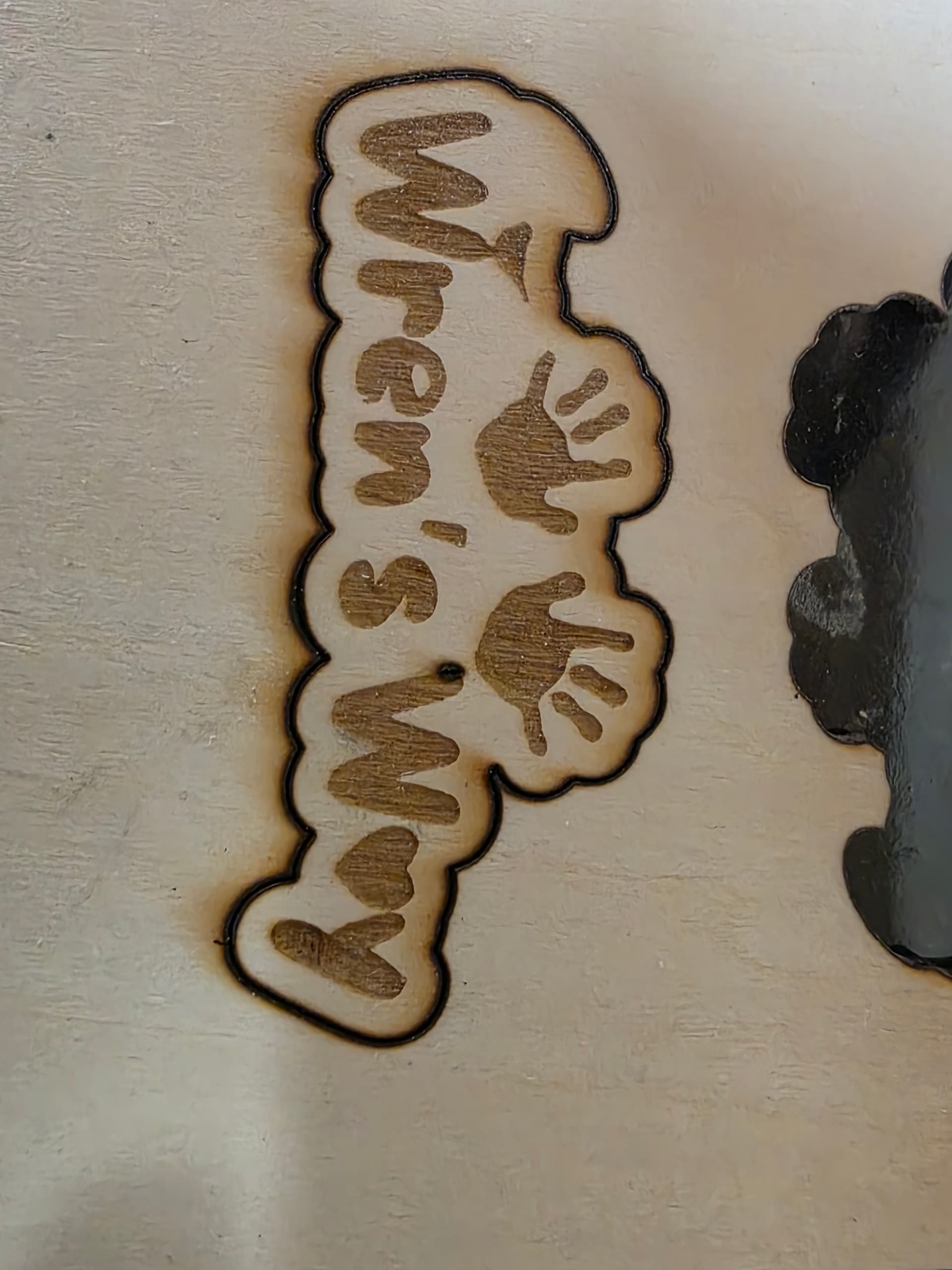
I tried another burn and it came out fantastic (apart from a section i forgot to highlight )
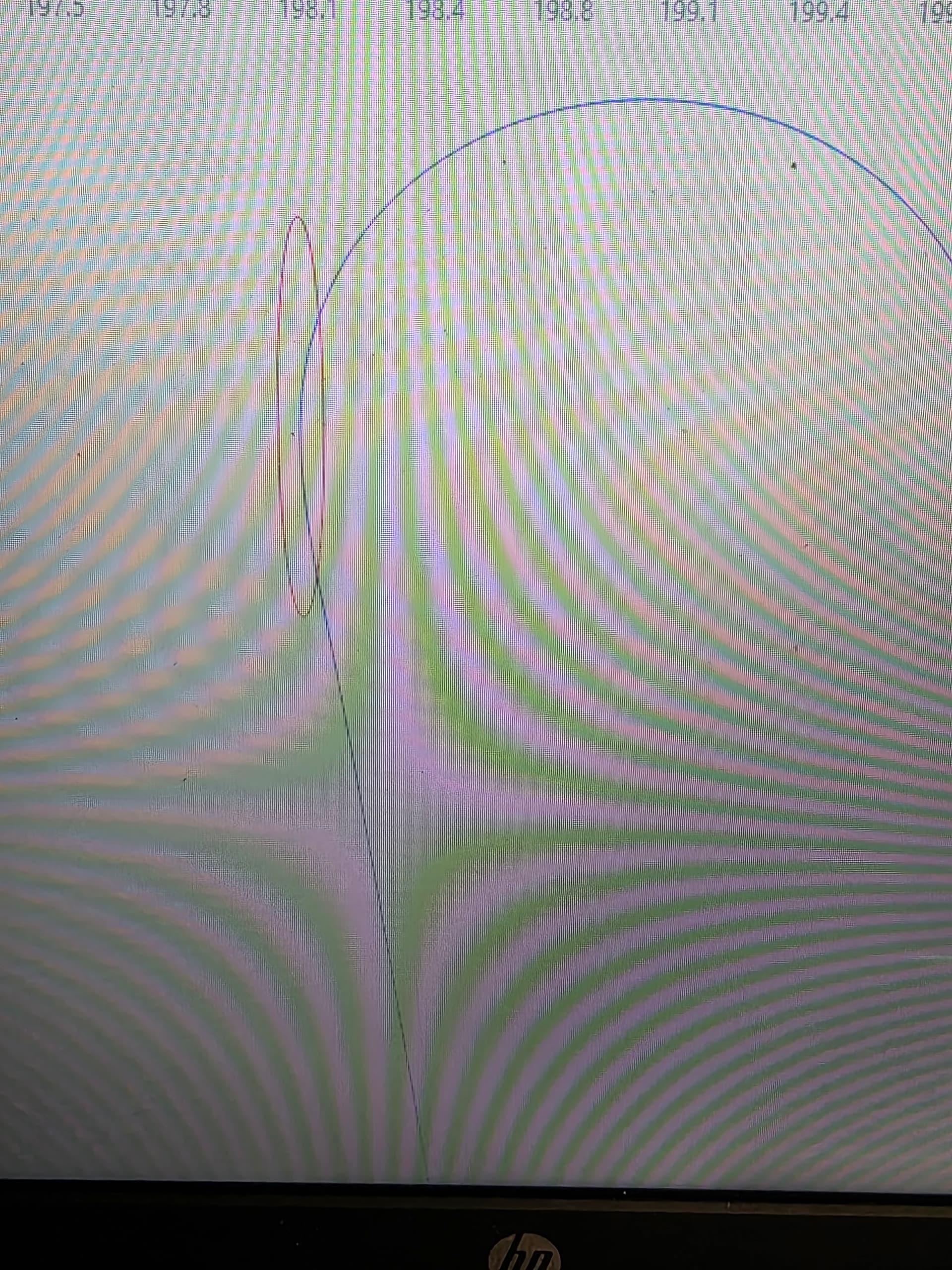
I do now seem to have a slightly different issue of it burning one tiny little spot. Upon looking closer at the lightburn image, there is a section that has a red circle exactly where the issue is happening. I have tried ungrouping, but i can’t modify that line in any way and there are no nodes showing. I have attached pictures of both
I have sorted it thanks dude. I’m not exactly sure how but its done . Also many many thanks (once again) to everyone that has helped. Your invaluable knowledge has made this journey a lot less stressful


 )
)
 . Also many many thanks (once again) to everyone that has helped. Your invaluable knowledge has made this journey a lot less stressful