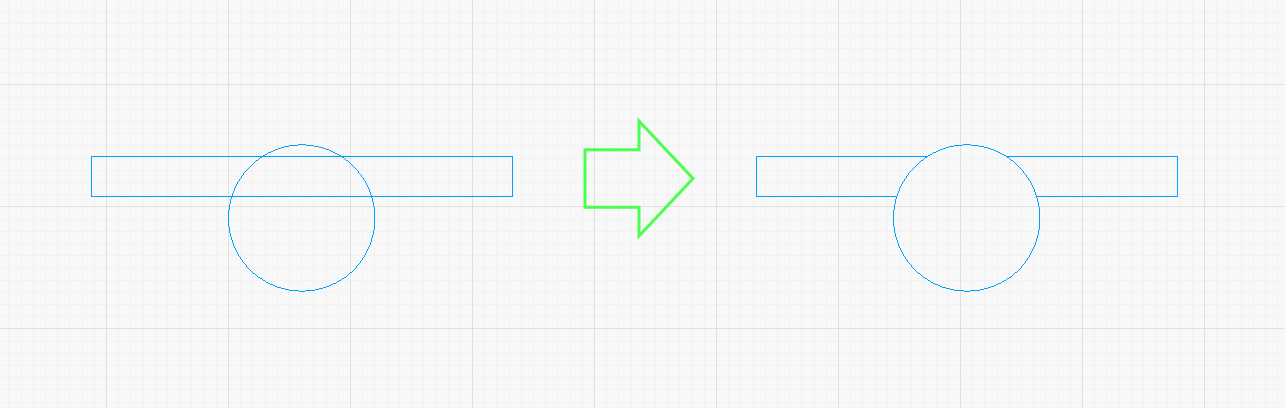
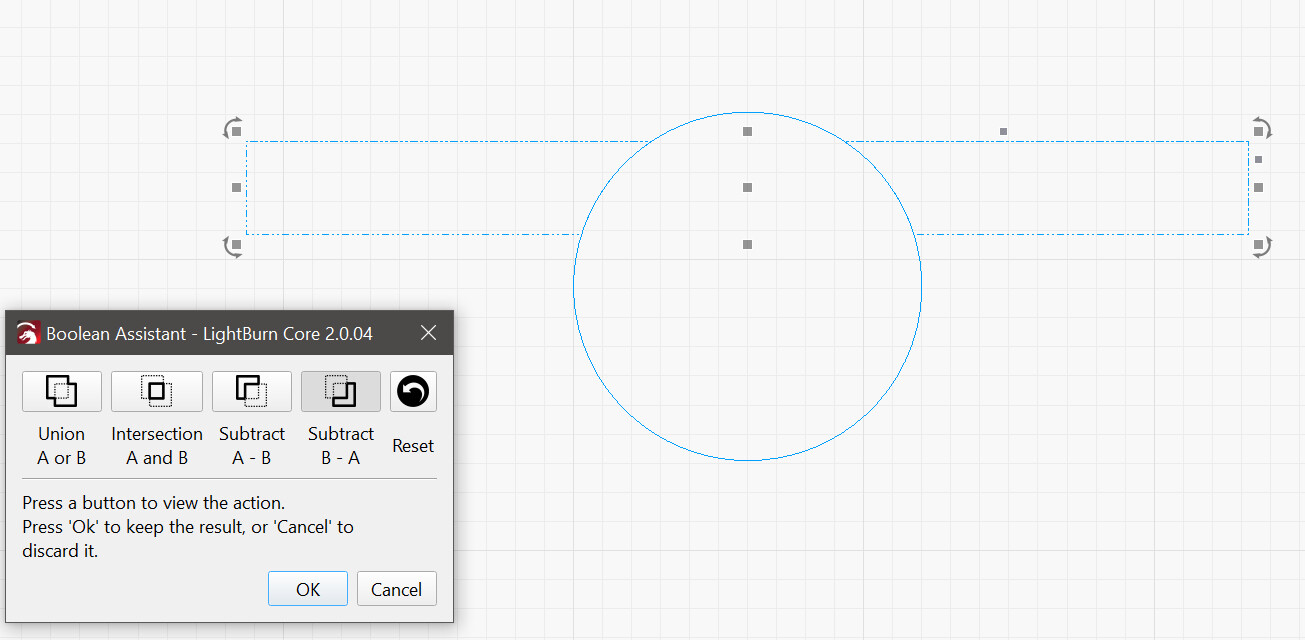
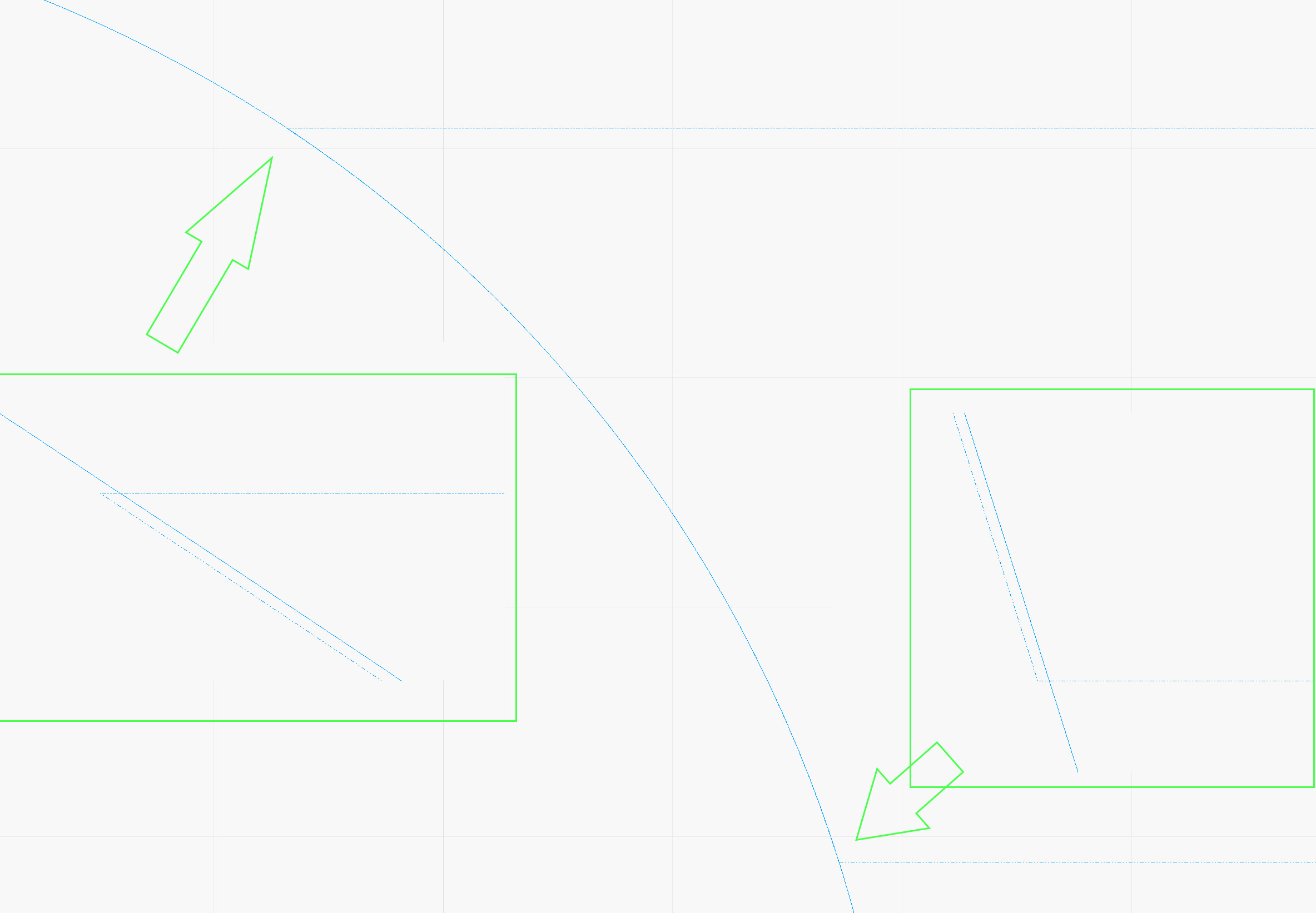
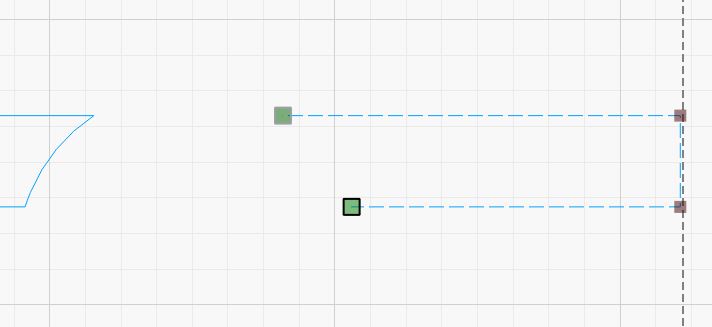
Using the Boolean assistant to sub B-A so // kept one circle copy above the one used to cut the shape to show the alignment mismatch in the result (obviously the circle copy is perfectly aligned with the one used to cut the shape so)
Boolean will not give the results you want because you cannot have a 3 way connection. (tee joint) You are wanting the circle to intersect with the rectangle in a way that is not possible. A closed shape is one continuous line that joins back up with itself.
You can use the snip tool to cut out the interior lines, but it will not give you a closed shape on the rectangle.
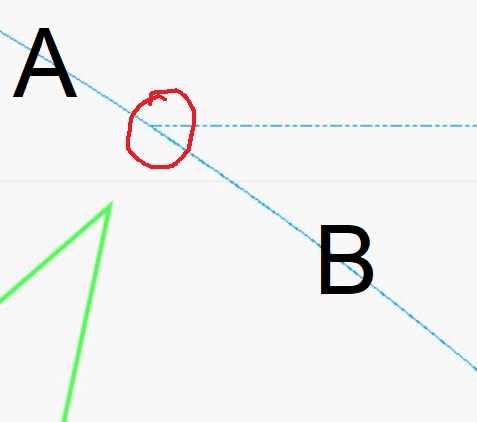
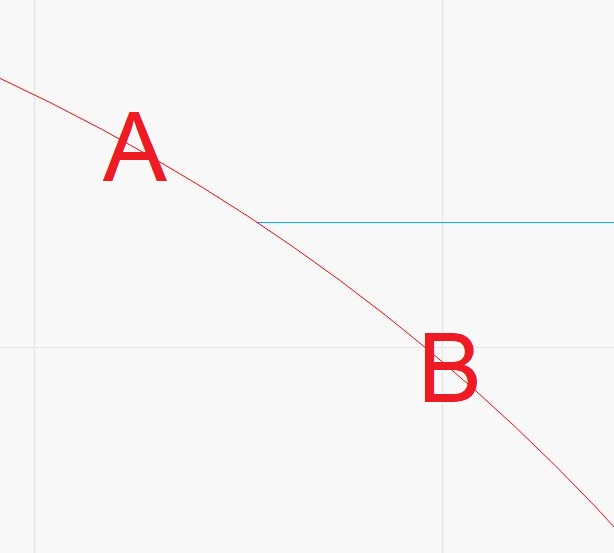
I think there is no alignment issue. Line A is the overlay circle. Line B is the overlay circle sitting on top of the right wing. It shows as a thicker, and darker line to illustrate that one is on top of the other. There is no missalignment in my opinion.
As you can see, the red line has a consistent thickness from A to B. The other side shows a redish-bluish line segment at the left wing intersection. I included the LB file so you can play with it.
Finally, What you have is a duplicate line segment at the wings. Lightburn may or may not complain about the duplicated lines.
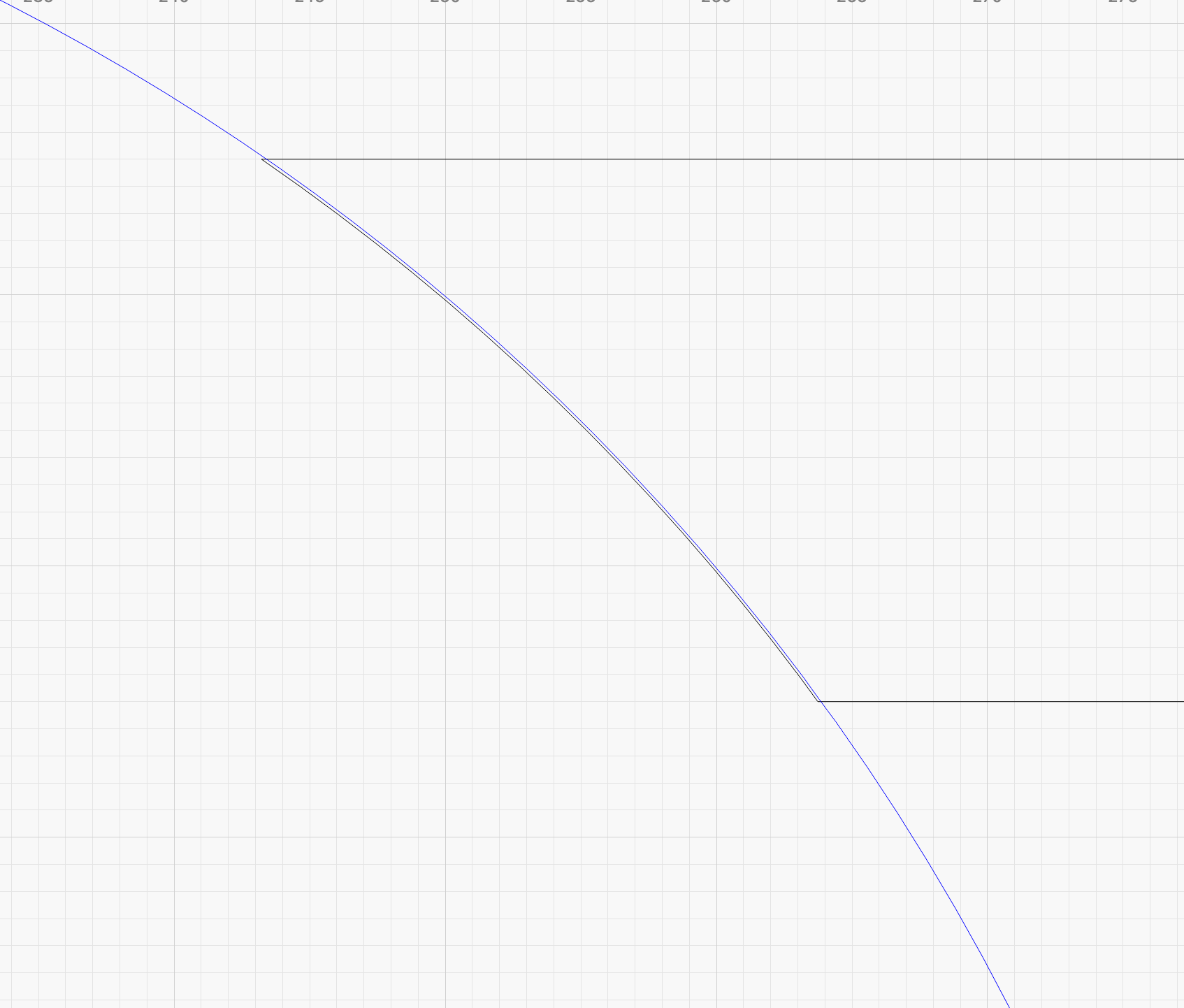
Just out of curiosity, I zoomed all the way in and saw the right wing lines projected slightly inside the overlay circle. But Lightburn allowed me to Scissors the right wing, leaving those tiny line segments. I had to do that so the Measure Tool would give me a reading. That reading was .00mm, meaning it was less than 0.005mm with rounding. Before anyone complains, I am sure that is well below even what a NASA laser can do.
Thanks for sharing the file. It was fun playing with it!
Fastest way to solve the problem is to use an “alternative”.
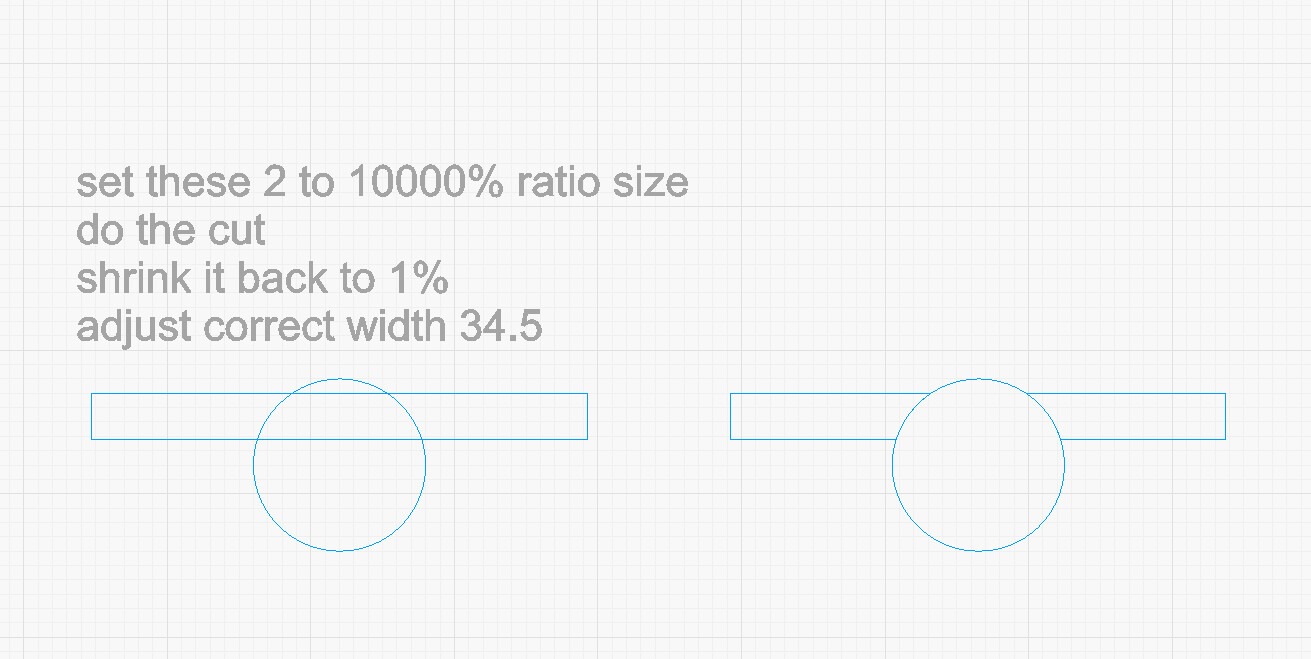
Offset your circle by 0.1 mm and put it on another layer and hide this layer for a moment. Use the 2 remaining shapes Boolean subtraction, turn on your second layer and switch it to the original layer again.
Only drawback, there will be two short circle segments that overlap, but because, as Tim already clearly explains, closed shapes cannot have T-connections, you at least have this alternative.
Ps. I can’t reproduce the mismatch you show, this is the way I suggest.