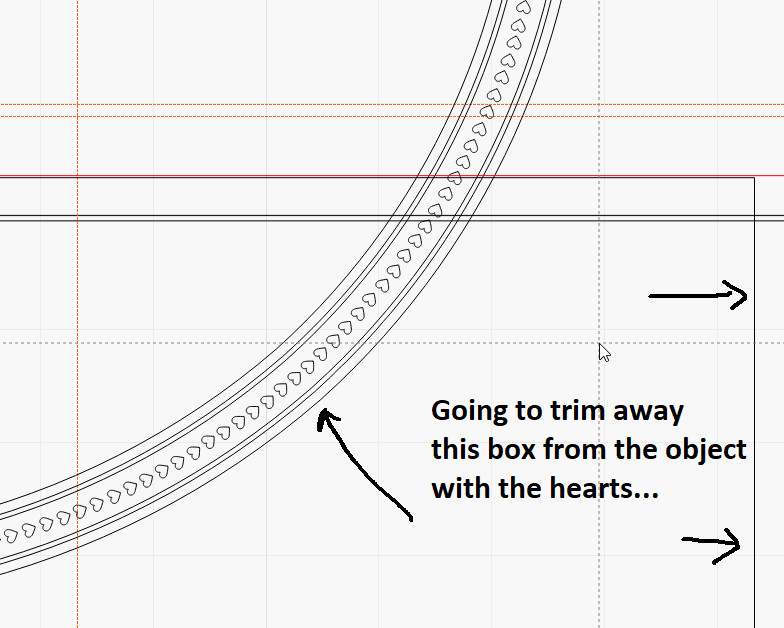
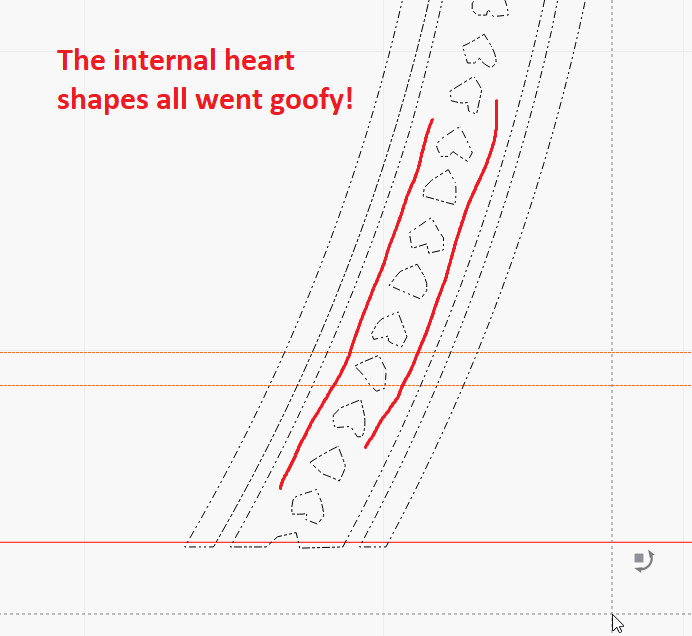
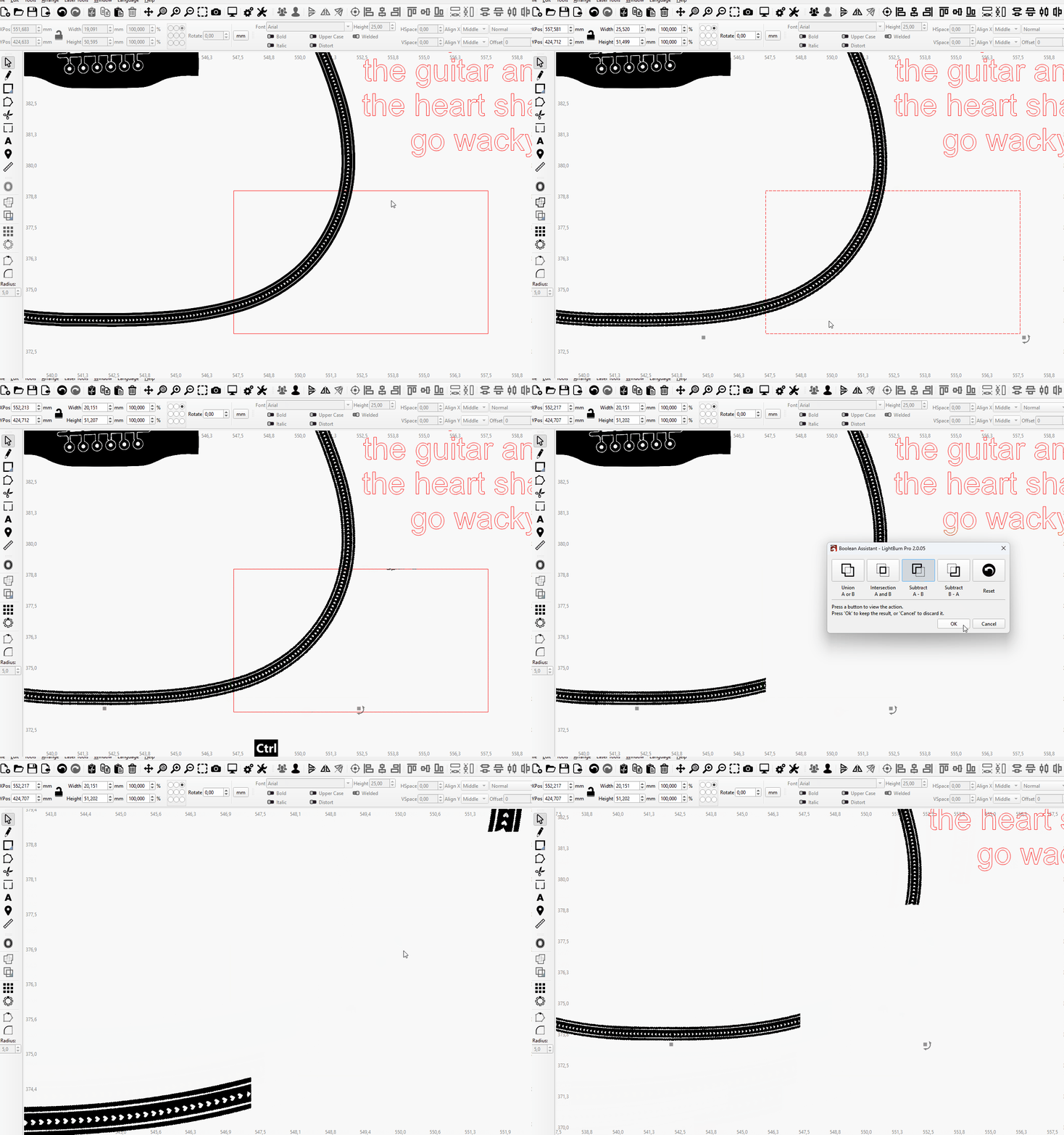
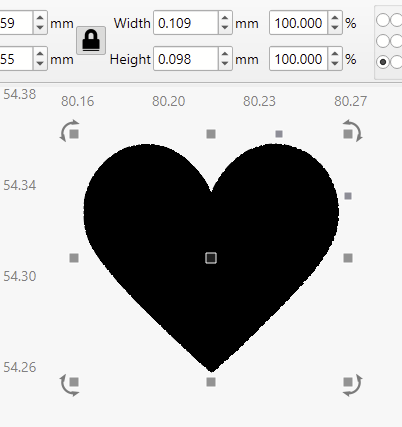
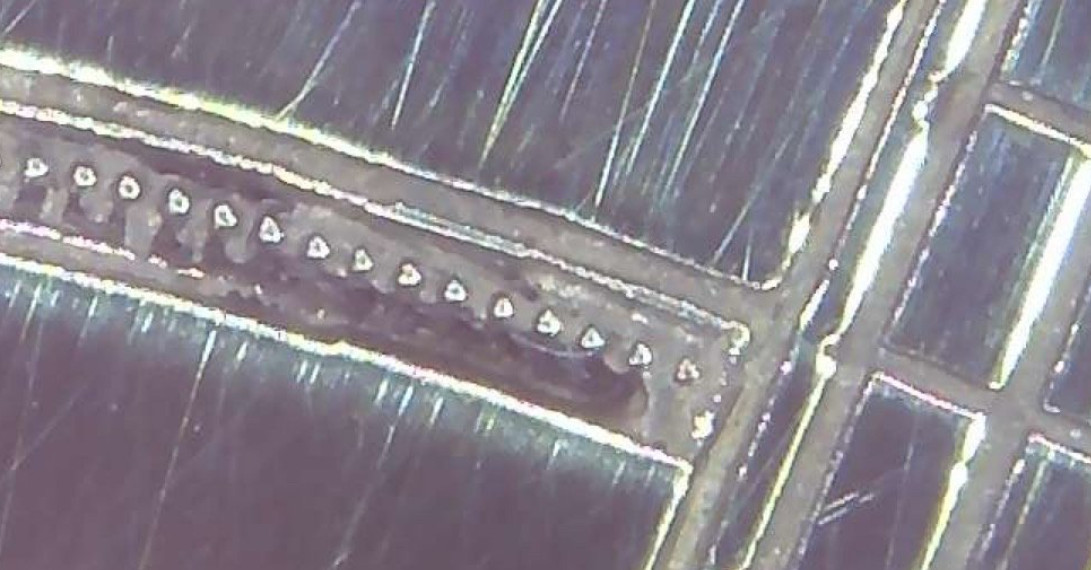
I have a detailed design that has hearts all around the outside border. I’m needing to trim the bottom section off the object, so I drew a square and did a boolean subtract. While it removed the bottom perfectly, it also changed ALL the little shapes in the object to something odd. They were nice hearts, now a scribble mess. Had to undo.
I have the curve precision on high, but wasn’t sure if there some something else I need to set so this does not happen.
Here is the file with the object. Its about 50mm tall with very fine features (I do fiber laser engraving thus the detail which is very possible with my system)
Yes, same here. All the hearts get broken. There seems to be a bug or a huge amount of shapes and groupings, etc.
Though, a boolean subtract isn’t the right operation anyway. Use “cut shapes”. Select the guitar and the rectangle, and then select Tools->Cut Shapes. This works without any issues. You can then drag the cut part out of the object, and all hearts stay fine:
Another way that works fine is to ungroup all the guitar shapes and only group the section you want to cut. Then the Boolean operation also works fine (only affects the shapes at the border, which can be corrected manually:
And the outline quality is way beyond the motion accuracy of any Galvo I’m aware of.
TIL, that’s why…
The software has scale-based tolerances, like 0.05mm (or less, depending on hardware). Since the laser would never be capable of resolving those details anyway, they’re optimized away.
There is effectively no point in having that level of detail at that scale.
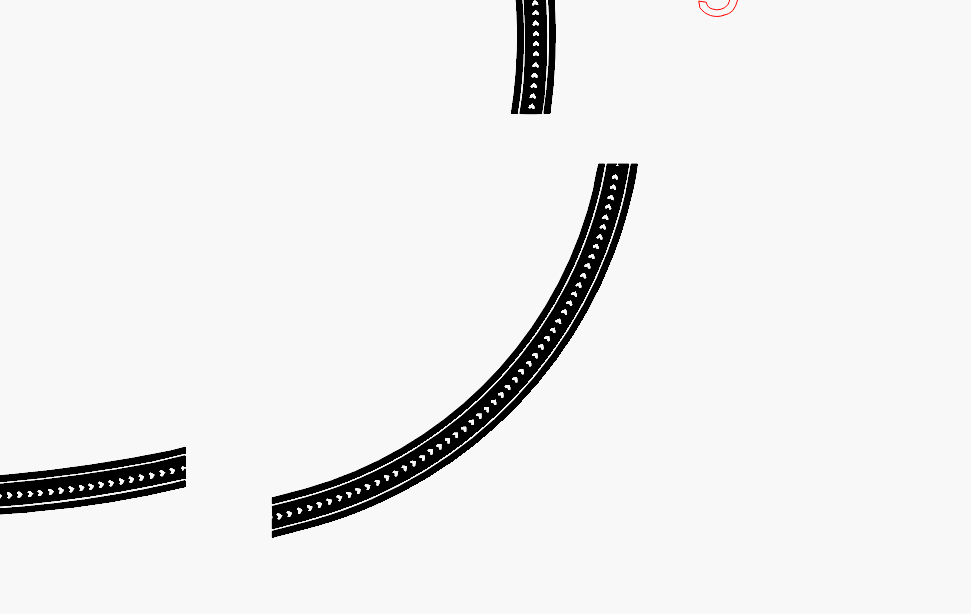
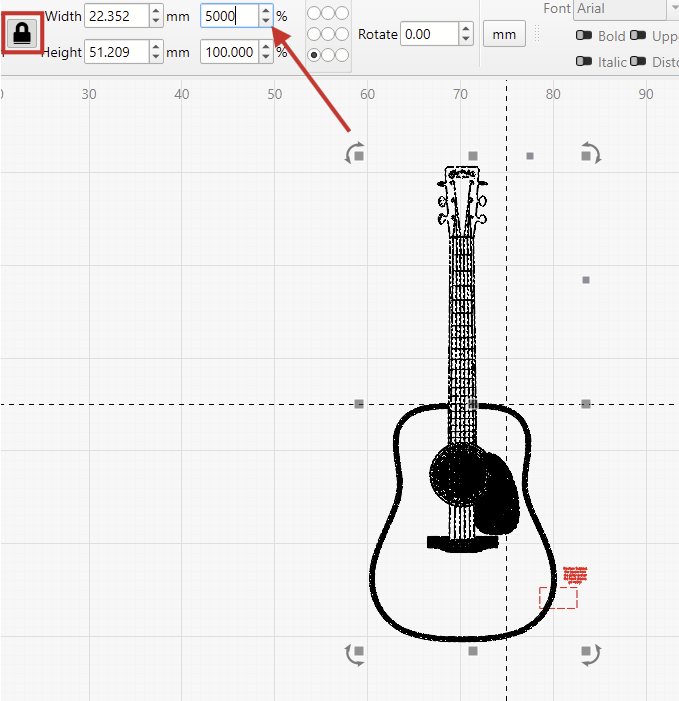
I did, however, find a workaround that won’t change the shapes before sending them to the laser:
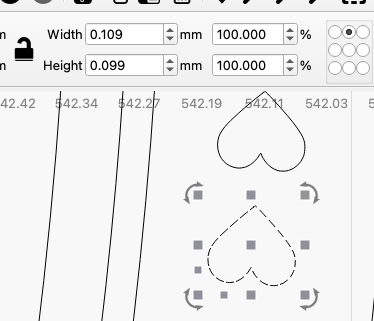
Thanks everyone! While it was weird how Lightburn was changing the shapes, the end result was pretty much exactly what Lightburn showed after it changed the hearts to odd shapes! Considering each heart is .11mm, its amazing the detail these Fiber lasers can actually do with great software like Lightburn! I had to get the microscope out to see them!