I’ve got an issue without an obvious solution and I hope someone can either help me out with a fix, or we can determine that I do actually need a new controller
Equipment
Laser- Boss HP5598 that is about 5 years old and has been a solid machine.
New power supply installed 11/2025
New tube installed 7/2025
Controller- Trocen AWC708C Plus (V5.18.7.18)
Lightburn- V2.0.05
Problem
Last Friday (2/13) I was about 10 minutes into running a job that I had run 3 times already that day (and hundreds of times before) when I got a Trigger Limit! warning, even though the laser head was in the middle of the bed and nowhere near a limit switch. I started this job in the same place every time, right near the Home position.
The head will move up and down the Y axis and to the left on the X axis, if I try to move it to the right I get a Trigger Limit warning. I can move the head back and forth on the X axis manually when the machine is off. On start up, wherever the head is located on the Y axis, that is where is thinks Home is. Almost like it thinks it is already on the extreme right hand side of the bed near the limit switch. Also on start up, the controller says it is at coordinate 29.1 on the X axis no matter where it powers up from.
I also can’t push the Laser test button on the controller and get a beam. If I push the Test button directly on the power supply though, I do get a solid beam with no arcing in the cabinet.
What I’ve tried
I, of course, opened a ticket with Boss immediately, but we haven’t been able to nail down the issue.
Changed the Limit Switch Polarity in Machine Settings from Negative to Positive.
This allowed the head to move to the right on start up, but it ignores the limit switch and runs into the far side of the gantry if I don’t hit escape on startup.
The X axis has two problems here. I get a Trigger Limit warning to the left instead of right, and if I try to move it right nothing happens. The head doesn’t move, but I also do not get a Trigger Limit warning.
Changed out the X axis limit switch
This did nothing to fix problem
Switched the CN1 and CN2 connecter cables
This did nothing to fix the problem
Reloaded the Trocen controller as a device in Lightburn
This did nothing to fix the problem
Possible Fixes
Option 1- I’d love it if there is just a fix for this without having to buy a new panel and and card.
Option 2- Boss wants me to buy a new control panel and card from them. Trocen AWC7824 is what they sent me an invoice for. Total bill is about $800 from Boss
Option 3- It looks like LightObject has the AWC7824 card and panel for $400. Or the AWC7813 for $325. I don’t need the U axis, so is this one I can use instead?
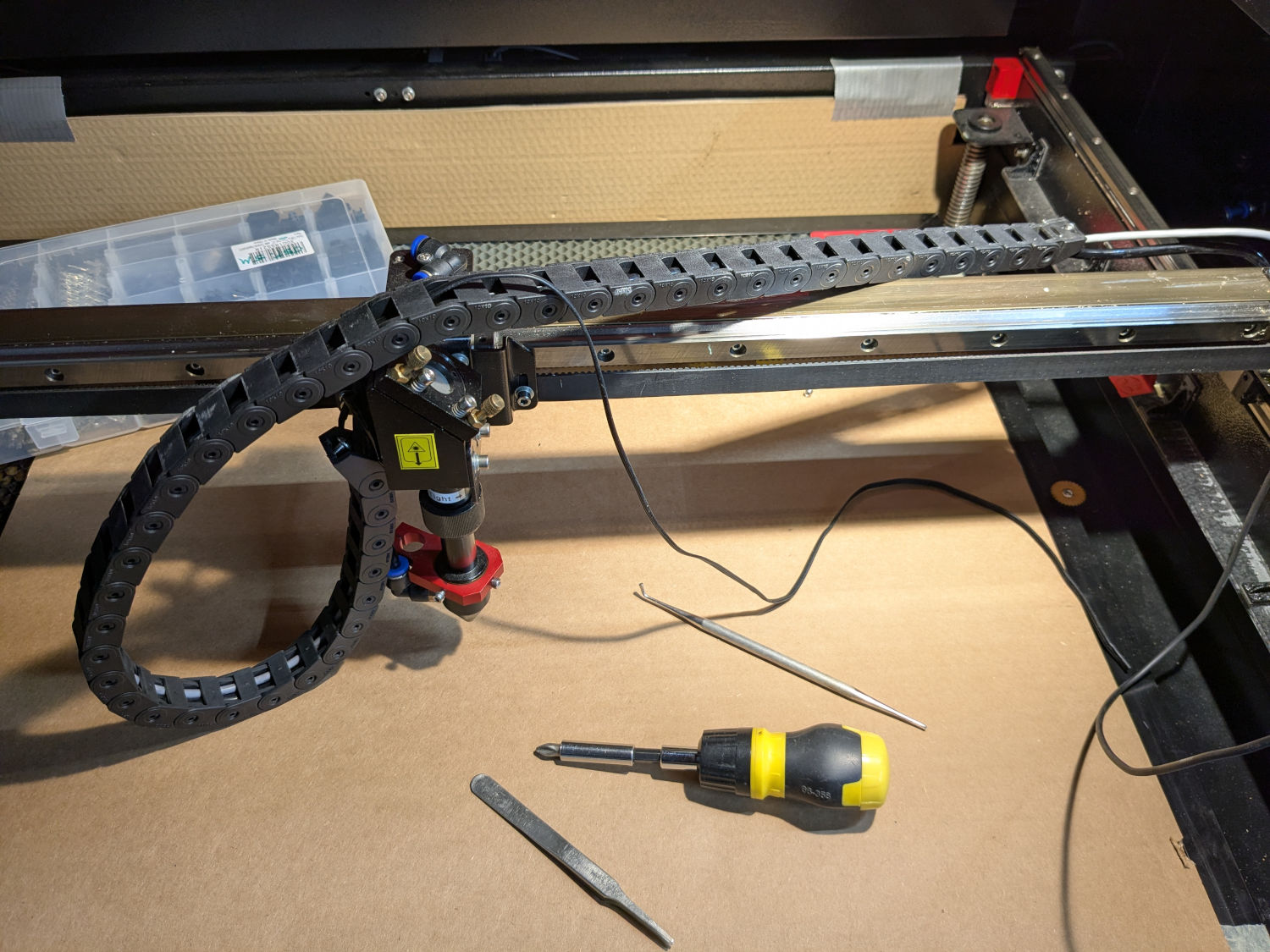
I’ll bet one of the home / limit switch wires running through the drag chain to the gantry has failed.
First, restore all of the changes you made to the controller settings, because sudden errors are (almost never) due to a mysterious settings change. You may be able to restore an automatic backup through LightBurn, using a date prior to all of this happening.
The AWC708C Plus manual shows terminals for home / limit switches on both ends of both axes.
Is the machine wired with four switches?
Page 36 of the manual says pressing Stop + Menu “two times at the same time” will display the input bit status. Apparently 1 = inactive for the switches, so verify that’s the situation.
If one (or more) of the X / Y switches shows 0 = active, then (most likely) that’s the failure. You may need to wiggle-n-jiggle the wiring to make it fail, but your description makes it seem like a hard break / short.
If the cable goes through the drag chains (as seems likely), then you must extract it, fish a new one through, and rewire the switch. I highly recommend flexy silicone-insulated ribbon cable, rather than ordinary = brittle PVC cable.
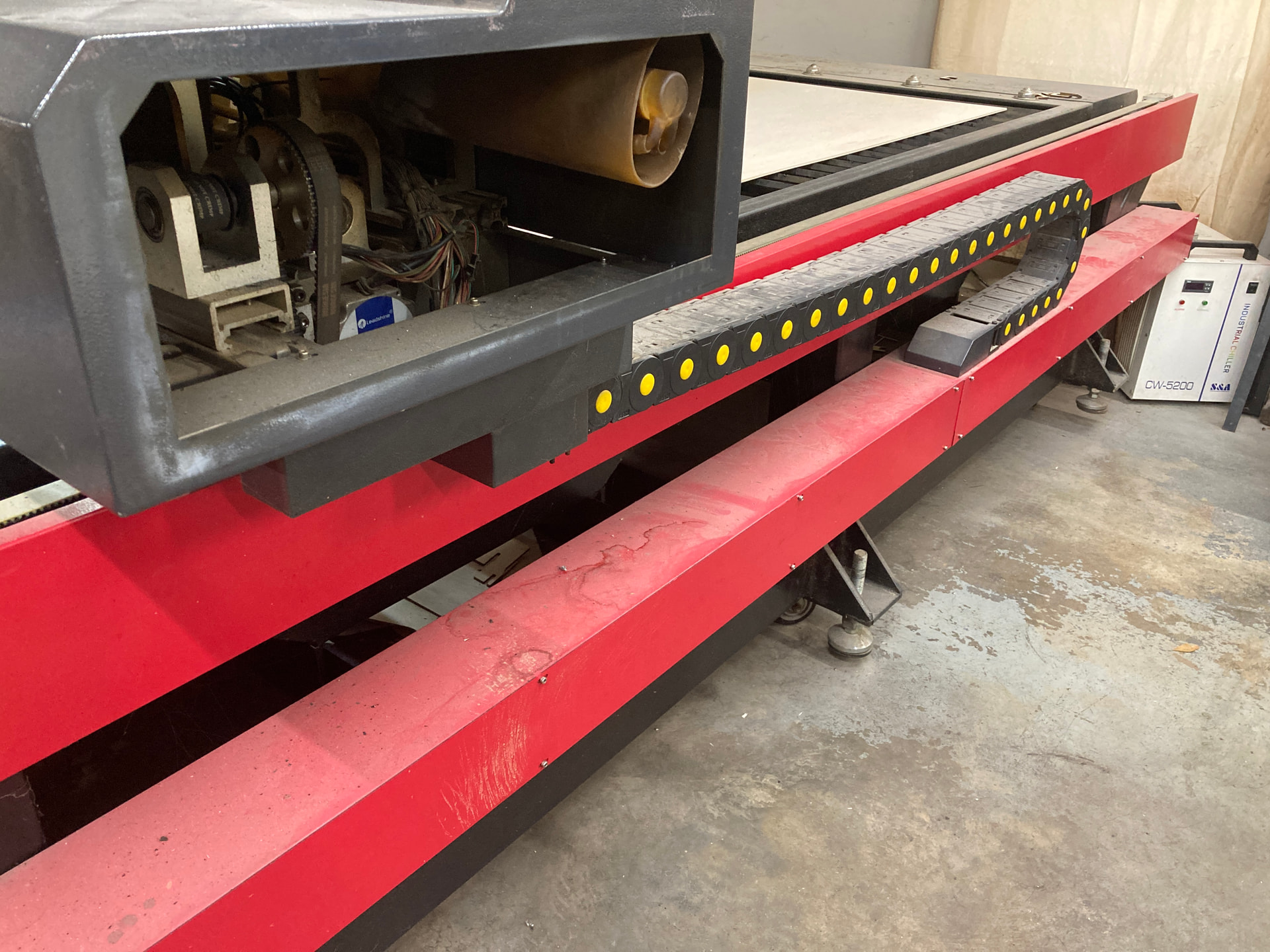
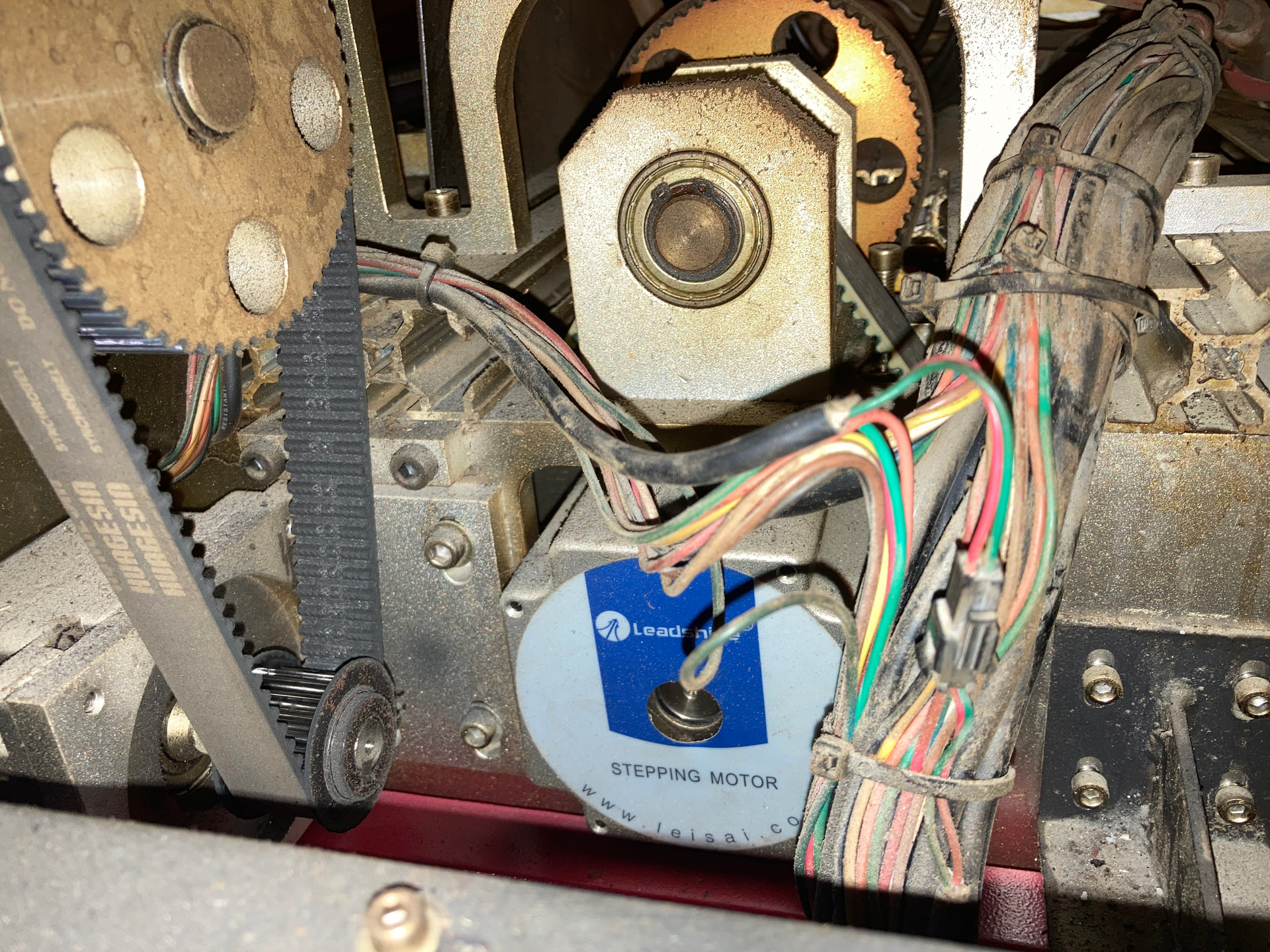
Hadn’t considered that. At first glance, there’s no obvious visible wires that it could be. I may be unlucky in that the HP5598 is pretty damn big. Cracking open this drag chain is going to be a pain, but I know that where all the movement is. All the wiring inside the cable race below it looks brand new. If any wire were going to fail, I’d assume it would either be near the stepper motor, or in that chain.
Take a look at the controller to confirm where those switches go. Worst case, you can use a multimeter to check the voltages with respect to a GND terminal: with Negative polarity switches the terminal should be around +5 V (maybe 24 V, ya never know) measured against the GND terminal when not triggered and near 0 V when active.
If it has proximity switches, rather than simple mechanical switches, then each switch has a three-wire cable and it’s possible the (presumed) fault is glitching the power supply to ground, which will cause all manner of confusing symptoms.
What kind of switches does it have?
Another possibility is a failing 24 V power supply. It’s a good sign if you measure very nearly 24 V at the supply, but that does not rule out glitches as the load changes / steppers move / whatever.