You want a “depth map”
It’s not any particular file format per se. Depth map is simply any grayscale image composed with the intent that shade represents depth.
You burn in grayscale. It will need to be 100% power, and speed/Line Interval controls depth. Depth takes significant time on the laser. It’s a matter of deciding how deep this needs to look, and whether it’s going to look better if you achieve the target depth with slower speeds or smaller LIs (taking more passes). More passes “sort of” improves the effective resolution.
This works exceptionally well on an RF-excited laser (Universal Laser, Trotec, Epilog). Common HVDC excited (glass) lasers respond pretty slowly- our spec is 1ms for the beam to fully turn on or off following the controller’s fire command. So you want to lean on the slow side for HVDC-excited so it doesn’t smear the features.
I’ve done these on both CNC and laser. For CNC, I found the Moon actually looked kind of flat when cut to the “right” scale. I exaggerated the Z by like 10x and this distorted version looked more real than the correct data. Won’t matter on a laser because the Z depth isn’t specified in actual depth anywhere anyways.
Since you’re doing clear acrylic, STRONGLY recommend you mirror the image and flip it around for display. Trust me, clear acrylic looks 100x better when back engraved. So bump Min Power up somewhat to guarantee a burn.
Probably a bit too technical for you, but if it’s an HVDC excited laser, everyone sets the PWMs absurdly high, like 10KHz or 20KHz. The beam power is already smoothed out by 1KHz and higher just pushes the response curve of commanded PWM duty to actual power out into something with poorer linearity.
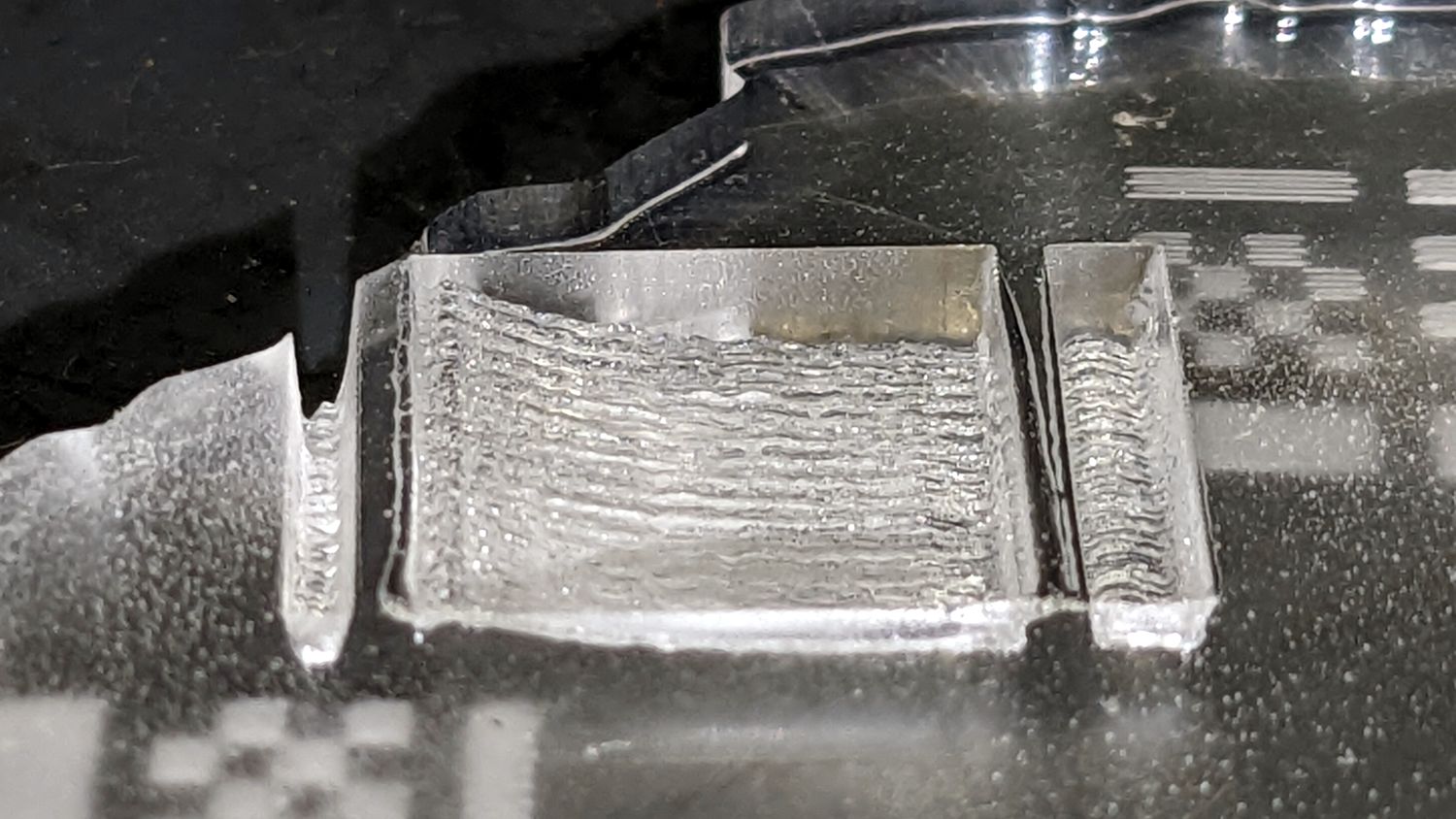
You probably don’t intended to leave any clear regions in the relief, but there will likely be a clear border that will get white “frosting” on it. That’s droplets of vaporized acrylic condensing back on the surface and some it it will weld itself to the acrylic workpiece and it can’t be cleaned off. Use a drop of handwashing dish detergent, no water, spread thin. This will keep the acrylic condensate from welding and you just wash it off when done.
DON’T leave the paper on the acrylic while engraving. It will create soot that dirties the engraving and can’t be cleaned.
Since we’re back engraving, there’s a new problem- the product’s front side will be against the honeycomb and pick up flashback from the grid. Leaving the paper on that side will help some, but best thing is to find some little bits of scrap about 3mm-6mm tall to space the stock above the honeycomb so flashback won’t reach it. Or, if you’re making a border to cover the edges, don’t worry about it.
The grayscale will use “Max Power” for 255 black and “Min Power” for 0 black. But you don’t want the highest parts of the depth map to not burn the acrylic there. It would make spots of clear. So keep Min Power more than just the minimum that makes the laser fire continuously.
Be sure to use cast acrylic, not extruded (hardware store stuff).
Consider mixing glow powder into clear acrylic paint or clear UV cure epoxy and filling in from the backside. Glow moon. Looks kinda cool.
You’re in luck- in 2007 Japan’s SELENE/”Kaguya” probe took detailed radar altimeter scans of the entire moon. USGS offers downloadable free high-res topo maps of the entire US, and they threw in the Moon for good measure: