Another dumb question and I am sure i have used it on Millmage, but what happened to the calibrate axix ?
There are no dumb questions!
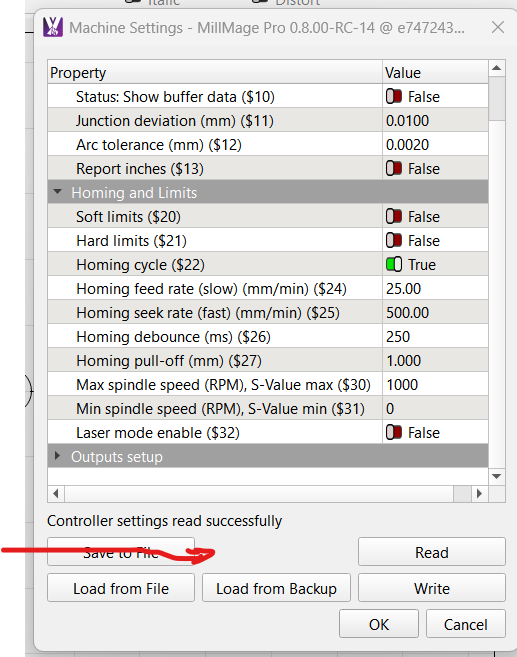
We removed Calibrate Axis from MillMage (for now) because not every machine can use this.
(I’ll forward it to our docs team to update the page where it’s still mentioned, thanks!)
It only works if your firmware can change the GRBL $$ values via console.
Which machine and firmware are you using?
You could totally use Calibrate Axis in LightBurn to write the settings to the controller.
It’s the “Steps per MM” setting.
I’d recommend using the online calculator linked on the docs page, and manually entering the new values with the console.
1 Like
For now i am using a 3018 with a grbl controler. I recently had a laser modul mounted on it that I used Lightburn as software
I plan on using this machine for cnc router and laser, swap out control board with each, that way laser settings will be on one board and cnc router board on another…no need for changing settings.
With the laser modul and Lightburn I had the axis calibrated to perfection.
now with another board for Millmage settings