This has already been added to the upcoming version 2.1.
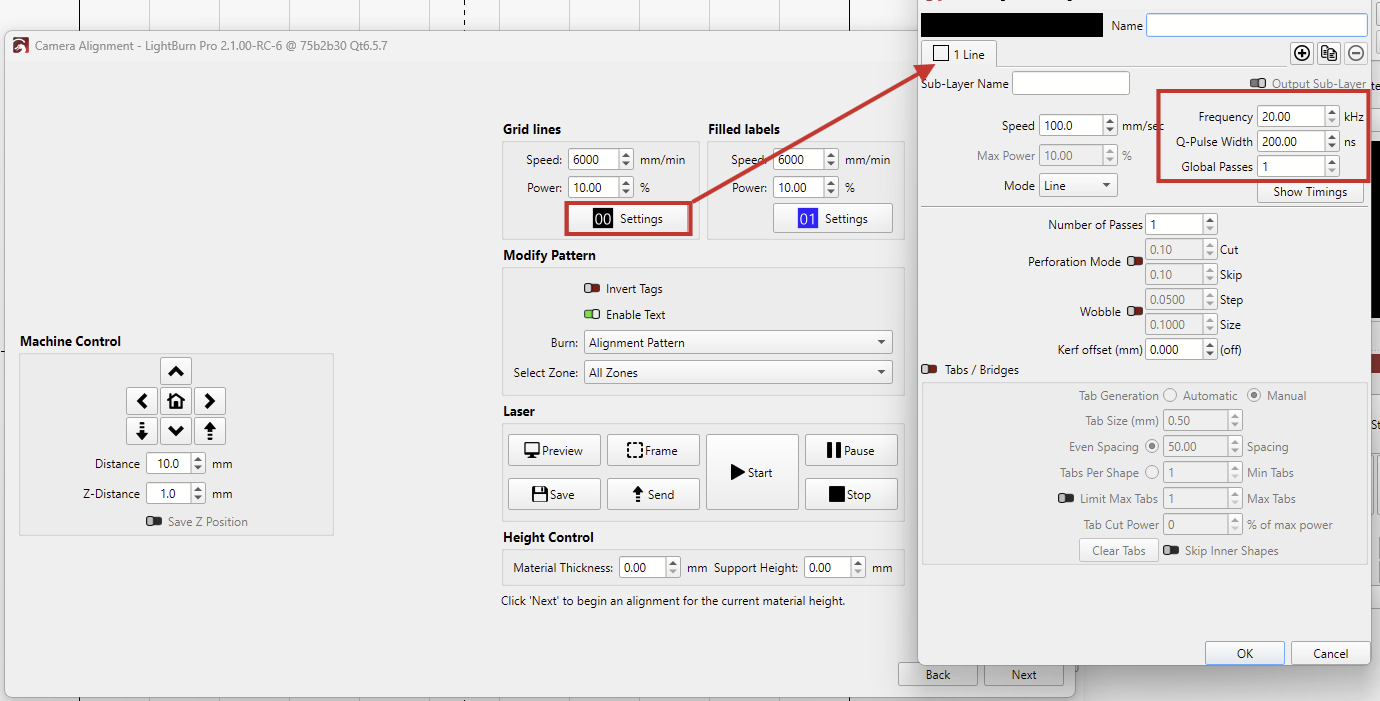
Here’s how the new wizard currently looks. You can open the Cut Settings to access every parameter:
Note that it will install on your system as a separate “PreRelease” version of LightBurn, which has it’s own set of preferences. This means it will not affect your standard installation of LightBurn at all, but it will also not have any personal customizations applied as in your current installation.
The installer should automatically ask if you want to import a copy of your standard release version preferences - you can also use the User Bundles feature to move over your preferences at any time later, if you choose.