Title: Camera alignment always off (1-5 mm sideways or 1-2 cm away) - alignment at different material heights
Hi everyone,
I can’t get my camera alignment to work reliably and I’m running out of ideas.
Setup:
LightBurn Pro 2.1.04 on macOS
Controller: GRBL, connected via USB serial
Machine: BlazeX M3 10W
Camera: BlazeX USB camera mounted on top of the enclosure
Work area: 200 x 150 mm (20 x 15 cm)
Lens calibration done before alignment: yes
Focus: I tried both autofocus and manual focus (with the focus tool), and the offsets were inconsistent with both.
What I want to do:
Engrave 8 keychains at once. The top surface of each keychain is about 14.4 mm above the bed. They sit in a jig on the honeycomb bed.
What I tried:
Alignment on the bed itself (honeycomb grid), using a 0.3 mm paper card, over the full work area.
Alignment in center mode with a smaller card (about 106 x 80 mm) on the bed.
Alignment in center mode with the card raised so the top of the paper was at the same height as the keychains (14.4 mm). I used a spacer so paper surface = keychain top surface.
Result:
In every case the result was wrong. Sometimes the engraving ends up 1-5 mm to the left or right of where I placed it in the camera view. Other times it was completely off, 1-2 cm away from the object. My best result so far was about 1-3 mm to the left of the intended position. The offset is not consistent between attempts, even with the same setup.
Questions:
Is it expected that the alignment is only valid for the exact height it was made at? Do I need a separate alignment for every material height?
With GRBL, can I use the Material Height setting and let LightBurn pick the alignment automatically? I don’t see the field at the moment.
I tried both autofocus and manual focus and the result was still inconsistent. Could the Z position or the paper not lying flat still cause these offsets?
Is there a recommended way to verify alignment other than Frame, so I can tell a fixed offset from perspective error that grows toward the edges?
The camera is mounted on top of the enclosure. Could small shifts of the camera position (e.g. when opening and closing the lid) cause these inconsistent offsets? Is there a recommended way to fix the camera position?
I can post screenshots of the alignment steps and the result (the engraving and the camera overlay are visibly doubled).
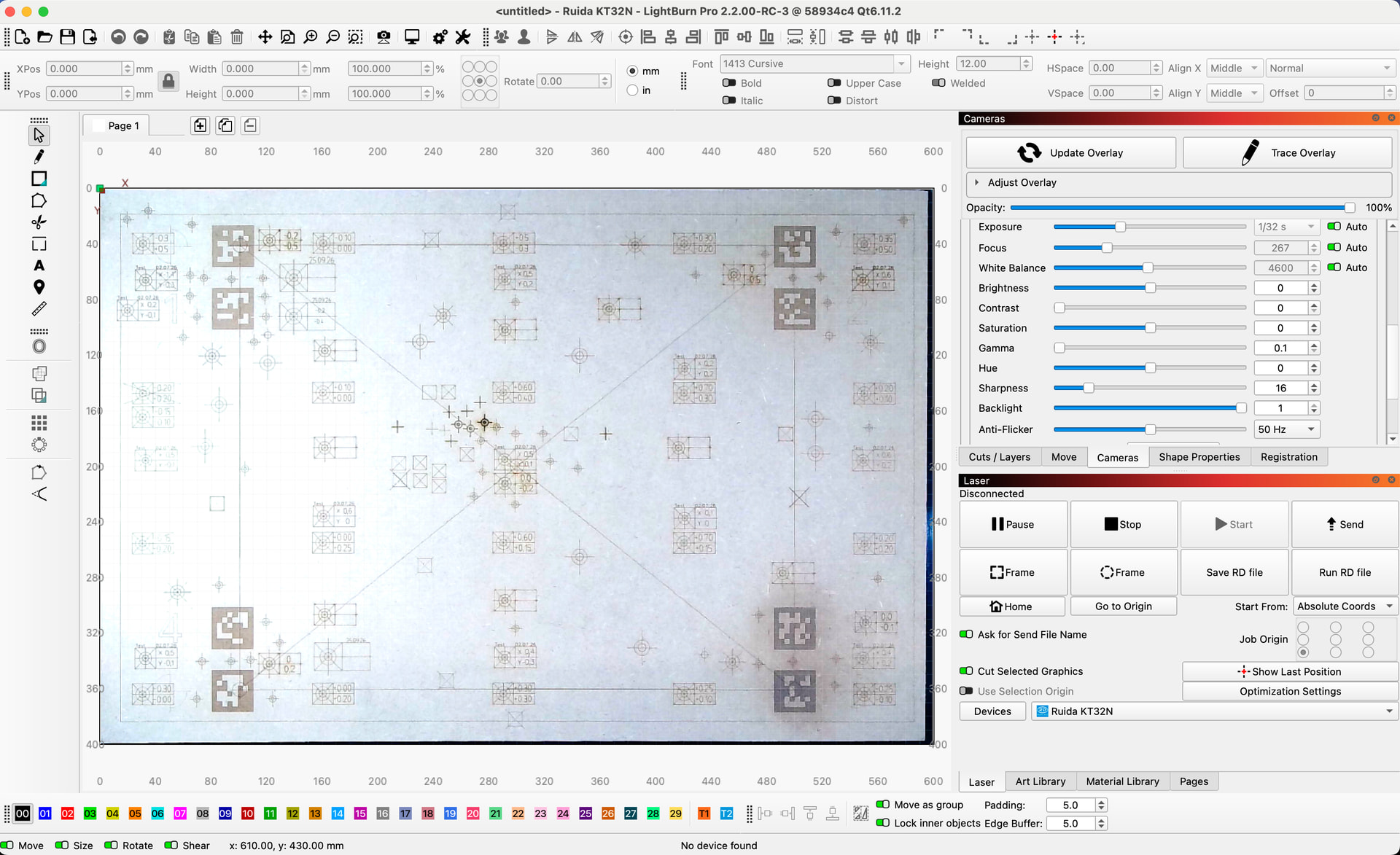
Yes, it is necessary. If I forget to adjust my bed height when changing from 3mm to 4mm, my camera result is either not usable or not in the tolerance range I want to accept..
That’s how optics work, it can be compared to laser focusing itself. Here you also don’t get the desired result - because the distance doesn’t fit.
absolutely, it is the most critical (in my opinion) that the position of the camera is 100% “static”.
I have tried to tilt the camera a single degree from its original position, the result, the error, is, all of the height placement, multiplied and that applies (almost) also to the height differences.
If you want, you can try looking for my little experiment here in the forum, unfortunately I don’t have a quick link.
I check and fine-tune my calibrations in different ways. First I determine and correct for barrel distortion, if necessary. I do this by engraving the largest possible frame, refreshing the camera image and measuring the deviation from the center of the four sides. If this deviation is even, it can be compensated with width and height % settings.
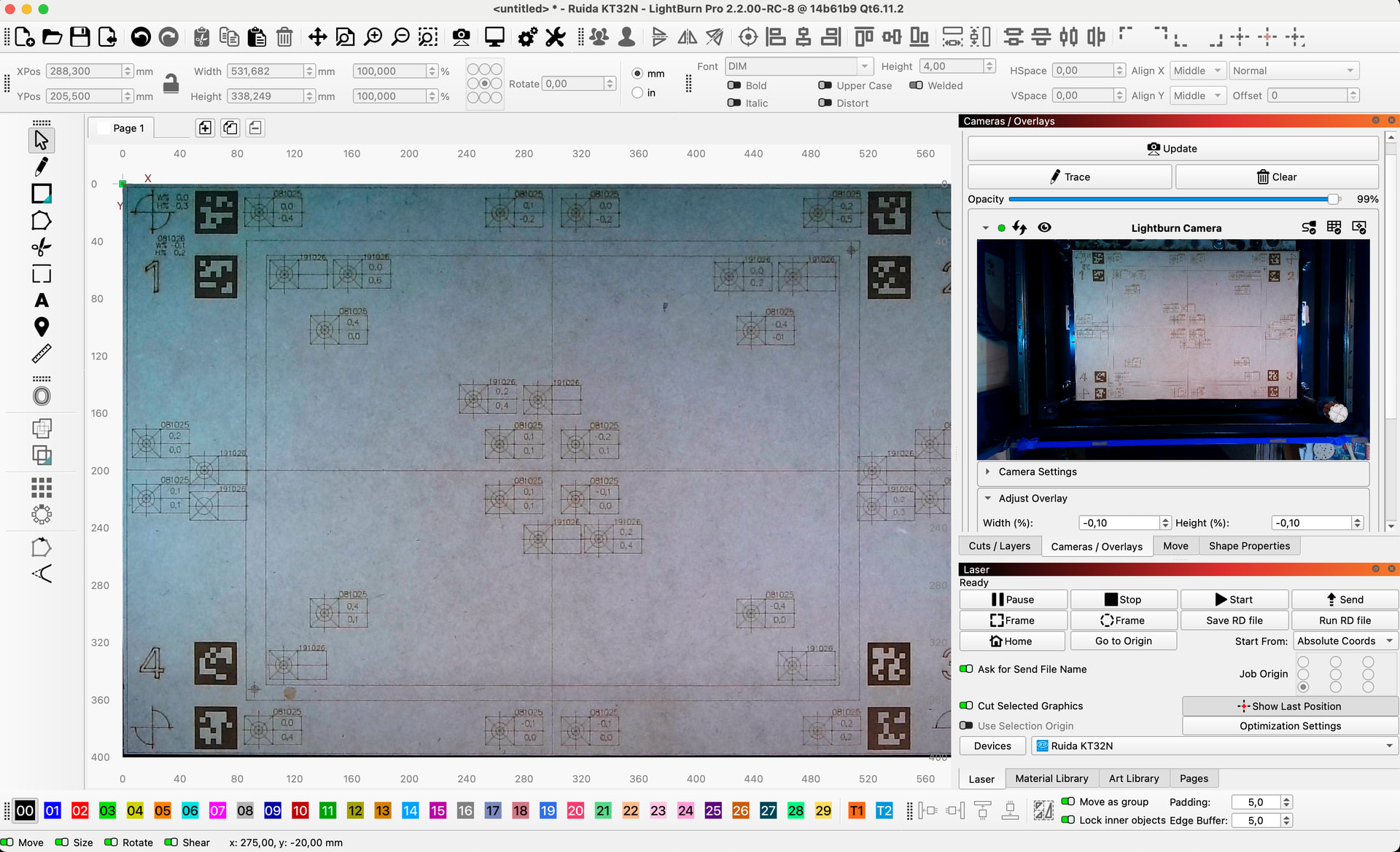
Then I have a template that I engrave distributed over my entire laser bed area and measure the deviations and note them down. Finally, if none of the values are above 0.5mm I make an average calculation of all deviations for X and for Y and use the result for my “basic fine-tuning”
thank you very much for the detailed answers, this helps a lot!
Good to know that the alignment really is only valid for the exact height it was made at, and that the camera position has to be 100% static. My camera sits on top of the enclosure and I open and close the lid every time I place the keychains, so a small shift there could explain the inconsistent offsets I’m seeing.
I’ll test it like this: make an alignment, open and close the lid once, put the same piece back and frame it. If the offset changes, I know the camera mount is the cause. I’ll report back with the result.
Also thank you for describing your tuning method in such detail. I’ll try it once the camera position is stable.
I have two more questions:
What material do you use for the calibration itself (paper, cardboard, wood, something else)?
Can the result differ depending on the material, for example because of different surface color or reflectivity, or because the camera detects the pattern differently? Or do you get the same alignment with any material at the same height?
Hi Nils, my experience is that the material with a good contrast gives me the “safest” results.
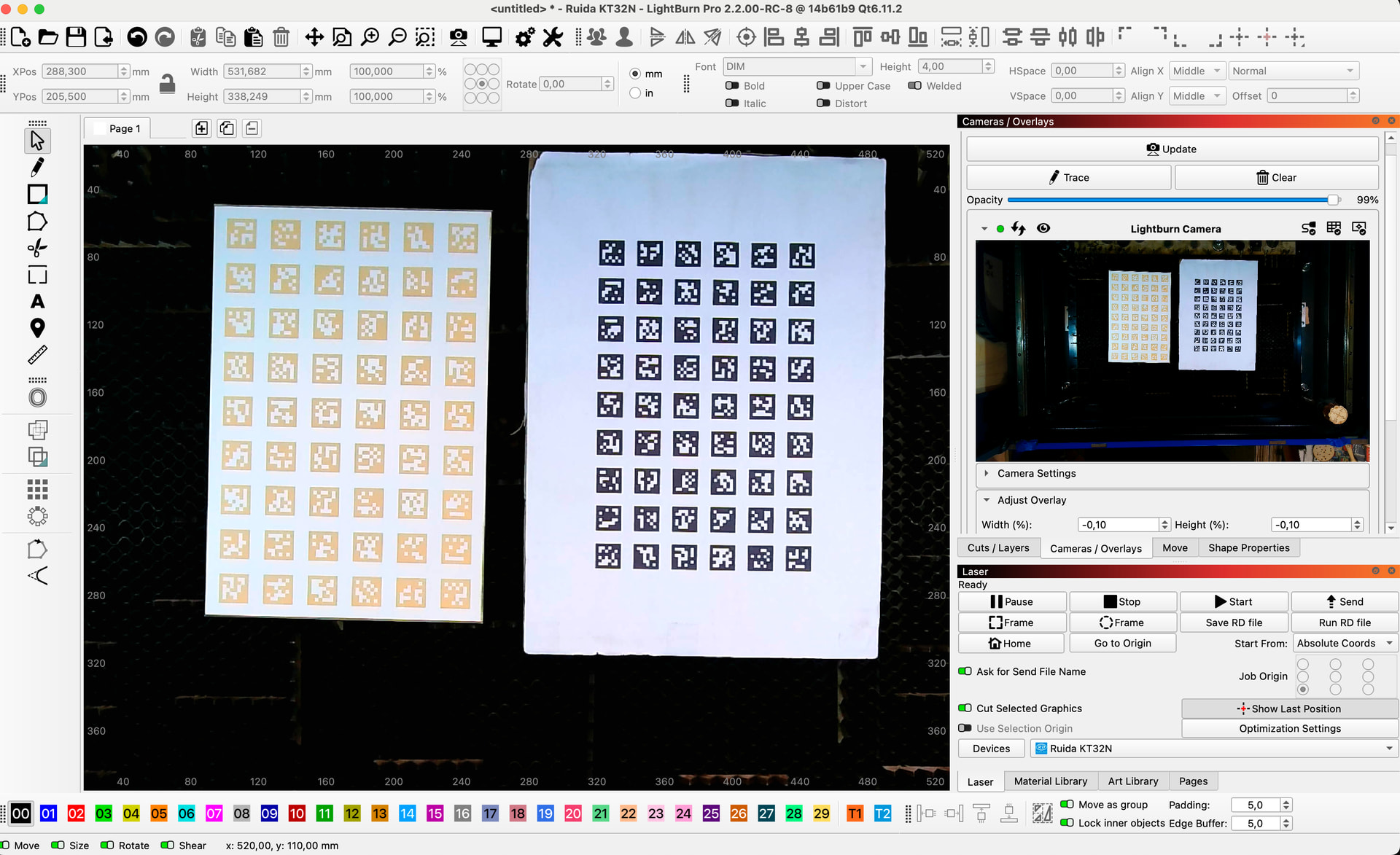
I have printed AprilTags on paper and glued it on cardboard in 2 different sizes (only to test/find the best) and I have engraved it in an ABS-like material (I actually think it is more a kind of modified PC that is used for panel protection) which has a reddish appearance but is very well recognized by LB and which I use as my “standard”.
As a starting point, I can switch without problem from e.g. plywood for MDF if it has the same height without me noticing a quality difference in camera precision. However, it happens that extreme light changes can play havoc with the camera.
Typically, however, I catch these errors quickly because I always do a small security check.
To me it looks like workspace alignment is more “flexible” like lens calibration ie. if I find that my tolerances are over 0.5 even though they shouldn’t be, I do a new calibration which takes only 2 minutes and most often the tolerance jumps back to what it should be.
Because I use the camera a lot, I am somewhat experienced in these processes and can live fine with the way the system works and the development of the camera part in LB is on a different level today than it has been for a few years.
Finally, because I have an industrial exhaust system and am in a closed environment, my CO2 laser is not closed, I know it’s not quite by the book but it works fine - here. The big advantage is that my camera is rock solid.