Hi, W11 up to date, LB 1.7 and 2.0.05. Ikier K1 factory camera.
I needed to go through the camera calibration and alignment sequence (computer died), In the calibration sequence ocassional I would get a black screen result (~30% of the time). I thought it odd but eventually got good numbers and moved on.
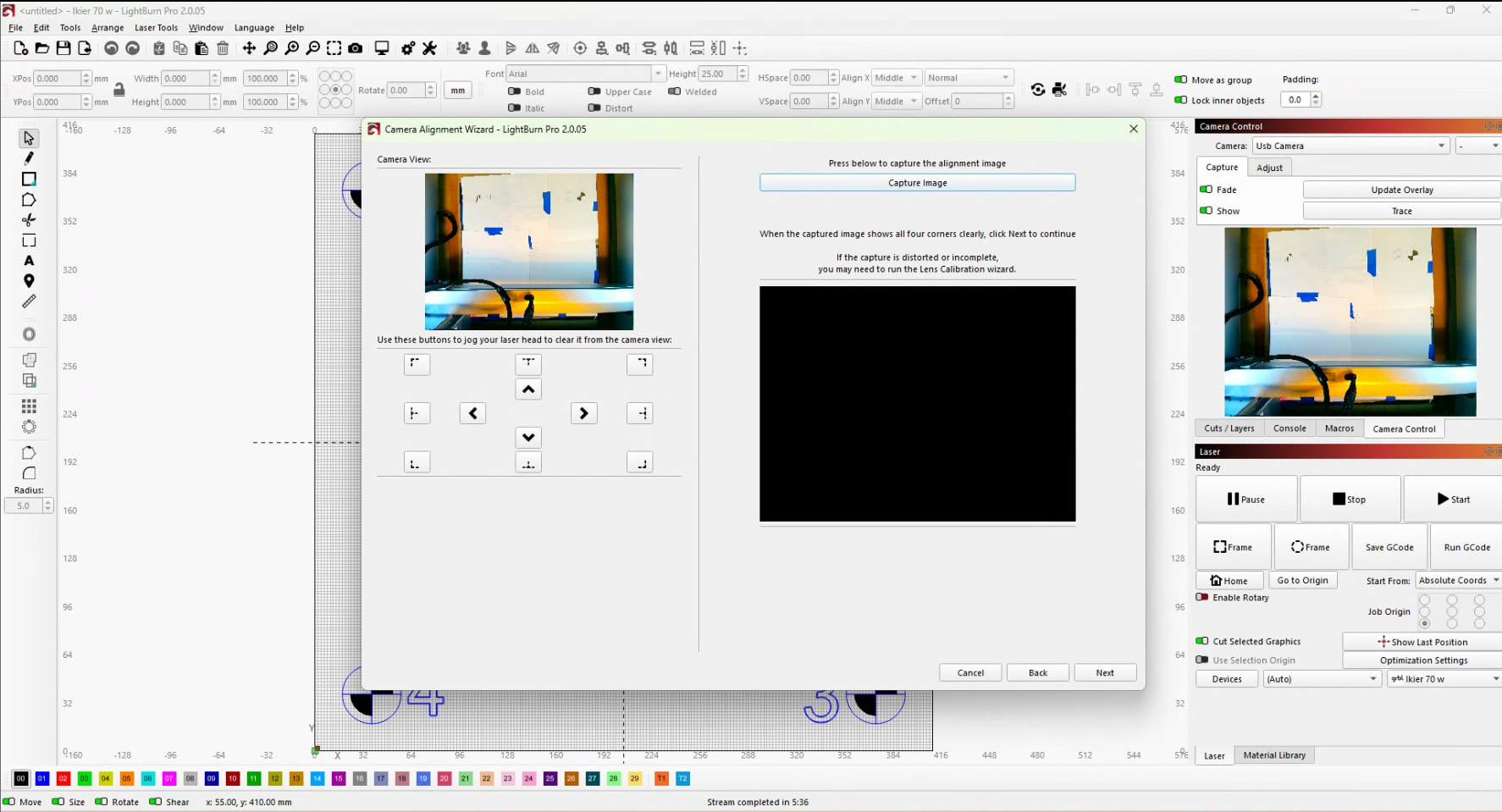
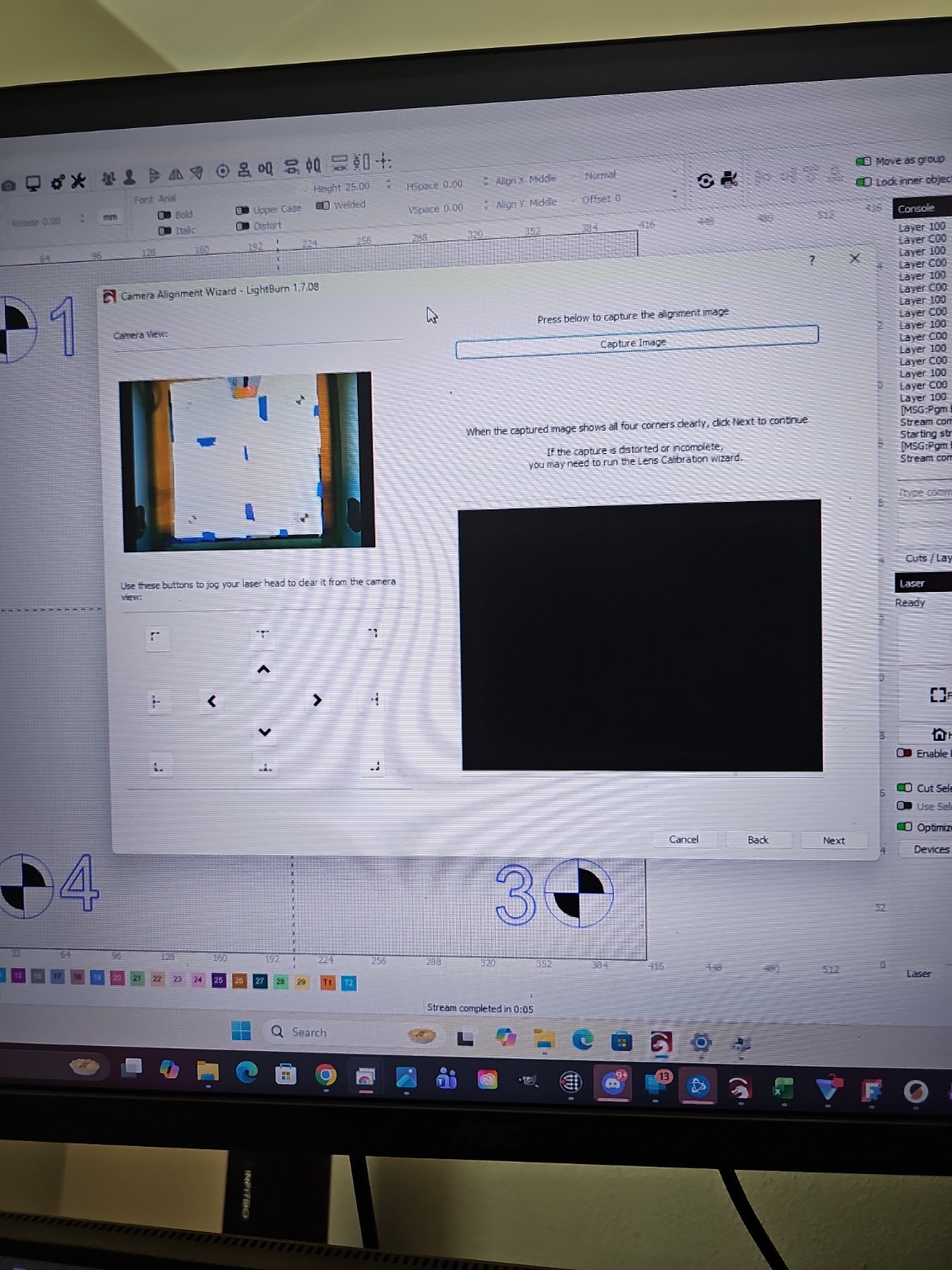
I’m stuck in the camera alignment sequence at the point to zoom in to point to the engraving 1-4. When I press capture image I get a black screen. LB and everything else sees the camera and works. I was on 2.0.05 so I went back to 1.7.08 where I went through this on this machine on purchase of LB. AI is hallucinating (I think), making up menu selections that don’t exist. Read through the Questions and docs….. The brain is fried. I’ve spent more time that I care to say and not made any progress past this point. Any thoughts or suggestions
Note that you need to engrave a new set of target markers each time. But you can skip this part to speed up the test, and select the four markers roughly where they are, in the correct order.
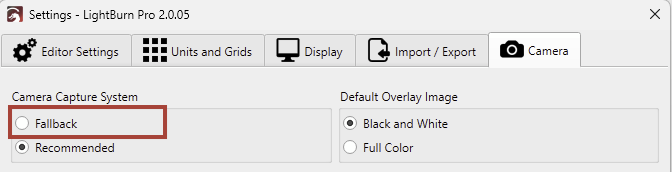
Please let us know if you can capture the overlay in the Alignment Wizard when you change to “Fallback”.
Hi, Thank you for your response. I did the lens calibration with the AprilTags (and tried the dots). Discovered that the distance from the camera to the bare table is the exact distance to get very good results. I did select the “fallback” option and no change in outcome. I switched to an old Surface Go which is horribly slow but both sequences went off without a hitch. This implies that there is some issue with windows/camera/LB. The PC is a current small budget “gaming” PC running W11. I did an update and no change. I did not (yet) delete the camera driver and reinstall but did reinstall both 2.0 and 1.7 multiple times. The camera driver is on the list, just needed to get some things pushed through
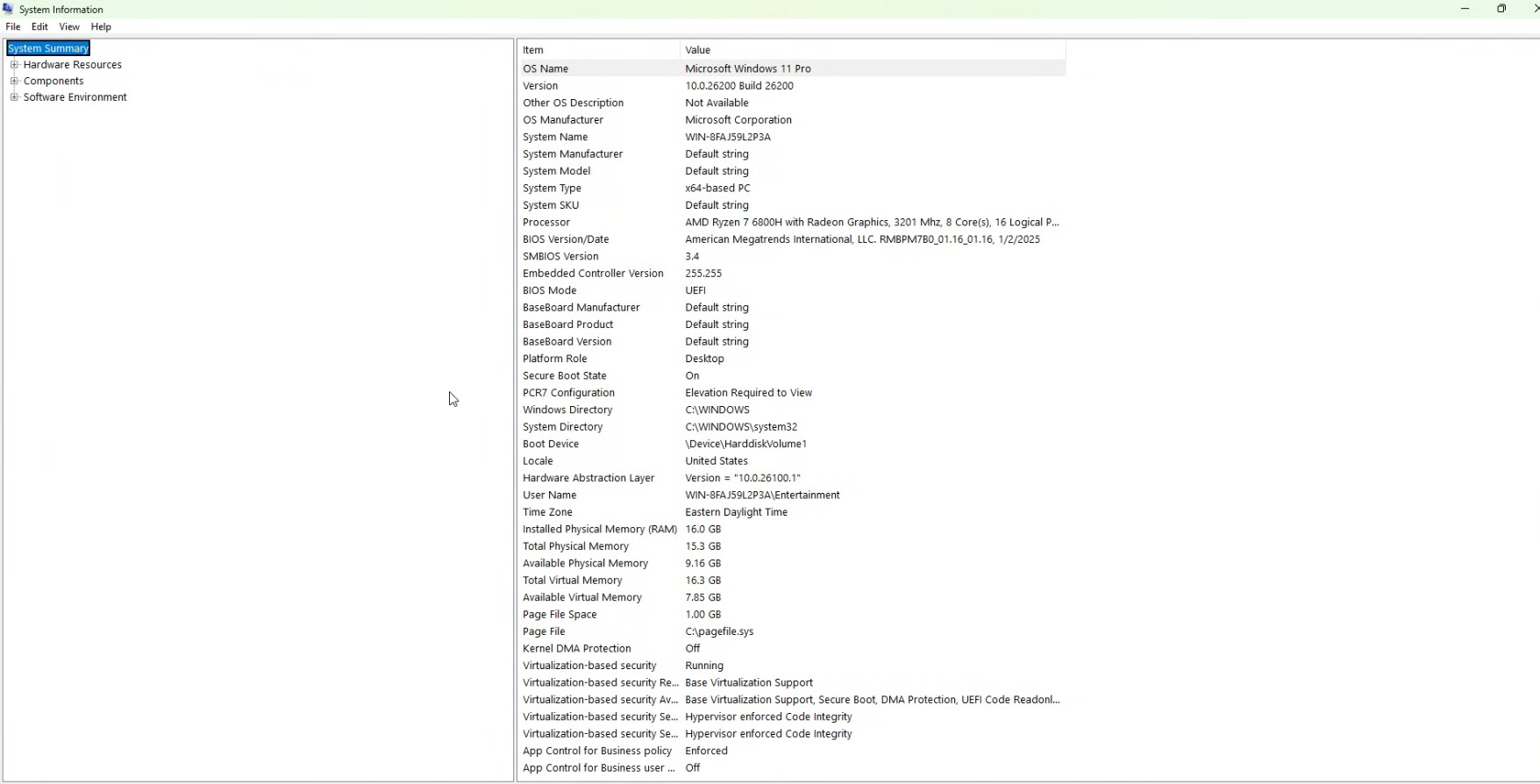
Here’t the first page, LMK if you need the other 3 or this is good enough. The PC is a
Brand ACEMAGIC
Operating System Windows 11 Pro
CPU Model AMD Ryzen 7
CPU Speed 4.7 GHz
Cache Size 16 GB
Screen Size 1
CPU Manufacturer AMD
I have two seats occupied fiber lasers on one and in another work area the Ikier K1 and just bought a CNC that I was going to trial the CNC software on. I wanted to upgrade both seats to quicker PC’s and this one I had on had so when one died, I used it as a backup.
Will the transfer of the calibration file work? I can do that but the question of why it won’t calibrate is kinda hanging out there. If I upgrade to a couple of faster computers, I’d like to know how to fix whatever seems to be the cause.
 .
.