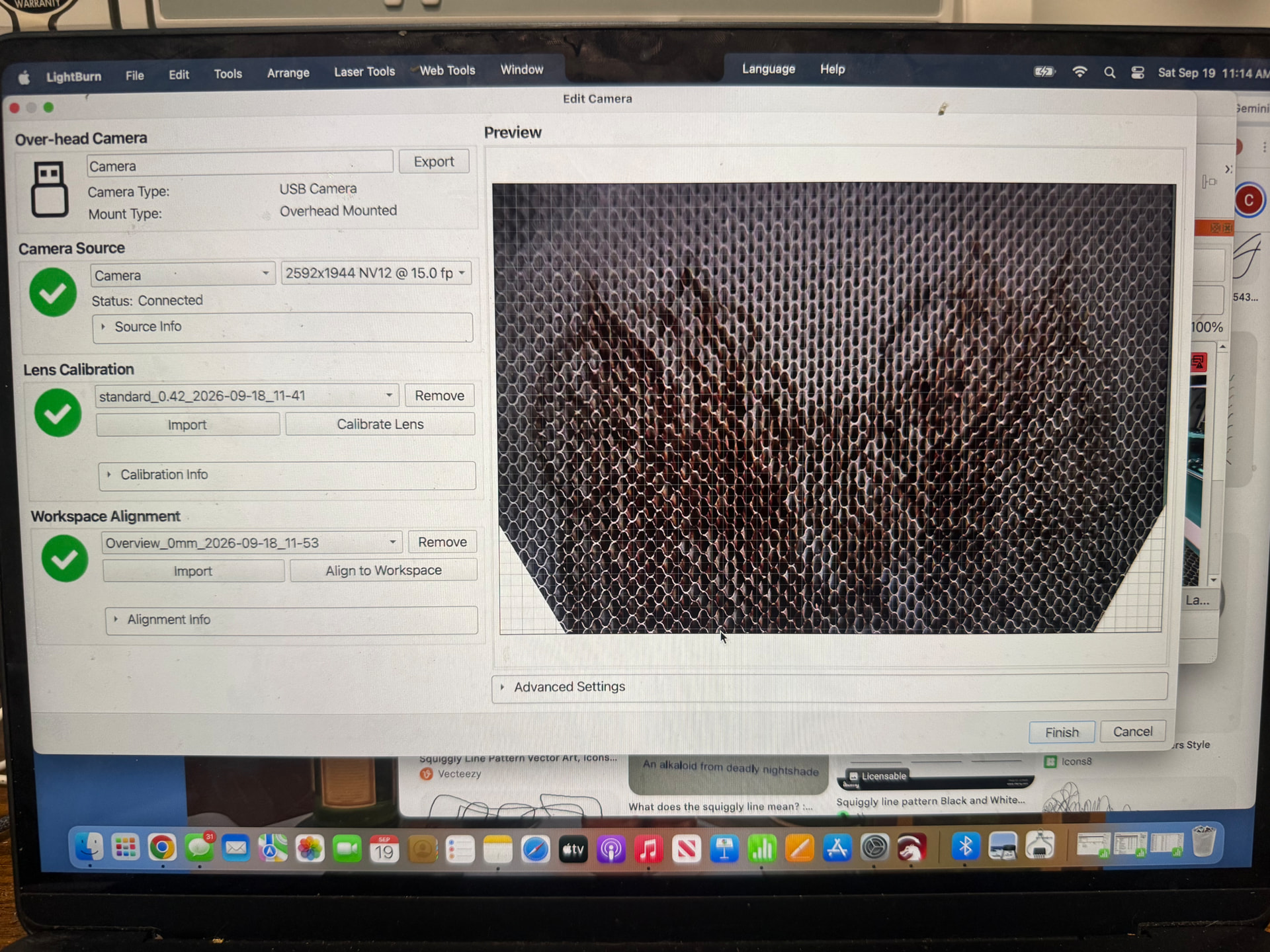
I’m using LightBurn Pro 2.1.04 on a Mac with a Thunder Laser Nova Plus 24 and its built-in overhead camera. I have completed the lens calibration and believe the camera alignment is now correct. The live camera feed appears in the Cameras panel, but when I click Update Overlay, the camera image does not appear over the LightBurn laser-bed workspace. Changing the opacity affects the workspace
grid, which suggests an overlay is present, but the actual camera view is not visible on the bed. Has anyone experienced this or know which setting could prevent the camera feed from displaying as the workspace overlay?
…sorry, but it needs to be redone. Either your lens calibration is wrong or you haven’t aligned your camera correctly to the workspace, I’m guessing the latter.