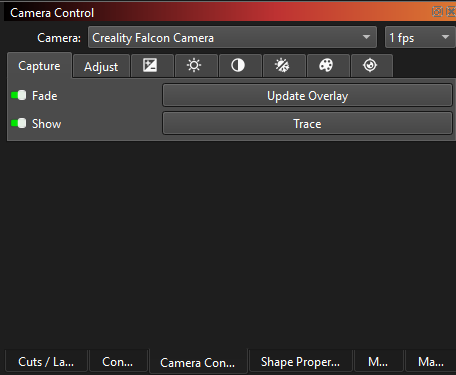
When I first setup the camera I was able to monitor live the process from the Job, not after updating Lightburn. I can only update the overlay image. Is there a toggle to keep the camera on at 1 fps or 30 fps? I can’t find any anywhere.
When I first setup the camera I was able to monitor live the process from the Job, not after updating Lightburn. I can only update the overlay image. Is there a toggle to keep the camera on at 1 fps or 30 fps? I can’t find any anywhere.
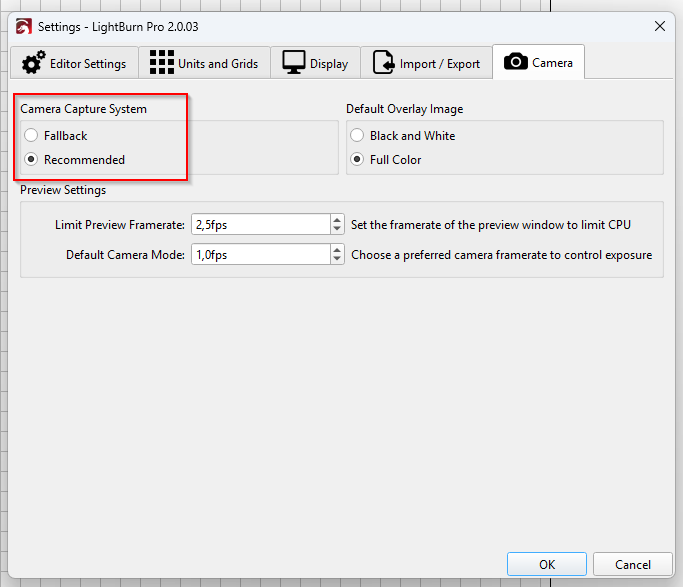
First, try to switch the capture system and check if it works then.
You mean camera setup? Where is this defined?
This topic was automatically closed 30 days after the last reply. New replies are no longer allowed.