I’ve just updated my camera, calibrated, and aligned. I do see my wood piece on the laser in the overlay display. My question is that I do not see what’s on my lightburn screen show where I want to place it on the wood on my laser bed. Can someone tell me how to do this please?
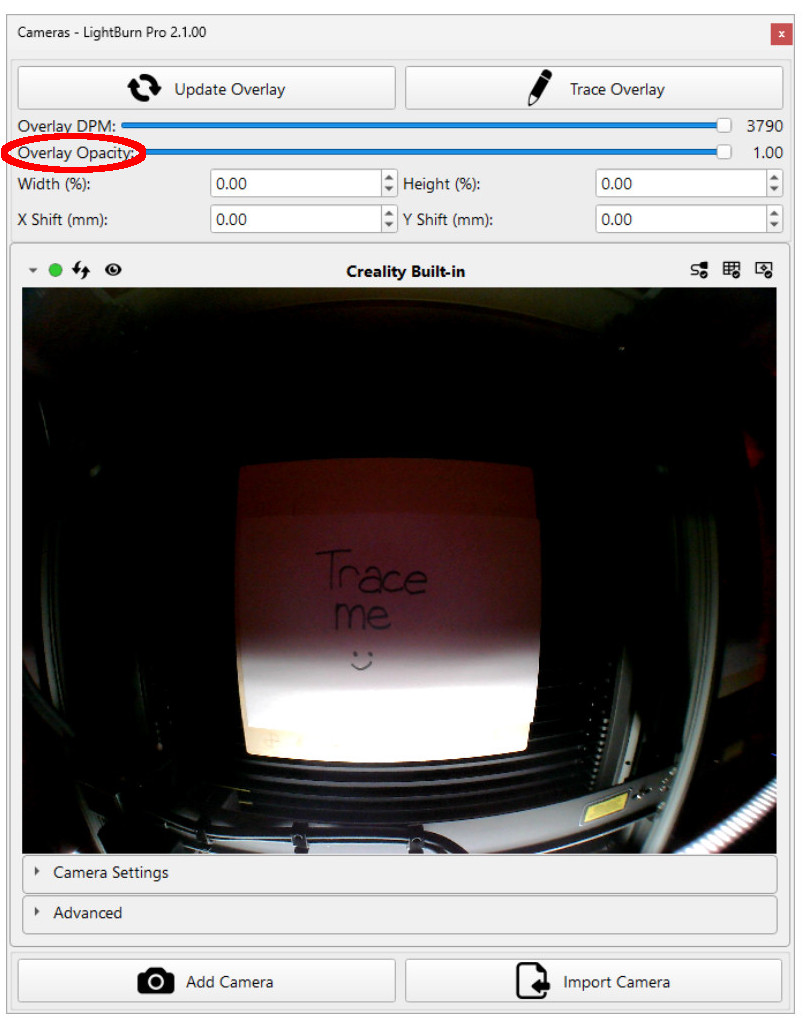
Open the LB drawing so that your engrave design shows on screen. Then update the camera image. Both should show on screen now.
BH