While engraving any project on a Mac M4 Pro with a Creality Falcon A1 Pro, with plenty of memory, if I refresh the overlay image or capture, Lightburn crashes and stop the engraving. I now have to save my GRBL codes on a drive and transfer it to the machine, which is considerable time wasted back and forth to my machines. this has started after installing the last MacOS update. now I’m worried that it will get worst when MacOS 27 arrives next month, and without any changes to Lightburn software. is there a grand plan to come up with a new version for silicon version (ARM) for the million of MAC users. Normally you don’t see many post from Apple users, as everything functions relatively well compare to Windows (I switched for that reason), but now it seems that Lightburn is in no rush to compile a great software for Apple ARM users, like it use to be. those bugs cost time and money to your customers, please do something before MacOS 27.
We have ARM builds for macOS in testing currently - so don’t worry on that front.
Can you copy and paste the crash log into a reply so we can see what the issue is?
good afternoon Colin, thank for your prompt answer. As I am not relatively used to crashes on LightBurn, do you mean the MacOS crash log for Lightburn, or is there a crash log within Lightburn itself?
i.e LightBurn_2026-08-05-122410_Apple-iMac-M3.cpu_resource.diag
If LightBurn crashes gracefully (99% of the time) it will leave a crash log on your desktop
If LightBurn is crashing, but not showing a crash report before doing so (like in this gif)
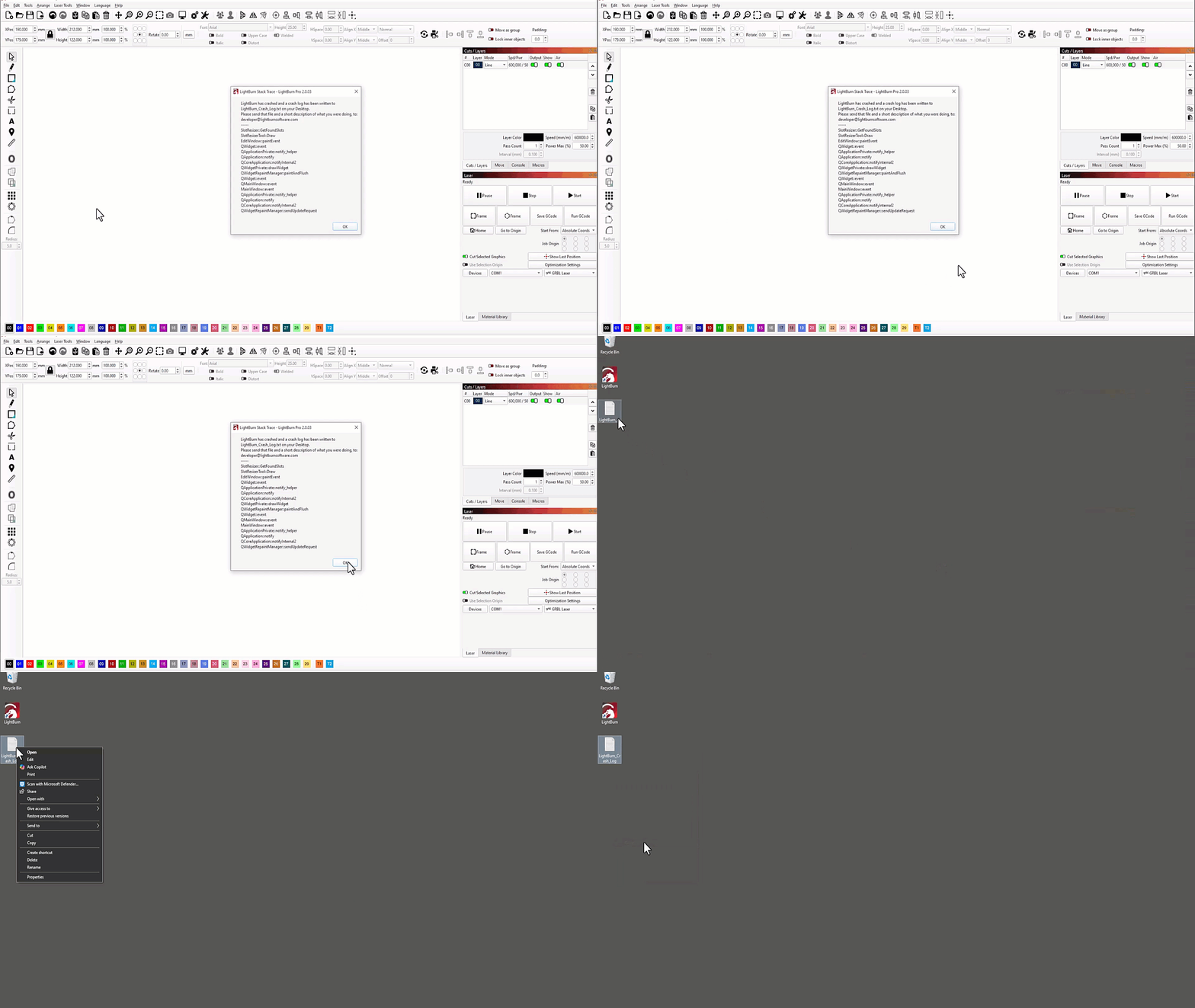
Then the crash is happening at a system level - usually this only occurs when the PC/mac that LightBurn is running on runs out of memory. In that case, the .diag would be helpful, yes.
I’d like to look into that in more detail.
Does Update Overlay work correctly with a new project?
If you used “Load from Preset” when adding the camera, it will connect it over “Network-USB” / RNDIS.

This can sometimes take a few seconds to update the overlay. It certainly shouldn’t crash LightBurn, even when a large project is open. Please send us crash log, or a screenshot of the crash report shown in Colin’s GIF above.
I used the A1 Pro intensely last week and didn’t notice this problem.
Working on an old MacBook and Windows 11.
Can you send me your current device settings, please?
You can export the settings from the Devices menu
I’d like to try to reproduce the crash on a newer Mac.
Colin, I tried to attach the .diag file but it won’t let me, and when I tried to copy and paste the content, it goes over the characters limit. I had no crash log from Lightburn. I had another issue which might be related, I had a bad USB cable connected to my hub, which could be the cause.
Try ???.diag.txt instead. What can be uploaded is limited for security reasons.
A faulty USB cable especially on macos can cause weird issues. MacOS has some pecularities about their USB implementation, especially if unexpected errors occur downstream, macOS can disable USB features selectively. You cannot permanently disable macOS’s built-in safety cutoff for USB power faults without third-party scripts, which we don’t recommend.