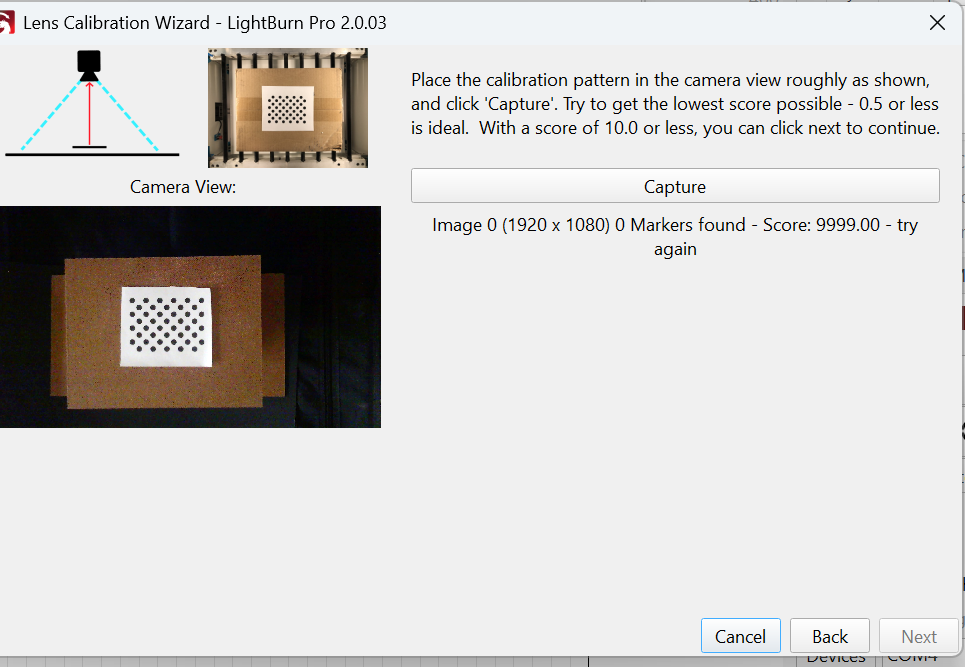
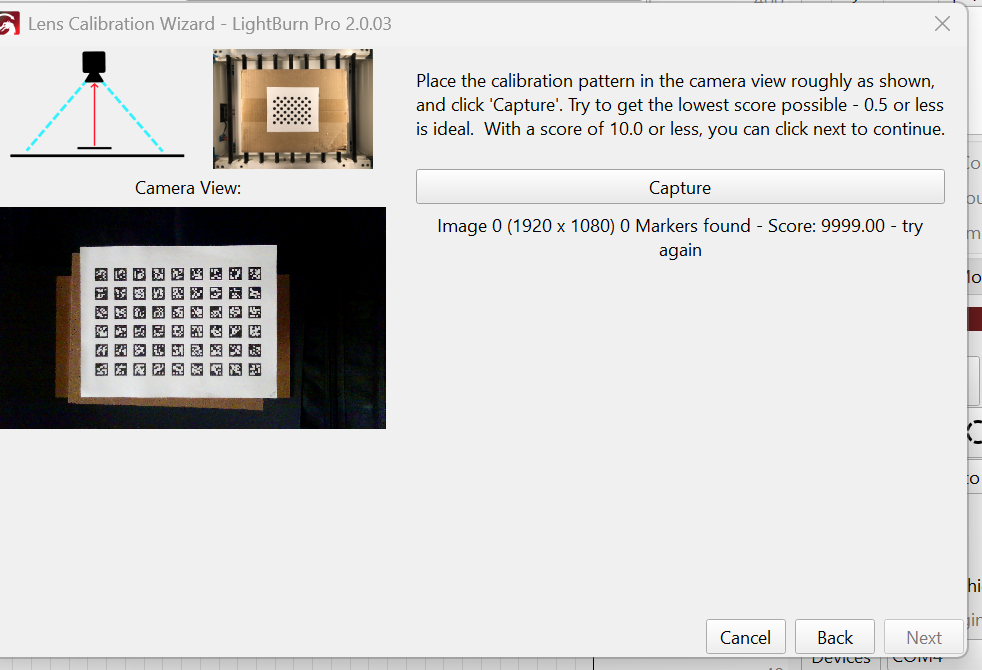
I’ve read just about everything I can find in the forums but still can’t get camera calibration to find the markers. As in the images below you’ll see I get a 0 Markers Found result no matter what I try.
This is a generic USB camera (showing flipped left/right on screen) mounted directly above the laser. Just to try and get a successful calibration shot, not being concerned with actual table location for now, I’ve put the pattern on top of a box sitting on the laser shroud. This gives me the 1/9 image coverage on the dotted pattern.
Both patterns shown are downloaded recently from the Lightburn website.
I’ve tried both regular and fisheye lens settings with the same results.
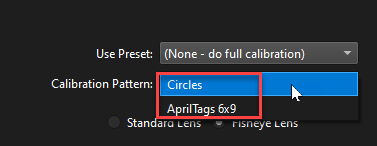
No, did not select circles. Both tries were done with the AprilTags 6x9. That you for point that out. I’ll give it a try with the circles and report back.
If that doesn’t do it I’ll try:
Right-click in Camera Control window and select **Calibrate Camera Lens with Tag Tracking (Labs)
Okay. Good headway but still not there. Got a good lens calibration of 0.43 and hit NEXT. Then nothing happens. I tried numerous times and NEXT gets grayed out while CANCEL, BACK and CAPTURE buttons all remain active. But it stays on the lens calibration screen. I’ve even left it for several minutes with no change.
I’ve done it with HONEYCOMB CHECK enabled and disabled with no change. It seems to hang on this screen.
I tried closing the LENS CALIBRATION screen with CANCEL and opened the ALIGNMENT wizard. It says I have to do the lens calibration first so that step isn’t being saved if I cancel out.
Problem solved. I didn’t realize it wanted to take 9 images. I misunderstood and thought that was from an older version of the software. Got it working now.