Hi, new to the forum and hoping for some help with my cam five 100w laser machine (model number CFL-CMA1080k). it has a ruida controller that still works but simply will not communicate with the computer via ethernet or usb. i have tried everything with drivers, cables, device manager, you name it. I’ve even tried multiple computers and after some technical help from cam five we have determined the machine needs a new motherboard. the problem is, how would i get all of the machine settings from the old unit with just the ruida display alone, no computer will communicate with it.
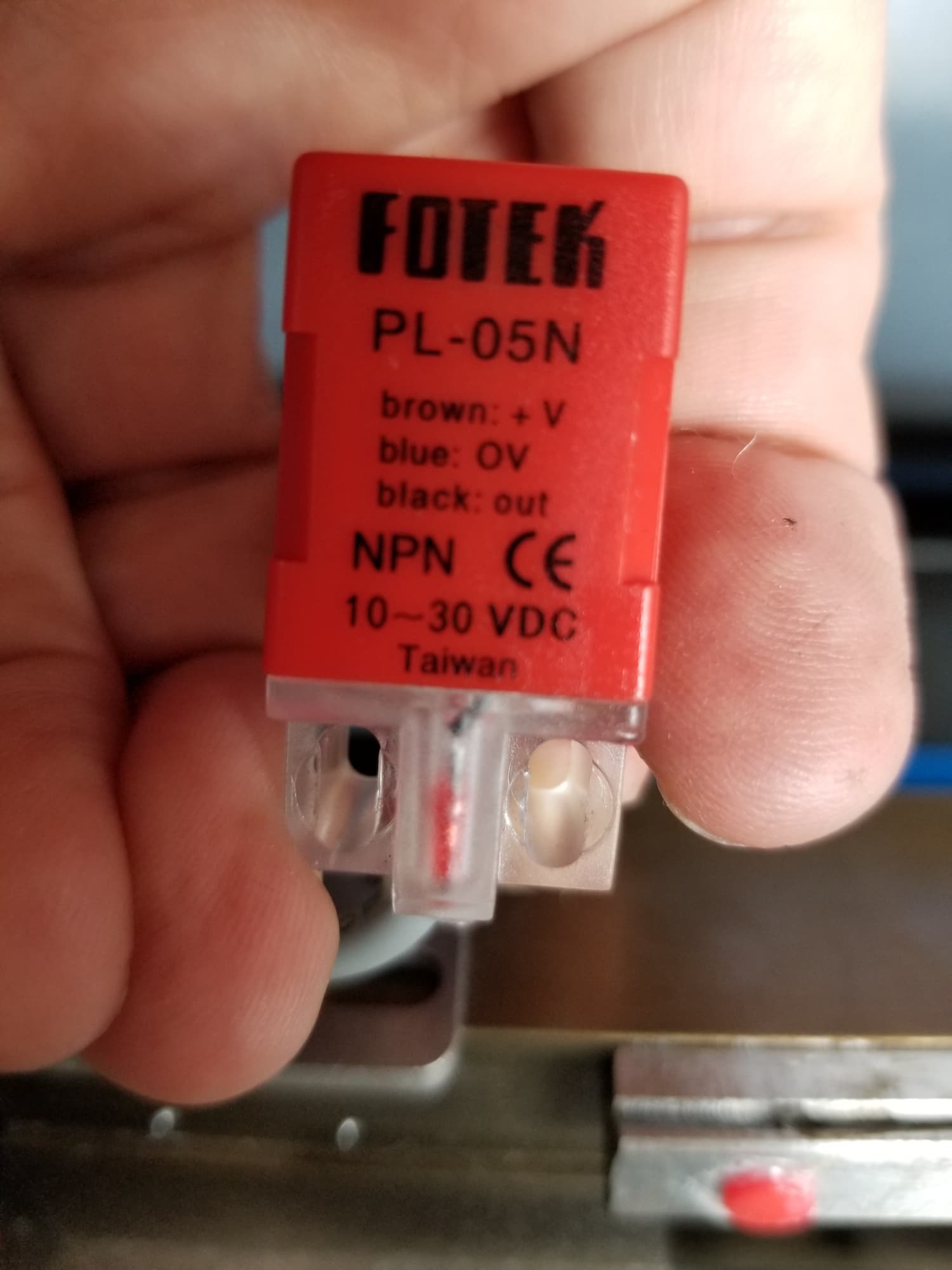
I ordered a cloud ray ruida display and motherboard(Ruida DSP Controller RD RDC6442G RDC6442S) just to give it a shot and nothing happens, the display is just black screen. I was told by camtech that this wont work because of the x and y sensor voltage being 5v rather then the 24v that the cloudray unit is set at. is it possible to get this cloudray motherboard that I’ve already got working with this unit or should I wait on the motherboard from cam five at 5x the cost hoping that it will somehow work without knowing how to program it?
pretty good idea, I’ve used those for various things in the past. It would solve the problem… if I only knew the first thing about what I’m doing here. i don’t know which wire is which, and i still wouldn’t know how to program the new motherboard to work correctly. all that aside, still don’t know why the new motherboard wont power up the display that was provided with it, or the old display. the old motherboard will power up both the old and new display.
We can talk you through a rewire if you want to put Hall effect switches in.
Lets see what you have stock on the machine.
Most of the Ruida, stock have an IP of 10.0.3.3, so unless you can change it via the machine console. It’s likely you have to change the Ruida IP to go on most lan that are 192.168.1.x Did you run this to your lan or you PC’s Ethernet?
The Ruida is also a static device, it won’t ask your router DHCP for a unique address.
If you can’t talk to it, you’re only other option is to read it from the machines console. I’ve never done this, so I won’t be of much help.
Well i got a new motherboard from Camtech, I paid an outrageous amount of money for it because they said they can program it to the original machine settings. Installed it and the laser head just goes screaming for the front right of the cabinet until it slams into it. I was able to hit esc on the display and get it to stop clunking back and forth against the cabinet just to verify that I can at lease communicate with it on lightburn. I just need to figure out how to program the machine settings to work or possibly just do some type of re learn on the limits? don’t know where to start! please help!