im bissy with setting up two rotarys on my Atomstack X20 20W
Rotary nr 1 = Atomstack R3 Pro (Roller setting)
Rotary nr 2 = Xtool RA2 (chuck setting)
Xtool RA2 was no problem and found online that the best rotation setting was 160mm/per rotation.
Now i try to setup my Atomstack R3 and cant seem to get the rotation fine.
in the setup i have to go as far as 373mm/R and when i frame a line its more then 1 rotation.
When i setup on 253 mm/R the test is not correct but the frame test is almost right.
And the last question is can i save settings with a name of the rotary so i can select that rotary when connected and use the right setting instead of changing it everytime.
Lot of questions but important to know with multi rotarys
Hope you can help me out guys, thnx
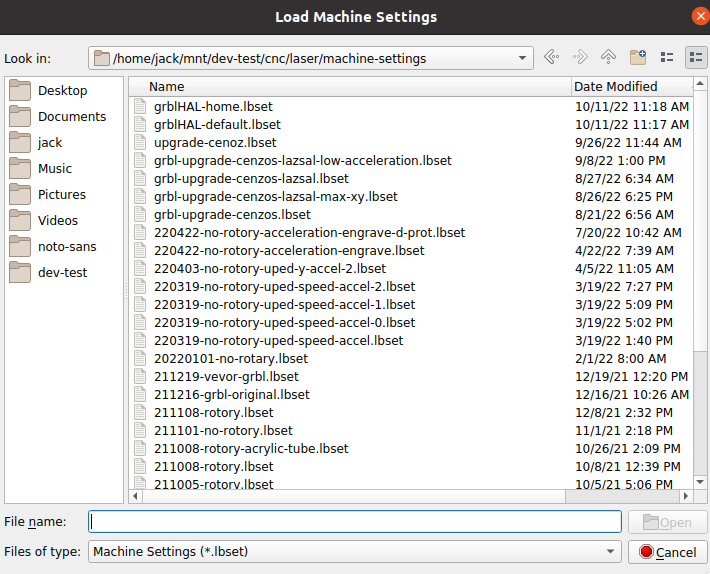
You can go to “Edit → Machine Settings” and use the ‘save to file’ option to save the current configuration. Make your changes, you can now ‘save to file’ to a different configuration file…
I believe that you’ll need two device profiles to make this work effectively.
You can use the Devices button in the laser window to generate a second GRBL device and switch your two devices as you switch rotary devices.
Click the Devices button in the Laser window and open the device list, Right click on your device GRBL or Atomstack X20, and select Duplicate then name the devices differently.
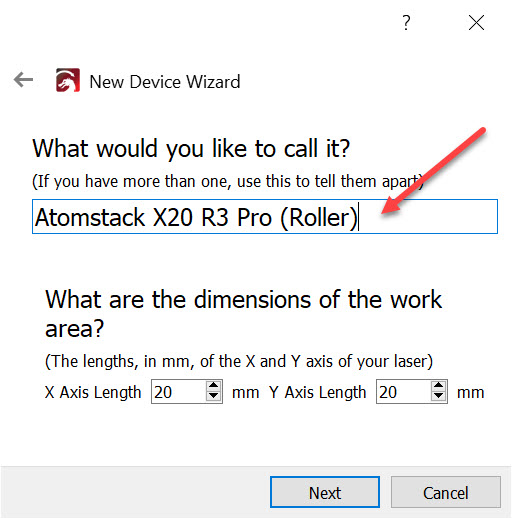
You can edit the name here: