Hi all,
I have installed LB 2003 connected to Atomstack P1 mini and Rotary chuck R8
problem is the button Rotary enabled yes/no
If I choose for no the rotary chuck is still enabled.
In the move section the rotary chuck starts spinning instead of moving the laserhead in the Y direction.
What is going wrong?
Thanks in advance for a reply
cheers Ron
Perhaps refresh the machine between using rotary.
Right click on the “Devices” button in the laser window to reset the current device config.
Or simply restart your laser and LightBurn to be sure.
Did you reconnect the Y axis wiring to your controller?
I had another thought after running through the short tutorial here:
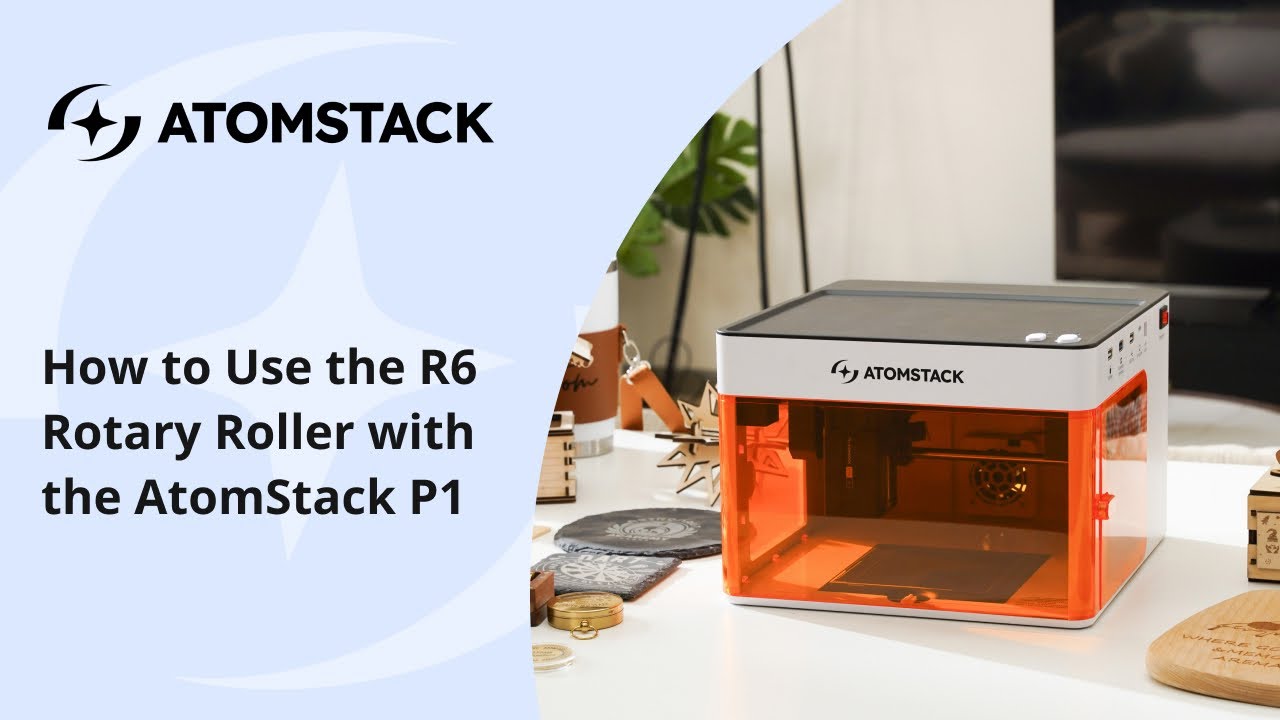
They state to turn on the rotary using the Atomstack studio app. Have you tried turning the rotary off using the native application ?
1 Like
This is expected. The rotary wizard does not change anything in laser control. It just changes distance computation.
If there is a software switch for your device available, you need to send it manually. For example with the Sculpfun icube ultra, it’s $48=1.