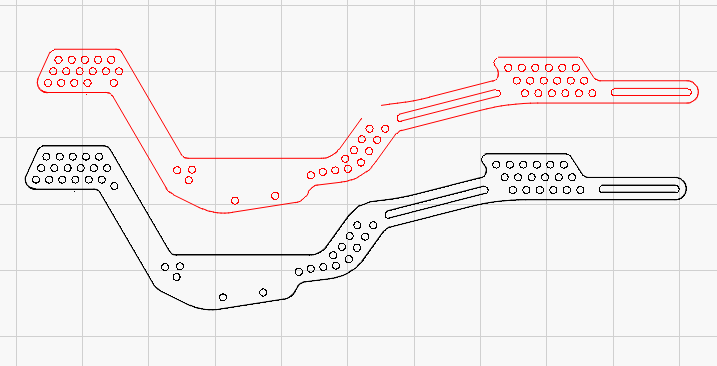
This file was a .stl file and I used an online converter to convert it to a .dxf. It seems to be all there but it is made up of a lot of little sections and I don’t seem able to join them at all. Check it out and see what you think. Thanks!
Select all your shapes
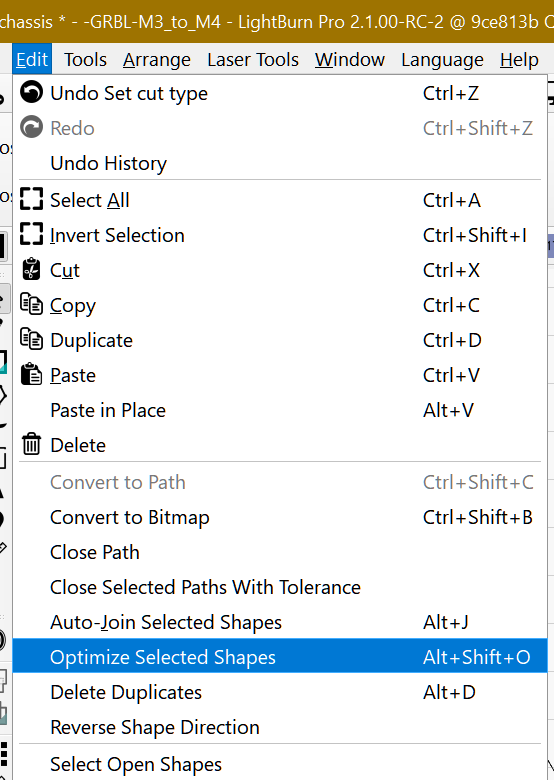
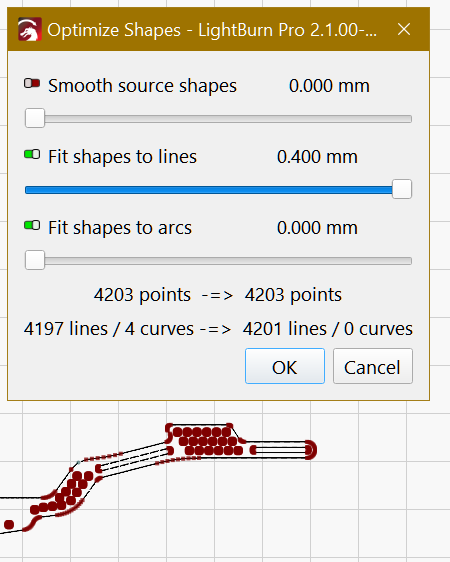
Optimize selected shapes
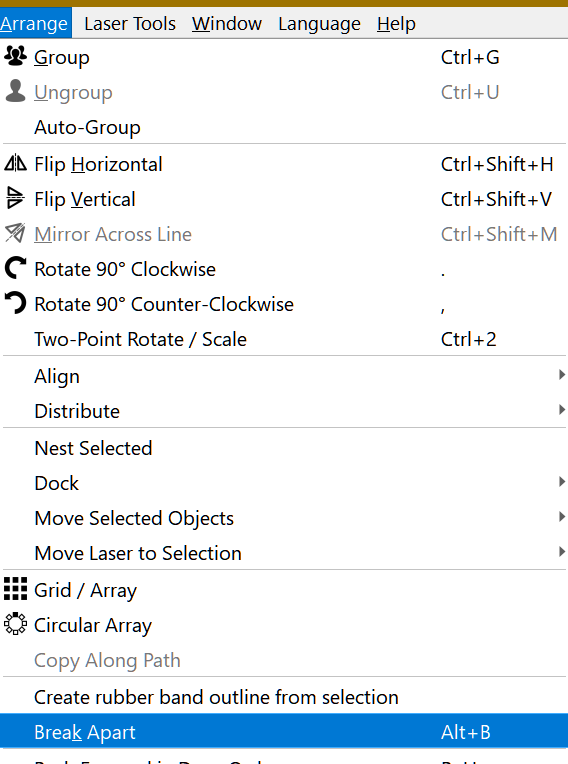
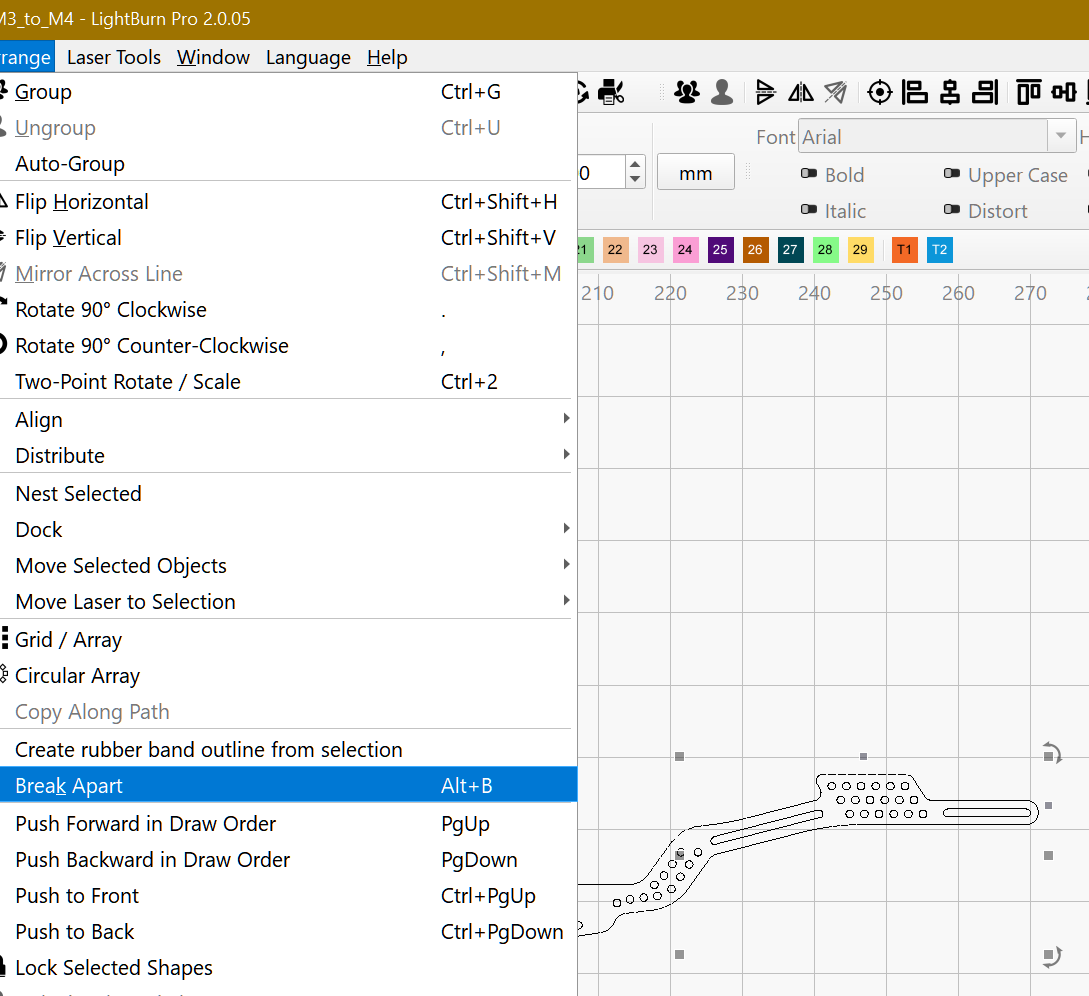
Break Apart
Auto-join selected shapes
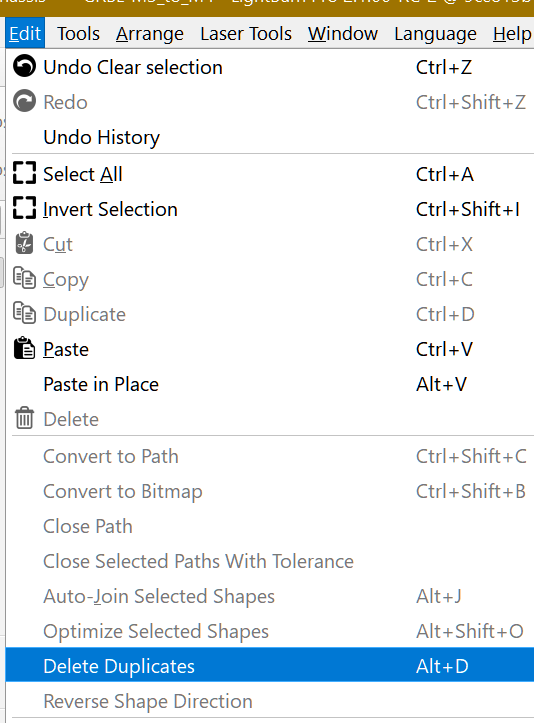
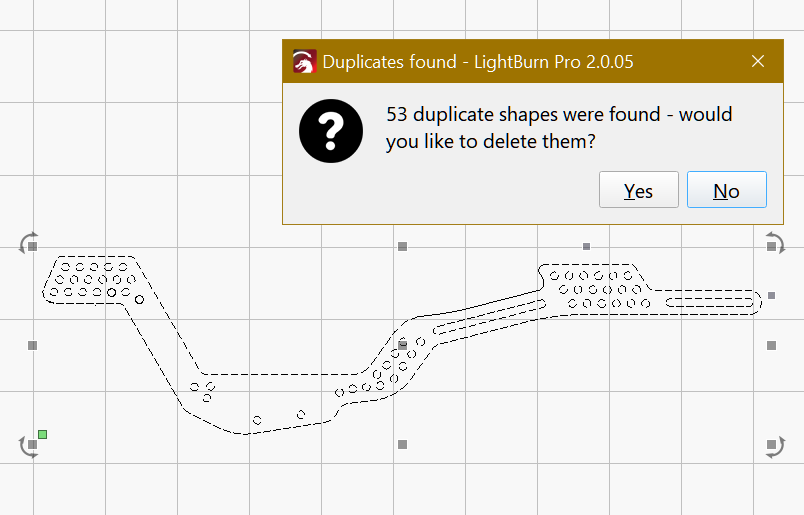
Delete Duplicates (the file has 53 duplicated shapes)
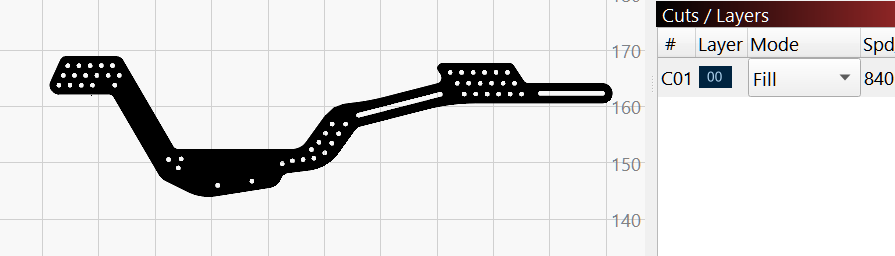
Check by setting the Layer to Fill
You have to Break Apart and Auto-join. Did it on 2.0.05 it´s the same.
Edit: I changed the order of my usual sequence 1.Break-Apart 2.Delete duplicates 3.Auto-Join. This is the correct order. You should get more duplicates.
Sorry about that.
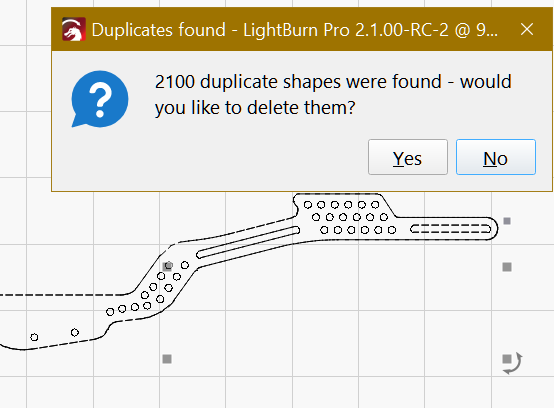
In fact, with the correct sequence, your project has 2100 duplicates.
Yesterday things got a little mixed up, I had to go to bed early for an exam I took today.
I’m glad everything worked out.

 Thanks for your input!