Ok, not good at explaining but hope I get it right. Have downloaded 2 types of Grid coordinate patterns for my Falcon 2 laser but for the life of me I cannot get it to laser the full grid as all it will laser is the grid no.s & lower small rule lines at the bottom & left hand side. the downloaded designs were for the Falcon2 . when I click preview I get a message saying ( one or more of shapes are crossing the edge of machine workspace & will not be sent). workspace is 400 X 400 it works for others with same Falcon2 but not mine. Why? makes no sence
Since we can’t see what you’re working with, Please post a screenshot (not a cell phone pic) of your entire Lightburn screen with your project loaded and the Cuts/Layers Panel and Laser Panel visible.
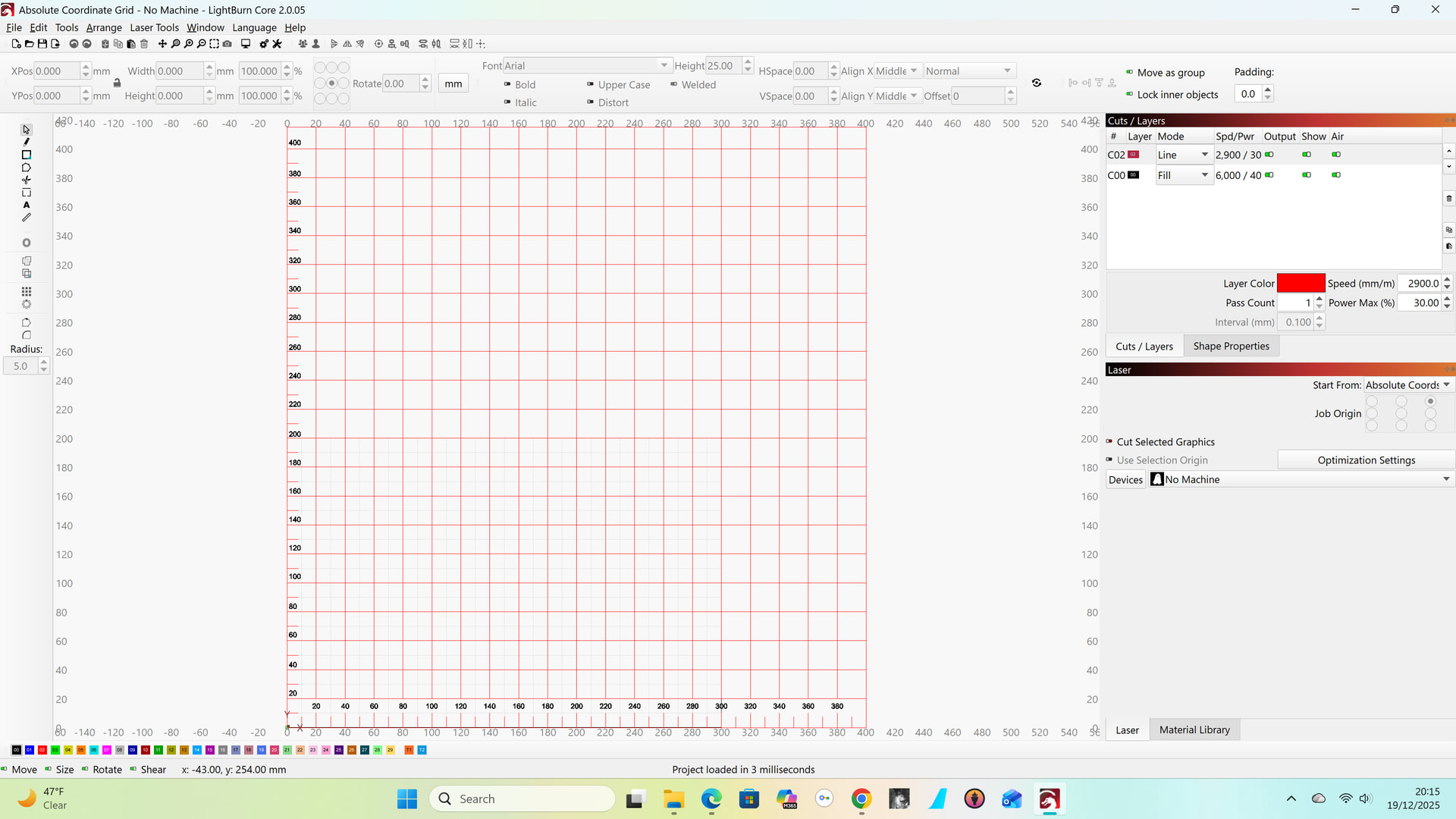
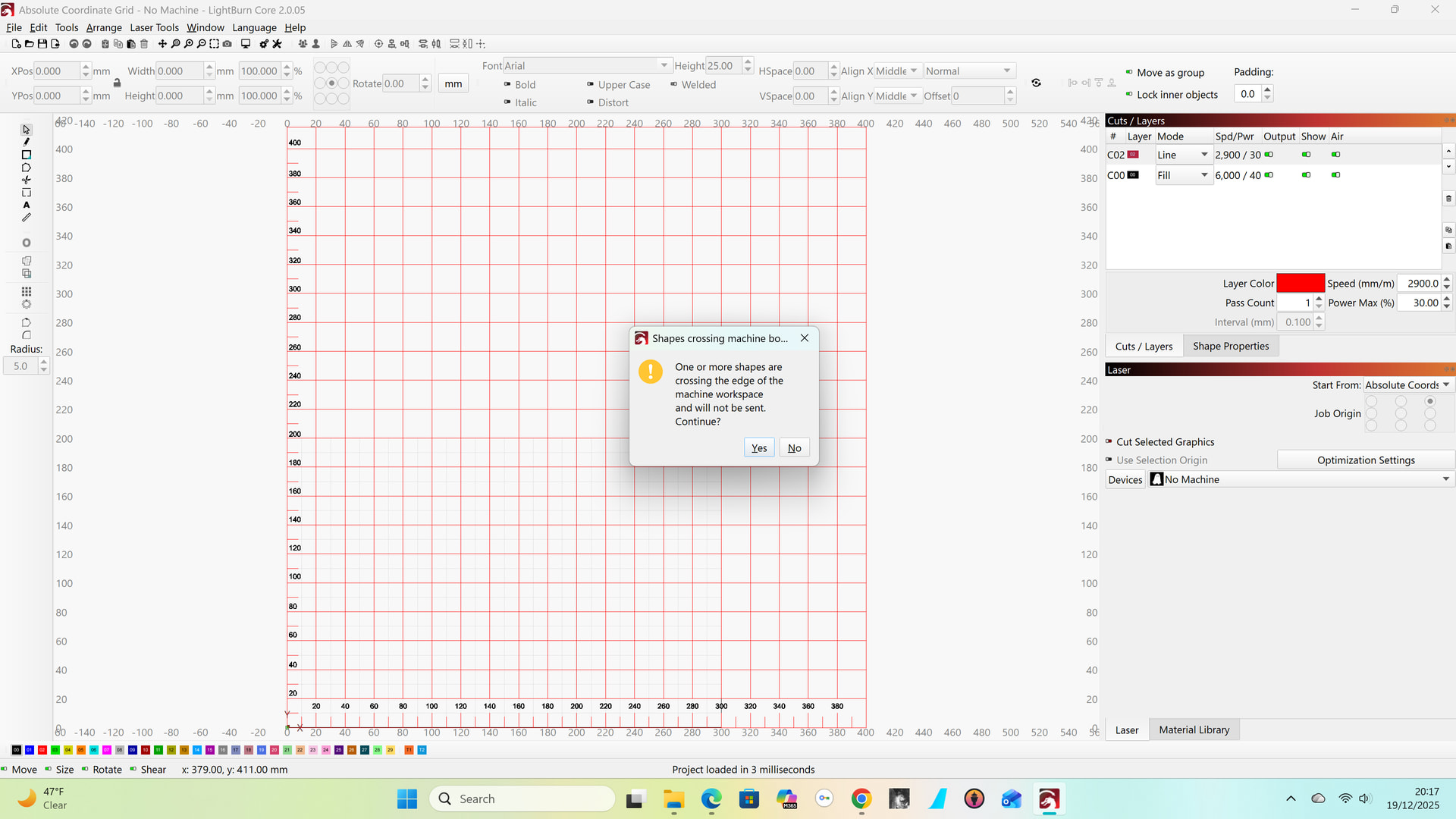
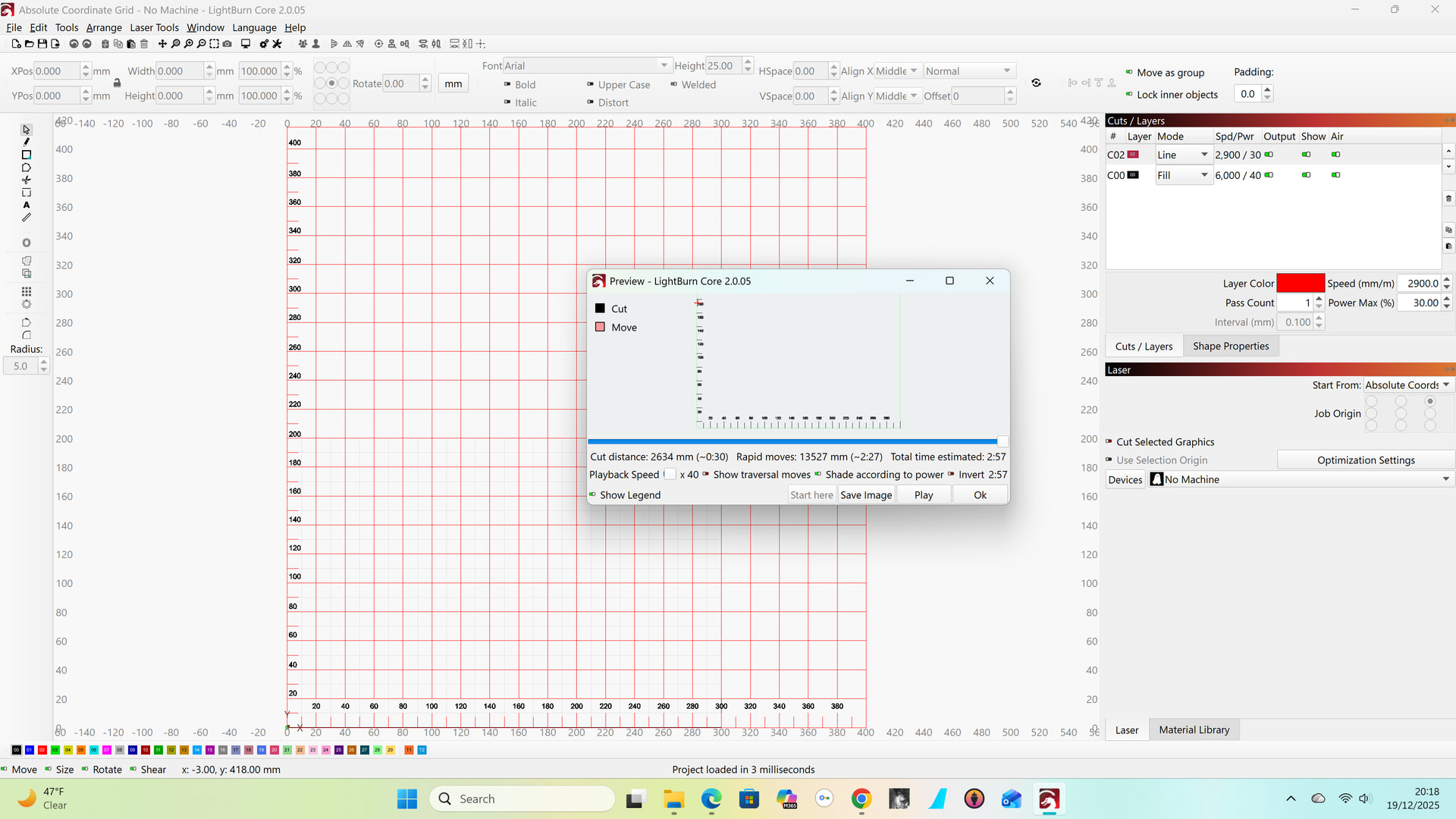
It looks like the grid is more than 400 high. Click on the grid the look at the dimensions in the toolbar.
height is 415.000mm but i’m not sure how to reduce this by way of removing the lines and moving the numbers
Probably he simplest way is to use the scissor tool and cut the parts you don’t need.
1 Like
Thanks, will give this ago
Thanks again, learn’t something new. no longer get same issue which has been racking my brain all day. will be giving it another go tomorrow
2 Likes
This topic was automatically closed 30 days after the last reply. New replies are no longer allowed.