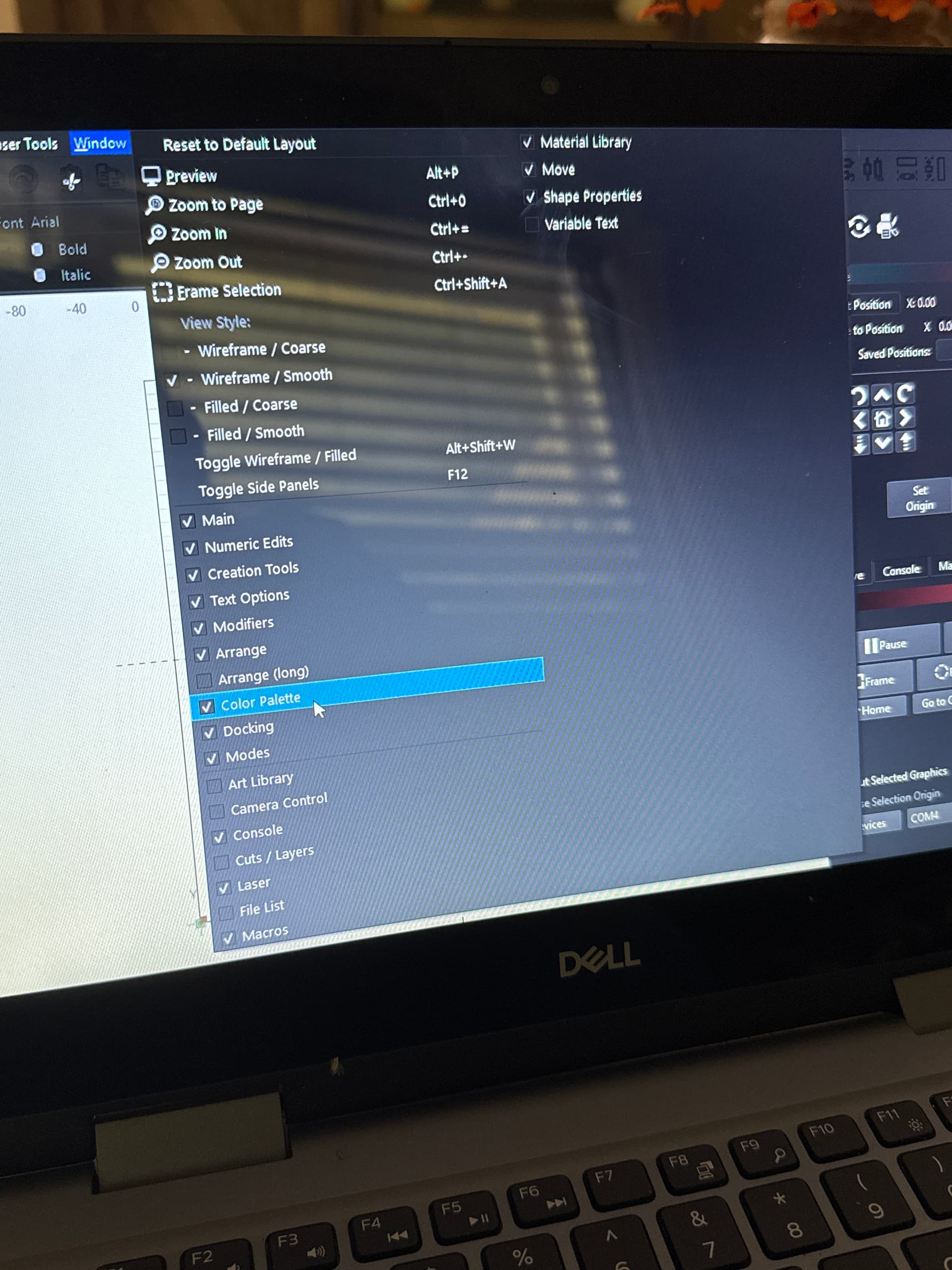
I cannot get color palette to sho no matter what I try. I also cannot maximize or minimize the light burn screen. Any help is appreciated!! Can’t really use it until I can do layers and without that at the bottom I am at a stand still … HELP PLEASE!!!
1 Like
Check this discussion: Lightburn 2.0 today - Scale Issue - #31 by gilaraujo
Did not help. I’ve tried all of the options they said and still doing same thing … ready to give up and try different software
Please post a screenshot (not a phone pic) of your entire screen with the menu closed so we can see what you’re seeing.
Try WinKey+UpArrow.
Had to use it myself about 5 minutes ago! 
2 Likes
That worked!! Thank you so much i have spent days on this not knowing how to fix!!! I appreciate it!!
1 Like
Glad it got you going! I just learned this Windows thing about a week ago, And I have been a Widows guy for manyx4 years. 
1 Like
I’m in the same place Shannon with no colors on the bottom. There were there the first 2 times I used LB but nothing since. ;(
THAT WAS IT.. win key + up arrow.. Who would ah thunk it:
1 Like
Yes that worked!! Try it!!!
Which seems a completely different experience than being a “Linux guy”.

That was not a trick question, right? 
This topic was automatically closed 30 days after the last reply. New replies are no longer allowed.