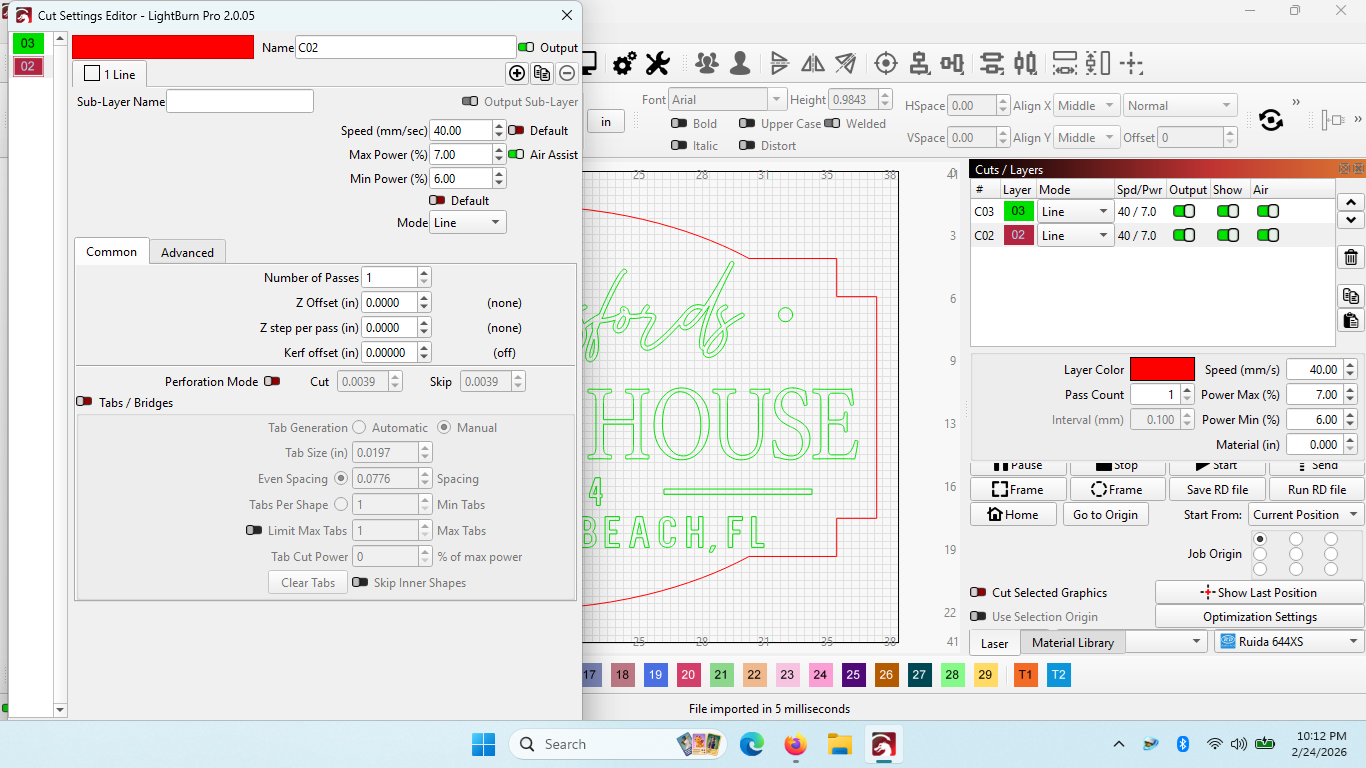
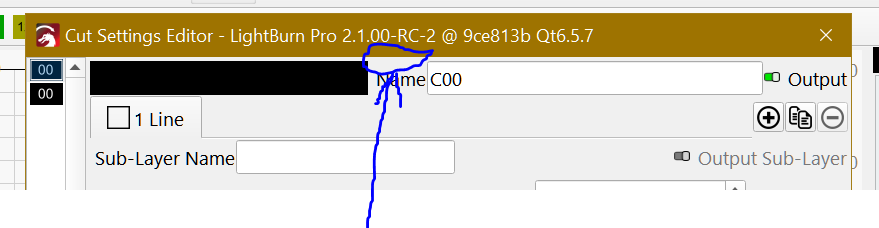
I am still having difficulty with resizing the Cut Settings Editor dialog box.
Seems like it first started with V 2.0.02. Still happening with 2.0.05.
Win11 1366 x 768 display
Cannot shrink or shorten.
Cannot get to the buttons at bottom of the box. i.e. “Make Default” (Any workaround for activating the “Make Default” button?)
I tried going into Properties off the shortcut icon Compatibility - Change High DPI Settings - Override - System Enhanced as instructed in a YT video.
No luck with that change.
SIDE NOTE: I purchased a license and installed MillMage today. Using the same laptop. Those Dialog Boxes can be ReSized. So I have hope to see them repaired soon on Lightburn.
That is the problem. Cannot access the bottom, its off the screen. The box can be moved left to right on the screen but the box height cannot be down-sized to get to the “Make Default” button on the bottom. Does anyone know of a shortcut key to activate the “Make Default” function in that window?
Thanks for that info. Unfortunately, no mine does not move that way. I can right click and select Move, and the box will go right/left/down. But it will not go up. Nothing I do will give me access to the options at the bottom of the box.
I really was hoping to not having to revert to an older version. Especially because this functionality is fine in MillMage. Lightburn has become essential to our sign business. We live in it daily.
If you’re using MillMage and LightBurn for your business, you will have a huge boost to productivity with a larger screen resolution.
We do our best to keep screen minimum resolution low, but at a certain point it starts hindering our ability to introduce features and UI improvements.