I am using outlined text from Illustrator (have done 100 times before). I sent the first job today to engrave and cut. Came back, closed that one, imported the next one to work on and I must have clicked something or turned something on/off that now does not allow me to select shapes by cliecking on them.
I’m using the selection arrow from the toolbar. If I click on the center of a shape (aka an already outlined letter in my case) as I always have, now nothing happens. There are no marching ants. I can click on the outer edge and get the marching ants, but when I select the next letter (have to click on the very edge) I cannot use the weld feature.
I have ungrouped everything, checked to make sure everything is unlocked (it is) and cannot select anything by clicking directly on the middle of it. The Drag to left select works to select it, but still no welding . Same with the drag to right. I closed the document and opened a different saved project, but the tool is still working the same…I cannot select the shape by clicking on it. Help!
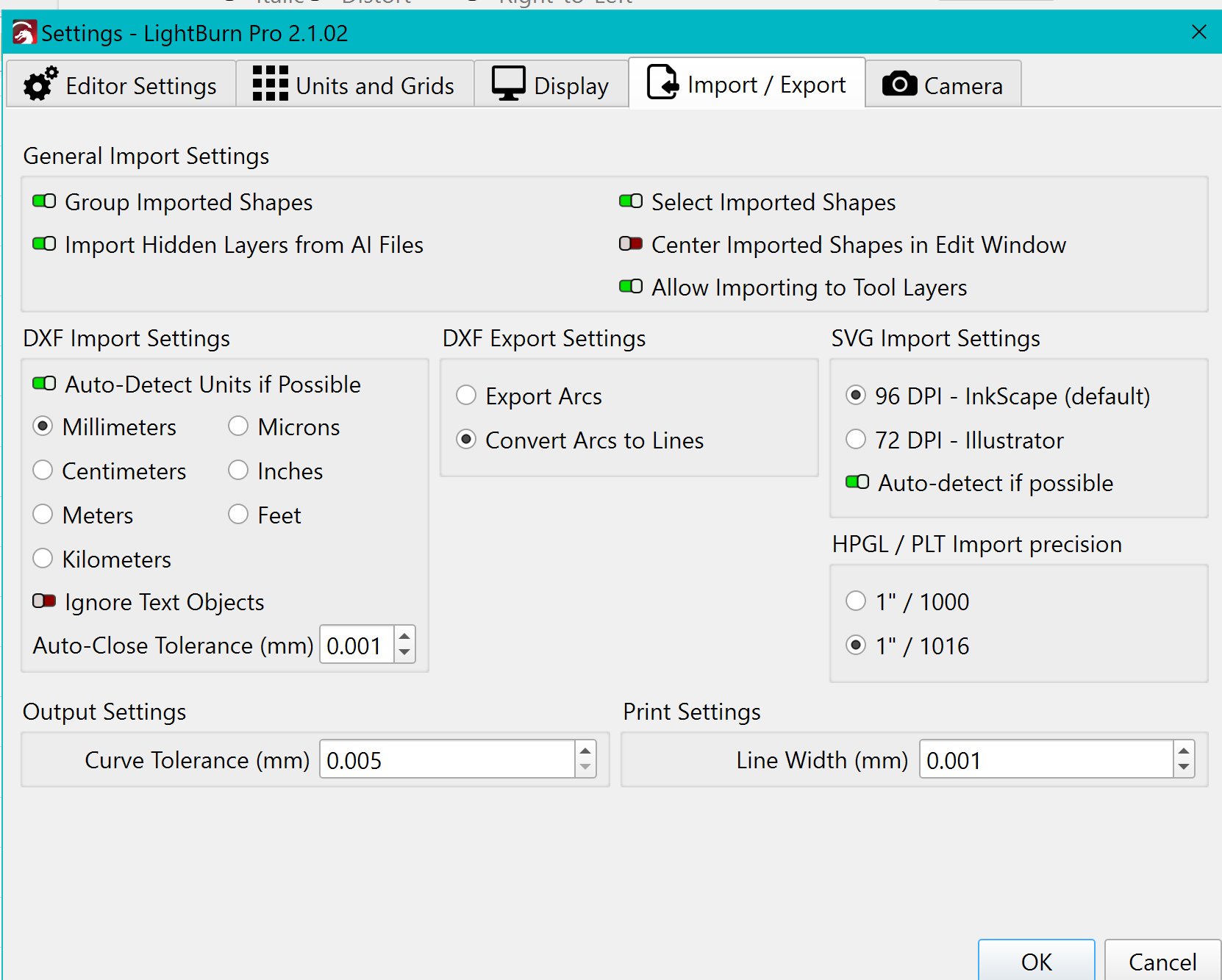
I have never been able to click in the middle of a shape and have it be selected. In the Settings window (not sure which of the two) is something saying how many pixels away you can be and still select something. Is it possible you had that set very high, and now it is a smaller number?
If you had ‘Filled Rendering’ enabled, this allows you to click anywhere on the filled shape to select. If in wireframe, you can click any line of a shape to select the shape.
There is also drag selection. Dragging from the right to the left will select anything ‘touched’ with the selection box. Dragging from the left to the right will select everything that is completely ‘inside’ the selection box.
If willing, please share your project file so we can have a look.
I think I found it. My designer originally exported out of Adobe indesign, which made the PDF file that would not work. When I opened the original PDF in illustrator and created the outlines there, then it worked. I’m thinking that something in Indesign is failing to close the shapes? They appear closed…