I have an unusual problem i havent come across before: im doing a living hinge box that has slots inside the the perimeter of the main folding piece. Ive set the slots to a different layer than the living hinge because i cant close the vectors on the hinge, even after checking all the slots are closed and on a different layer i keep getting the same error: cant apply kerf offset because of open shapes. How do i get around this. tis doing my head in wasting material.
We can each provide wise advice describing the theory of kerf… but if we (I) are to be able to help you specifically, you must provide the actual lbrn2 that you are having problems with.
You can use LB to show all open shapes (Edit-> Select open shapes). Then you can switch to node edit mode and examine the shapes, where they are open.
If you have open shapes, the only other way to apply kerf is to resize the shapes accordingly, because with an open shape, LB can’t predict where the inside and outside of the shape is.
im using 2.1.04 Ive attached the file. i dont know how to close vectors of a living hinge or even if you can, i thought i’d be smart and put the hinge and surrounding cutout line thats connected to it on a different layer: guess im not as smart as i thought lol. So i assume its not going to happen until i the surrounding part im trying to work inside of is closed. Thats the original file, not the one ive been working on, no longer have that, i pulled the pin on it and deleted it lol.
Your file, like many other purchased/converted files, has some problems with layers and overlapping nodes as well as unclosed shapes.
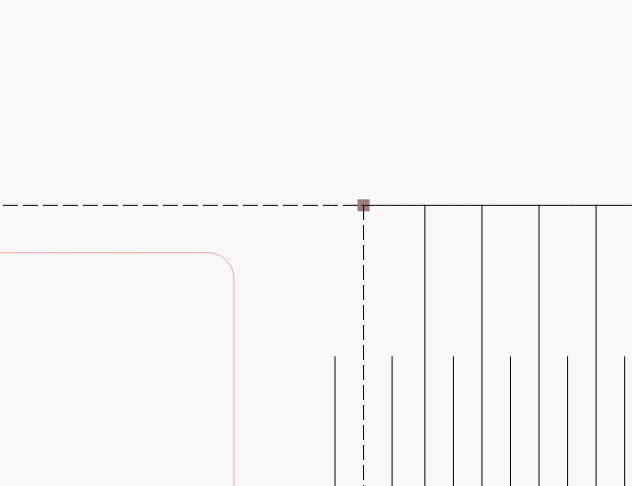
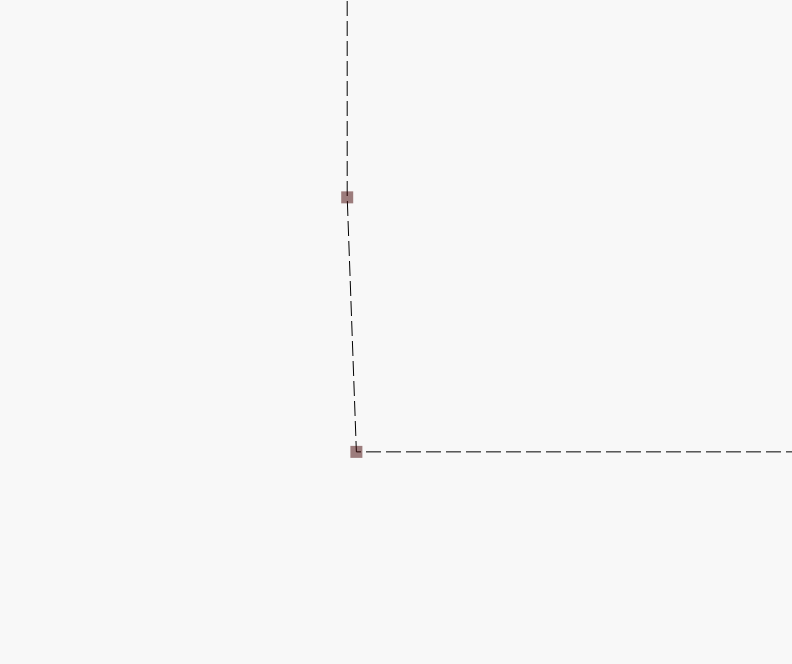
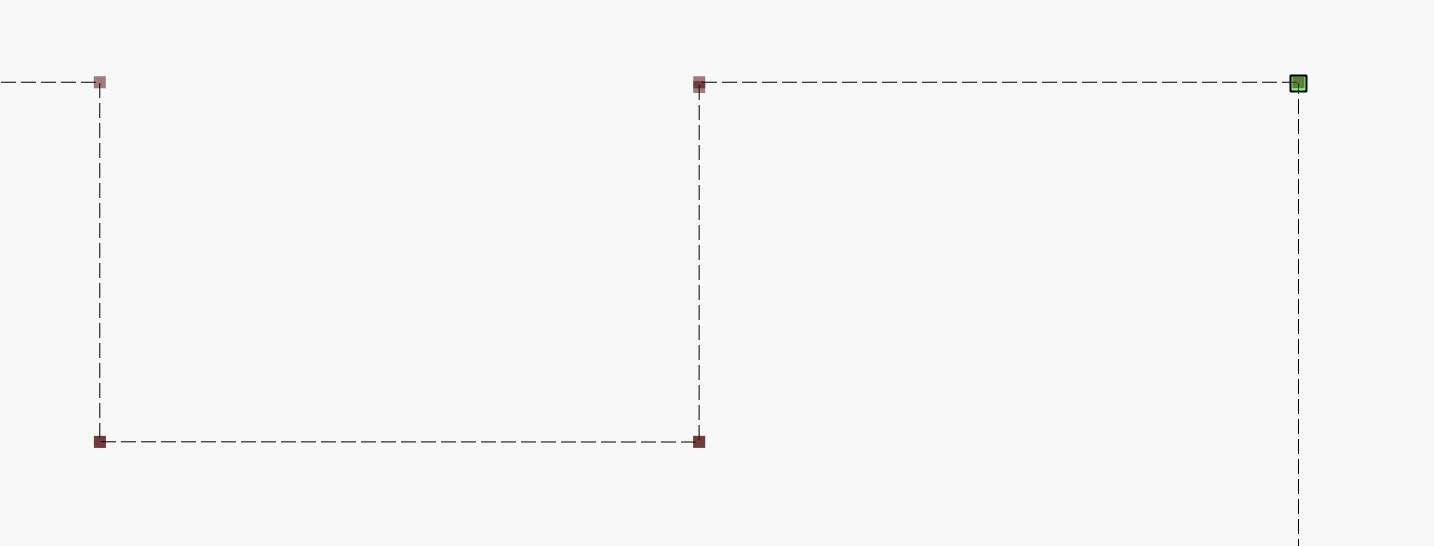
To be able to see the duplicate nodes, you have to zoom in a lot, you can typically tell because the color of the nodes is a bit darker.
There have also been a lot of curves on some of the fingers, this also needs to be corrected to lines otherwise you will have problems with them if you want to change their size (for other material thicknesses)
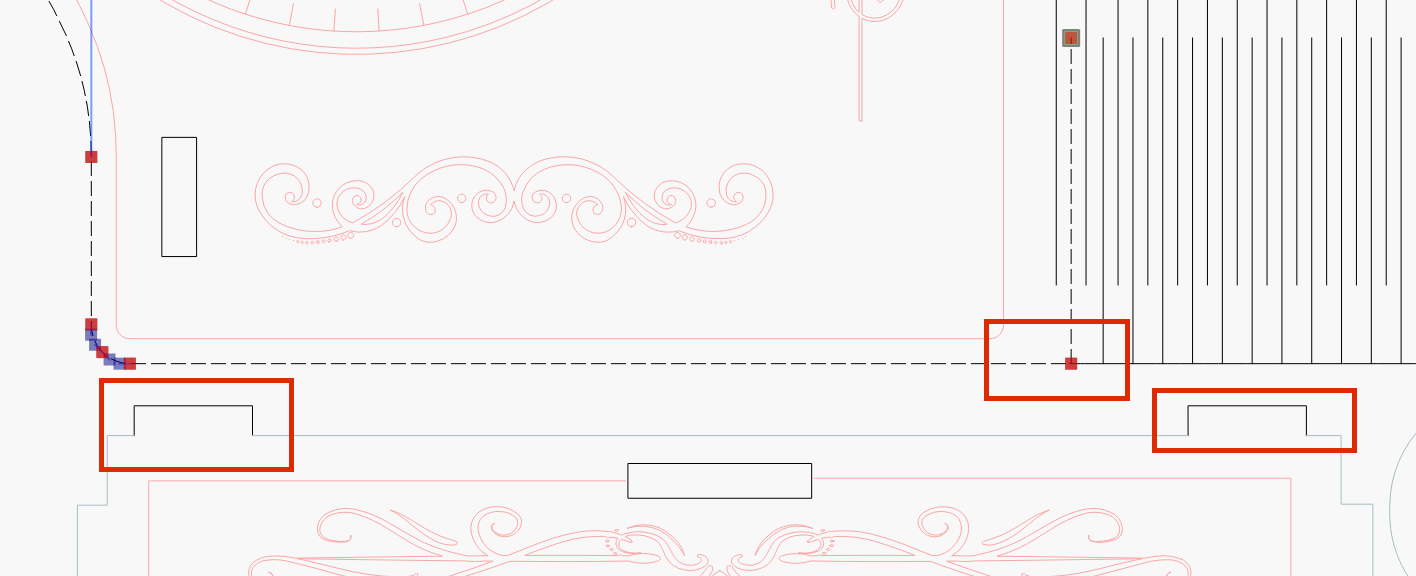
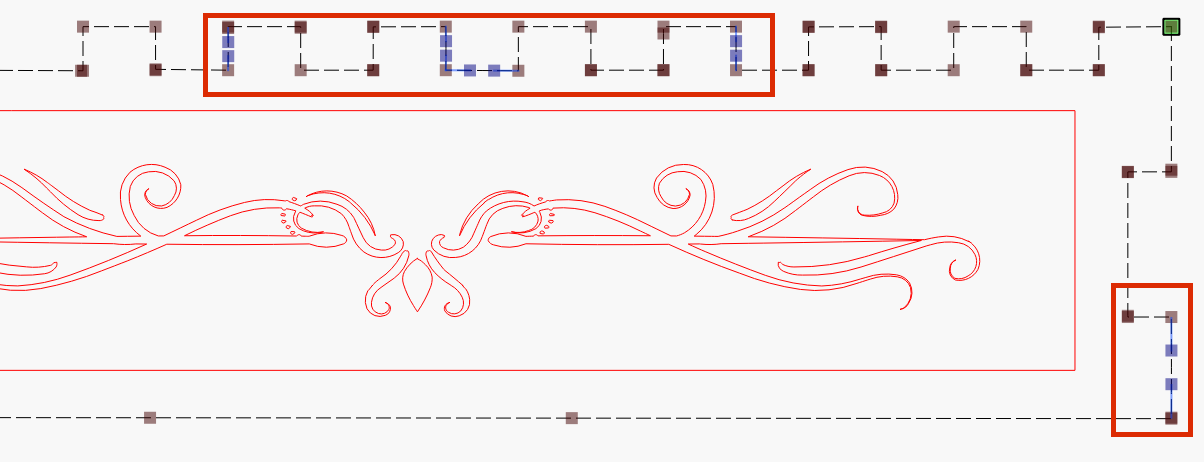
When you use LB’s built-in function to show unclosed shapes, you can often see the bigger errors with it, such as the 2 nodes that are not on the same layer. I have also merged the 2 layers together, which physically belong together.
There are still small errors in the side parts, try to find and fix them.
You can only close lines with two connection points.
You cannot join lines with three or more points. Like your living hinge will not be a closed shape, only the outside rectangle,
The rest of those lines can only be brought up to but not joined to the outside rectangle.
Me too. I came from Bridgeport’s EZ-CAM world, and a few years on Autocad 12 and Catia. I now find the Lightburn IDE much easier and faster. And they never had the scope of Lightburn’s import and export file types. I was very pleased the built MillMage with the same look and feel for the CNC. I even move designs back and forth for the two.
Mostly because that is what you are used to. Have you investigated MillMage yet?