My computer can’t find my machine, and is unable to add device
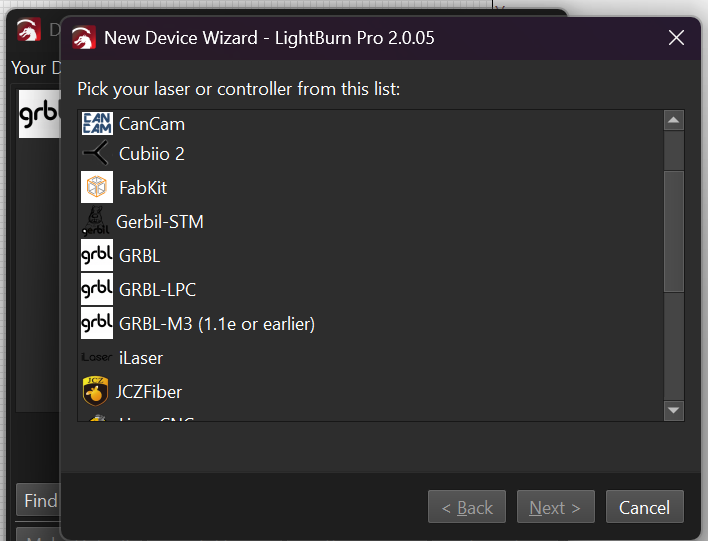
What machine are you trying to connect? Some lasers and machines you need to set up manually. In manage devices you can select create manually, then select your controller type.
1 Like
You might also take a look at whether the driver for you machine is up to date.
1 Like
My machine is MyCreat Vision Pro 40w
I believe that the Wecreat is a diode laser that runs on GRBL. You should be able to easily set that up manually by going to the Laser Tools - Manage Devices - Create Manually. Select GRBL from the list and enter the information for your laser.
Did you follow the instructions, including downloading and installing the configuration file?
https://support.wecreat.com/hc/en-us/articles/9633347845519-Instructions-on-Direct-LightBurn-Connection-with-Wecreat-Laser
This topic was automatically closed 30 days after the last reply. New replies are no longer allowed.