For some reason I cannot ##########
Is there a setting I should change?
Using a Mac (24-inch, M1, 2021) with no other problems.
I am an auld codger and possibly not the sharpest tool in the box but struggle with this. To overcome I have cut and pasted.
Any ideas?
Hamish
Are you saying you can’t enter the hash symbol as text? If not, can you elaborate what it is you’re trying to do?
Thanks for your reply. Correct,I can enter others but # hash not being accepted. Clutching at straws i tried a differernt font but no sucess. Edit Tried on another copy on Linux and hash is ok so it looks like its a Mac/Lightburn compatability problem.
That’s bizarre. I’m not currently on a Mac but I’m almost certain I never saw that when I was, but that would have been several versions ago.
Can you try cutting and pasting a hash from another application into LightBurn? Or open a file with a hash already saved to see if shows up? Trying to see if it’s an issue with text entry or something deeper.
And to confirm, are you using “Alt/Option-3” on the keyboard to type this?
At moment I have laser cutting # as I had typed the text in “Notes” and copied and pasted. Yet to reach that text in the burn but it appears ok.
This Mac does not appear to have an Alt option and I only manage # with Option-3.
Hope this helps
Edit this is the most recent version of Lightburn “LightBurn 1.2.01, built Thu 2022-07-21 @ 20:05”
Let’s see if @Rick can confirm this behavior as I know he’s on Mac.
Good, # burnt ok
Here is my test, but I am a bit confused or not enough coffee onboard yet. Why the fancy key sequence? On a MacBook Pro, I am able to type the hash symbol as text using the shifted number 3 key.
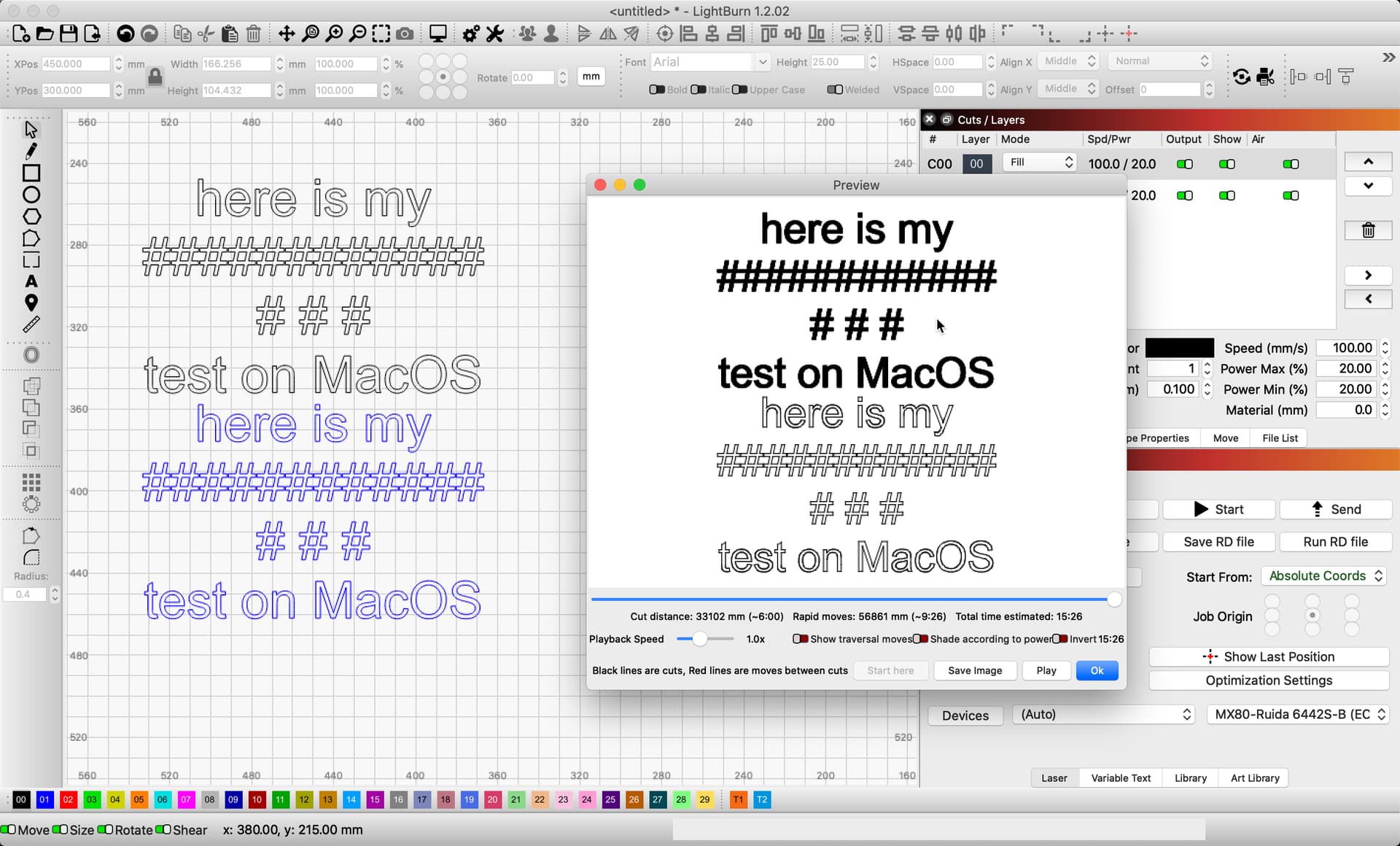
The following might be worth review,
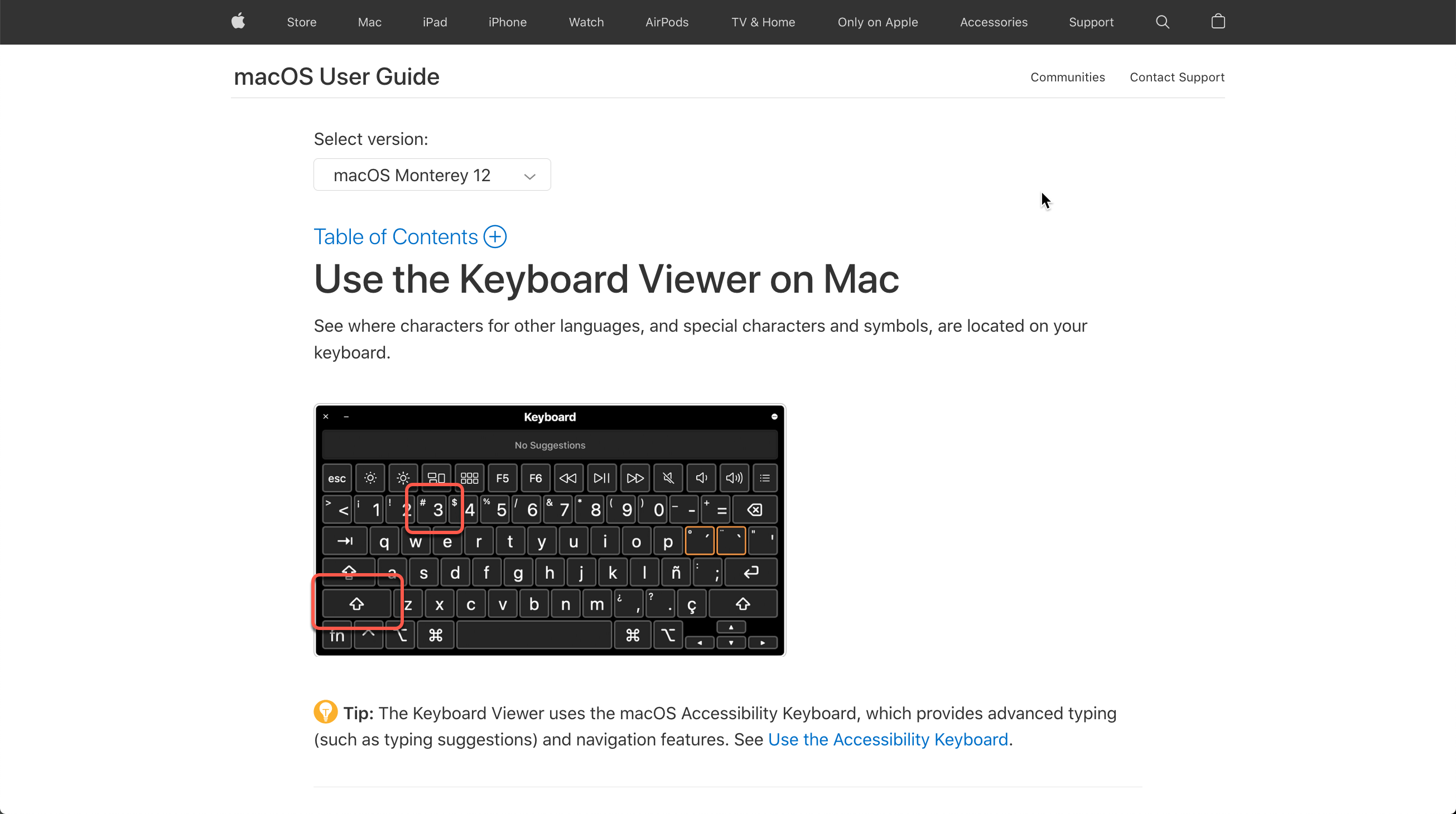
I have asolutely no problem typing the # “Option + 3” as you can see. The problem is that trying to enter # in LB is not happening. Will attempt to find the keyboard viewer but not sure what I will gain as I can already enter #. Not sure what “fancy key sequence” you are refering to so would be delighted to be enlightened.
I think the missing piece here that @Rick may not have realized is that you’re on a British/Irish keyboard. US keyboards are different. US keyboards get ‘#’ using Shift key whereas you’d be getting a ‘£’ symbol.
1 Like
Thanks the 3 key has £ and #
Exactly. And for Rick’s benefit the # is accessed through Alt/Option key.
1 Like
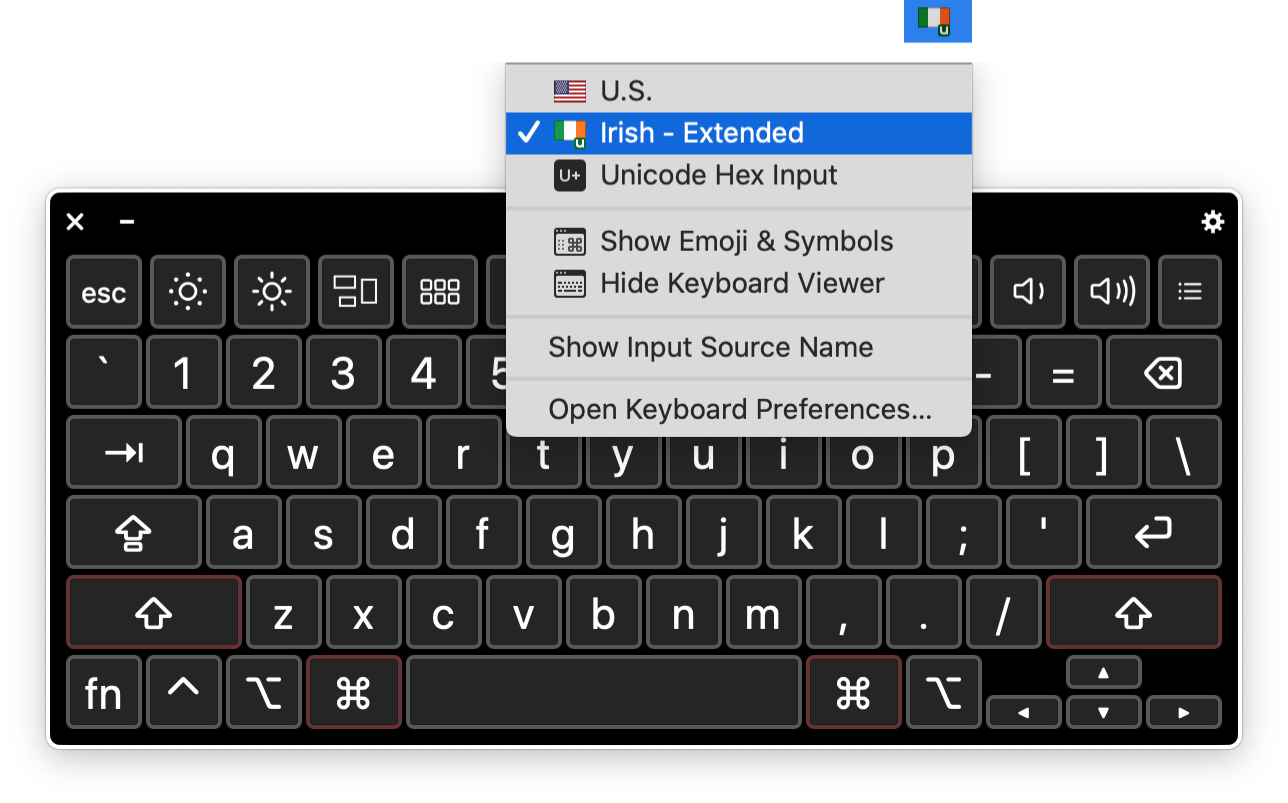
Well, how did I miss that? Tested using a UK / Irish Extended keyboard as input and can reproduce the issue you are experiencing. Will generate a report for the dev team to review. Thank you for bringing this to our attention. 
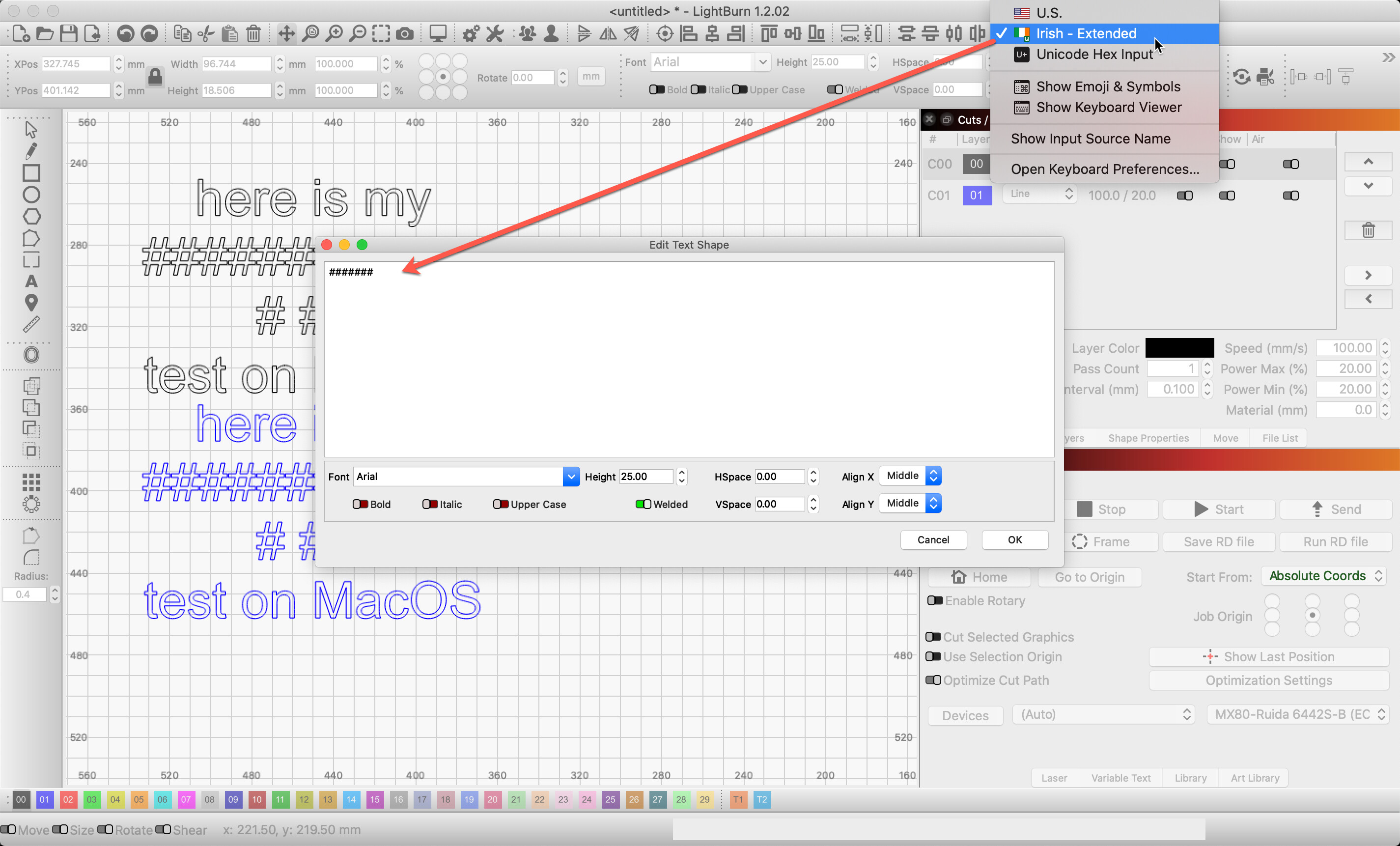
Update: Speaking with Oz, it’s quite possibly linked to print & cut shortcuts, as those are the only ones using modified number keys. You could select text, right-click, “Edit Text Shape” and enter the text in the edit box. Shortcuts should be ignored there.
1 Like
Thank Rick. Got another problem which attempting to resove so may be back
1 Like
This topic was automatically closed 30 days after the last reply. New replies are no longer allowed.