Ok, you answered question #2, the double squares show the window is maximized (full screen).
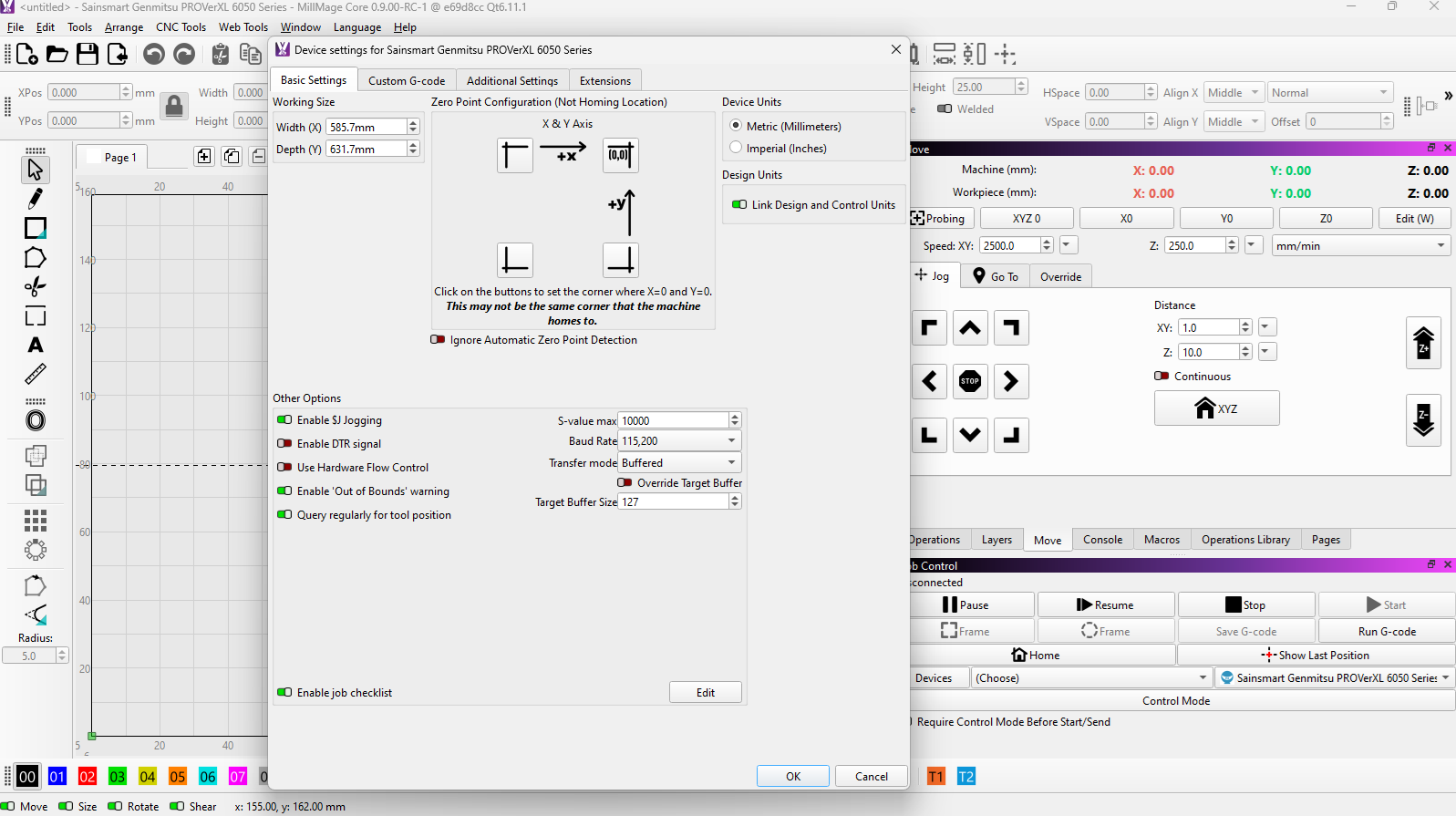
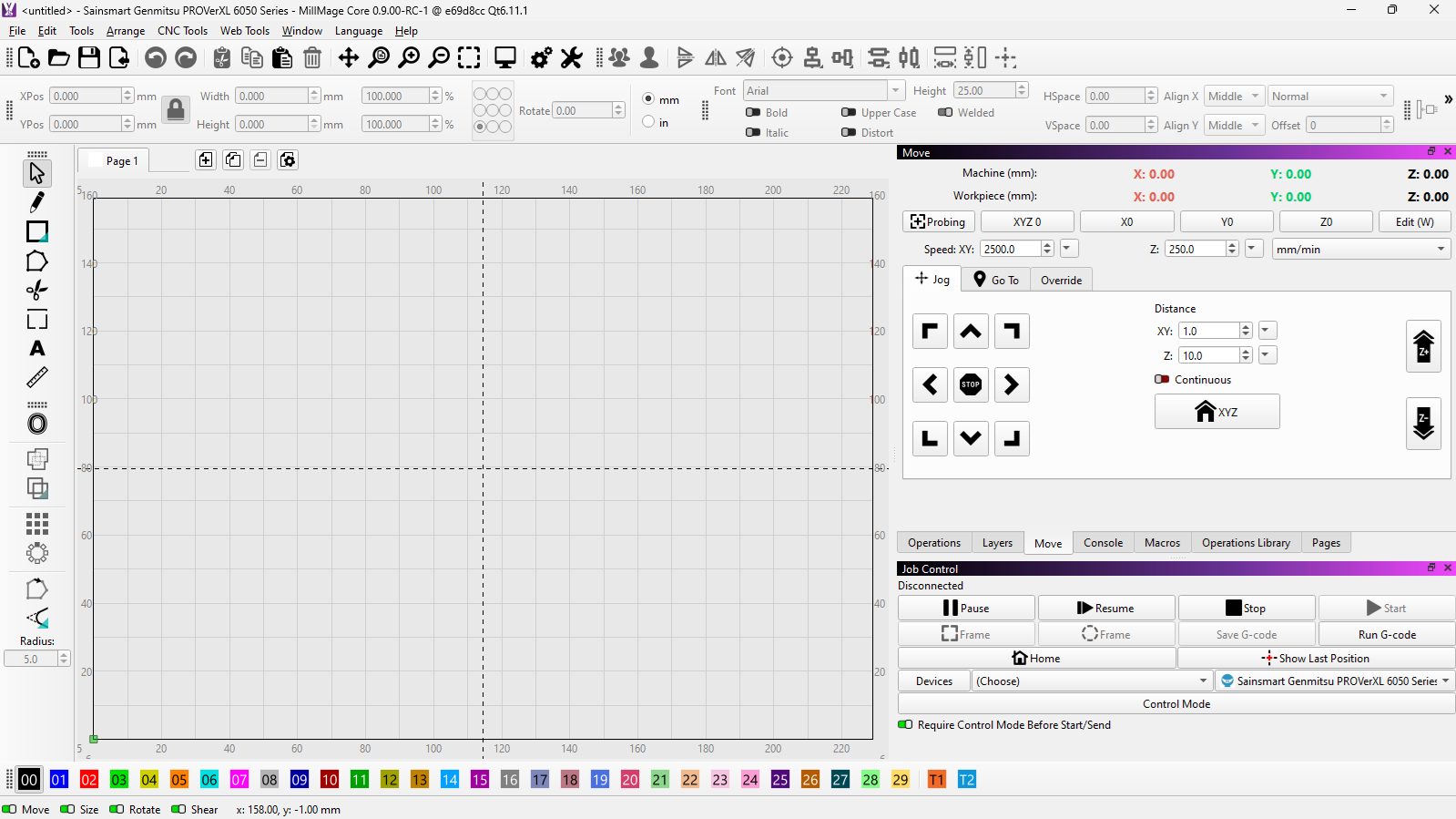
Ok, it looks like you are in the same boat I was in. I ended buying a new monitor, which ended my issue. To make it work without a hassle, I view on the 27" HDMI monitor and the laptop screen is off if the HDMI is plugged in.
Laptop: 1920x1080
Monitor: 2560x1440
Here are two near-$100 options I found on Amazon…
$120 (Mine, no longer in stock as NEW)
$98
I am sorry, but there is nothing else I can do for you. You have 3 choices: [1] buy a monitor, [2] buy a used laptop with a higher display resolution, or [3] just complain.
Like I said before, MillMage is not useless without the Touch Probe option. As you have seen with your office machine, the difference is in the laptops. I would bet many more users, like myself, operate without the probe than do have it.
Good luck with whatever decision you make.
You are using MillMage Core.
Before you leave give a shot to the Pro features:
I was trying the .9 of Pro. I’m not buying a new computer just to run it.
Try this:
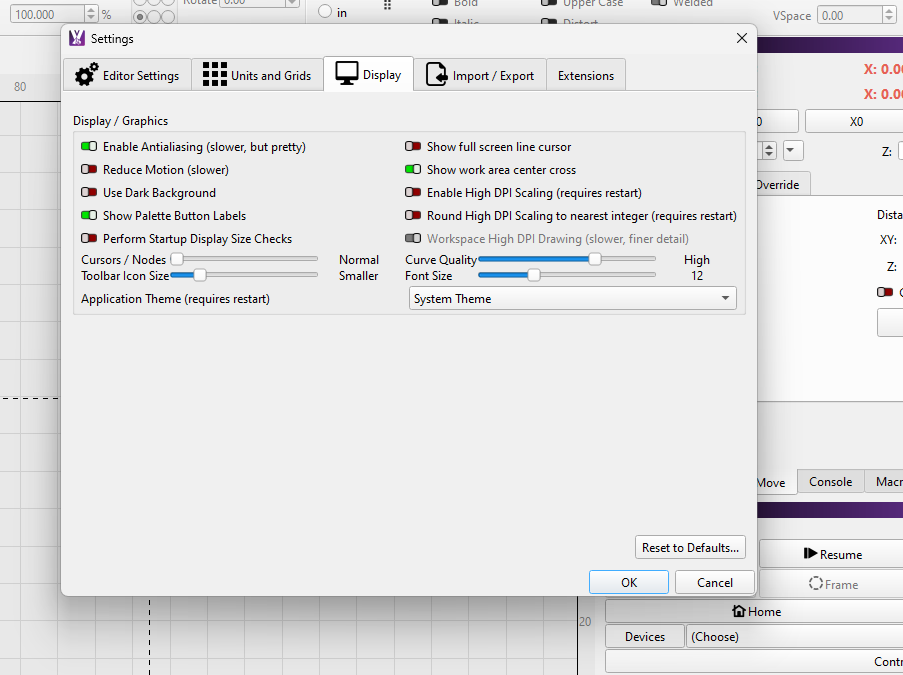
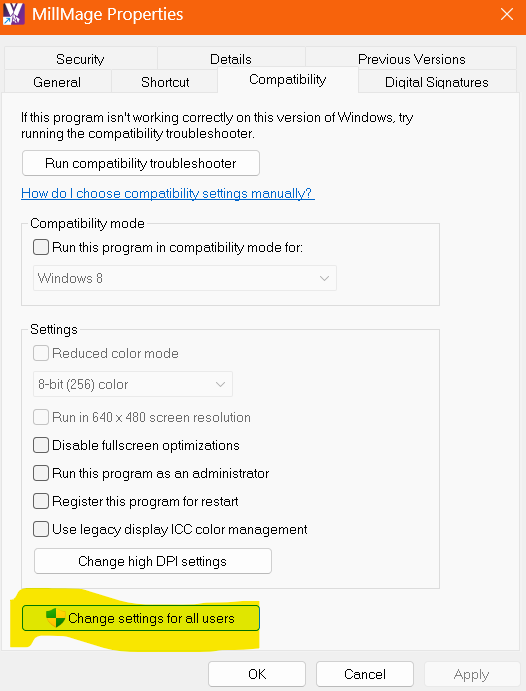
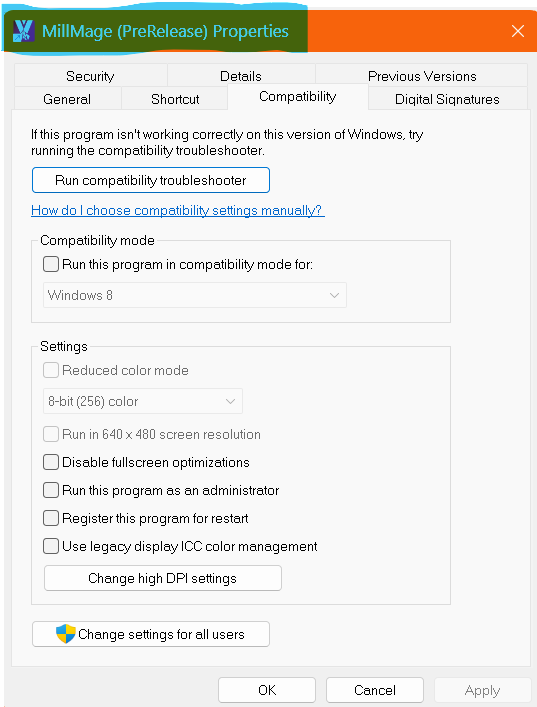
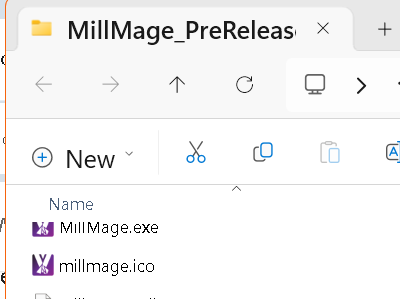
Right-click MillMage.exe , select Properties, Compatibility Tab and Change settings for all users
.
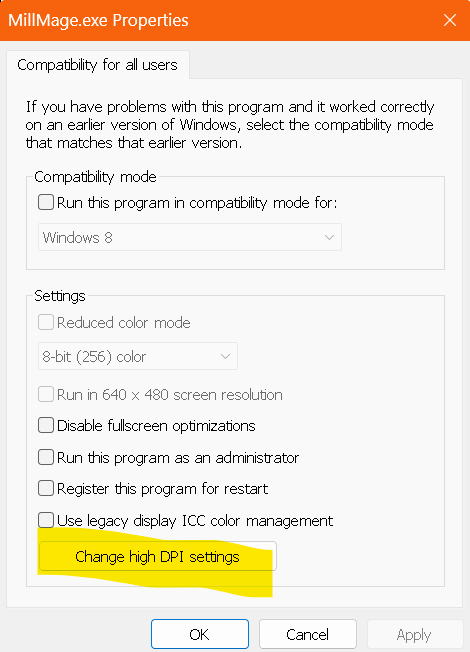
Change high DPI settings
.
Select Override high DPI performed by System
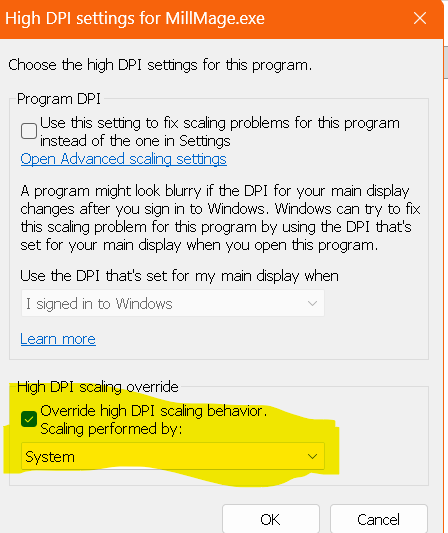
Click OK.
Then Apply and OK:
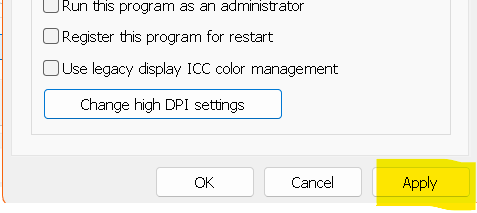
After Start MillMage with a warning, just click Ignore and report back:
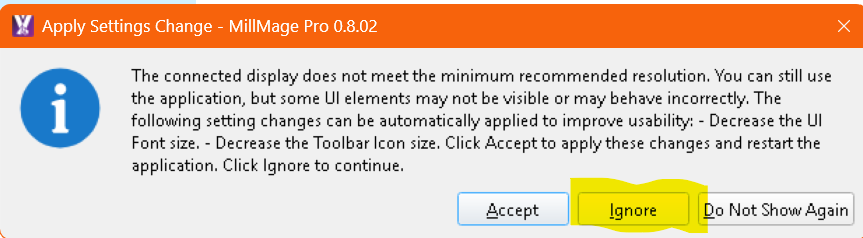
.
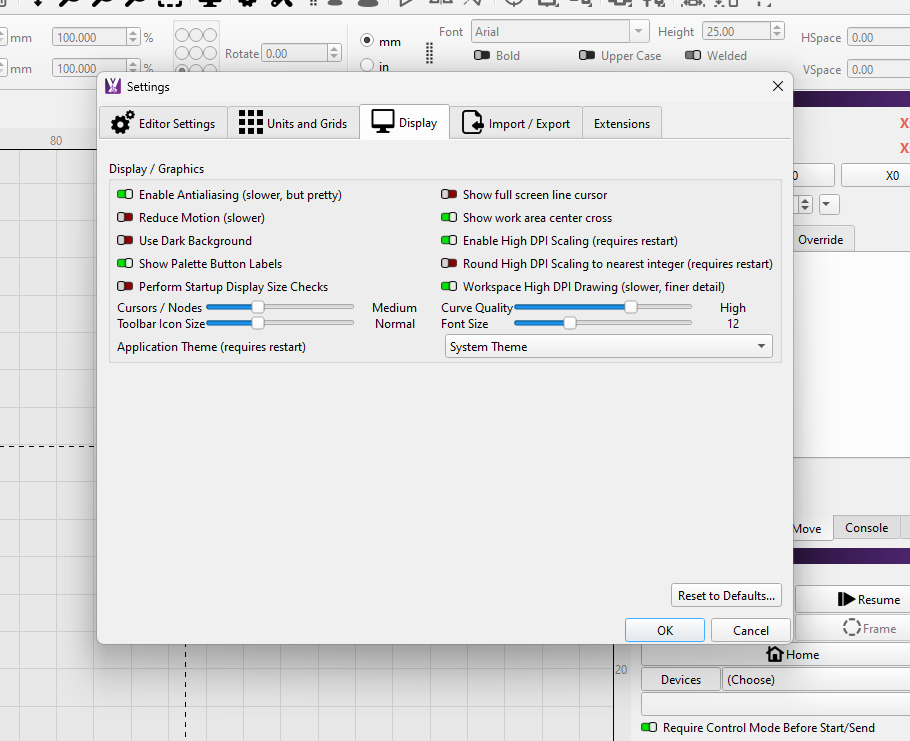
My Laptop works fine with high DPI set by MillMage and by System.
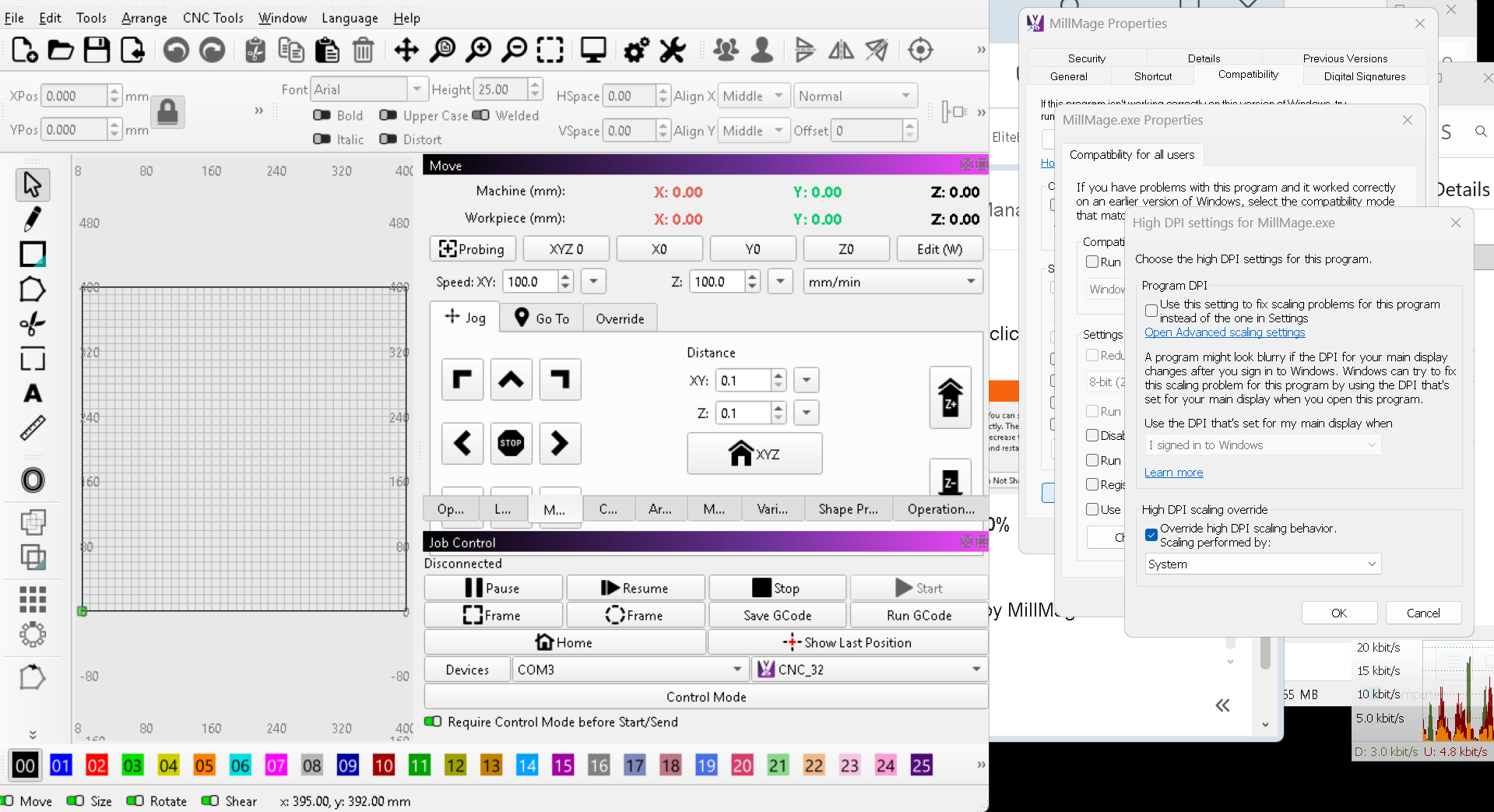
That did not help…
BUT!!!
I have the core licensed.
I had also downloaded the rc9-pro.
I just realized that the core program works just fine, but not the rc9-pro,
So I did the first suggested item… I opened the license management to get the trial through the core, but there is nothing there for that…
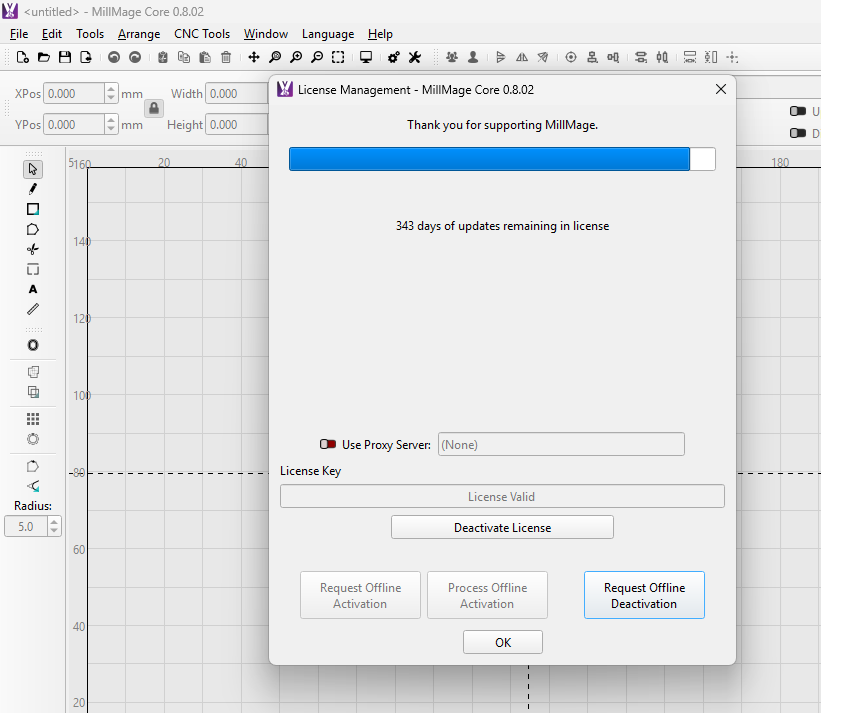
I believe is in the 0.9.00 RC License Management…
So, I have both versions,
0.8.02 the windows are perfectly readable
0.9.00 the probe windows are too big, not readable
am I missing something here, with your attached image?
oh, yes I did.