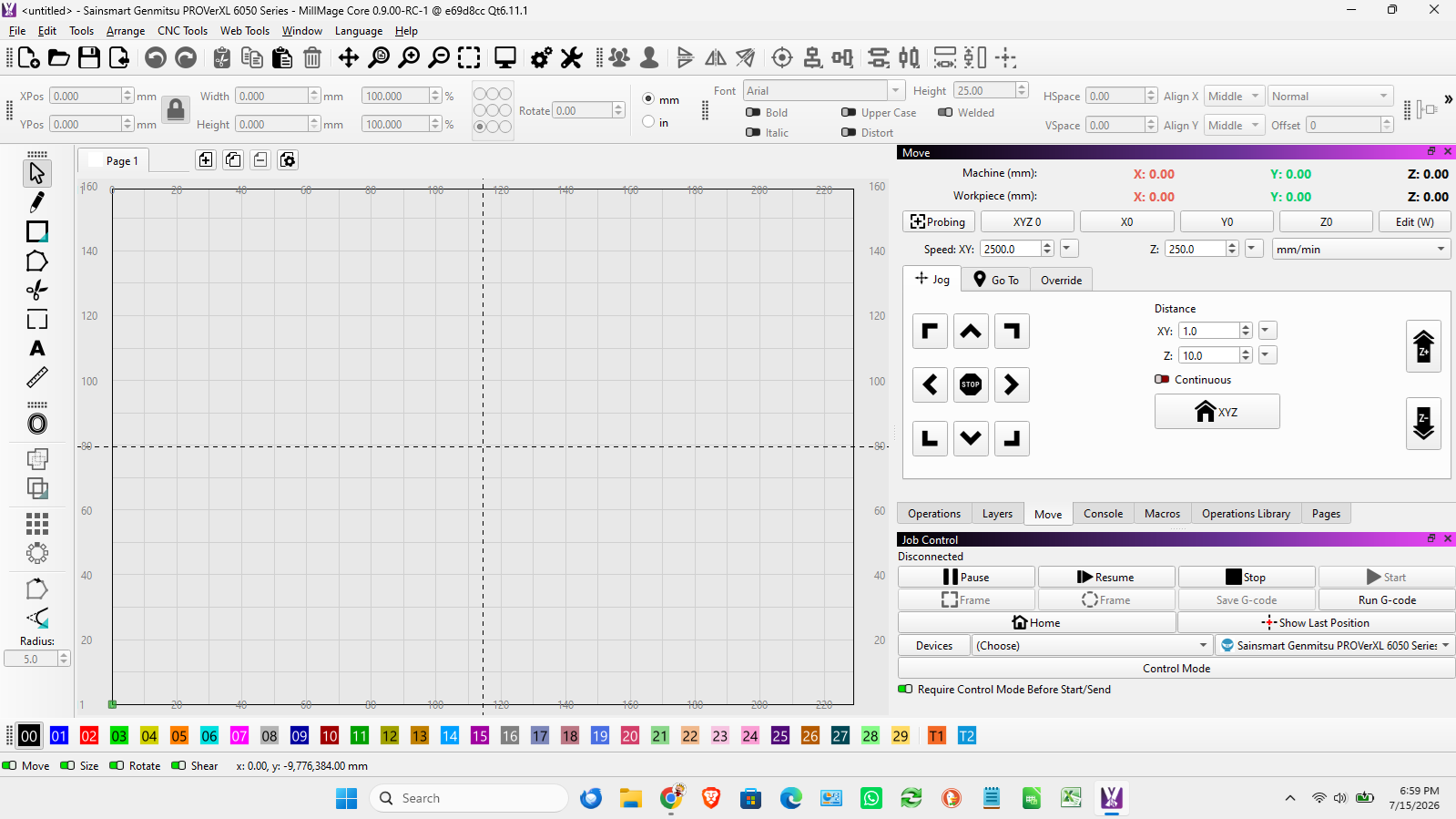
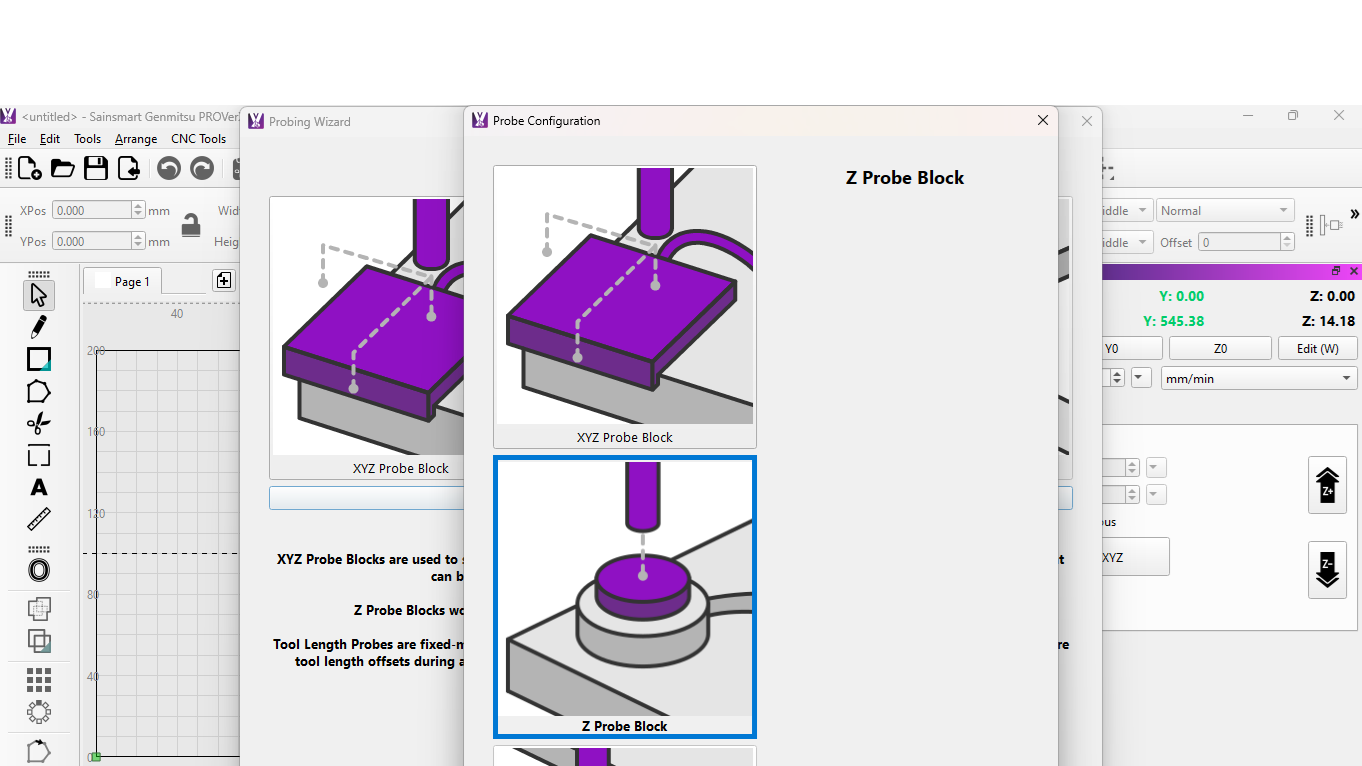
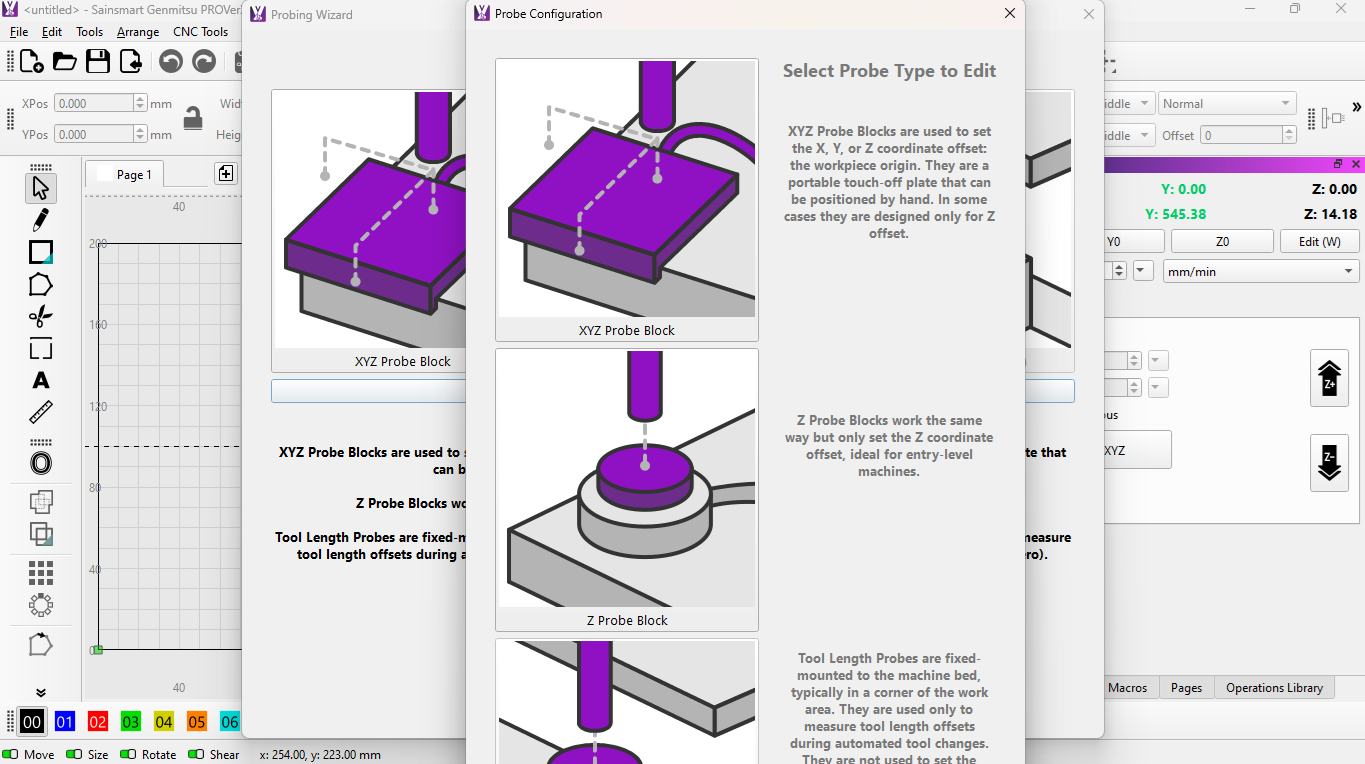
when opening the probe window, and any of the config windows, the windows are too “long” to be seen, the bottoms are below my screen. I have tried the dpi setting, and the scale but nothing works. can’t resize the window or move them up.
This may be caused by your screen resolution being too low. If you cannot increase it, you may need to go to a larger HDMI monitor that is capable of higher resolution settings in Windows.
That is what I did (27") and I call it my Geriatric Display. 
ugh… I have a laptop.
All of mine are, but they all have HDMI connectors.
What is your laptop resolution setting?
Just tried it out on my 17" laptop and have the same problem.
this one is 1600 x 900 and
the other one is 1366 x 768
I have a 50" tv in my garage and it shows the same problem as the laptop.
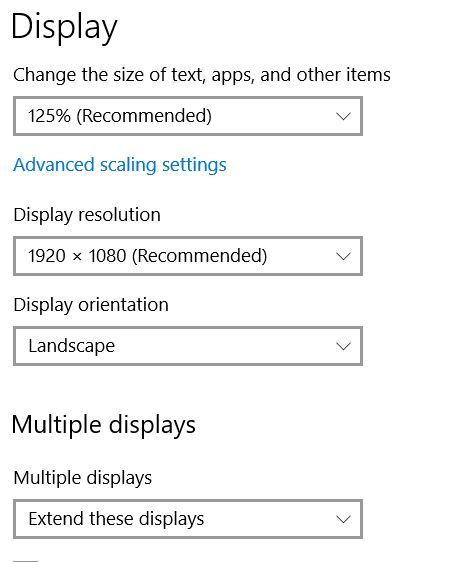
already tried all that. no difference, and setting it at 125% made it worse. The actual “windows” need to be able to be resized smaller!
You are not the first one to say that.  I am not sure what the current minimum settings are for MillMage, but as they add features, they are running out of real estate.
Well, it makes the program totally useless because I can’t even configure the probe because I can’t get to the bottom of the config window,
Not exactly true. I do not have a touch probe and I find the program very useful. I still have it stop and position for a tool change when using multiple operations.
Do some screen captures (SHFT+WinKey+s) and upload them. We have not exhausted all the possibilities. In the meantime maybe @JohnJohn can jump in with the minimum required screen resolutions for MillMage (I can’t remember/find them).
- The Settings window, display tab.
- The upper right corner of the Lightburn window.
- The Device Settings window.
Well, then maybe you could explain to me just how to set the probe up when the lower part of the setup window is not available to change the settings?
If you post the screen captures I requested, we can try. But we have to have something to work with, right?
Thank you for reposting the images, but they convey no information that can be used to help diagnose your issue.
the images are showing what the problem is. I can not move the probe windows up or resize them to be able to enter and save the settings, I don’t know how I can post a picture showing any more than hat.
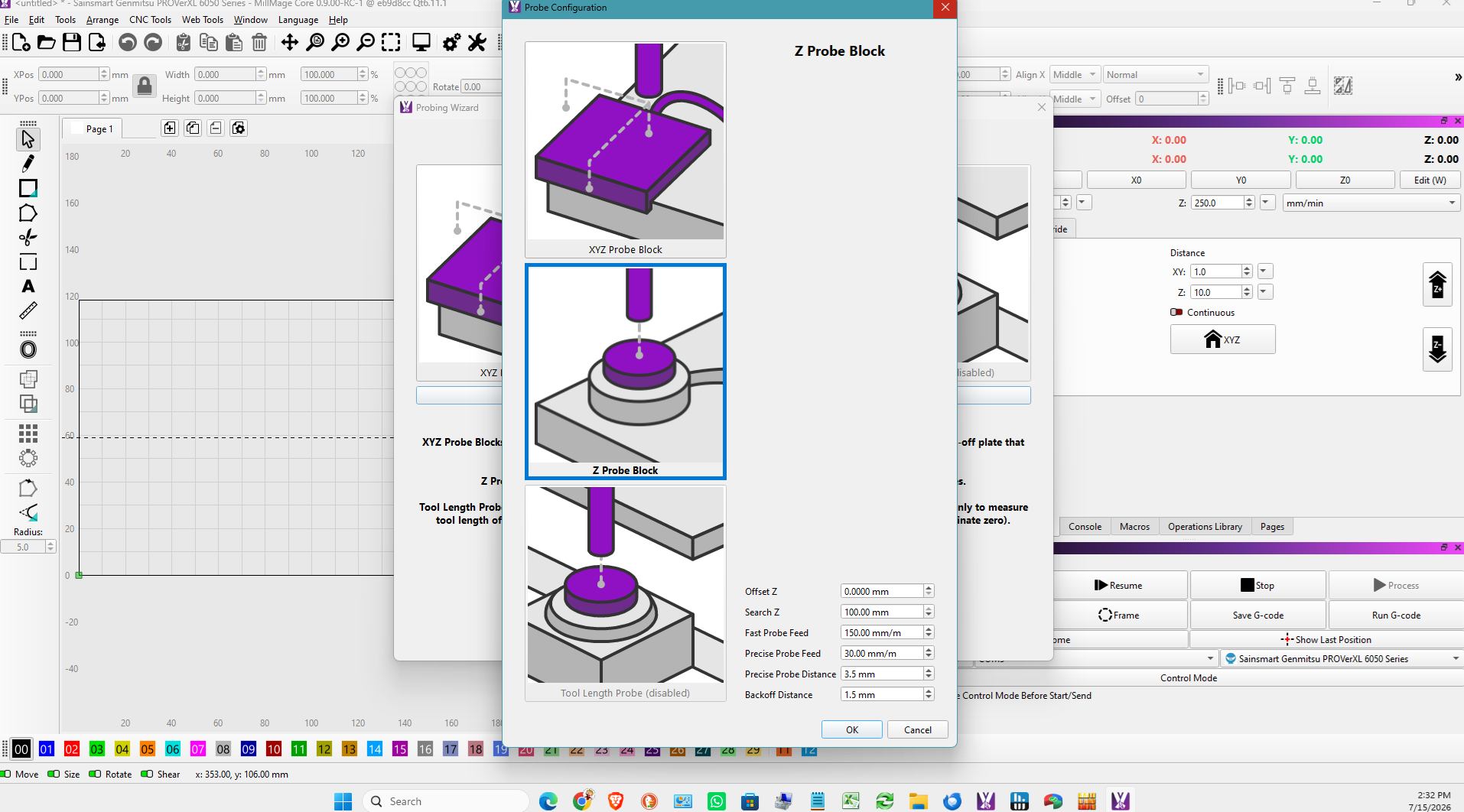
up in work shop i have a tv laptop and monitor , so 3 screens , laptop is main screen MM runs on the 30 in tv so when i open gcodes previews etc they always open on laptop so havent notice this issue
just opened it on office pC which has a 30 and 37 in tv as monitors , and same issue cant see all of even after playing with monitor settings, may need to be changed to a horizontal not vertical box for us with random monitor set up
you can just by passs the setup and use the wizard
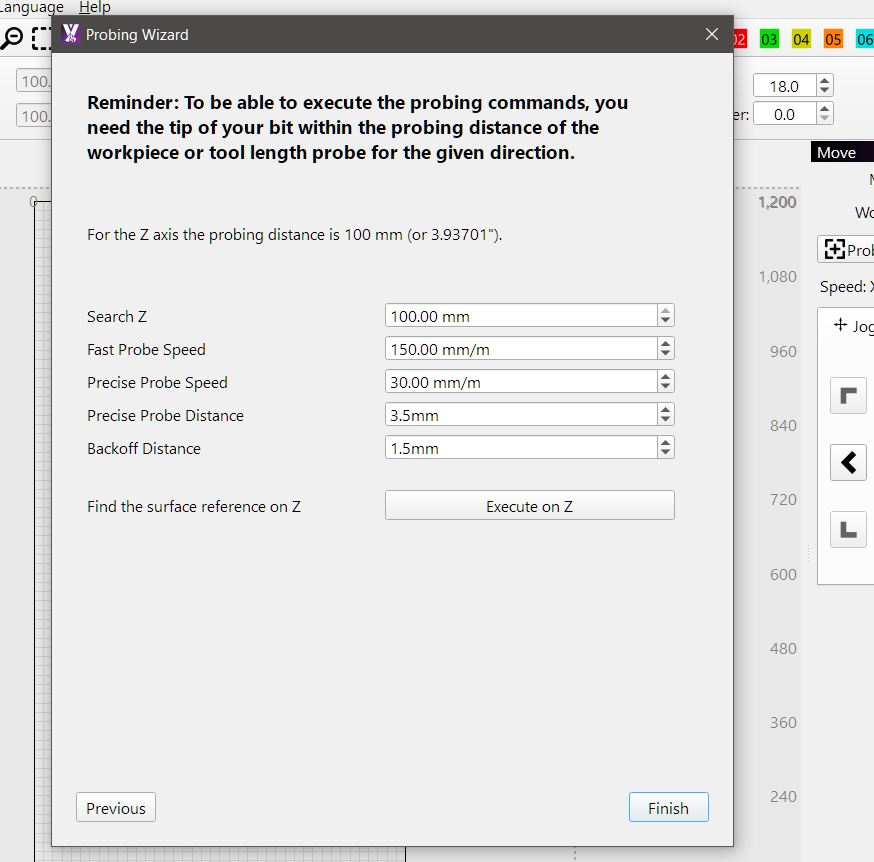
and set up in there i know it still dossent fix the issue , but least you can probe
I know you may be getting exasperated, but we need to see what is behind those Touch Probe windows. Otherwise, we cannot make any suggestions that might help.
Notice I said “might”? It may be the limitations of your laptop and we might not be able to do anything about it. Yeah, I know you did not like that last part. I had to buy a new monitor to fix mine.