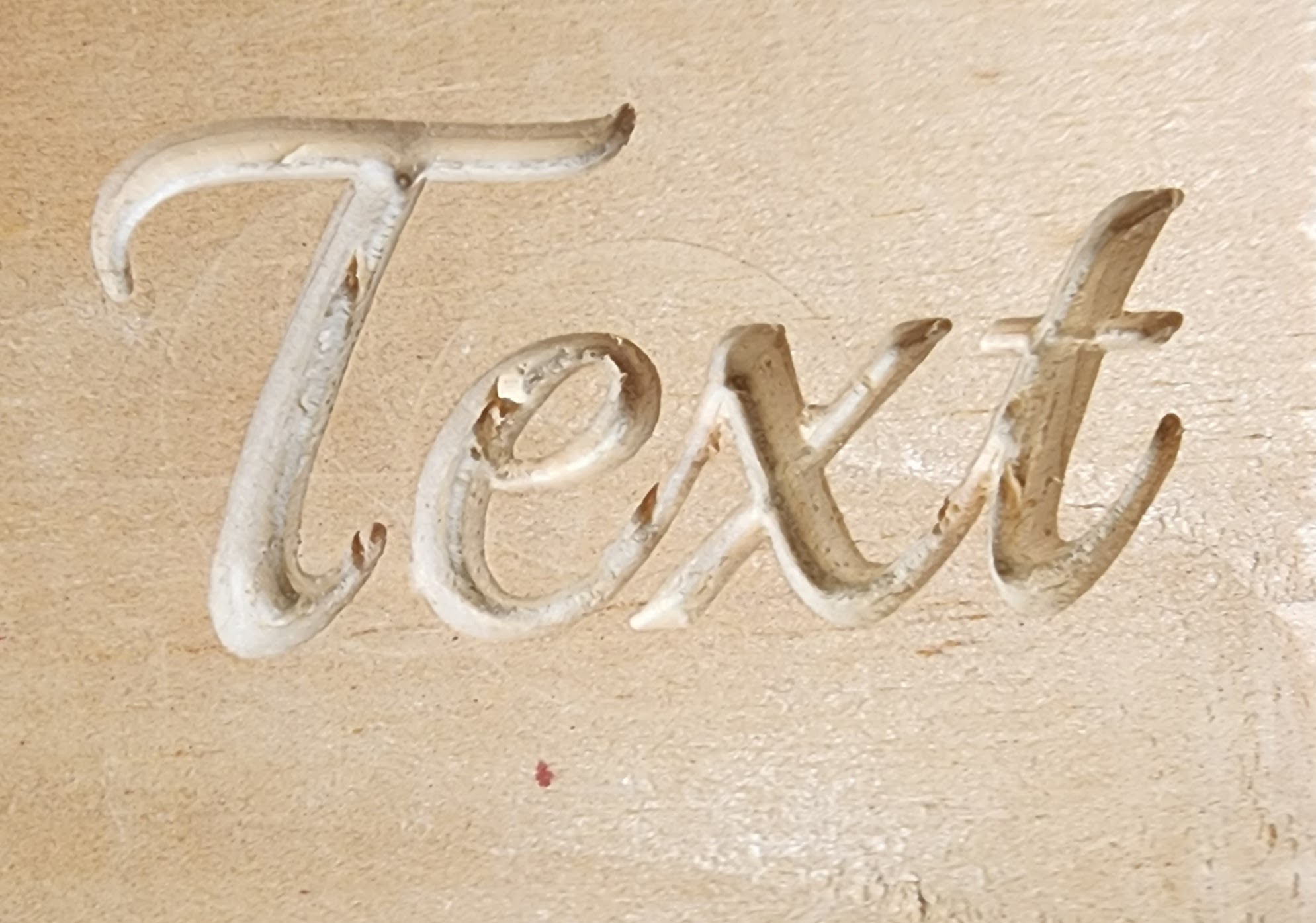
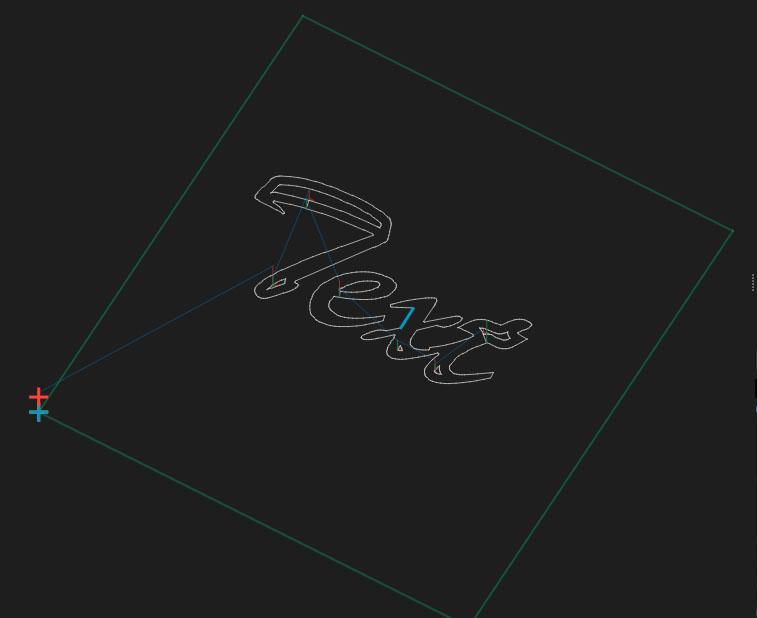
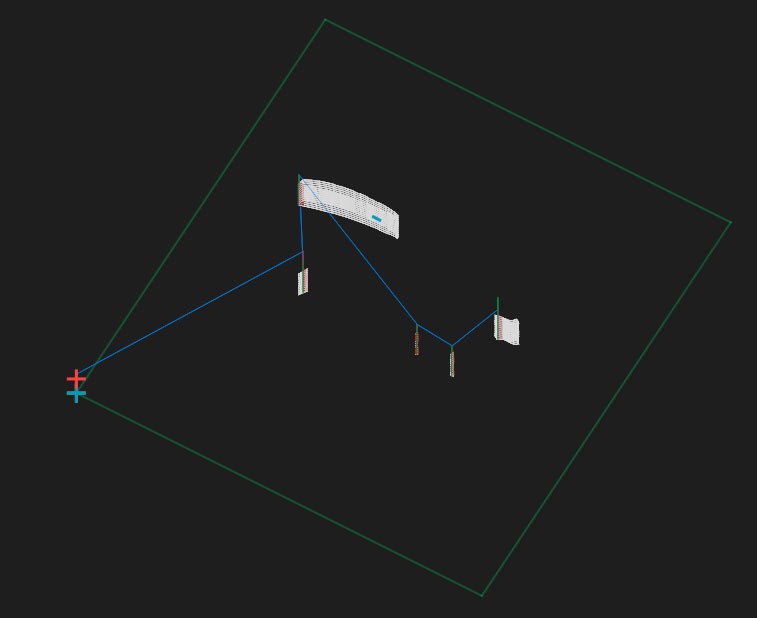
I’d like to recreate similar carving using MillMage. When I set the depth to 0.5 mm it looks pretty good and would fill most of the letter and would leave a flat fill inside. But as I go deeper the letters become chopped untill there are only a few spots where the bit will cut.
Shallow:
with pocket , as you go deeper the width of the tool becomes wider. if width of tool wont fit inside outline it wont cut or show in preview . most text has fine detail where even say a 1mm can be to big when this happens i swap to a profile, and do trial inside outside and online to see which gives best result, hope this is helpful