center icon missing on top tool bar
If you have a missing toolbar, you can reset the layout to default by going to Window>Reset to Default Layout in the top menu bar
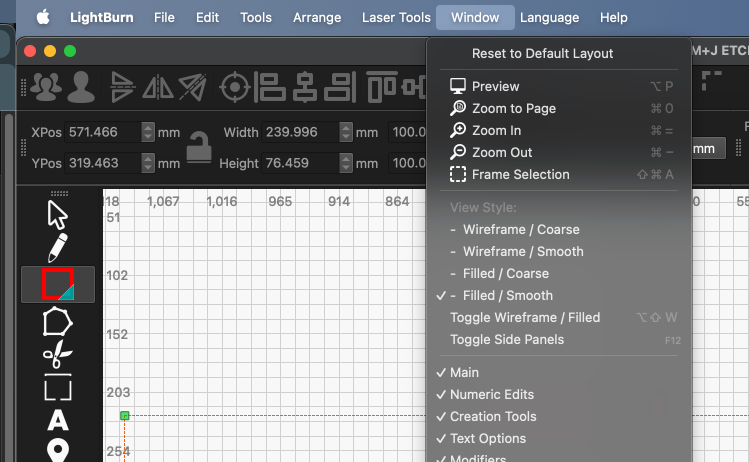
I am only missing the center icon
Center Icon is a little hard for me to understand, could you provide a screenshot showing what’s missing?
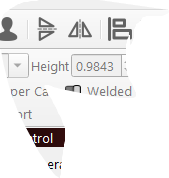
when i have a diagram in the middle of a rectangle i can center it. no icon. hope this helps
can’t center it. sorry for the miss spell
The toolbar will automatically shrink down if overloaded due to a lack of screen space. Try going to ‘Window’ and disabling a toolbar or two.
Center “tool” you may want to enable the “Arrange (long)” toolbar
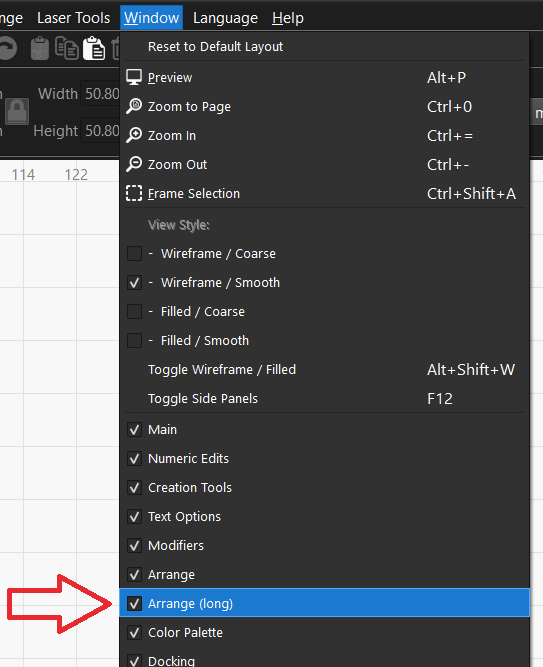
Align objects along their horizontal/vertical centers
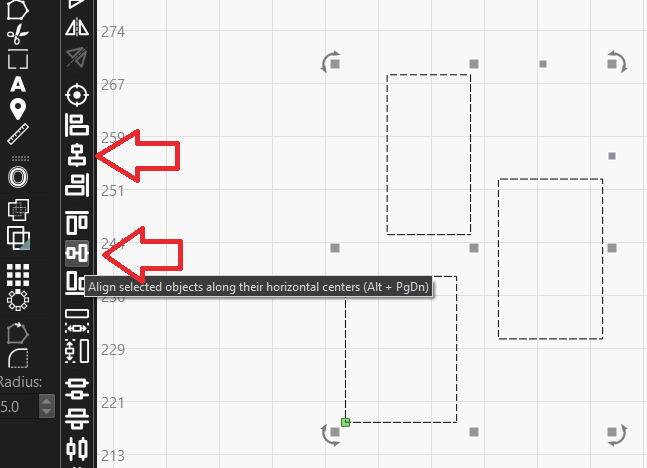
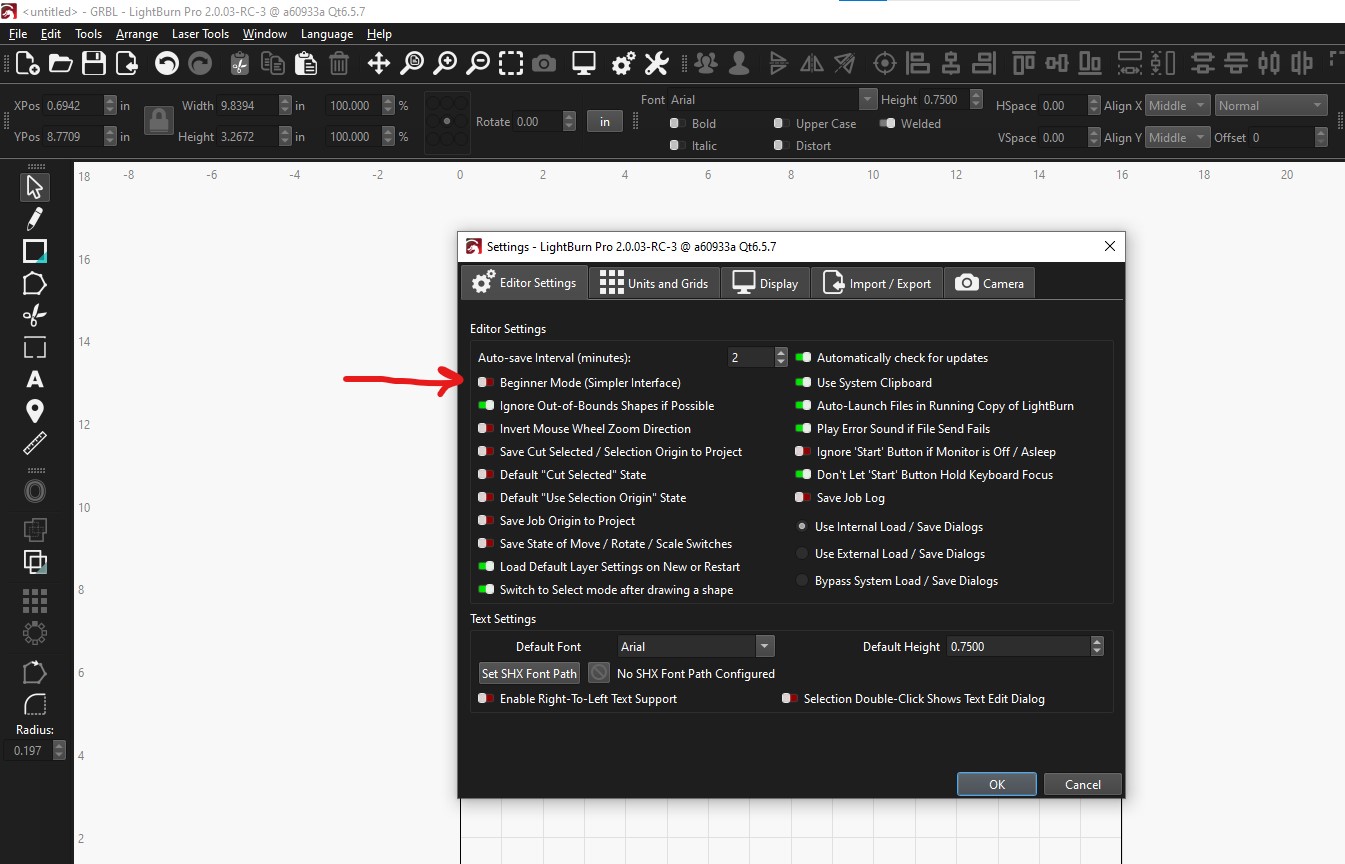
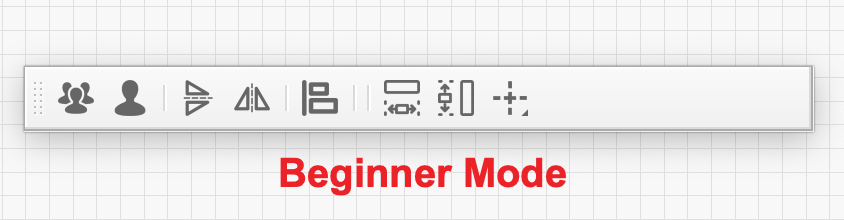
To support @Woodcraft’s comment, check to see if you are in Beginner Mode.  Below I show some examples of the change Beginner Mode makes to the UI.

2 Likes
This topic was automatically closed 30 days after the last reply. New replies are no longer allowed.