I created a wasteboard with a 390x390 grid on it. It was centered for many of my projects. Now, it is slightly off. I have searched through the forum and have either found the same question, but not answered or suggestions about tightening hardware, etc. As you can see, it is barely off center, but even after homing it remains slightly off. I really really don’t want to have to burn another wasteboard. Is there any way in Lightburn to adjust the workspace so that it represents the physical space? For example subtract 0.75mm off X and add 1.85MM to Y so that the Workspace center of 200X200 lines up with my physical space? Can’t seem to find in the forums about an adjustment like that.


The real question should be, “Why is it off?”
- Mechanical issue, like a loose belt, or loose coupling or pulley.
- Laser module has been bumped or maybe slightly loose.
- Laser frame has shifted slightly on the table.
- Workspace table (honeycomb) has moved slightly.
You should see if any of these are the culprit before you band-aid it with a software fix. It could be a symptom of something about to get worse.
UPDATE: I just spotted the positioning error in your second image. I am not sure if that would suggest a possible calibration issue. You told it 200mm, but the controller responded with 198.15 instead.
Home the machine and select Absolute Coords in the Laser window. If you enter G0 X10 Y100 S0 F1000 in the Console window, what does it report back for the finish position?
Update-2: Just realized your position readout is after You Jogged the laser to your center crosshairs. Is this true?
1 Like
Though I don’t see much sense in doing this (why do you rely on a wasteboard pattern? Just use current position and never ever look back to any guidlines  ), on option is to move the 0,0 position slightly.
As Mike mentioned, this is only a workaround but you can do it.
Once you jogged to your desired position, send G10 L20 P1 X200 Y200 in the console, followed by “$10=0”. Then you have set an offset for your workpiece that is now reported by the laser.
“why do you rely on a wasteboard pattern? Just use current position and never ever look back to any guidlines”
Beginning with laser engraving and that’s what I saw many tutorials recommend. The projects I am working on are all larger, non-repeated items- think 13" by 9" wood boards with different family names engraved across the center. This issue that this was causing was I mask my boards, offset cut the tape around the name, peel that section and then do an engrave on the name. The cut and engrave layers are grouped together so they “should” be lining up, but for some reason they were not. That’s when I noticed that my “center” of the wastboard and the center of the workspace were slightly off.
Just to make sure I understand how I would do this with no guidelines:
- home the laser
- jog the laser to like (40,120) which is where the lower left corner of the wood board will be
- secure the piece to the wasteboard (currently using CA glue and painters tape) disregarding the guidlines on the wasteboard.
- as long as the physical board corner lines up with the laser, I can then dimension the piece on the workspace screen with its specific dimensions.
- once I have that locked then I can position my “name” in that space and know that the physical board and the workspace are lined up.
Am I thinking about that correctly?
I do basically the same thing, except I skip the CA glue and painters tape. I just lay them on top of the honeycomb, fiddle with both the laser and drawing position using Framing, and have at it.
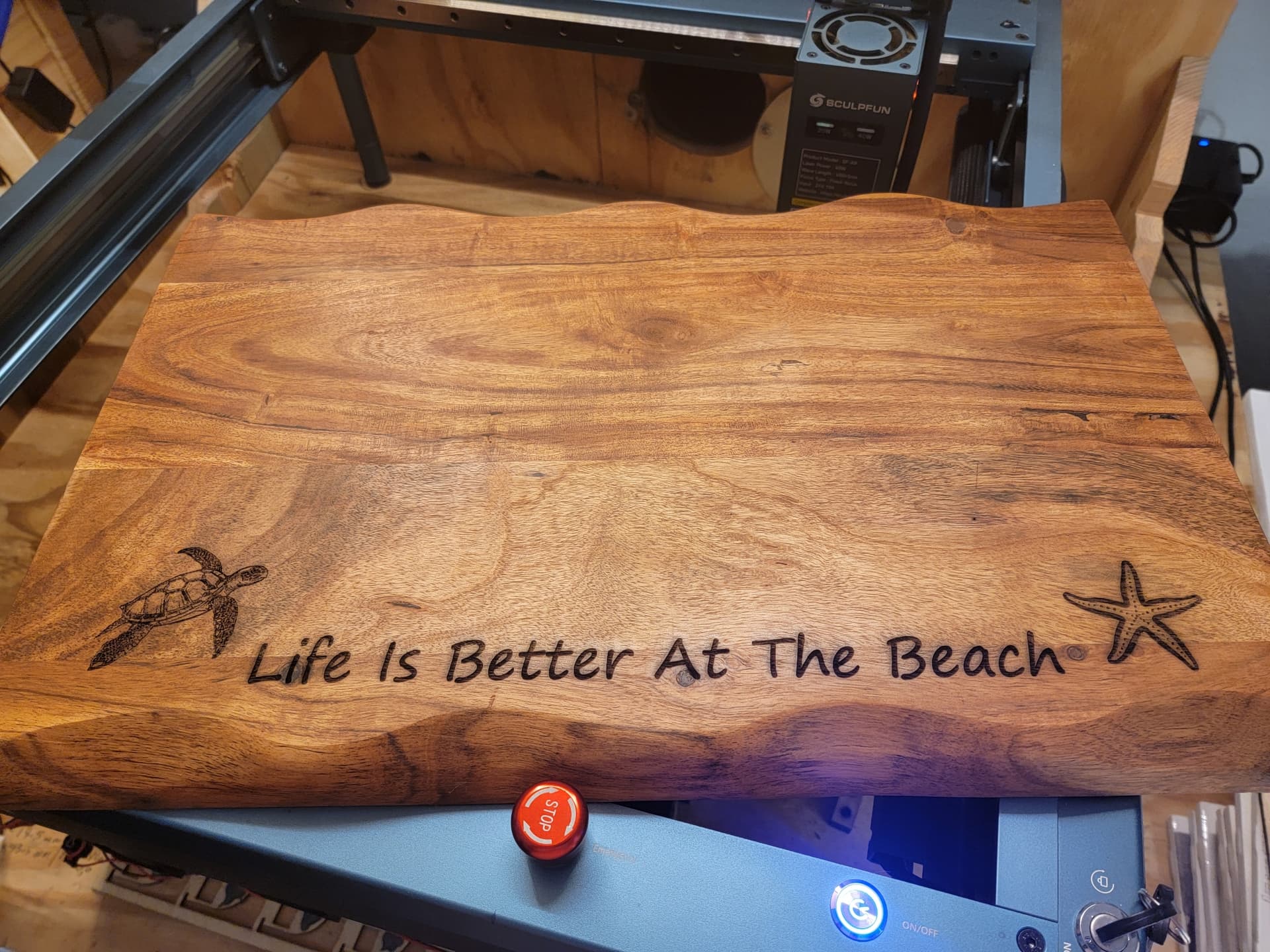
I usually apply the design after the board has resin applied because the flow is somewhat unpredictable. In this case, it was a rush job because I was leaving for NY.
This board was just about as large as I could handle without reworking my setup.

I am a total newb but I have found that the tape and can glue are almost never needed with the laser come to think about it I don’t think I have ever used it when using the laser. I use it when I use the spindle or the router as I normally do things that are as big as the bed and don’t have room for the clamps
1 Like
This topic was automatically closed 30 days after the last reply. New replies are no longer allowed.