PIeI want to switch what it is engraving currently to what it is not. And of course what it is engraving to not engrave. I have an offset already for the cut line. I know this has to be the simplest thing. thank you
Depends on what your pattern is…
If an image, turn on Negative Image in the Cut Settings Editor.
If it is a CLOSED path and you are using the Fill mode, putting a boundary something like .001mm around it (using the Offset Shapes Tool) will “invert” everything inside that boundry.
Any closed shape, like a box, circle, or star, will do it.
If you are in Line mode, nope.
Show a picture of your current engrave using the Preview button (CTRL+P), or you could upload the file for us to look at.
Then we can give an absolute answer.
Hi @frizztees
I’m not sure if I’ve fully understood what you’re asking, but to invert a fill, you’ll need a closed bounding box.
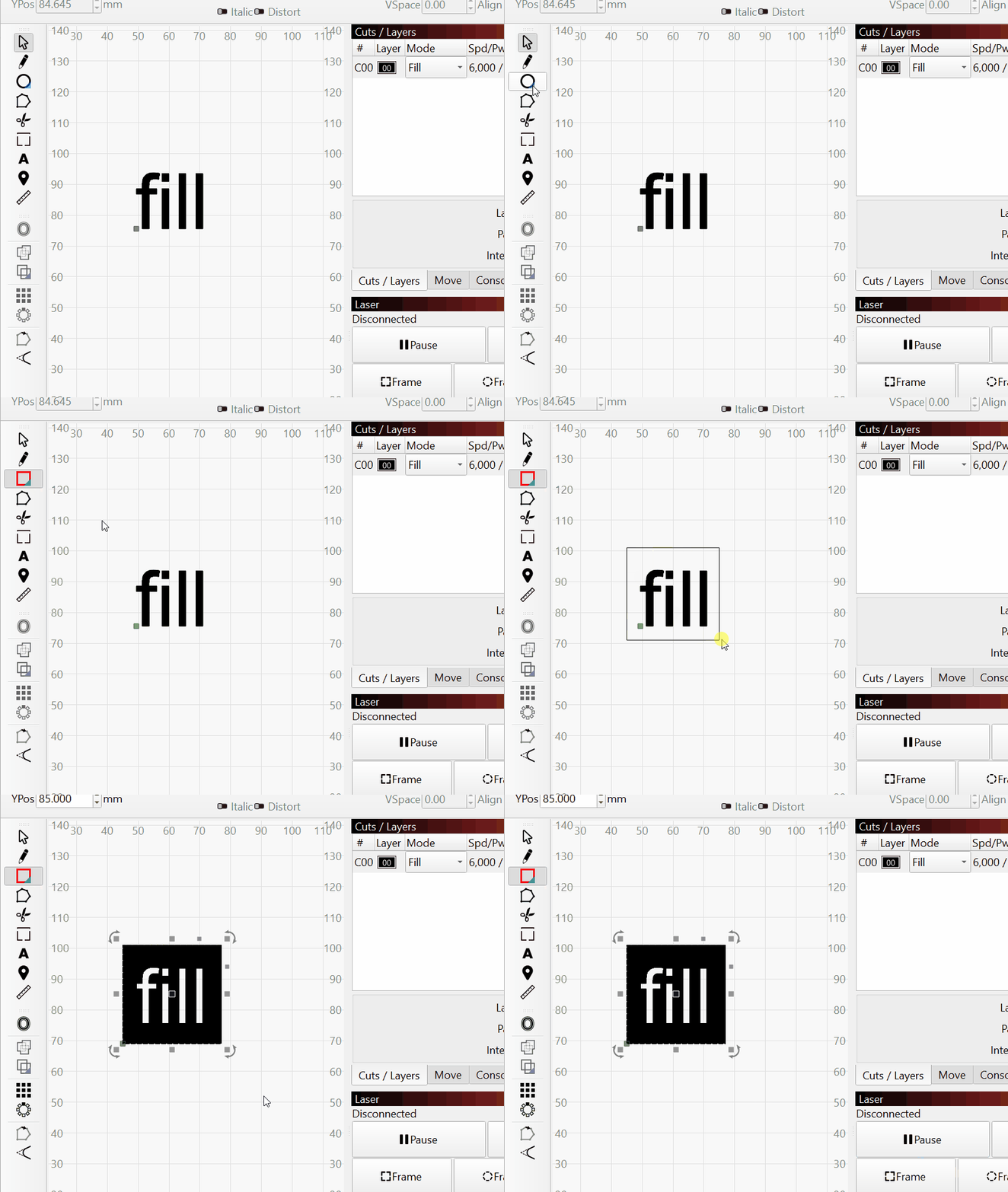
Use some screenshots and more description to detail the issue you are having.
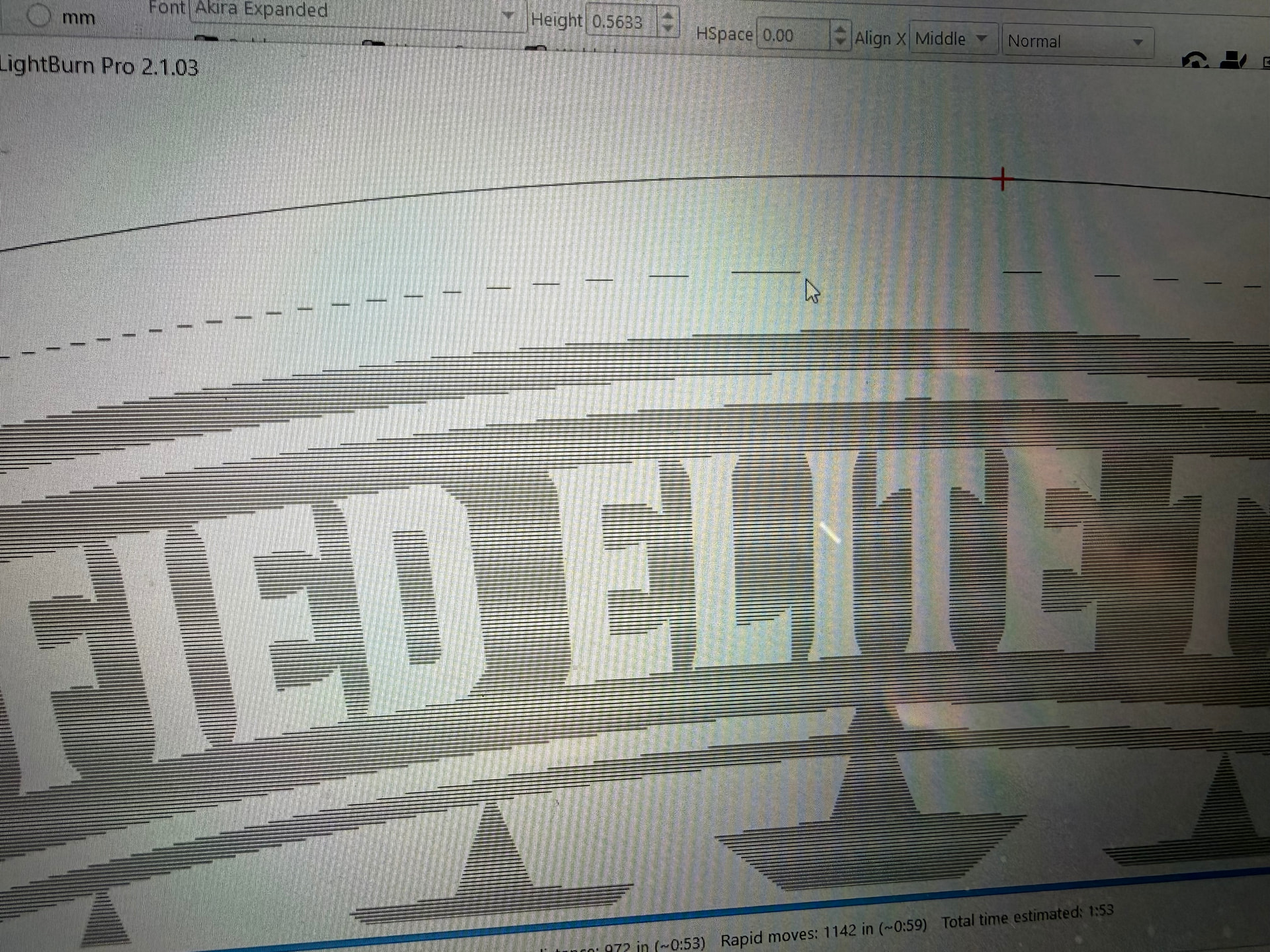
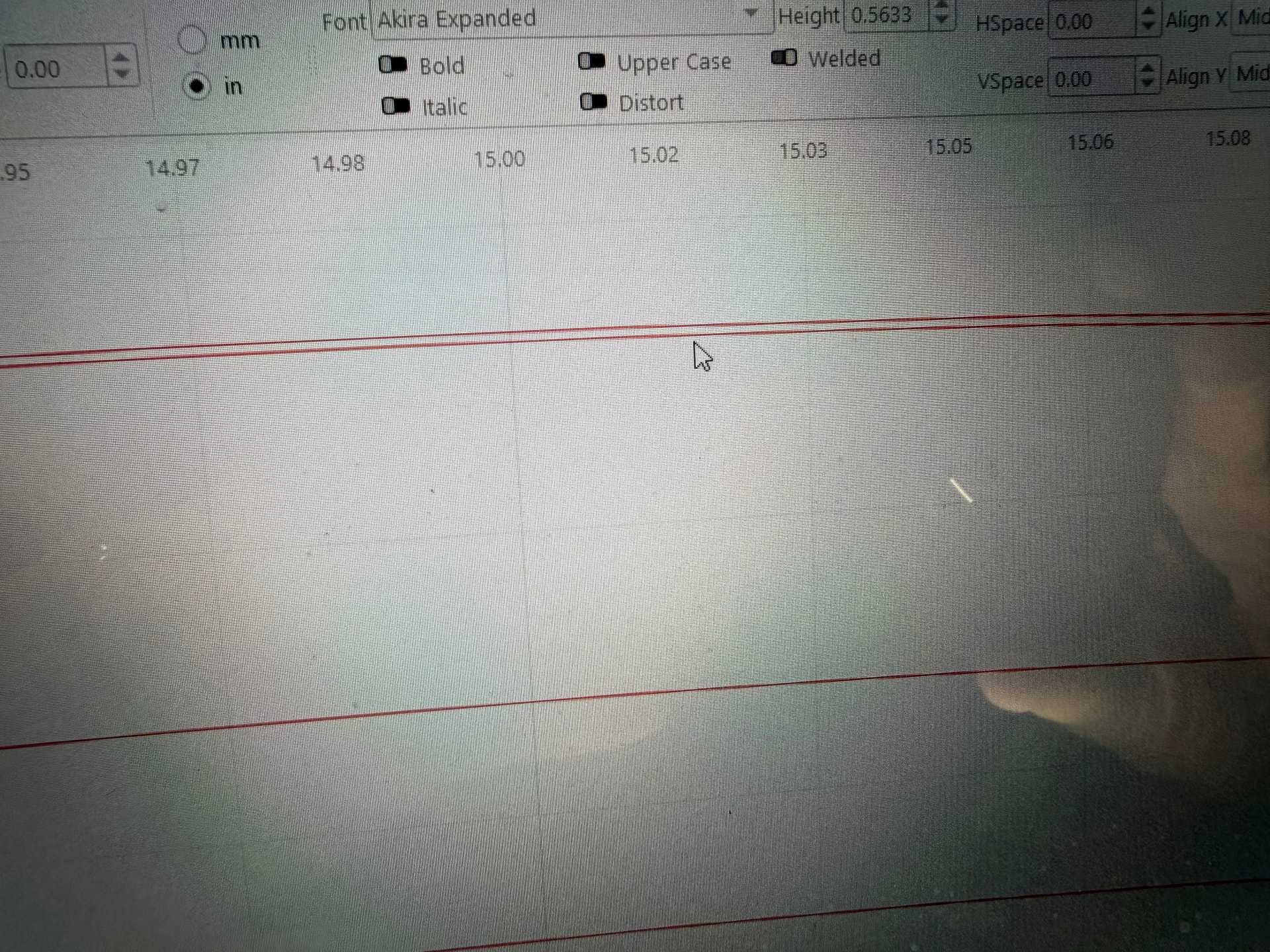
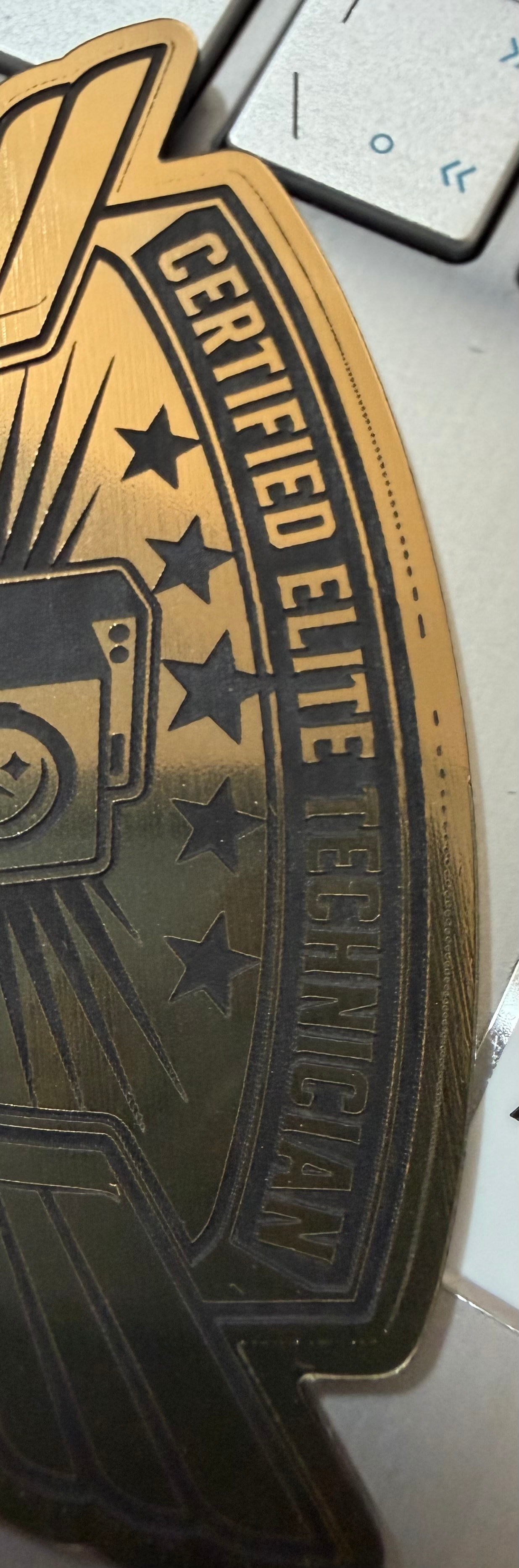
Without seeing the [1] entire object, [2] knowing what material, [3] and [3] what speed and power settings used, it will be difficult to diagnose.
This is a different subject and should have been another Thread (topic). This also relates to a CO2 laser and Ruida, neither of which I have. I must let someone else jump in and diagnose this part. Thank you for letting me know what I posted helped you.
You are able to use a .000 offset distance to get the same inversion effect - no need to add distance (even tiny distances).
FWIW, IMHO and ipso facto 
Yes. I know, but then try to separate them later! Been there, done that. 