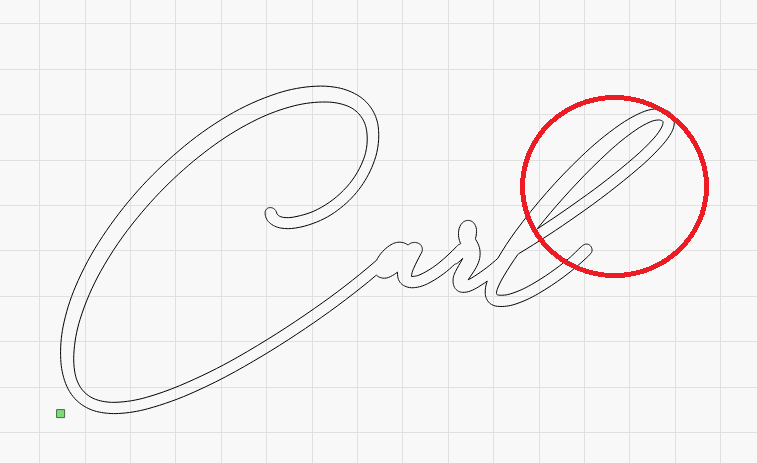
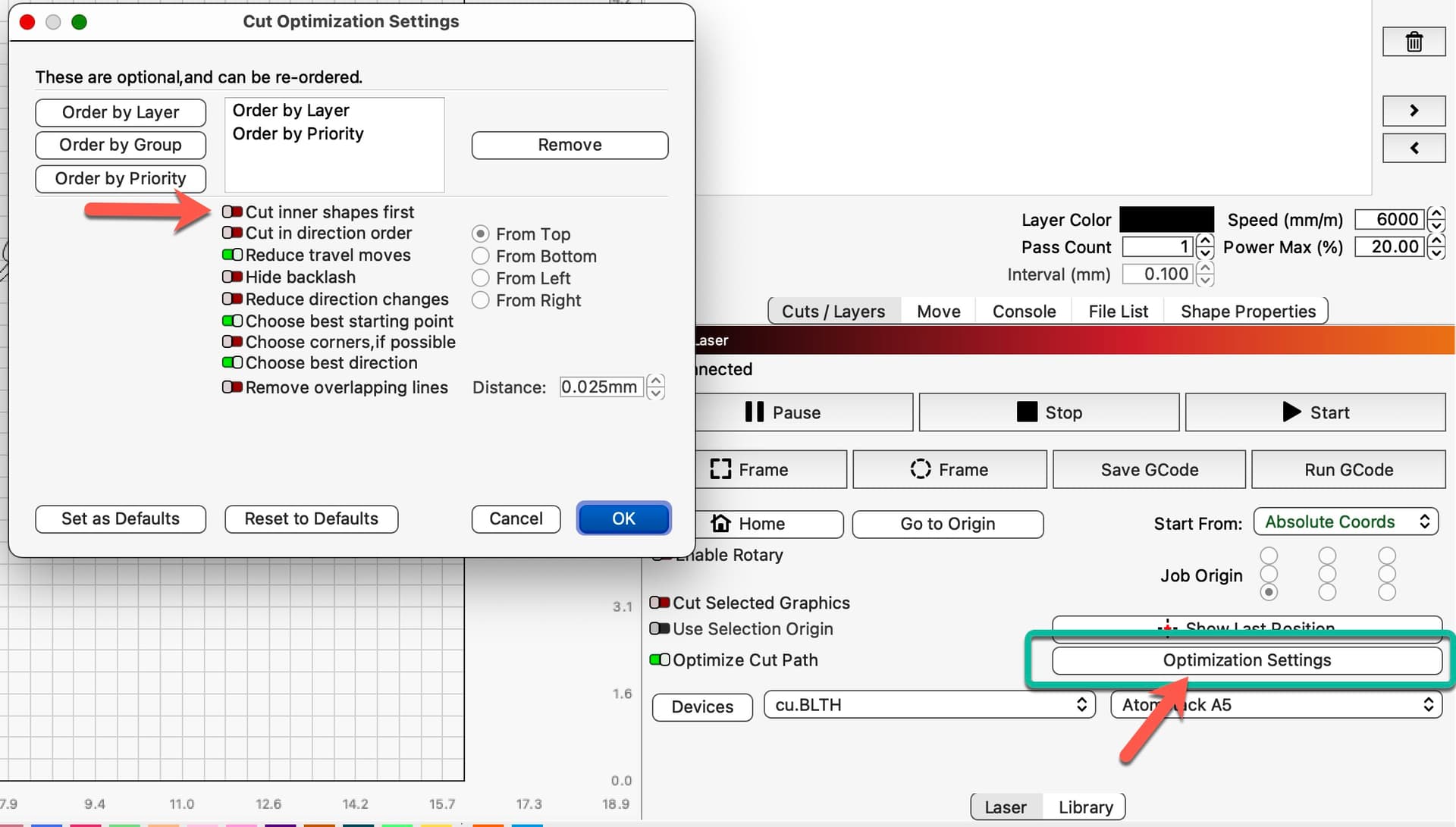
Is there a way to change tool path on text? I’m trying to cut out this text. But Lightburn by default start with the inner line on the L which creates to much heat at once. All the other letters come out fine. Since I’m only cutting lines there aren’t the same type of options like there is on “Fill” (“Fill all shapes as one” etc).
Hope this make sense
Beware! Cutting the outline first will potentially cause your workpiece to shift (fall out?) without completing the inner line(s) of your text. If you’re engraving the lines then you should be OK.
That said, it’s still going to burn that area causing the heat you described.
Maybe I’m not fully understanding your desired outcome.