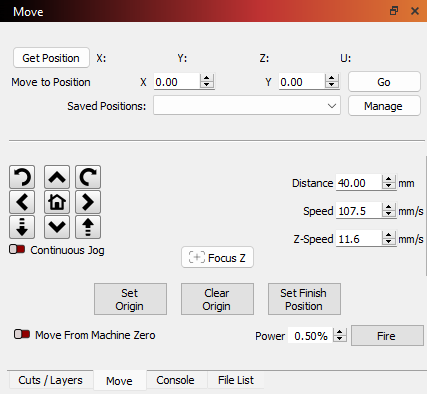
I have recently acquired a creality falcon pro 2. I have been using Xtool d1 pro for a couple of years now. Currently the default home location on the falcon is bottom left. I want to change the default home location for the laser to top left corner as in my opinion it is “out of the way”, also it is what I am used to with xtool.
I have gone ahead and changed the $23=1 instead of $23=3. I have left the Auto ‘Home’ ON. Which seems to work and takes the laser to the top left corner. However if I try to frame something or move it to the centre of the graph, it gives an error. Which is when I found inputting the code “G10 L2 P1 X-0 Y-415” does the trick. But the challenge is that once I turn off the laser and disconnect it, the laser goes to the top left and everything after that is an error until I input the code “G10 L2 P1 X-0 Y-415” again and it works fine.
I have also tried inputting the code “$23=5” and the "G10 L2 P1 X-0 Y-415 $10=0”. Same with this one it works perfectly fine till I don’t stop or restart the laser and it then homes to top left and gives an error, until I the G10….code and it works.
Is there something I am missing? Something else I need to do? Any help would be appreciated.
A Macro is a segment of code that runs when you click on the button. In this case, it would be some GCode that tells the laser where to move to. If you have more than one machine, the Macro follows the selected Device, meaning each machine will have its own set of Macros.
You can research GCode programming, but this will get you started. This will tell it to move at the maximum rate of the laser:
G0 X350 Y350
Of course, you will have to adjust the X and Y positions to suit your needs and machine size.
Here is the Lightburn Document explaining how to get it done…
I have just had a quick look at the macro document. When I go on Lightburn, Windows>drop down options. I dont see a Macro window there? That is weird. I should mention I am using an older version of lightburn.
Having said that, I do see macro0, macro1 and so on in the console window.
That is where I first created them. I had to recreate them in v2.0.xx, but it was a no-brainer.
Just pay attention to the button labels and window titles and you should be able to figure it out. Elsewise, you can open Docs, then select the older v1.7 version and search for Macro.