I am looking for guidance and your expertise on a project i am working on and for the life of me cant figure it out.
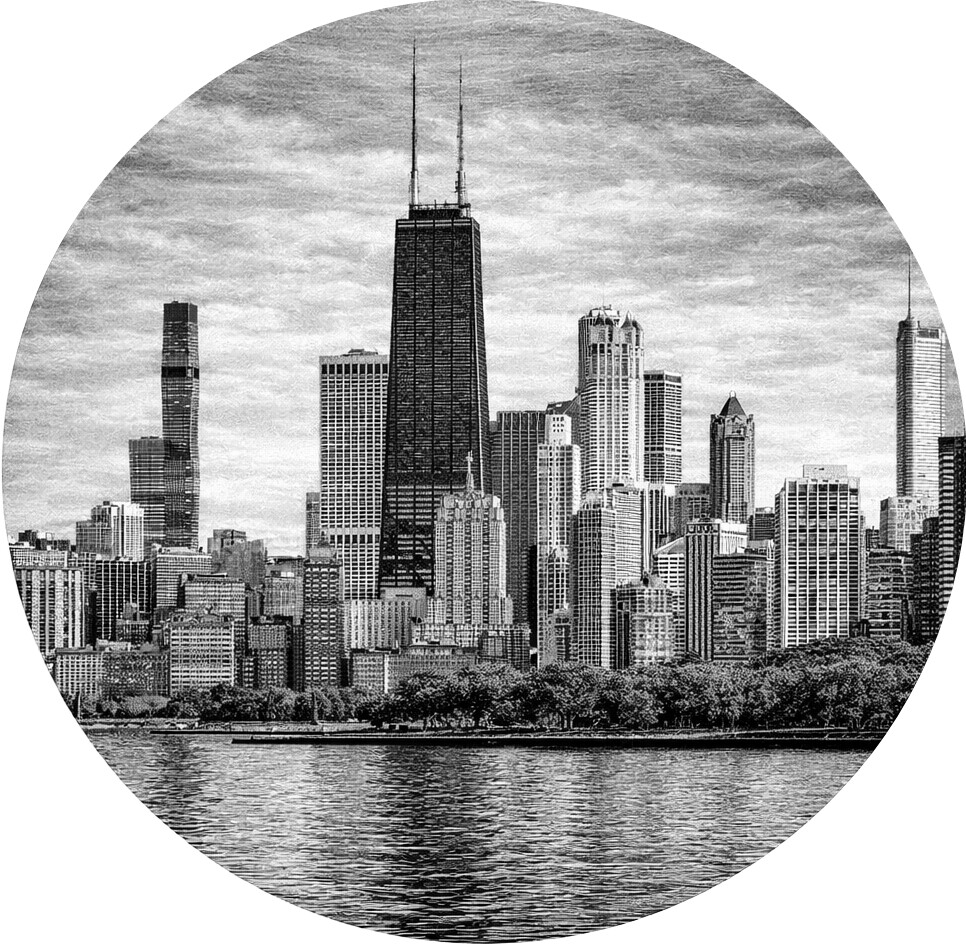
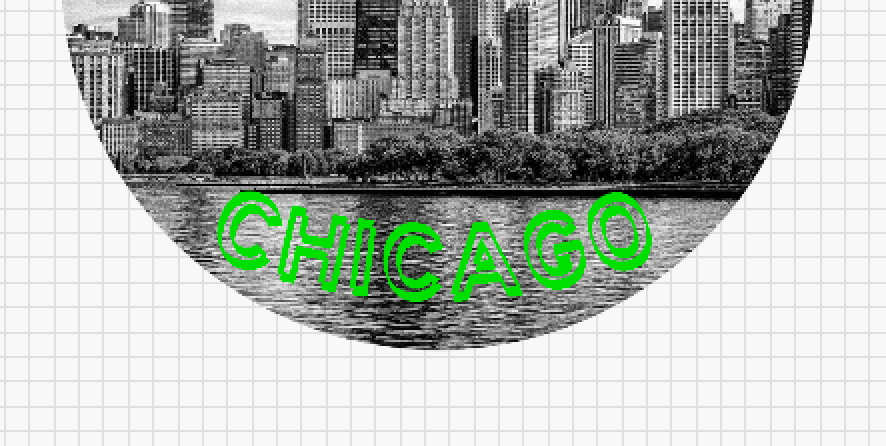
I have a !0" round Chicago skyline image where I want to put a curved “Chicago” text near the bottom. I would like it to be a relief filled text (Raised Text) but cant get it to react as intended with the image. I have done other relief or raised text projects before but this one has me stumped.
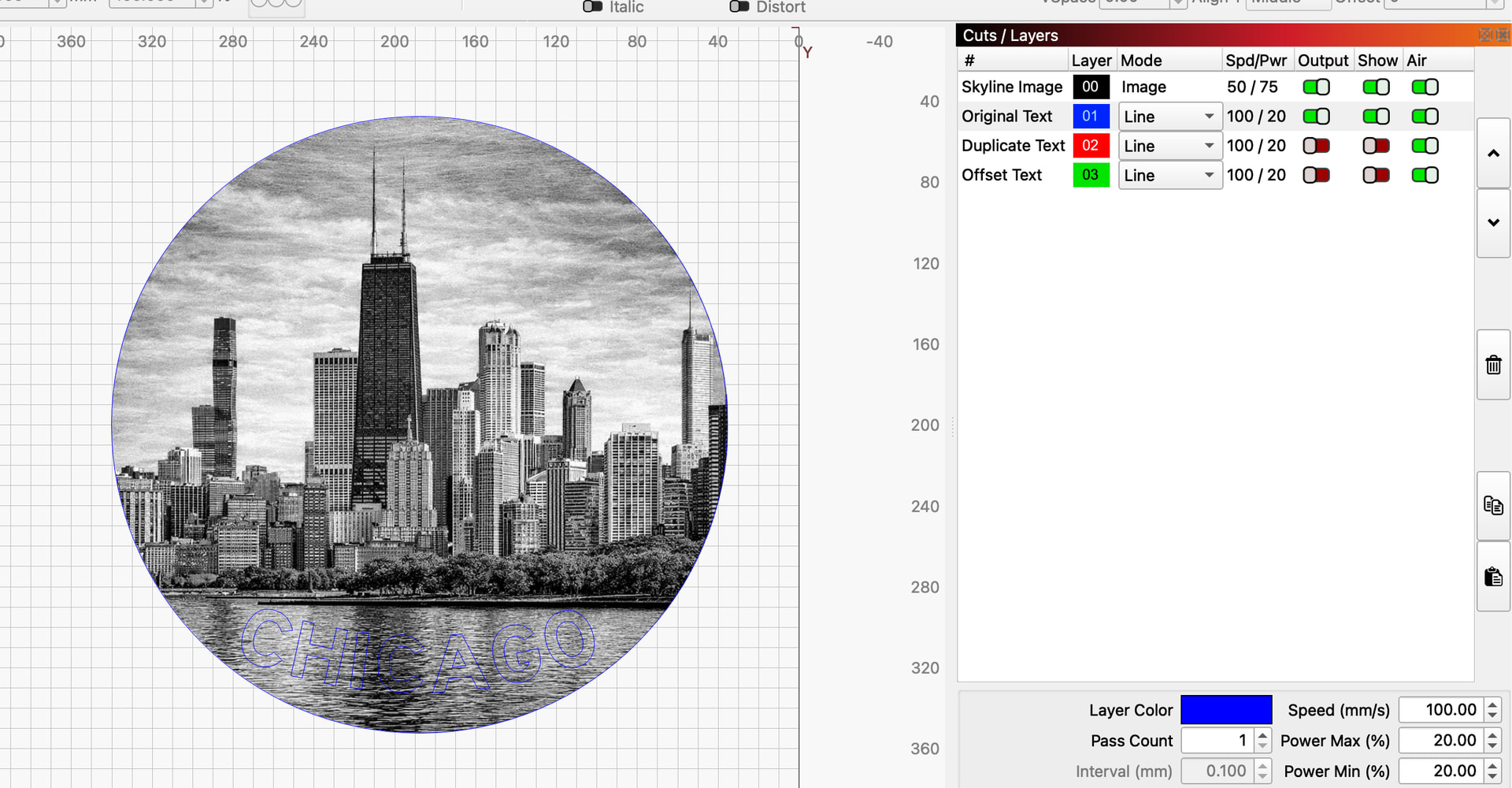
I am working with a Creality Falcon 2, 22w laser and Lightburn core 2.0.05 . Your incite to help me get through this dilemma. If need be, I can send you the graphic and the Lightburn file if need be. I’m sure that you have a solution with your knowledge end expertise so this is why i am going straight to the master. below is the copy of the skyline image. on your request, Below is the Chicago Skyline image as well as the Lightburn file i am using to try and generate it.
Let me add the material i am going to burn this on: 10 inch pine rounds
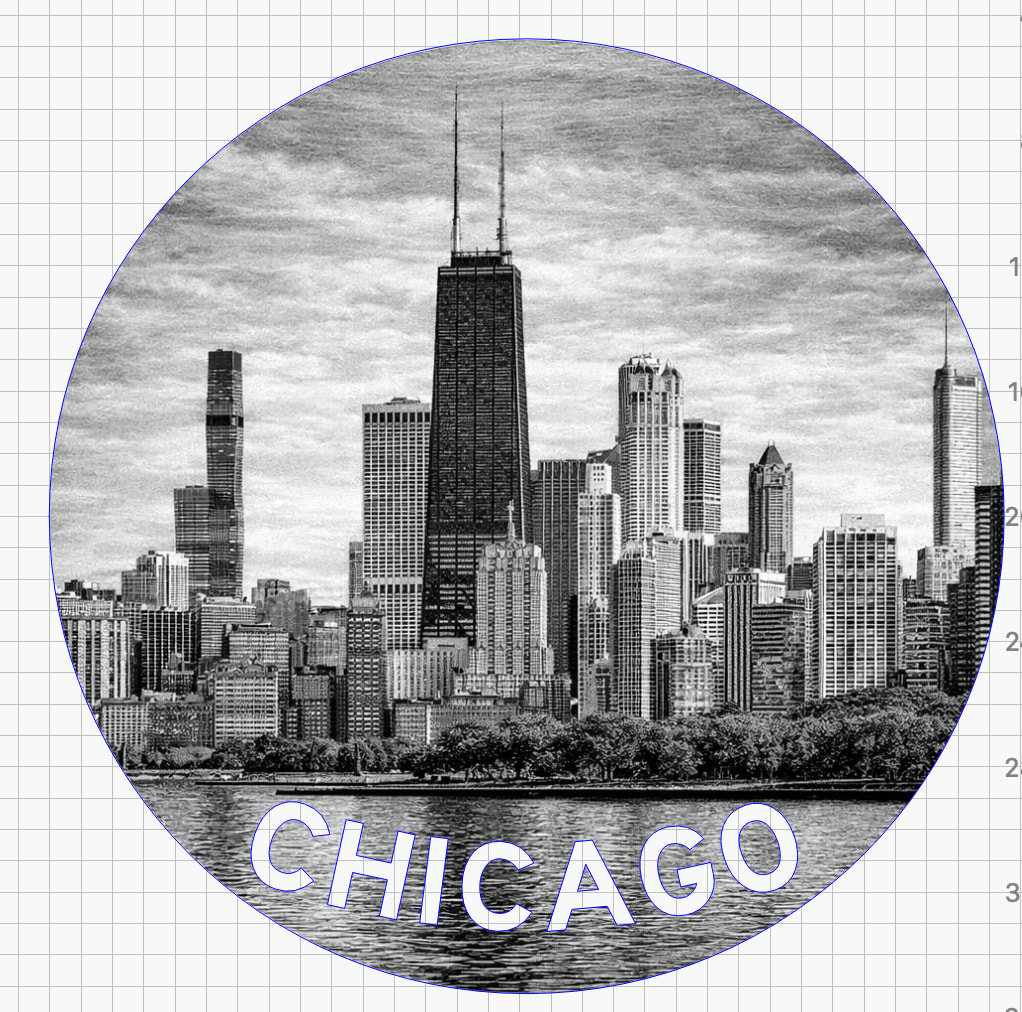
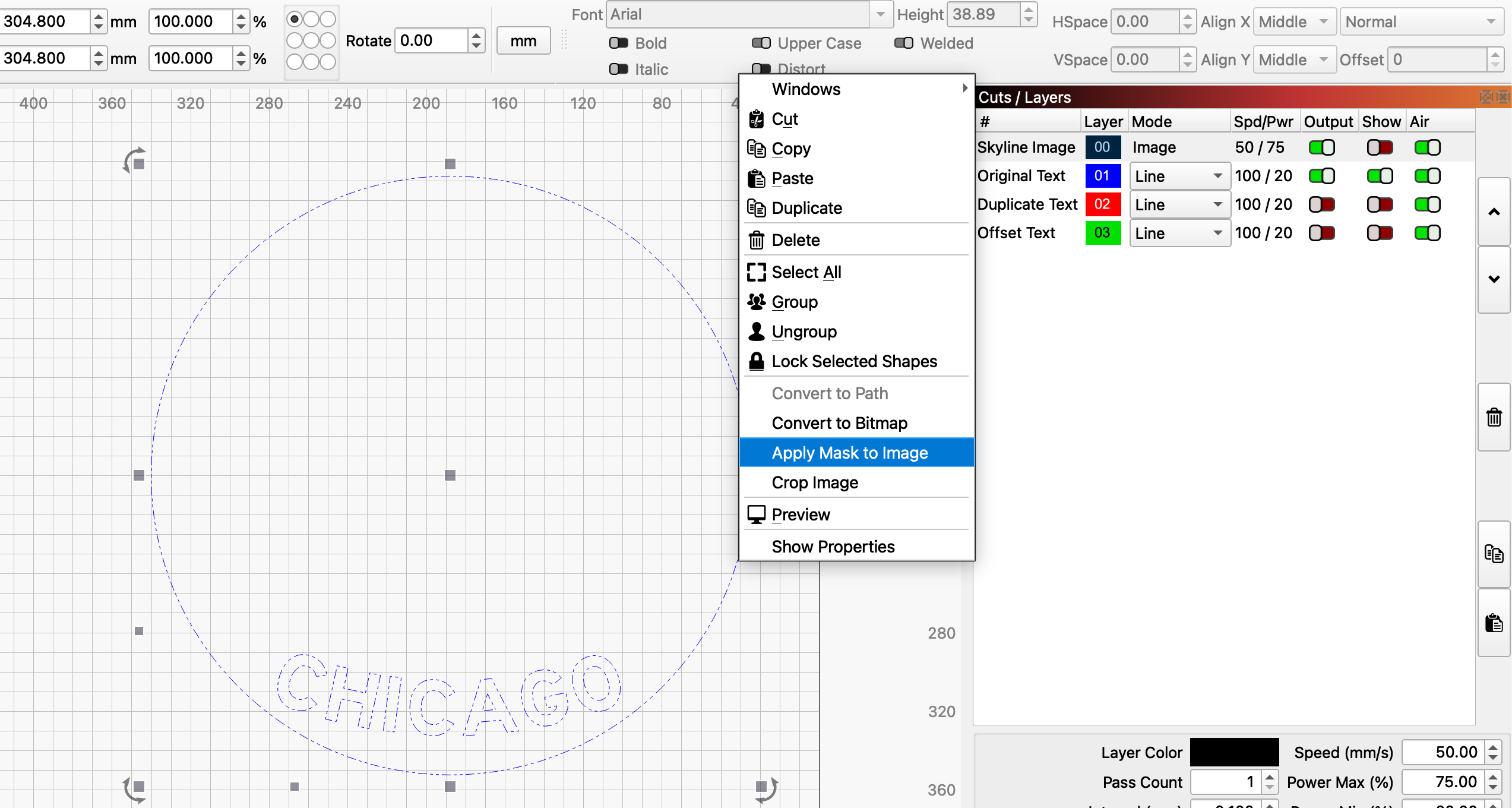
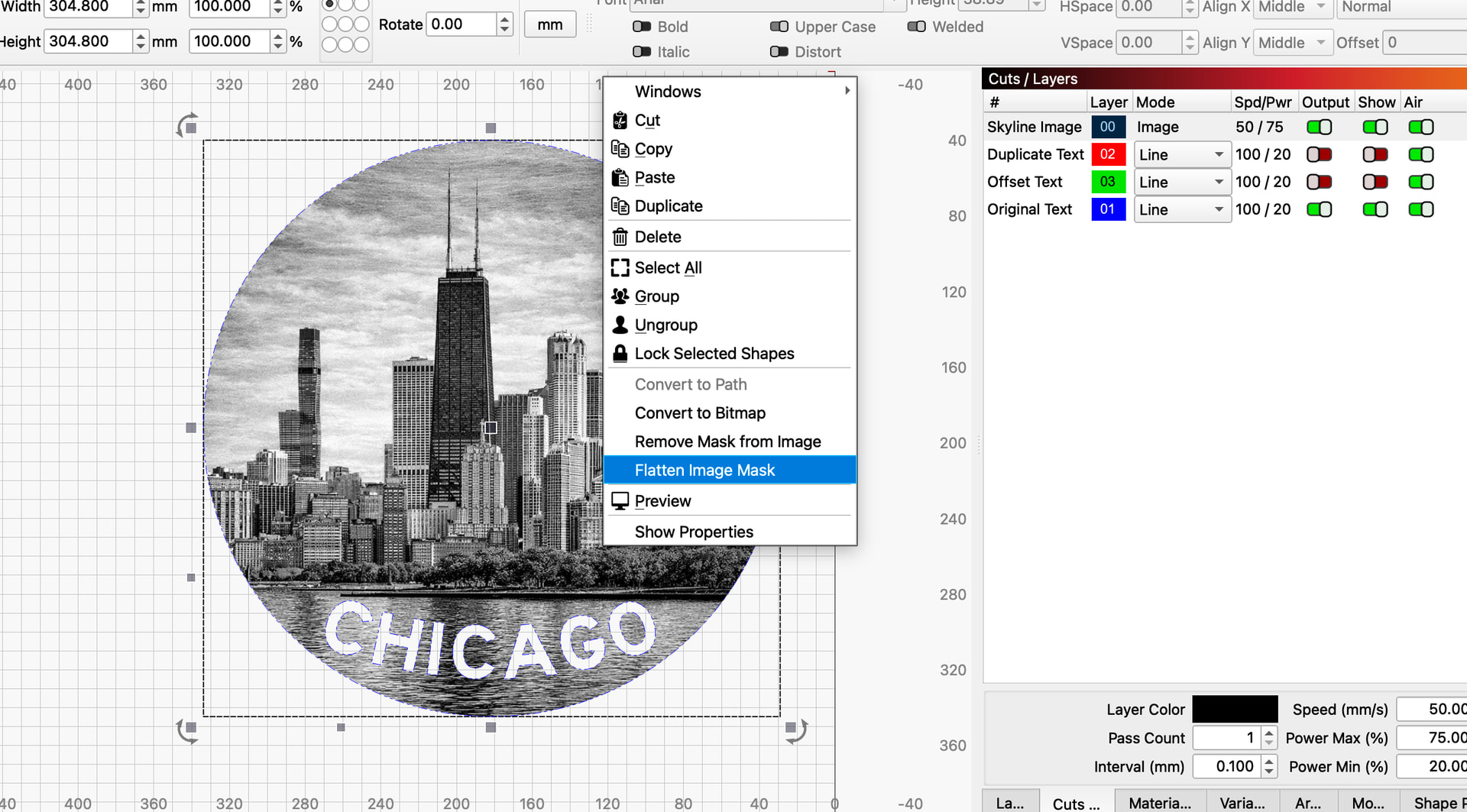
If so, I will walk you through it. First, create a circle the same size as your image and center the circle on your image. Set the circle to the same layer as the text you want to use for the cutout. Shift click on the circle and text layer in the cuts/layers panel. This will select everything on that layer. Then right click and select group, or click group on the toolbar. Set the grouped layer to line mode. The layer must be line mode, not fill mode for this to work. You should see this, the image with the grouped text and circle layer on top and the other layers turned off and hidden.
Click off of the layer deselecting it. Select the image layer then hide it. Now shift select the circle/text layer. Right click and choose Apply Mask to image.
Hey Tim, that is very close to what I was trying to accomplish. I have been pulling my hair out trying to figure it out. I will look into this in more depth I. A bit but I do have one question.
Will this text “CHICAGO” be raised or relief filled from the image?
It will be the height of your material, because no lasering will take place there. The depth of the surrounding material will be determined by your laser settings for the image.