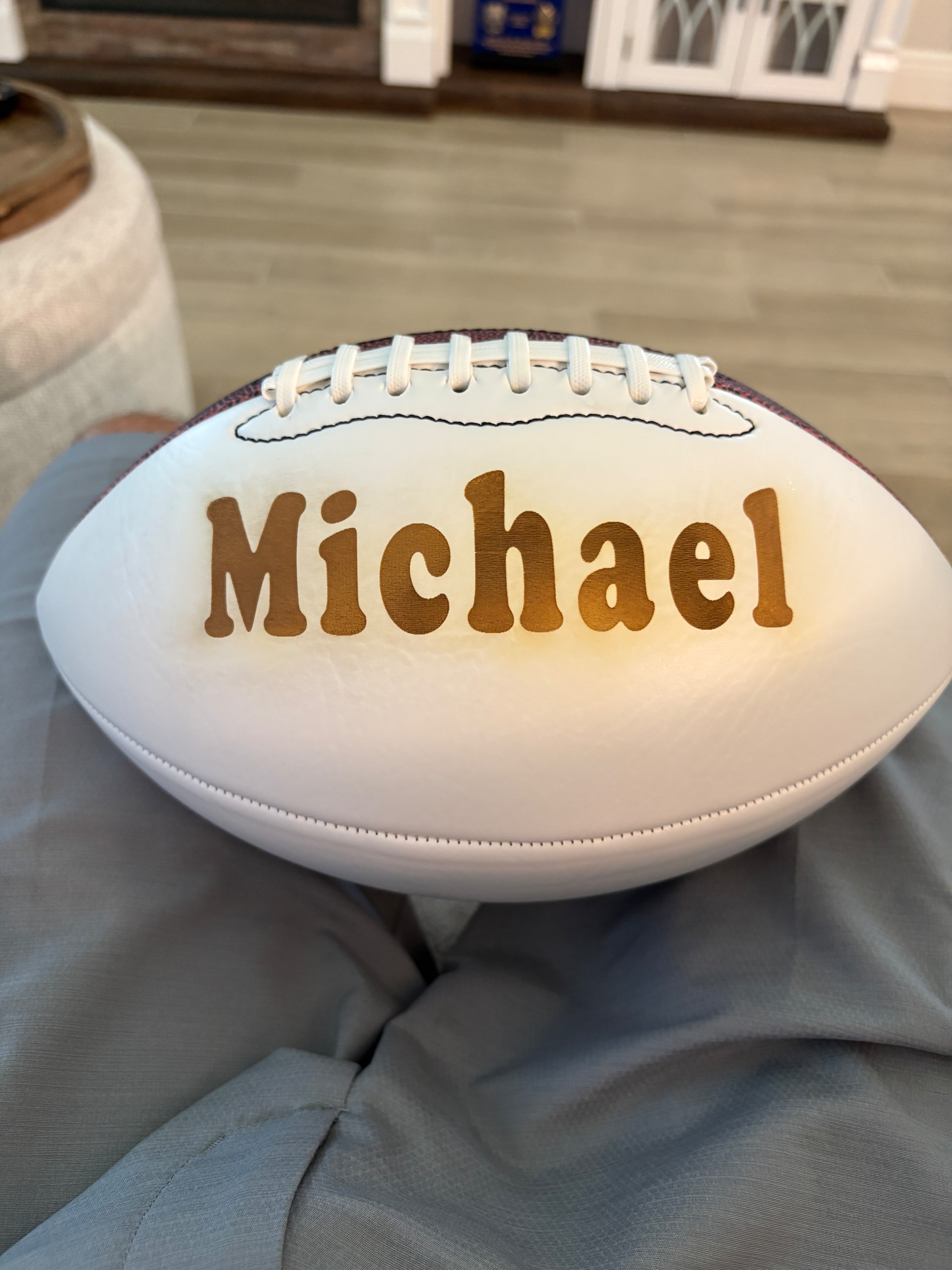
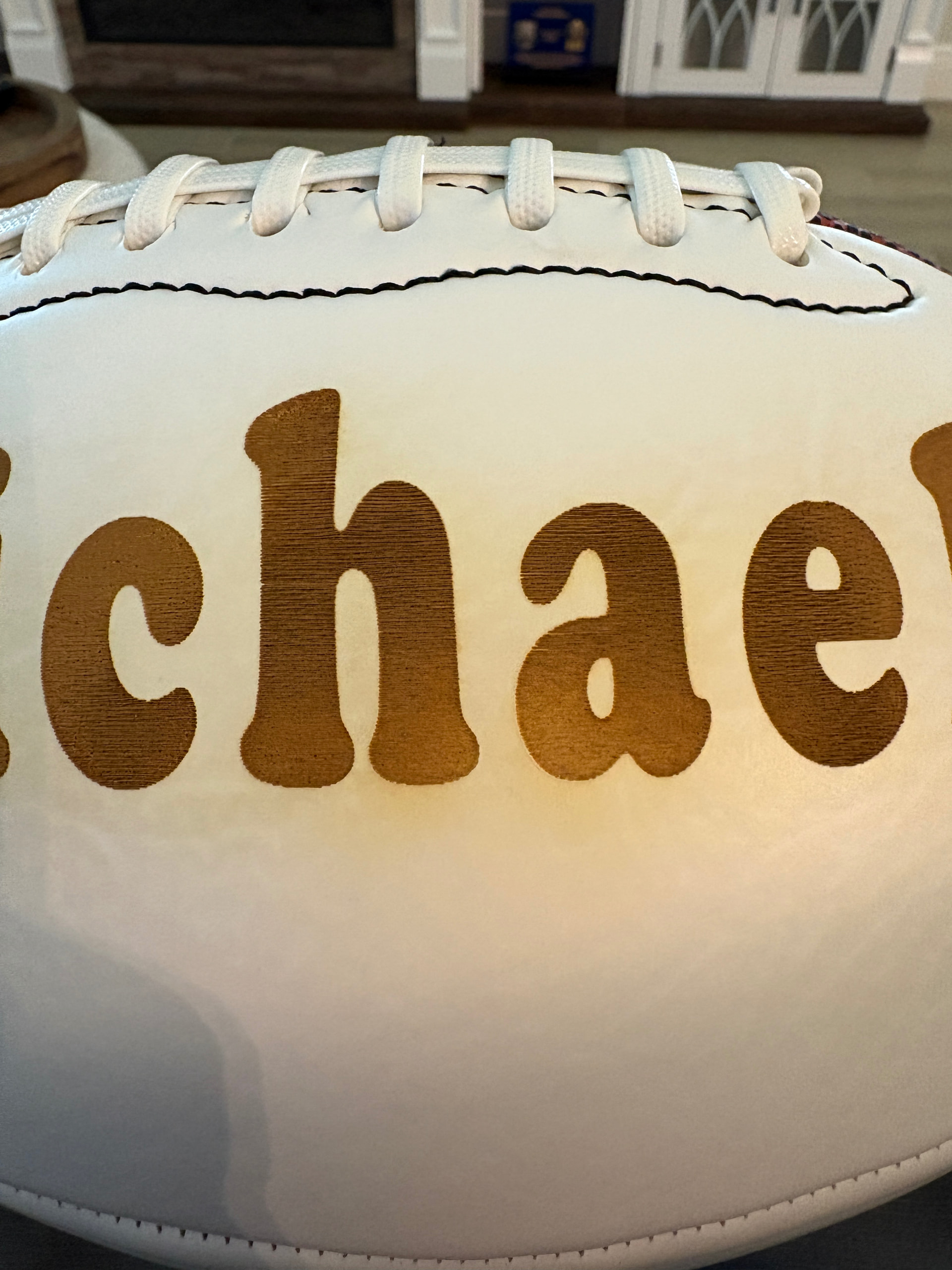
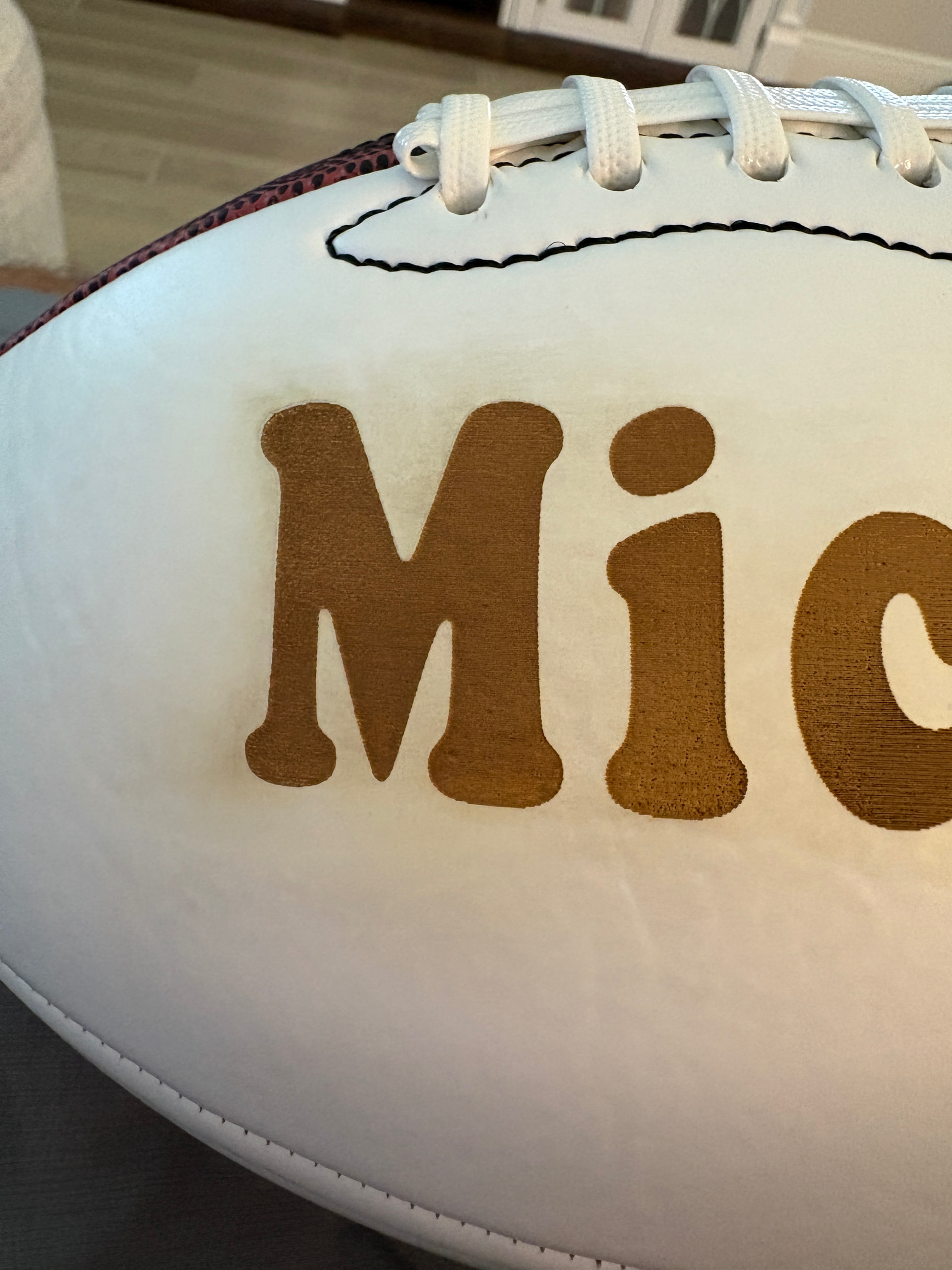
I think it came out pretty decent
Unfortunately, i cant seem to get it cleaned up well enough to deliver Yes, ive tried LA awesome, Mr Clean sponge, magic eraser, toothbrush, dawn soap The closest i got to getting it clean was the Mr Clean sponge, but that started to bleach out the white panel and then it started to lighten the engraving
Any thoughts?
I didn’t mask it like I would normally mask just about anything else. I was worried it would melt to the ball. I’m not new to this….just new to this stupid football lololol. And yes, you’re right, it’s probably not coming off.
Cleaning is unavoidable in this case; it’s an extra step, in addition to engraving.
In the few jobs I do, I always try to avoid the cleaning process if possible, as it often affects the final result.
Using material that could preferably be discarded, I would try to do two or three passes at lower power in order to reduce smoke and thus obtain a cleaner result.
Multiple passes increase engraving time but avoid cleaning (which also adds time) and its consequences.
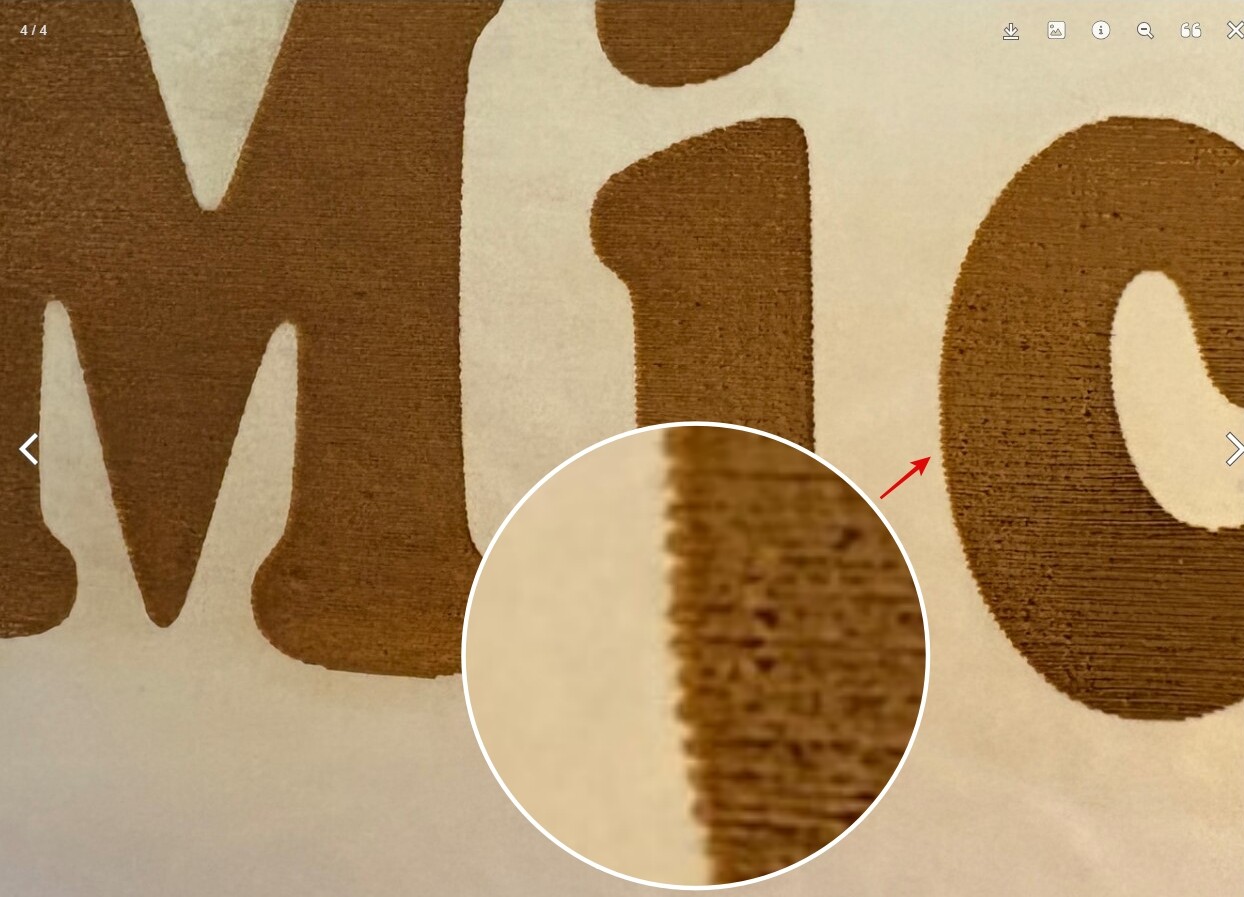
Without intending to minimize your opinion, but, when enlarging the image I would say that the distance between lines, if not spot on, will be slightly overlapping.
Increasing the distance would, from my point of view, clarify the engraving.
But you have years of advancement experience and will be able to judge better than I can.
My apologies for the delay in communication. I typically use 0.065 mm interval. I may have fat fingered the keyboard when setting up this project causing the interval to be tighter than normal. That said, I’m going to run another one, and try masking it with the same paper tape I use for acrylic. Thank you all. Will follow up shortly.
I don’t really care, except I know you’re lucky to get <0.100mm spot size on a glass tube co2 laser.
So even with 0.065mm it’s covering the same area, best case, 0.100mm/0.065mm is 1.5 times over the same area. Most glass tube lasers are closer to 0.200mm, using that is three times/passes.
I’m really not caring about the output, you shouldn’t need to make multiple passes with this type of engraving. It just makes things hotter to do this, increasing the chances of the burn appearance.