Hi there - new user, excited to start using my new laser!
As the subject says - I have a CNC Step High-Z s720t with a Zero3 controller. I purchased Lightburn, assuming (yeah, I know) that there would be a post processor for my CNC. However, there doesn’t appear to be a good fit.
Does anyone have the same machine config as me, and if so, what post-processor are you using?
I use VCarve Pro exclusively for my system, which uses the KinetikNC post processor. Is there anything similar for LightBurn?
Now, I could write my own post-post-processor to ‘fix’ the generated g-code, but that’s an extra step that I would rather not do. Hope I just didn’t waste any money on LightBurn If all else fails, I could purchase the VCarve laser add-on, but I like all the capabilities that LightBurn has…so I’d liked to use it if I can.
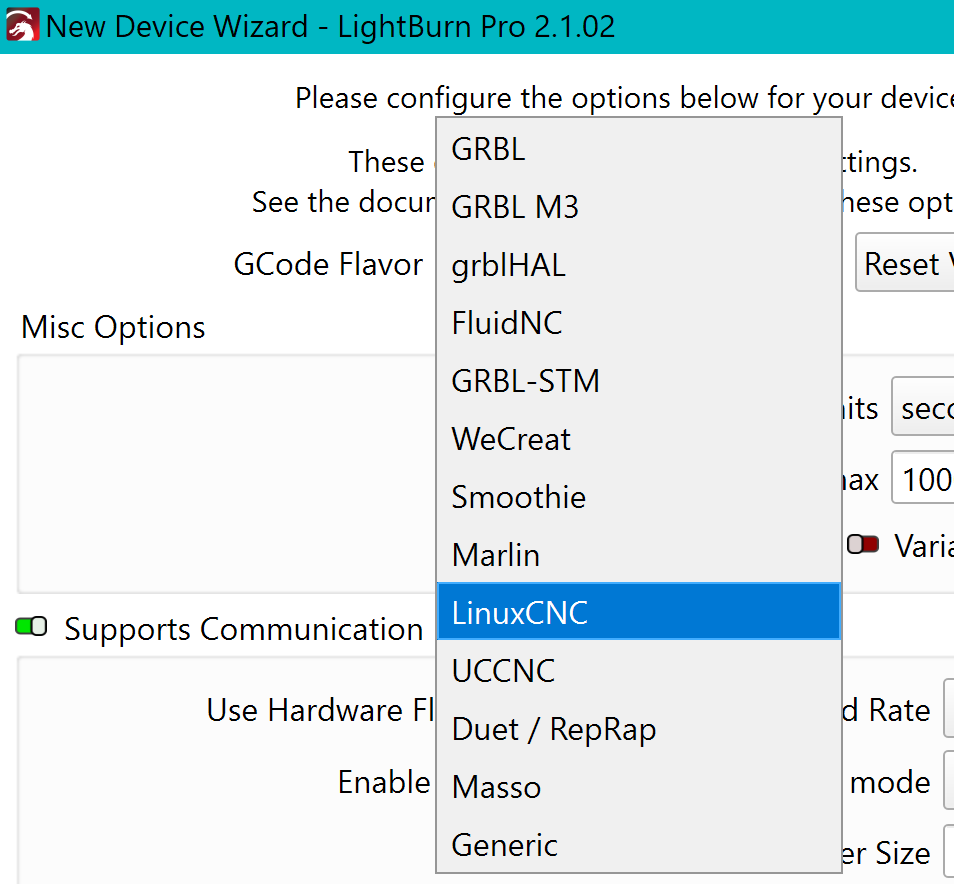
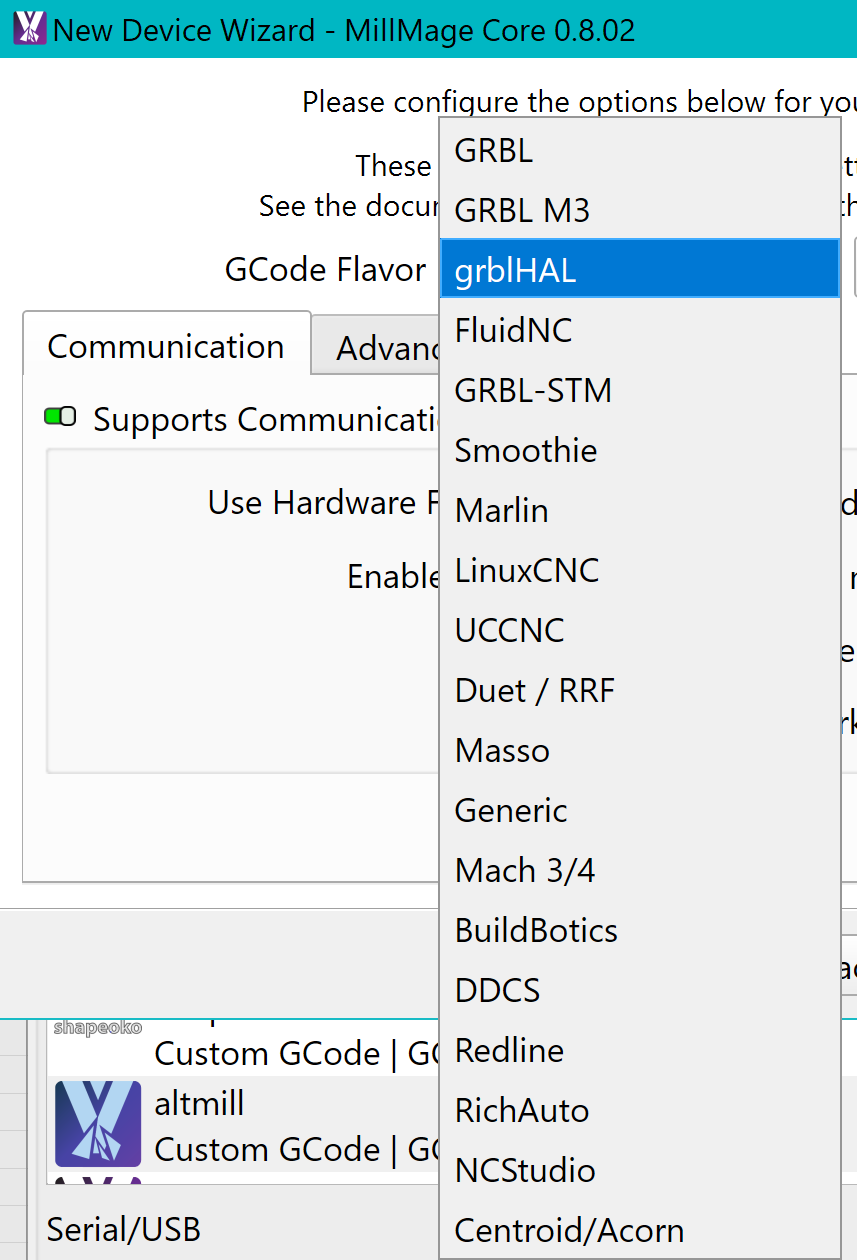
Lightburn does not use post-processors. If your controller is not in the typical ones supported, @parsec has your solution. For full machine control, KenetiC-NC must report status and position information like GRBL, grblHAL, FluidNC, and other supported controllers do.
You can also use VCarve to draw one line square with 10mm at X10 Y10 and other line square with 10mm at X40 Y40, apply the PP then in a reply post the code for us to check.
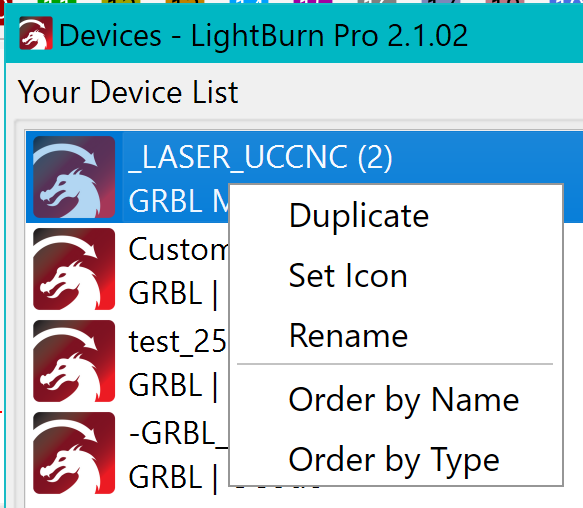
Thanks for the nudge towards Custom GCode - the code generated seems to be compatible with WinPC NC, and after a lot of tweaking of parameters in WinPC NC, I was able to get some things to work.
Sadly, I haven’t been able to burn anything yet, as I’m waiting for a cable that supplies the PWM signal to the OPT laser. Should have that in a day or two.
And, regarding post-processors, maybe I misunderstand what they’re for - my assumption was that they take the ‘design’ from the software and convert (or post-process) it into GCode (or whatever language you need), which is what drives the CNC. For the CNC Step High-Z CNC with the Zero3 controller, I have to load the GCode into WinPC NC since there is no hardware component in my configuration that will let software drive the CNC directly. And, in VCarve Pro, what generates the GCode is called a post-processor, so I just assumed the same nomenclature would apply to LightBurn.
But honestly, me being confused or not, it doesn’t really matter Custom GCode seems to be the ticket!
Once I get the laser and CNC combo completely working, I’ll update this thread with that I did. There are a few oddities with the CNC and WinPC NC that took a bit of time to figure out. Ahhh, zee-Germans
Consider Custom GCode as an on-the-fly processor that works transparently in the background.
.
.
.
EDIT:
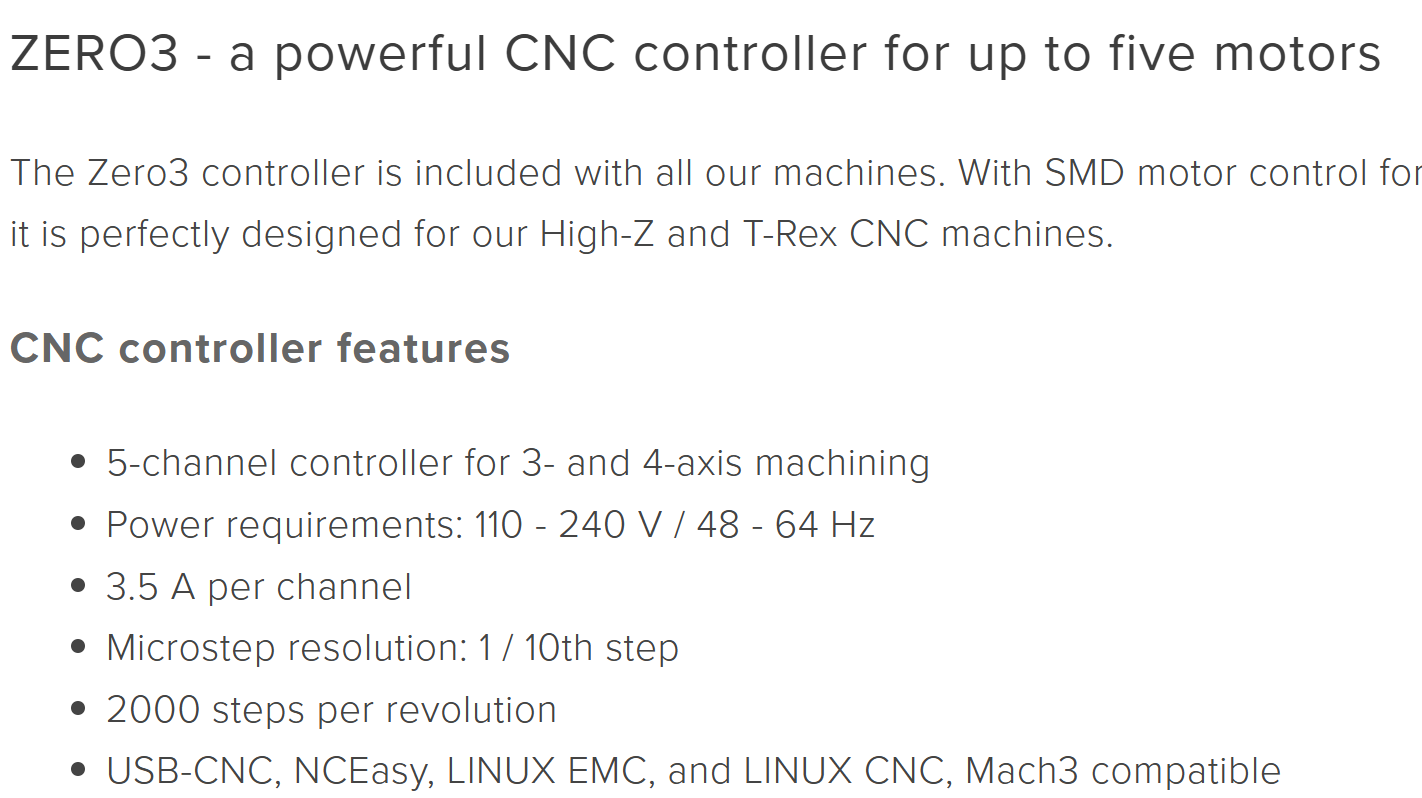
As the Zero3 controller commands the machine trough a Parallel/Centronics interface is compatible with Linux CNC and Mach3 and maybe UCCNC (they have some accessories for StepCraft):
 If all else fails, I could purchase the VCarve laser add-on, but I like all the capabilities that LightBurn has…so I’d liked to use it if I can.
 Custom GCode seems to be the ticket!