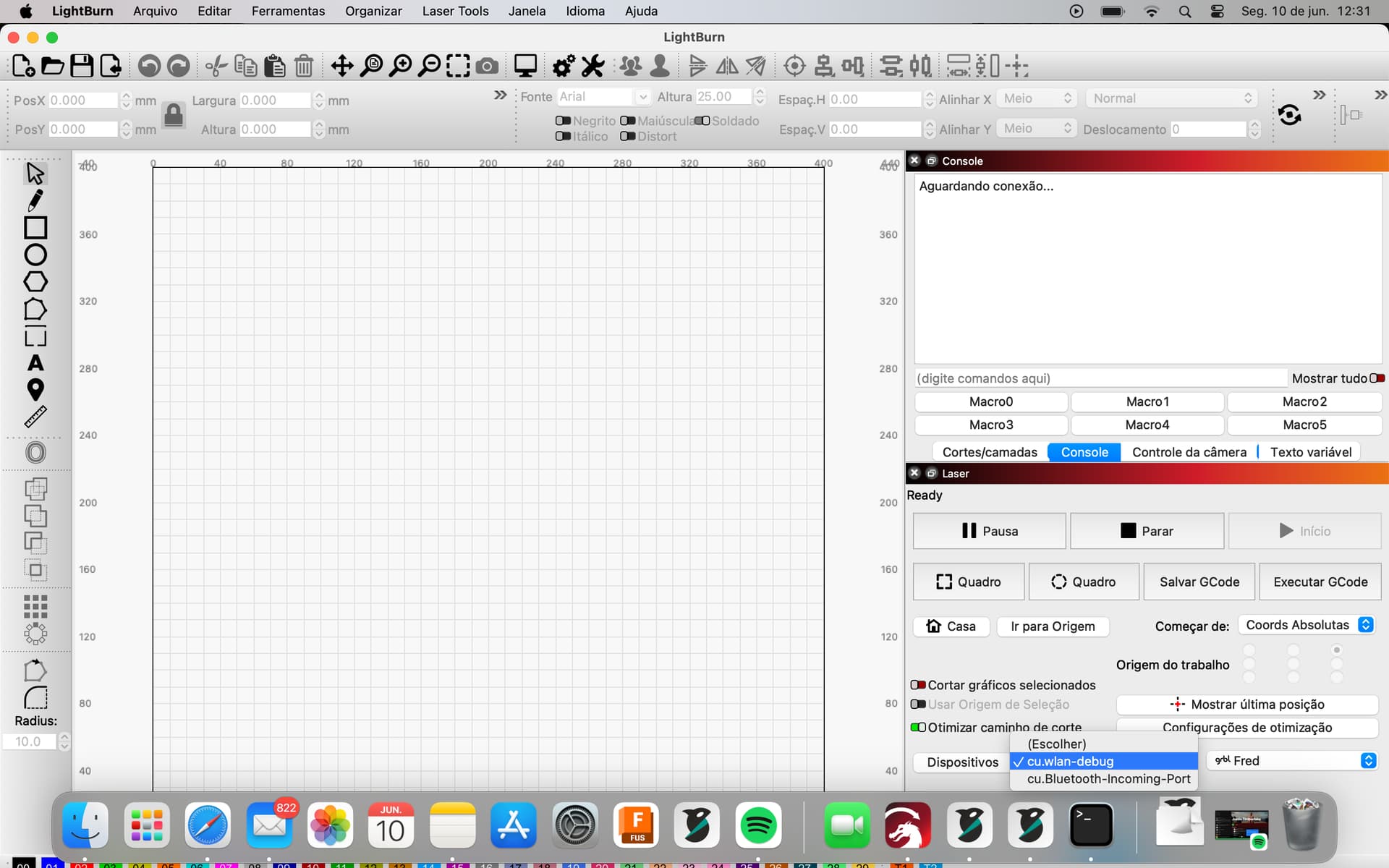
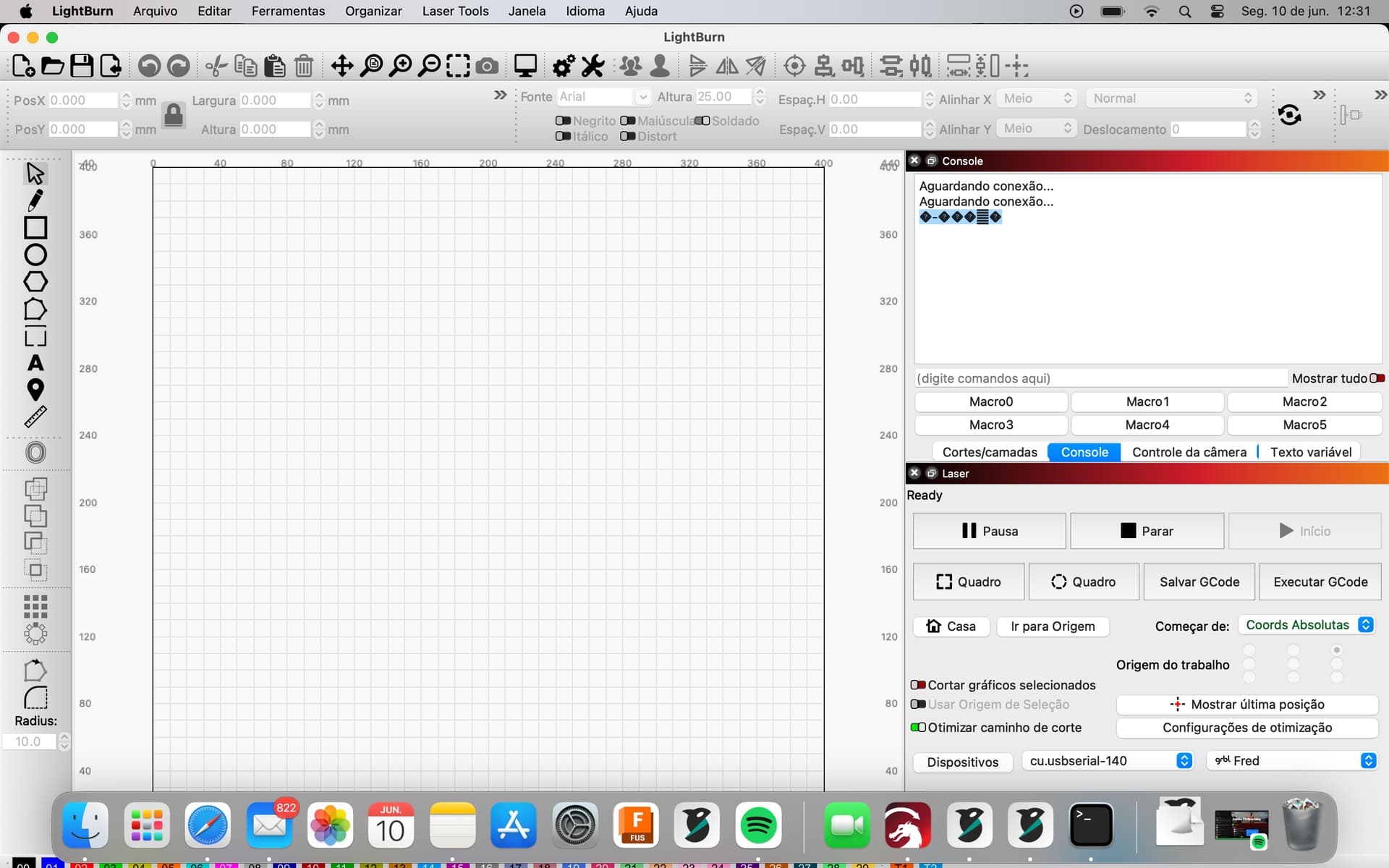
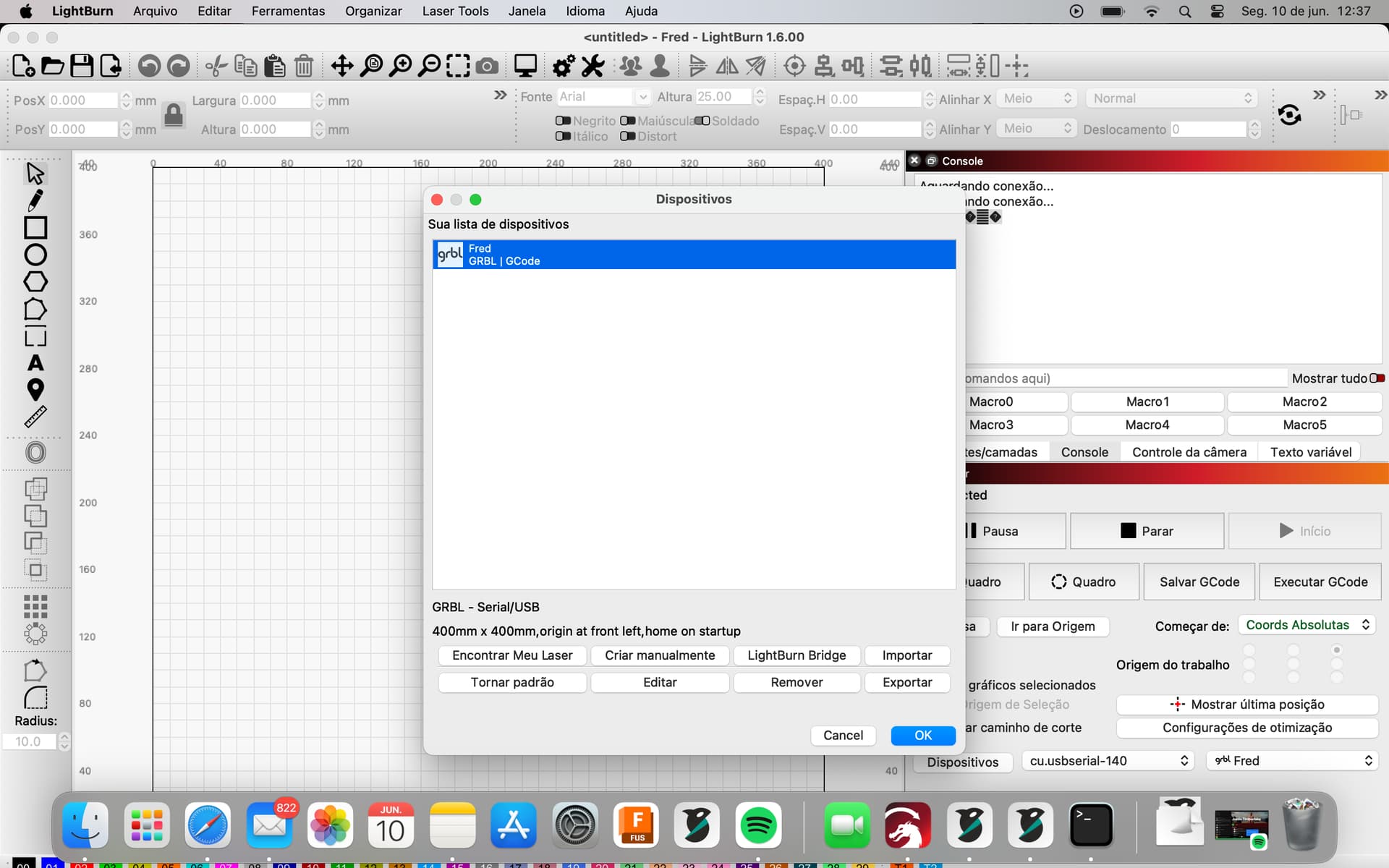
Hello friends, I have a Comgrow Z1 to do some work as a hobby, I have always used it with a Windows notebook, but a while ago I started working only with a MacBook M1, I bought the Lightburn 1.6.00 software, since then I have not been able to connect the laser to the lightburn, when looking for the laser it can’t be found, I did the manual addition using the data recommended by the manufacturer GRBL, at first I thought it could be an incompatibility of the USB HUB that I use due to the USB C outputs on the macbook, so I bought a direct laser cable for usb C and the problem persists! it is waiting for connection on the lightburn console, I installed the CH340 drive available on the pendrive that came with the laser, the same for MAC and still nothing changed, when connecting the usb on the mac it appears the extra port on the light devices burn, but it doesn’t connect, I don’t know but what to do? If anyone can help me I would appreciate it
MacBooks M1 - M4 are notorious for this issue.
In a nutshell - because of the added security features of MacOS - the McBook will always try to do 3.0 USB handshake, and fail.
You need to buy - not a USB cable - but a Cheap (the cheaper the better) Usb C to USBa Hub 2.0.
This will force 2.0 handshake and - hopefully - fix the issue.
The HUB with USB A 2.0 arrived today, but there was no successful connection either, I don’t know what to do
Hi Frederico
Do this please
Plug Hub to Mac > plug laser to hub > power Lser onon
Open a terminal and type
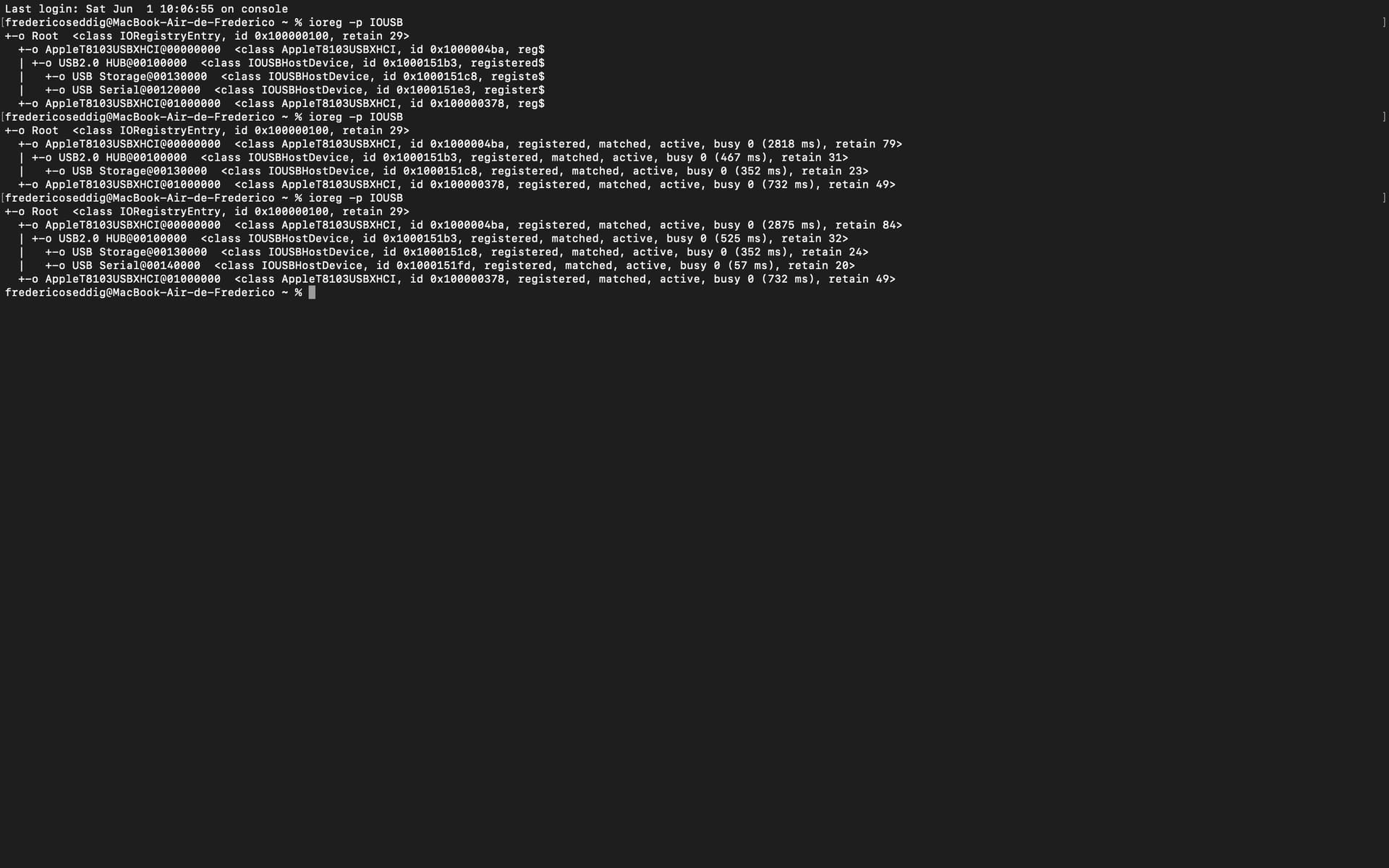
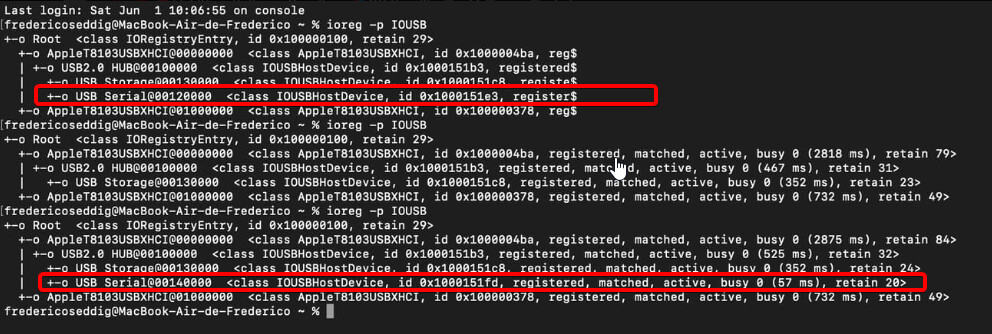
ioreg -p IOUSB
Press enter. take picture of output
Unplug usb - repeat command
take also picture

Can you share your Edit > Device settings
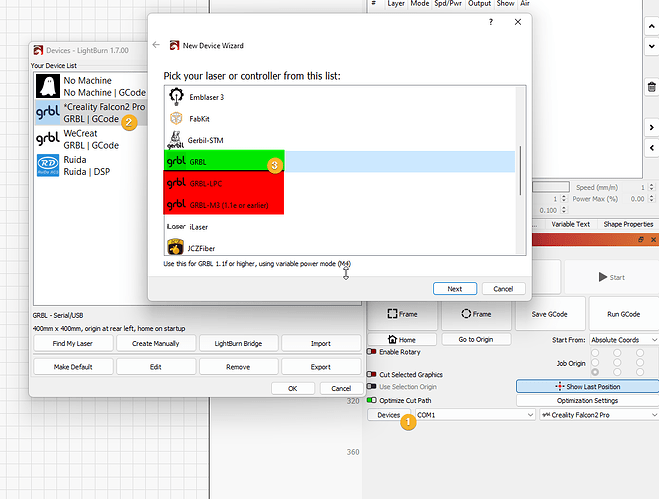
Also - which GRBL did you select?
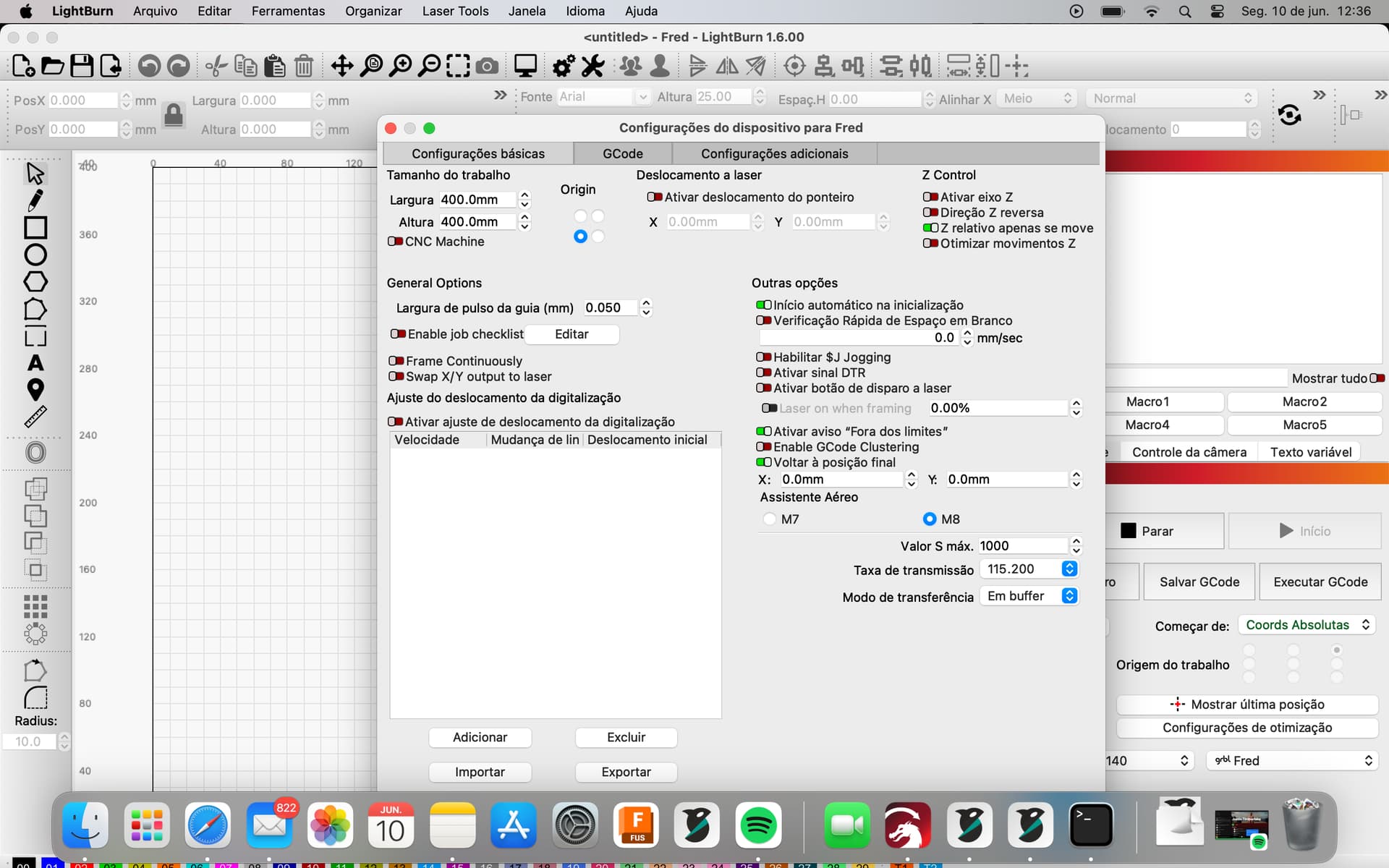
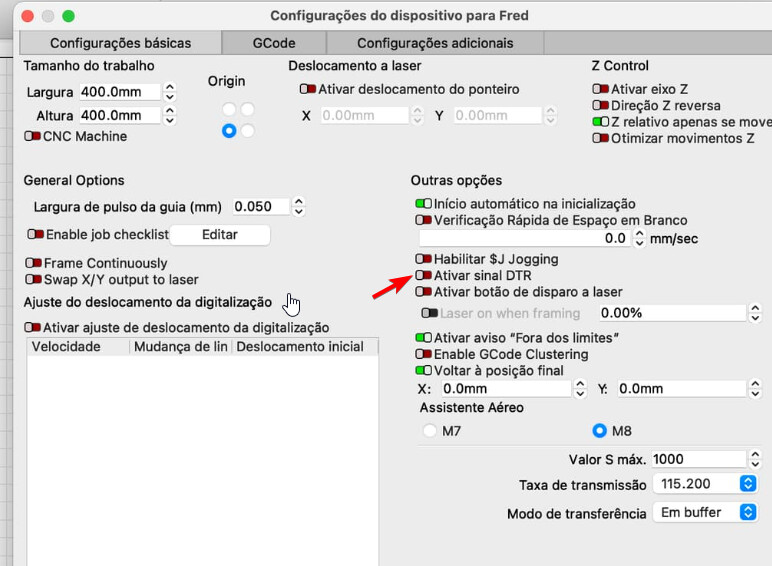
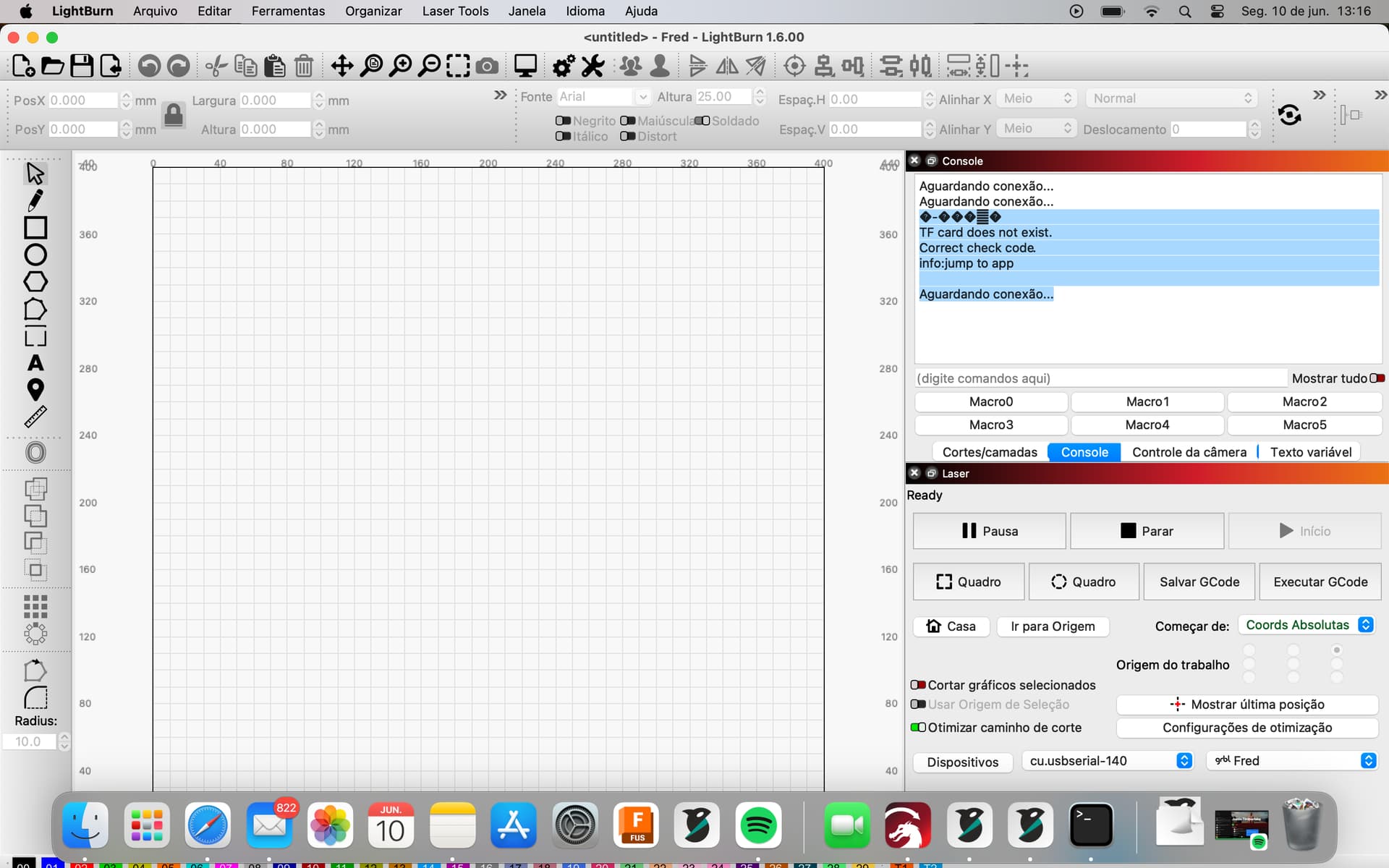
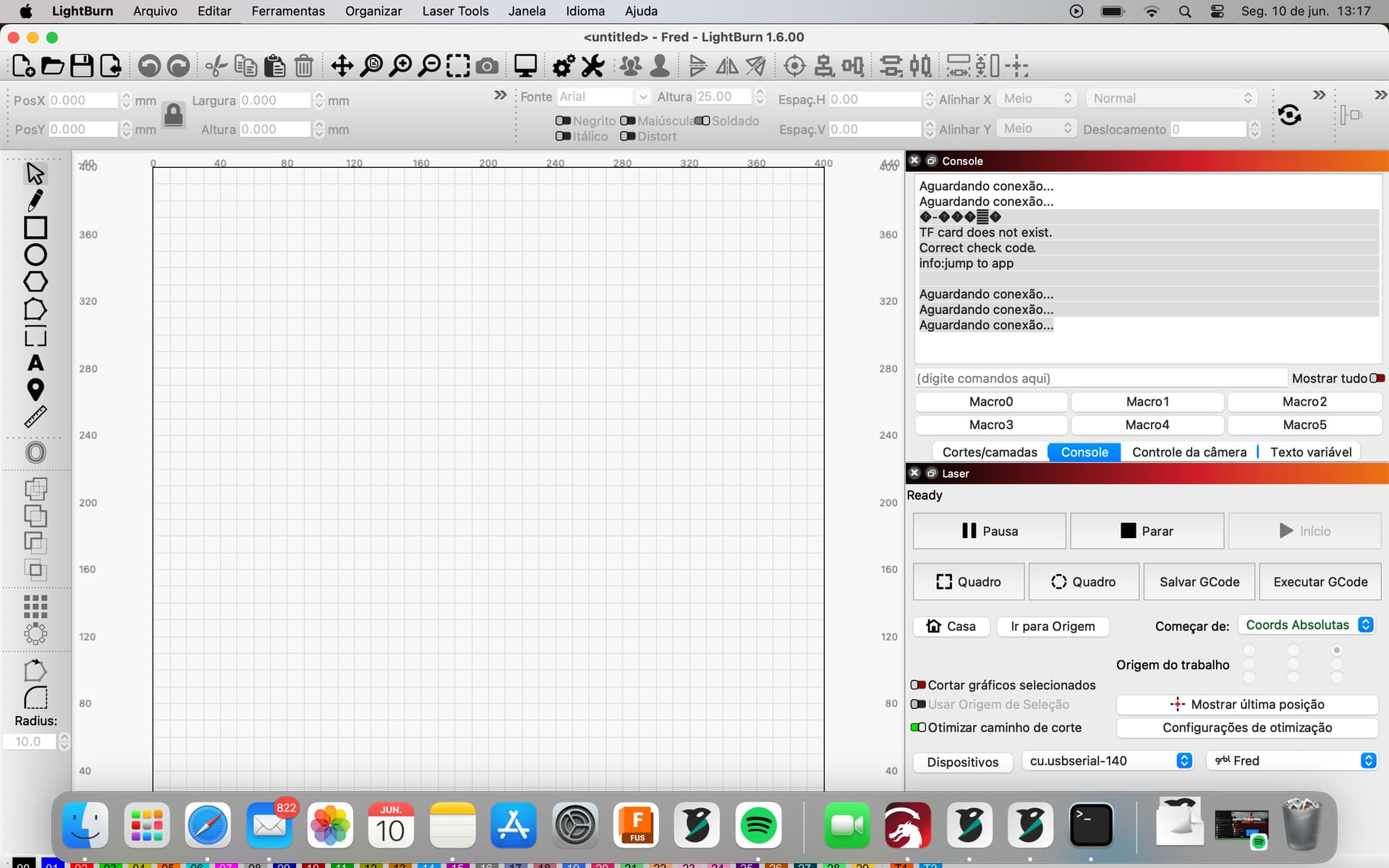
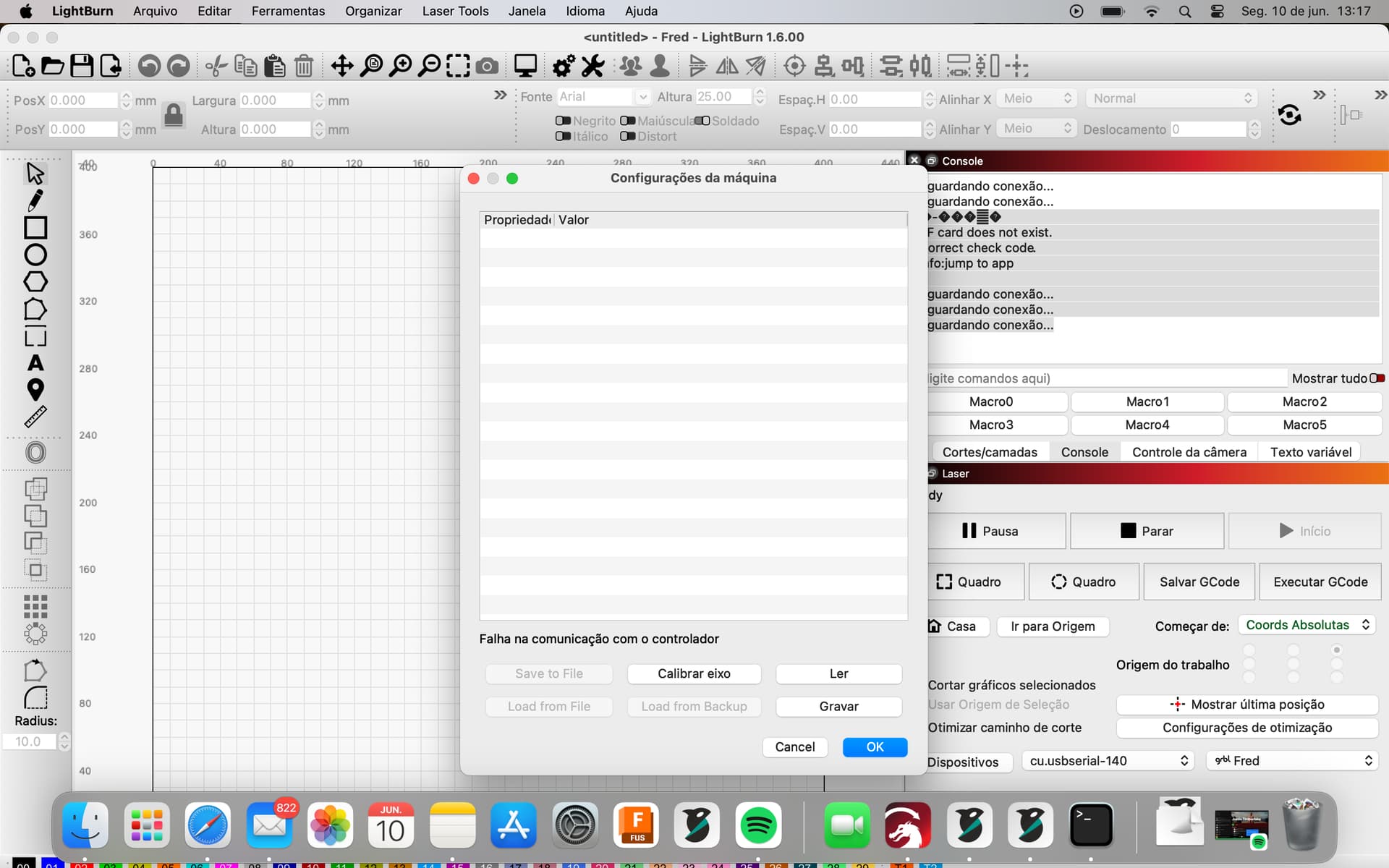
I believe the correct speed for new board is 230400, for old board is 921600.
yessss it worked 230400, thank you very much my friend I don’t even know how to thank you