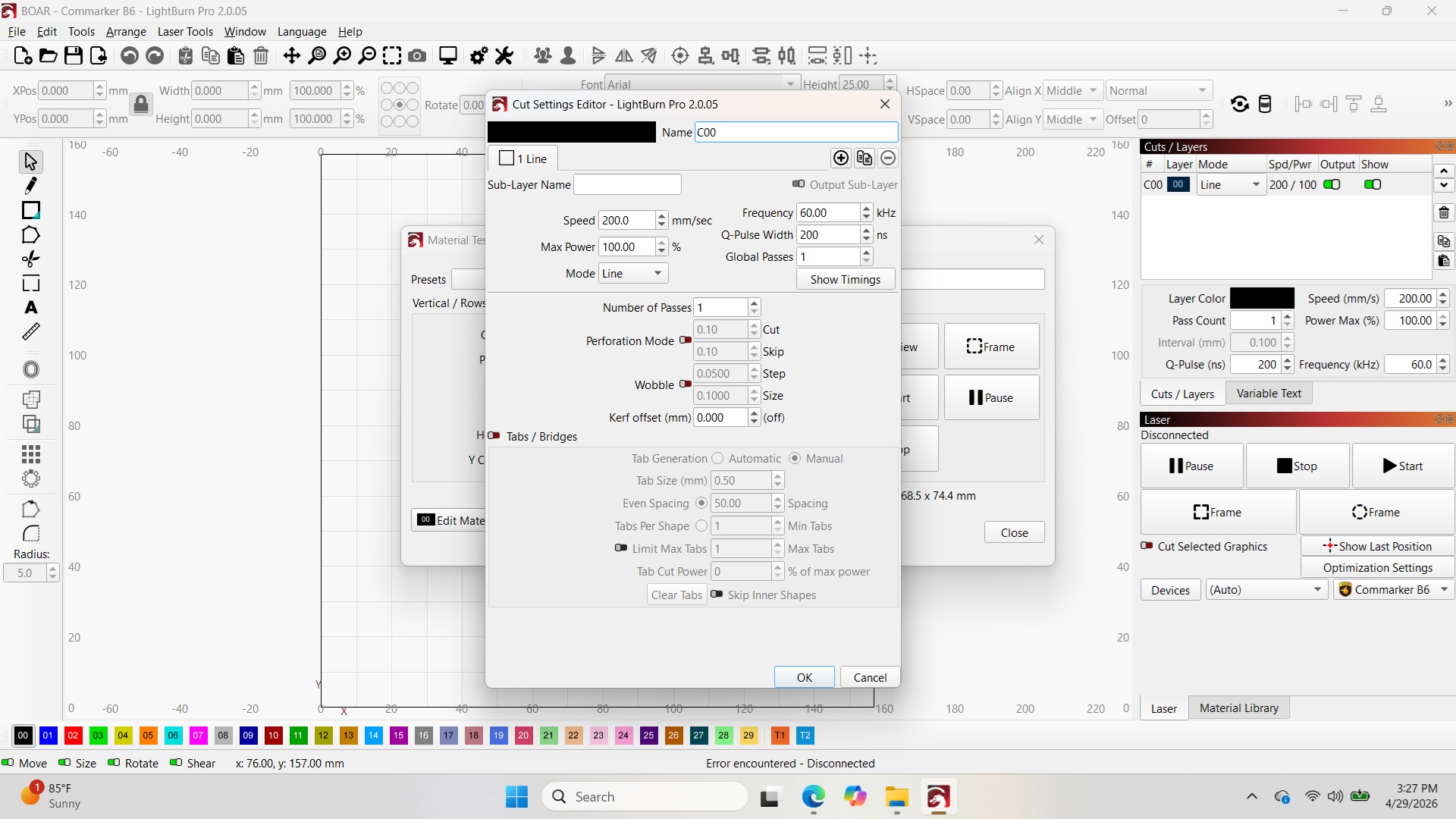
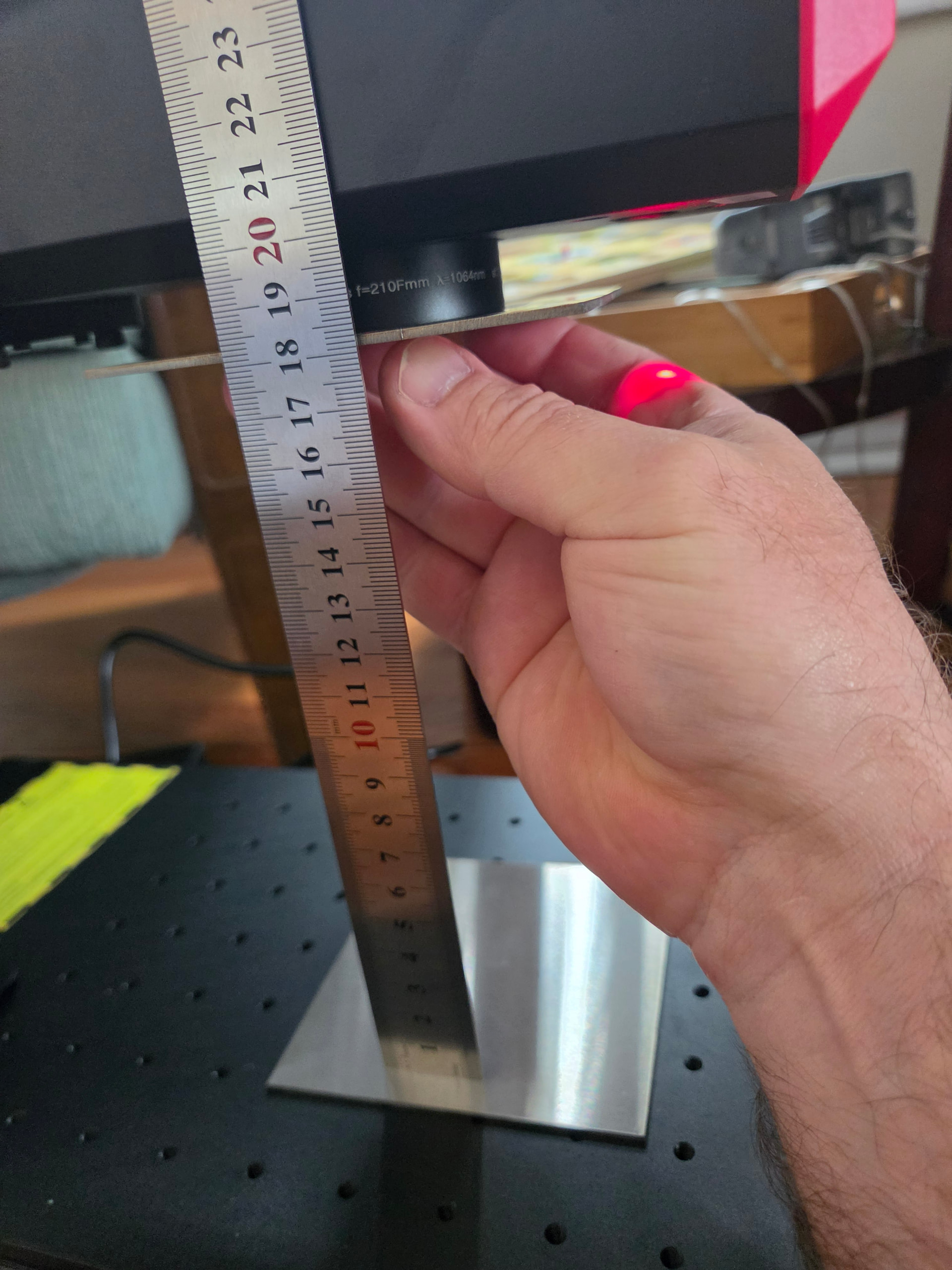
I’m attempting to set up a Commarker 60W MOPA with Light Burn 2.0.05 on Windows 11, 64 bit. The laser does not appear to be firing at 100%, the intensity does adjust, 20% engraves cardstock and 100% burns a hole in it. lol
I have loaded the COR file provided from Commarker, enabled Q-Pulse Width Setting, enabled Galvo 2 is X axis, and adjusted Max Freq (KHz) 4,000, Min Freq (KHz) 1, per the Commarker instructions.
I’ve been through various settings in the Cut / Layers
provided on the Commarker Material Settings [web page] (https://blog.commarker.com/archives/49730) but have been unable to see results with a single pass on stainless. Increasing the pass count to 10 or 20, there is a lightly visible engraving.
Am I missing something, should this machine be able to engrave carbon, stainless steel in a single pass?
Hello, thank you for the response.
I’ll work through them one by one and see what happens.
I received the initial settings from the Commarker blog. It just seems like I’m missing something else.