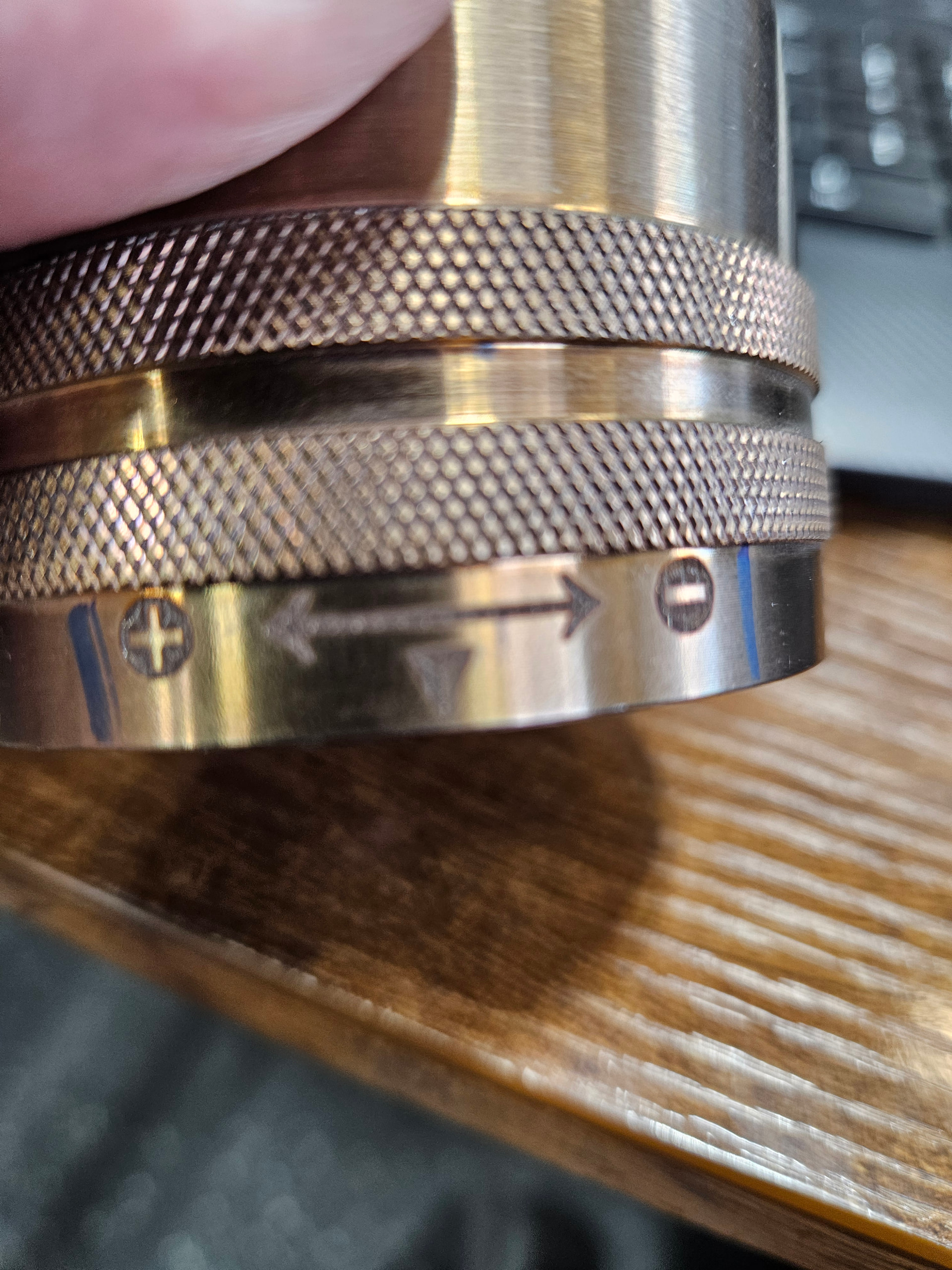
I created a simple image to burn on an adjustment collar for some machine parts I’m building.
Right and left arrows with a “+” and “-” on either side inside of circle outline. The image needed to be duplicated and placed 180 degrees from each other around an 8.121" circumference.
The plus and minus in the circles are offset filled. Everything worked perfectly except the duplicate will not offset burn the plus or minus. the circles just get completely filled in black.
Any help would be appreciated
We need to review your file or screenshots of what you are doing to better understand what needs changed.
Filled in means Fill Mode: Fill Mode - LightBurn User Guide
You might need boolean weld shapes, but that’s my best guess with the information I have so far: Boolean Tools - LightBurn User Guide


Ungroup the left shapes, Delete Duplicates, Group again and Preview.
Also check your settings it seems you´re using to much power…


Thank you for the help. Problem is solved. Preview is gonna have to get clicked more often!