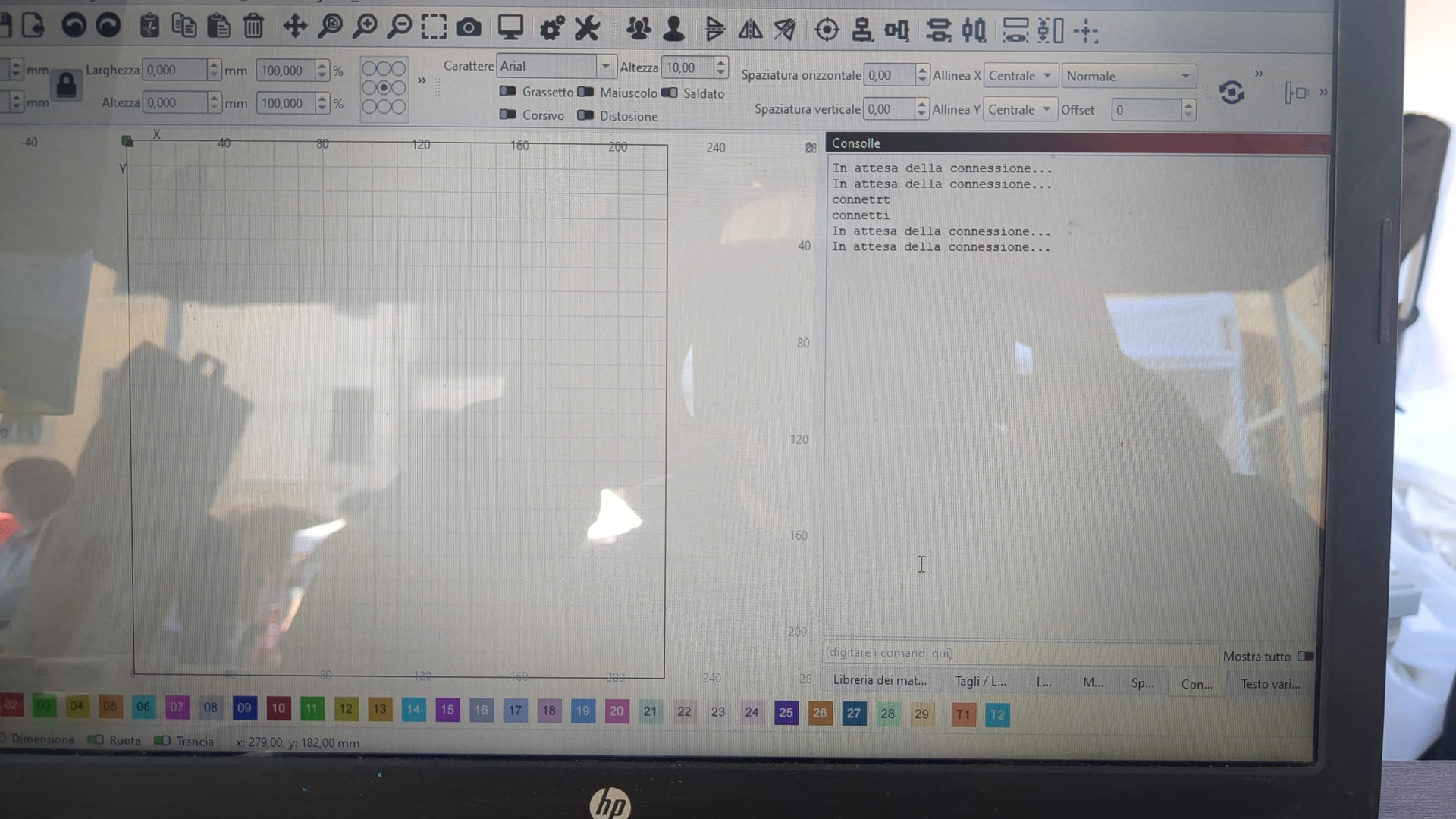
Ligthburn non si connette più alla mia F1 ultra. Potete aiutarmi.
Grazie
F1 ultra xtool.
È connessa tramite cavo.
Come posso selezionare la porta com?
Ho visto il menù a tendina dove selezionare la porta.
Ma non si apre, è come se non rilevasse le porte
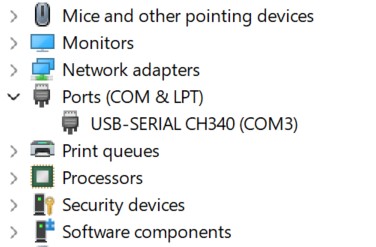
When you connect the laser with the power on, you should hear a tone from Windows. If you do not, you may have to install the CH340 USB serial driver. You should see a similar line in Windows Device Manager.
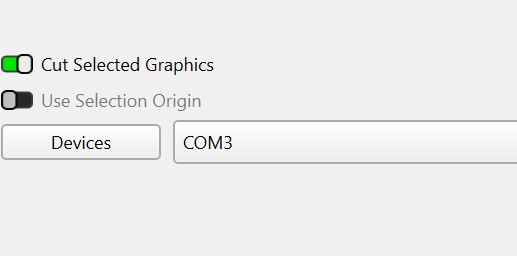
This will tell you what port to select in the Lightburn Laser window.
Finally, did you create a new device for this laser? It will be different from that of the LaserPecker 5 you have listed. The new laser might have come with a configuration file. If it did, you will have to install it in Lightburn.
If none of this information solves your problem, you will have to contact xTool for support.
Chiedo scusa ,Nella foto si vede Il device sbagliato.
Ho già lavorato con la F1 ultra per più di 6 mesi. E di colpo è successo questo problema.
Dalla tua spiegazione direi che è un problema di driver.
Nei prossimi giorni provo.
Grazie per l’aiuto
Okay. Somebody will be here to help if needed.
Might want to peruse this link and see if there’s any information that may help.
Lightburn doesn’t support all of the things you xTool can do, for a number of reasons, which I won’t go into.
One of the things is this is a grbl device and as far as I know, Lightburn doesn’t see it as a galvo, so many of the galvo options are unavailable, such as 3d Slice.
It might be you sent something unsupported or missing information and locked up the controller. As much as I doubt it, it has been known to happen.

ho riformattato il pc installando windws 11 ho installato i drive CH340.
ma il problema continua a ripresentarsi. non so più cosa fare,…
ho riformattato il pc installando windws 11 ho installato i drive CH340.
ma il problema continua a ripresentarsi. non so più cosa fare,…