I have lightburn version 1.2.03 and I dont have constant power mode option, please help.

You are in beginner mode, switch that off in the ‘settings’ drop down menu
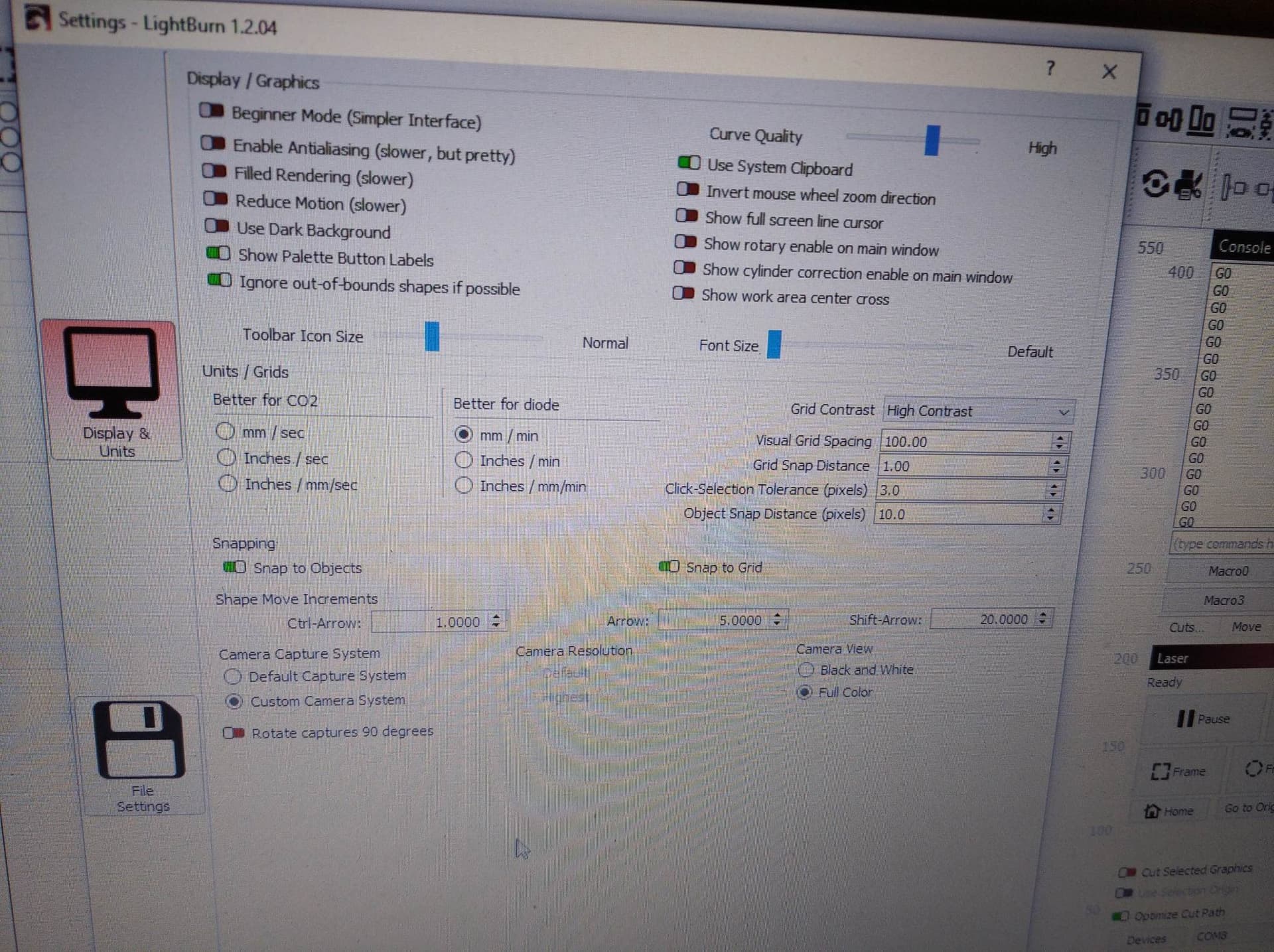
Can you confirm which device profile your device is set to?
Go to Laser Window → Devices → Click on the name of your laser. Your device profile will show at the bottom of that window.

This is why “Constant Power Mode” is unavailable in the Cut Settings. M3 does not allow for variable power so you’re essentially always in Constant Power Mode.
If your controller is GRBL 1.1f or newer change the device type to GRBL and this should resolve your issue.
This topic was automatically closed 30 days after the last reply. New replies are no longer allowed.