My topic is deceiving,
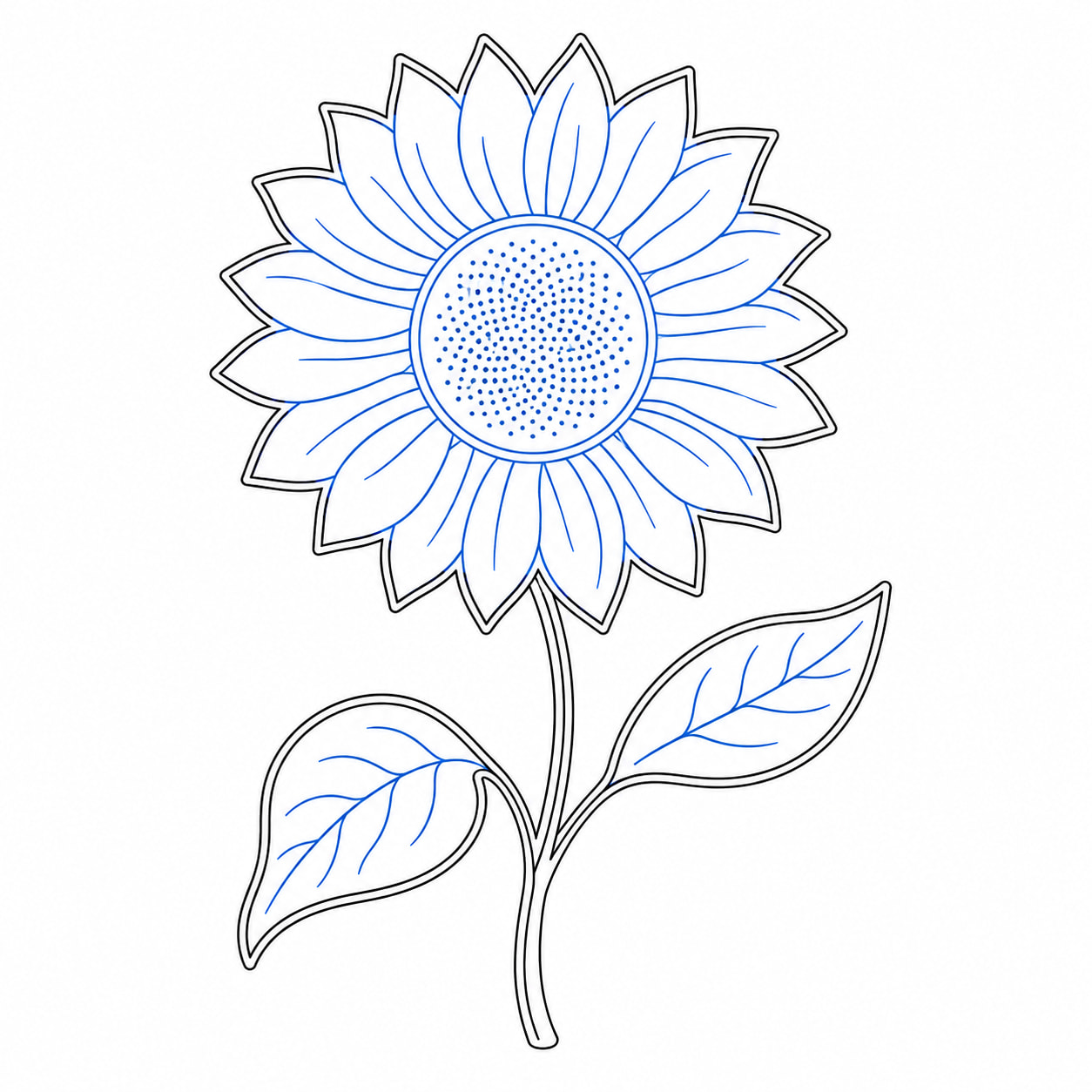
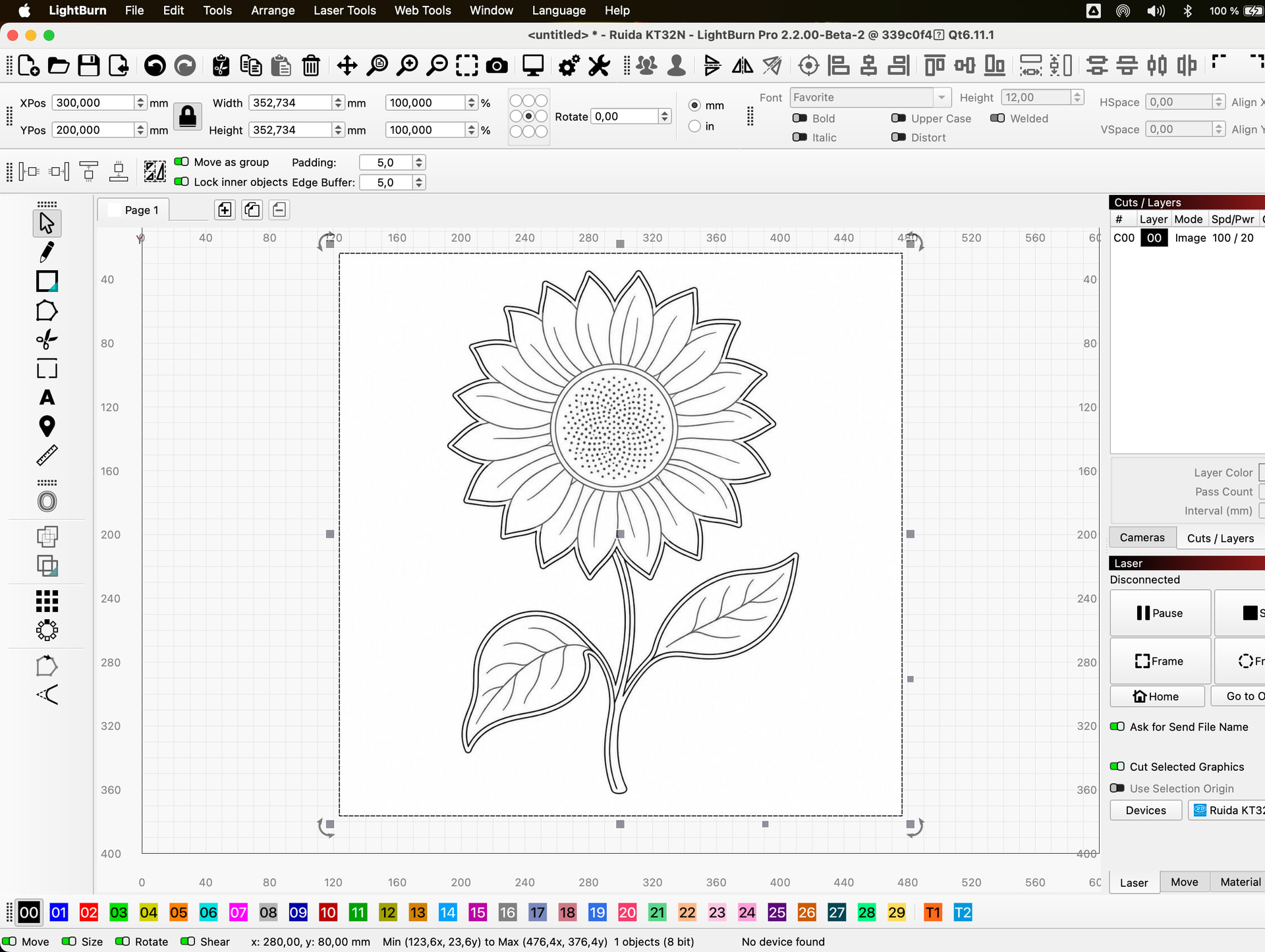
Drawing is an image. I need to convert it so I can manipulate in LB.
I need the blue lines in the drawing to be engraved while the black lines are cut.
I don’t remember how to …
My topic is deceiving,
Drawing is an image. I need to convert it so I can manipulate in LB.
I need the blue lines in the drawing to be engraved while the black lines are cut.
I don’t remember how to …
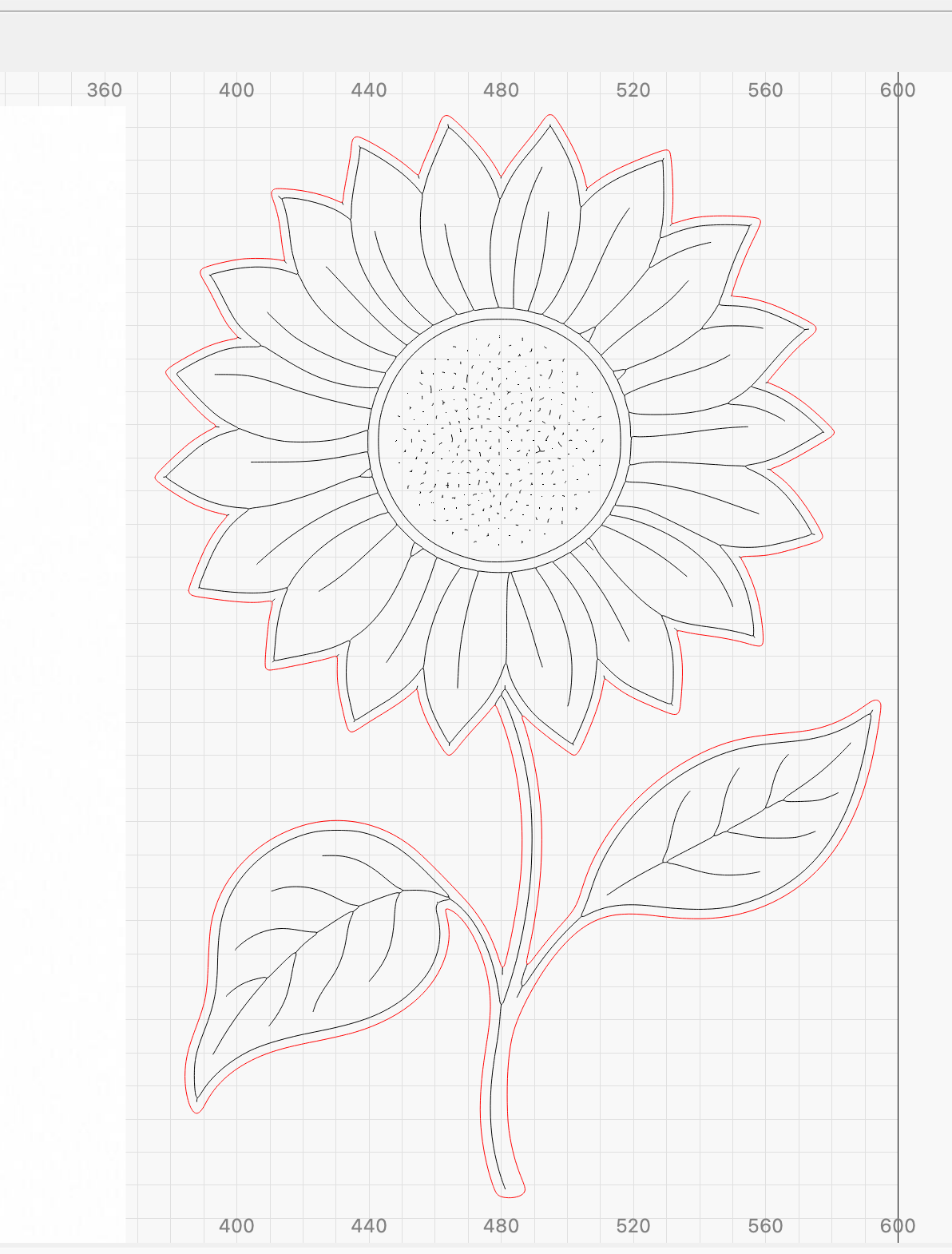
select only the blue segments. If you are unable to separate them into segments, click the entire object and use “break apart” or “ungroup” to enable separation. Once separated, click and shift click on the blue items, then click on the second layer indicator. This will move all those items to that layer, allowing you to set layer properties to engrave.
Thanks.
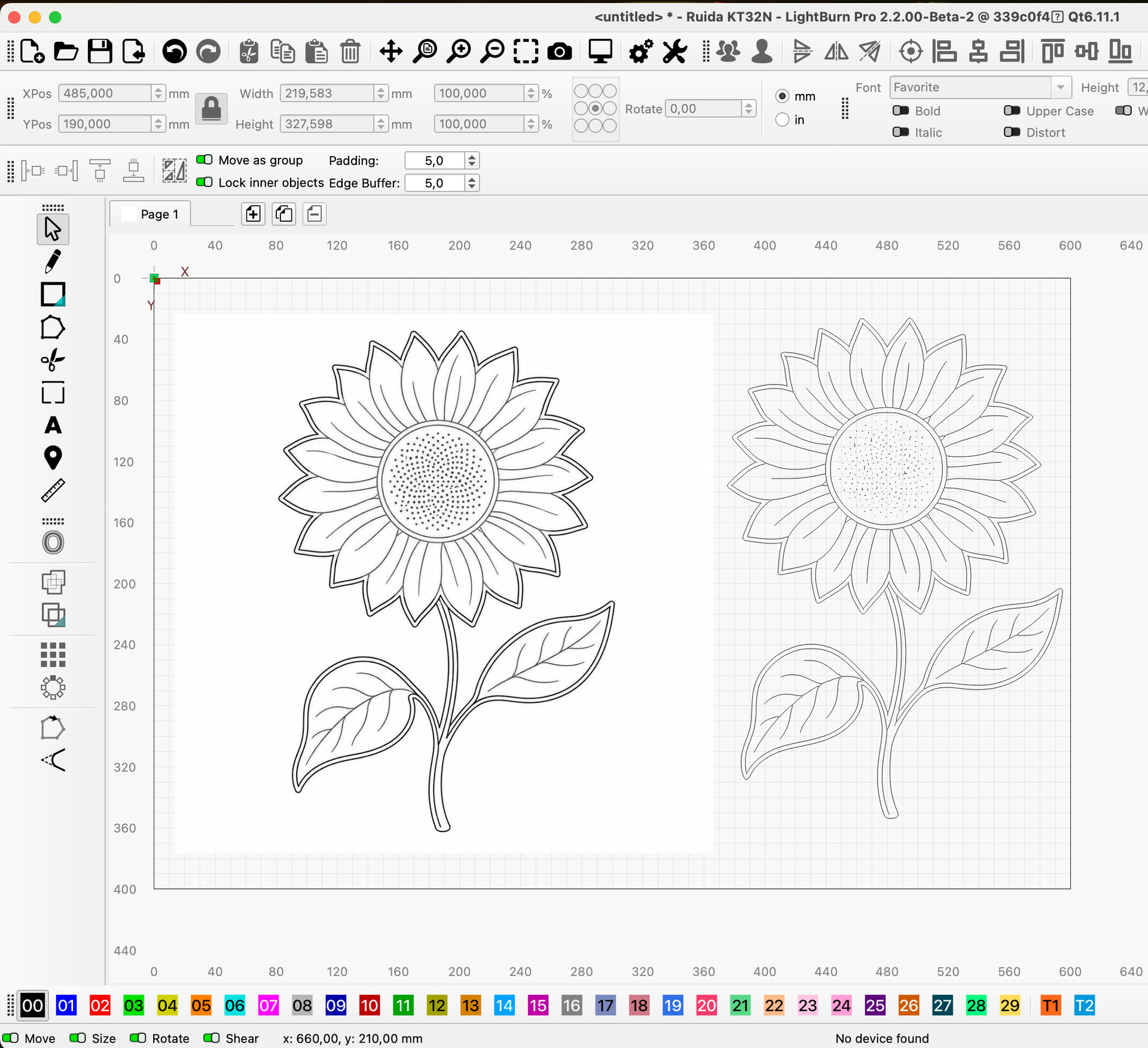
I wrote a prompt for CHAT GPT to accomplish this.
At ending of my prompt I told it to change file to LIGHTBURN
Anyone wanting a copy of prompt let me know. I am closing my computer for the evening.
Ferg
Here is a way I have done it.
greetings and get well soon
Thank you so much. Trying to get everything I can manage finished before Friday.
Mowed the yard today With ride on mower. Had to do quite a lot of walking. Not good.
Ferg
Ferg, I’m glad I could help a little. Best wishes for tomorrow and a speedy recovery.
Hi.
I’m very familiar with that kind of a mower, got one just like that myself  .
.
Best wishes and speedy recovery from here as well.
Regards,
Sam