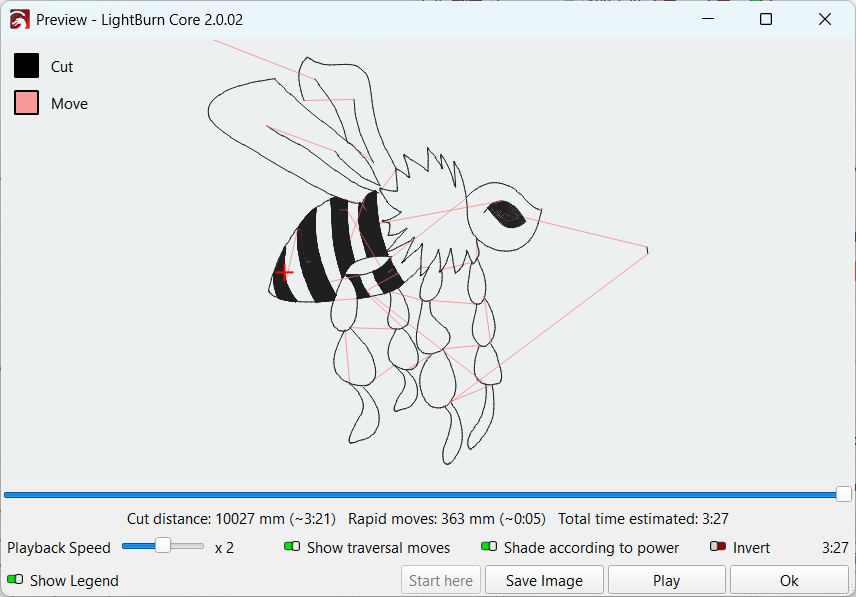
Hi all… I’ve created a bee so I want to be able to shade in and engrave the black bands that lie round the body, whilst still having the outline a different depth.
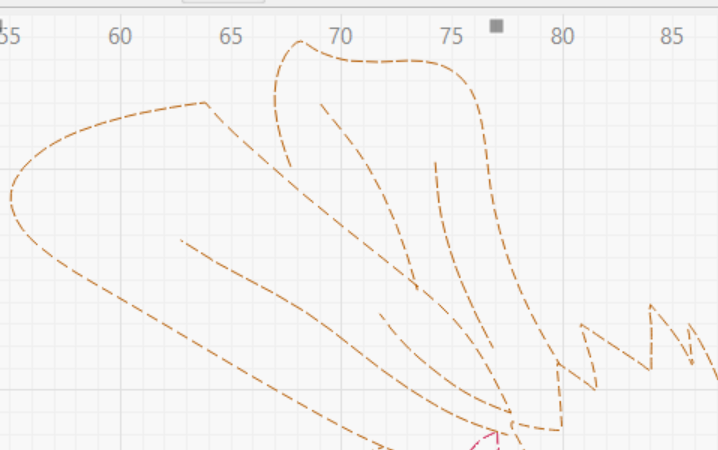
I’ve tried to join the shapes to the body shape, but it doesn’t infill.. I’ve tried closing paths,… joining nodes to the whole shape, grouping different bits, ungrouping bits… auto joining different shapes… The whole bit looks like this…
A shape is closed when it is a complete, continuous loop whose start and end points are the same
One consequence of a “loop” is that the nodes along the path can join only two lines. If you think of the laser following the loop around the shape, what would it do at a node where two lines branch out ahead of it?
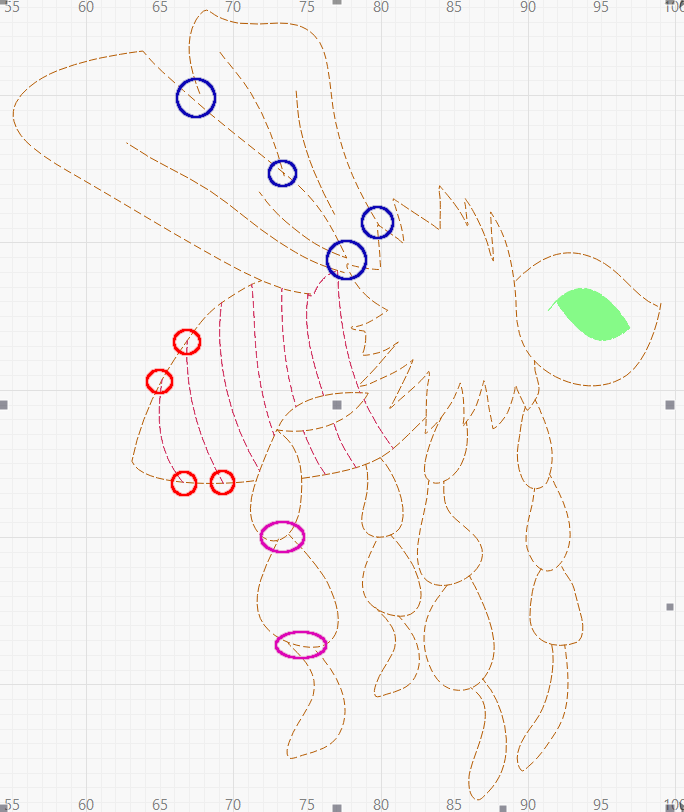
The red circles mark where three lines meet at (about) the same point: the lines for the band across the bee’s abdomen cannot join the abdomen’s outline. You could duplicate the whole perimeter and trim away everything outside the band, join what’s left to the lines forming the band, and get a closed loop around the band.
Similarly, the purple ovals mark places on the leg where you could duplicate the short section shared by two parts of the leg, then join it to the lower part to form a closed loop.
The blue circles show places were the left wing is a sketch, rather than a closed shape: more duplication and node editing will be in order.
Going from a sketch to a laser-able design can require a lot of work!
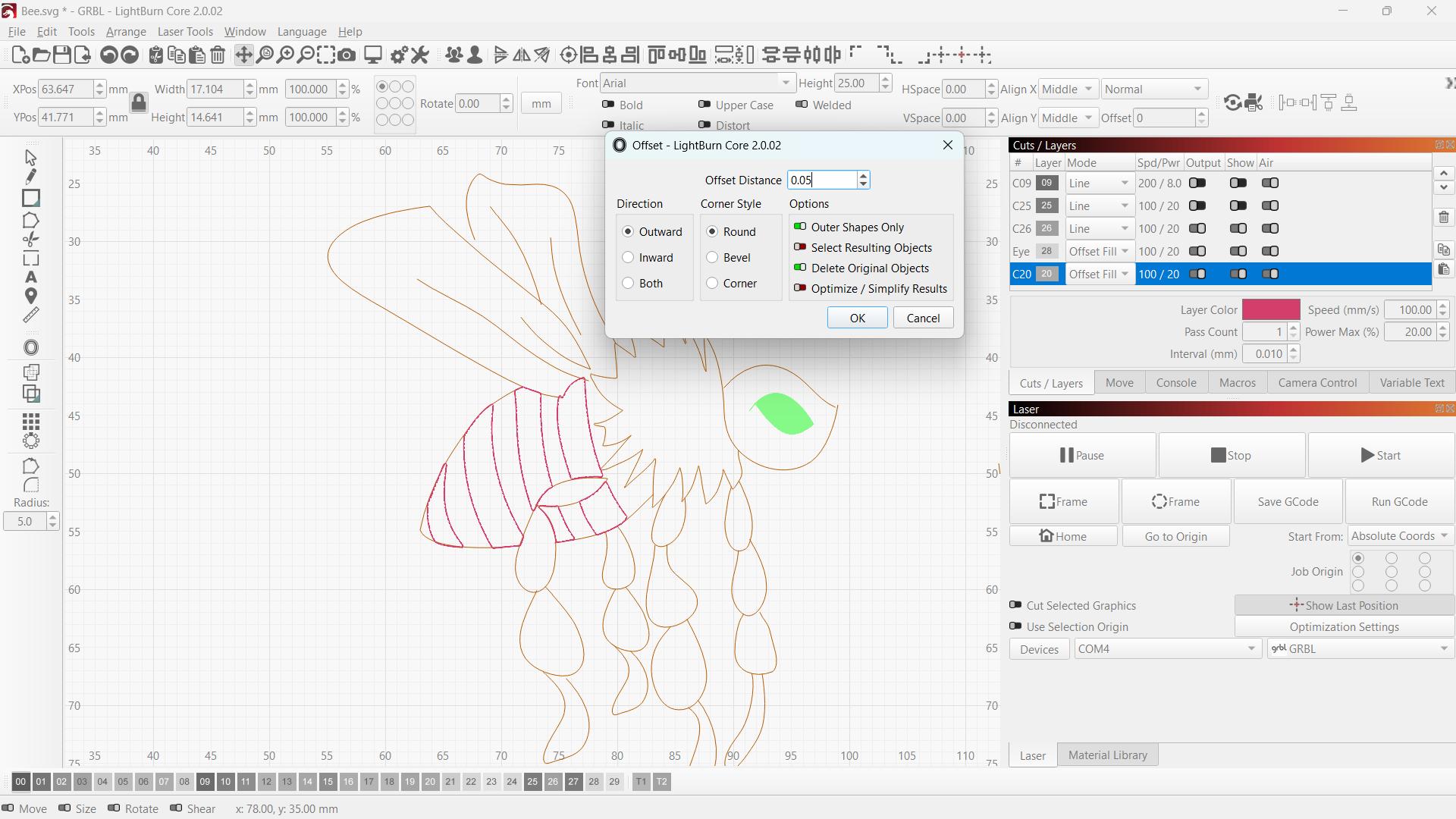
I’ve gone back in a changed the bands across the body to closed shapes (well tried to). I might just delete them and then put them in as whole shapes as given by lightburn.
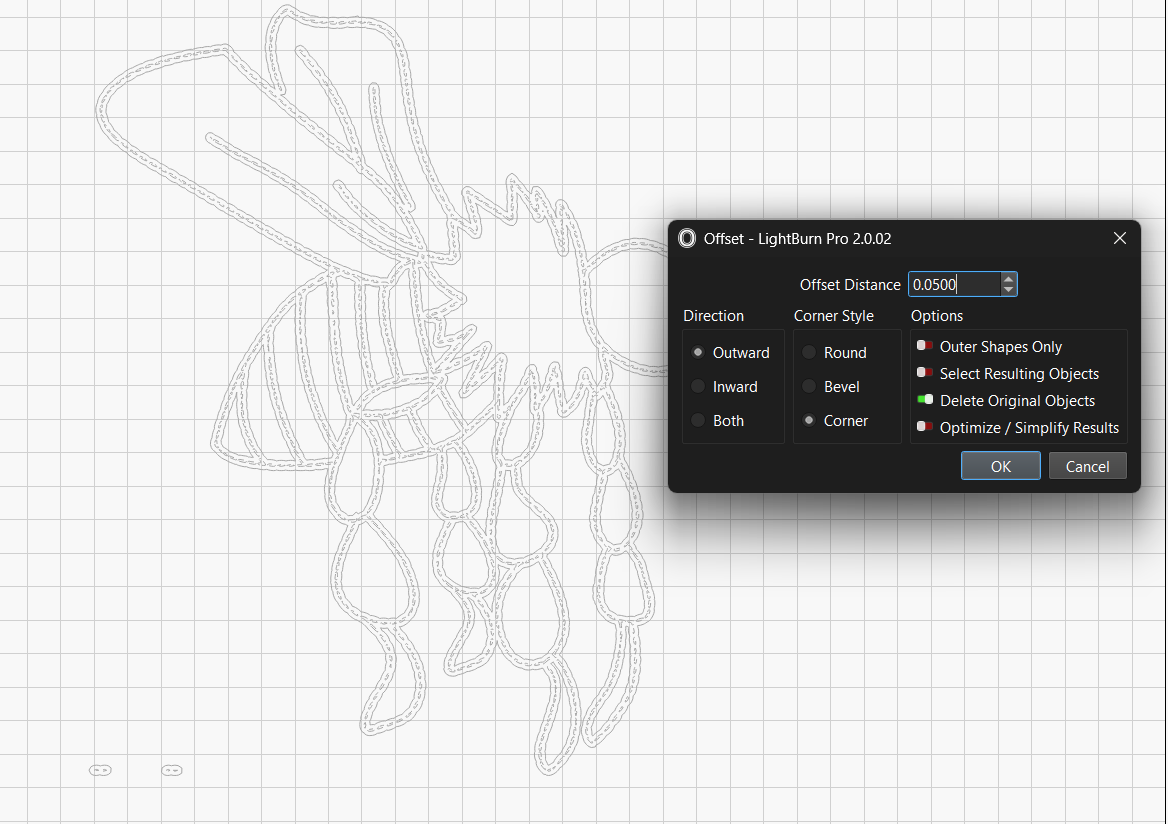
Notice how the shapes generated by the Offset tool look in comparison with the original sketch: everywhere the sketch had three- or four-line intersections now have adjoining closed paths.
You can put those paths on different layers to get either Line or Fill results as needed.